SlidesClock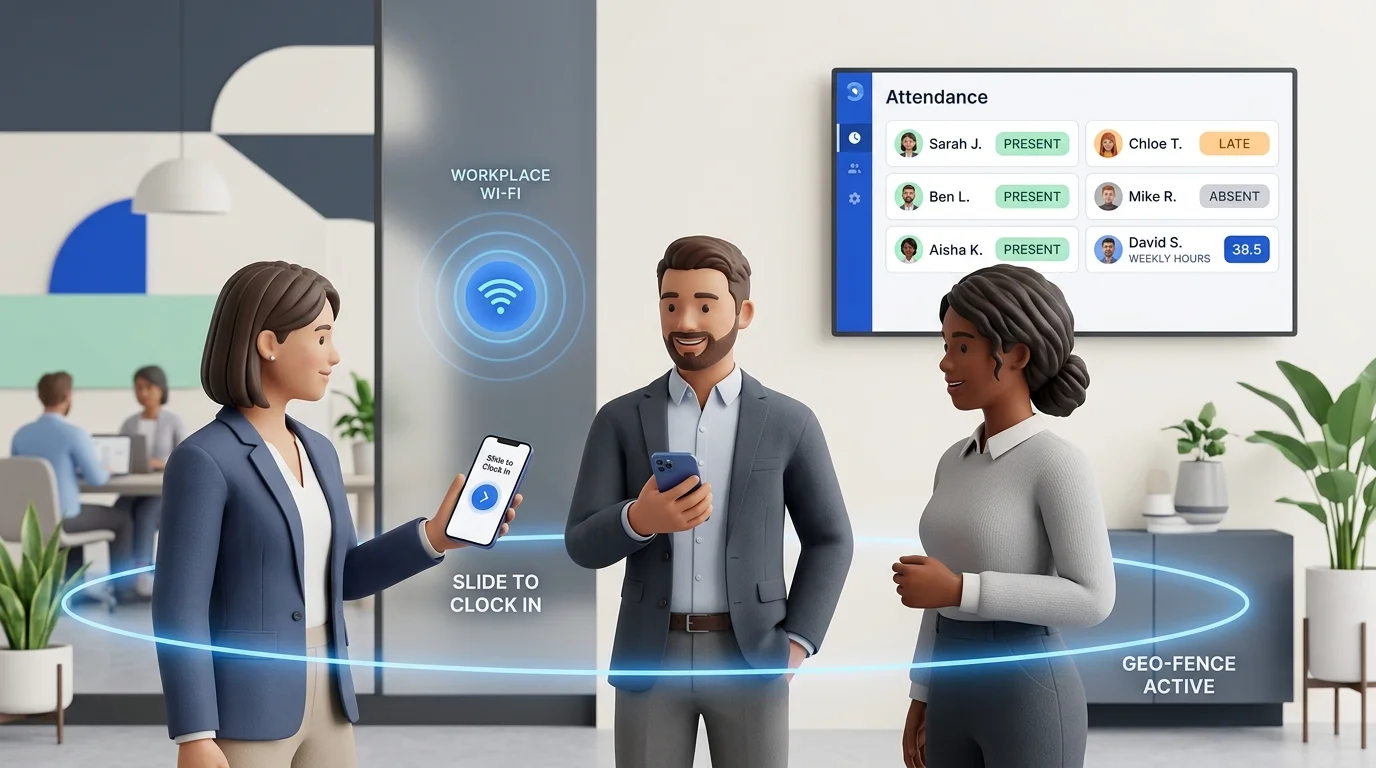

For small businesses, tracking employee attendance is essential for fair payroll and smooth operations—yet it frequently turns into an administrative bottleneck. Whether managing a retail boutique, a café, an auto garage, a clinic, or a mobile trade crew, relying on paper sheets or fragile spreadsheets wastes hours every week. This practical guide covers how to track employee attendance accurately in 2026, compares every major tracking method, and explains how to modernise your workflow without expensive hardware or invasive surveillance.
Quick Answer
To track employee attendance efficiently, modern small businesses use mobile attendance apps where staff check in directly from their smartphones upon arrival. The software validates physical presence using point-of-action verification—such as GPS geofencing or workplace Wi-Fi—and records an immutable cloud server timestamp. This eliminates punch cards and manual spreadsheets while feeding verified hours directly into shift schedules, leave records, and payroll.
The Quick Answer: How to Track Employee Attendance Today
The modern standard for attendance tracking is a mobile attendance app. Instead of mounting wall terminals or passing around clipboards, staff record shifts on the smartphones they already carry.
A reliable system requires three elements: the employee confirms arrival via an intentional action like SlidesClock's Slide In; the app validates presence using point-of-action GPS verification or workplace Wi-Fi network checks; and the server records a tamper-proof timestamp in the company's timezone.
This gives managers real-time visibility, protects worker privacy by avoiding 24/7 background tracking, and eliminates hours of manual data entry during payroll.
- No hardware investment: Zero wall terminals, maintenance contracts, or cabling.
- Tamper-proof records: Cloud server timestamps prevent handset clock adjustments.
- Automated payroll summaries: Hours, grace periods, and leave compile automatically.
What Employee Attendance Tracking Actually Means
Employee attendance tracking is the operational process of logging when staff start, pause, and finish work shifts. Its purpose extends well beyond checking punctuality.
When implemented with care, attendance records create an objective, transparent foundation for the team. They ensure staff are paid accurately for every minute worked, verify compliance with statutory rest breaks, provide defensible records for overtime premiums, and help managers balance frontline rosters.
Attendance tracking must never be confused with surveillance. Effective management does not monitor keystrokes, record phone screens, or track an employee's location throughout the day. It answers one bounded question: did the employee arrive at the scheduled workplace on time to fulfill their shift?
What Information a Business Actually Needs to Track
Many businesses collect either too little data (causing wage disputes) or too much (alienating their workforce). A compliant, useful attendance record requires only essential operational points:
- Shift start and end timestamps: Precise server-recorded arrival and departure times.
- Workplace location verification: Evidence confirming the clock-in occurred on-site.
- Schedule comparison: Comparing actual hours against assigned shifts to track punctuality.
- Break intervals: Logging unpaid meal periods versus paid working time.
- Excused absences and leave: Documenting approved time off so absences are not marked unexcused.
- Supervisor edit history: Maintaining an audit trail whenever an attendance record is adjusted.
What to Avoid Collecting
Respecting privacy requires data minimization. An attendance tool should never track employee movements outside shift events, run continuous GPS tracking when workers are off duty, or access personal data on an employee's personal device.
Method 1: Paper Sign-In Sheets and Mechanical Punch Clocks
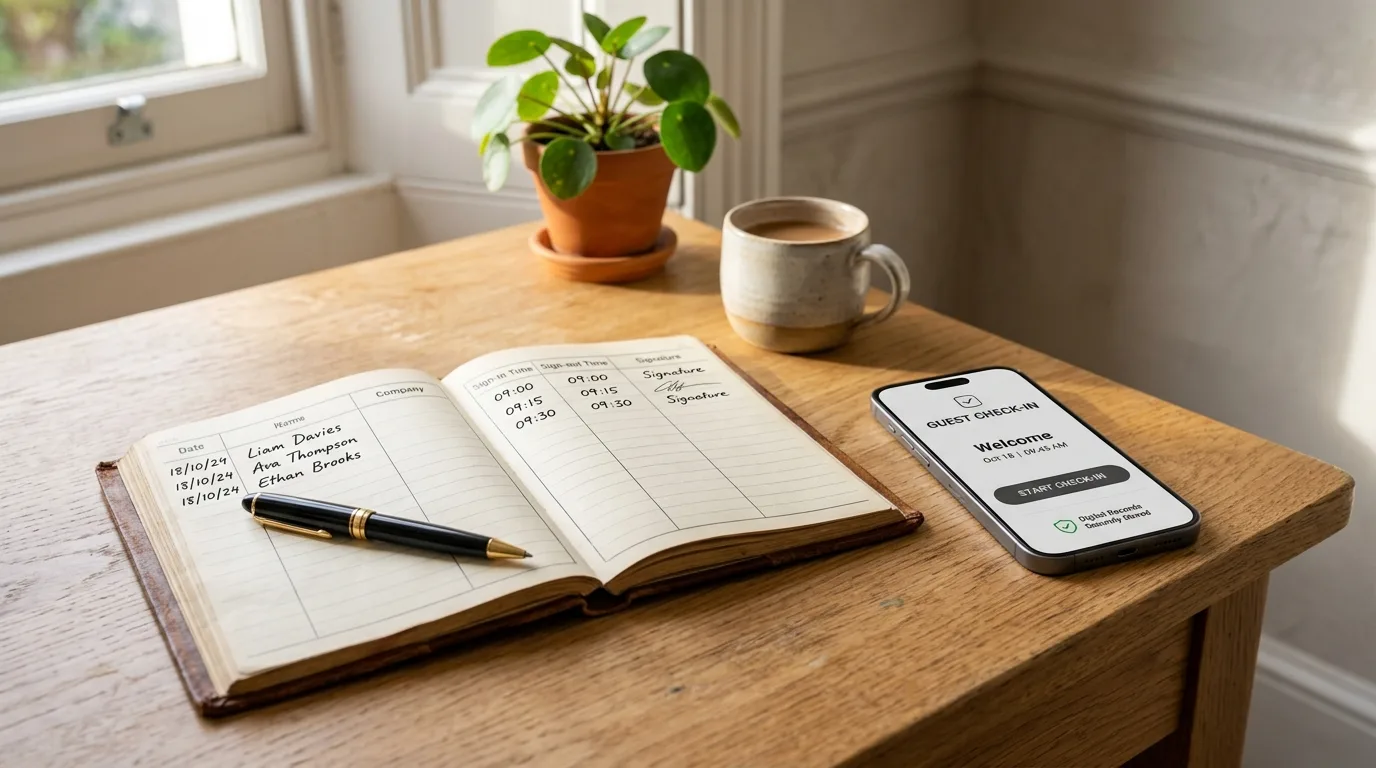
Paper sign-in clipboards and mechanical punch clocks are the oldest tracking methods. Many small teams start here because initial costs appear negligible.
However, paper tracking creates ongoing liabilities. Staff rarely sign the moment they arrive; they sign hours later or at week's end, estimating times like "9:00 AM" and "5:00 PM" from memory.
This memory drift systematically rounds in the employee's favor. If five workers each round by 10 minutes daily, the company pays for over 200 hours of unworked time annually. Paper logs also suffer from unreadable handwriting, physical damage, and zero defense against buddy punching.
- Pros: Zero technology setup; familiar routine.
- Cons: High error rates; rounding leakage; buddy punching risks; hours of manual payroll math.
Method 2: Excel and Google Sheets
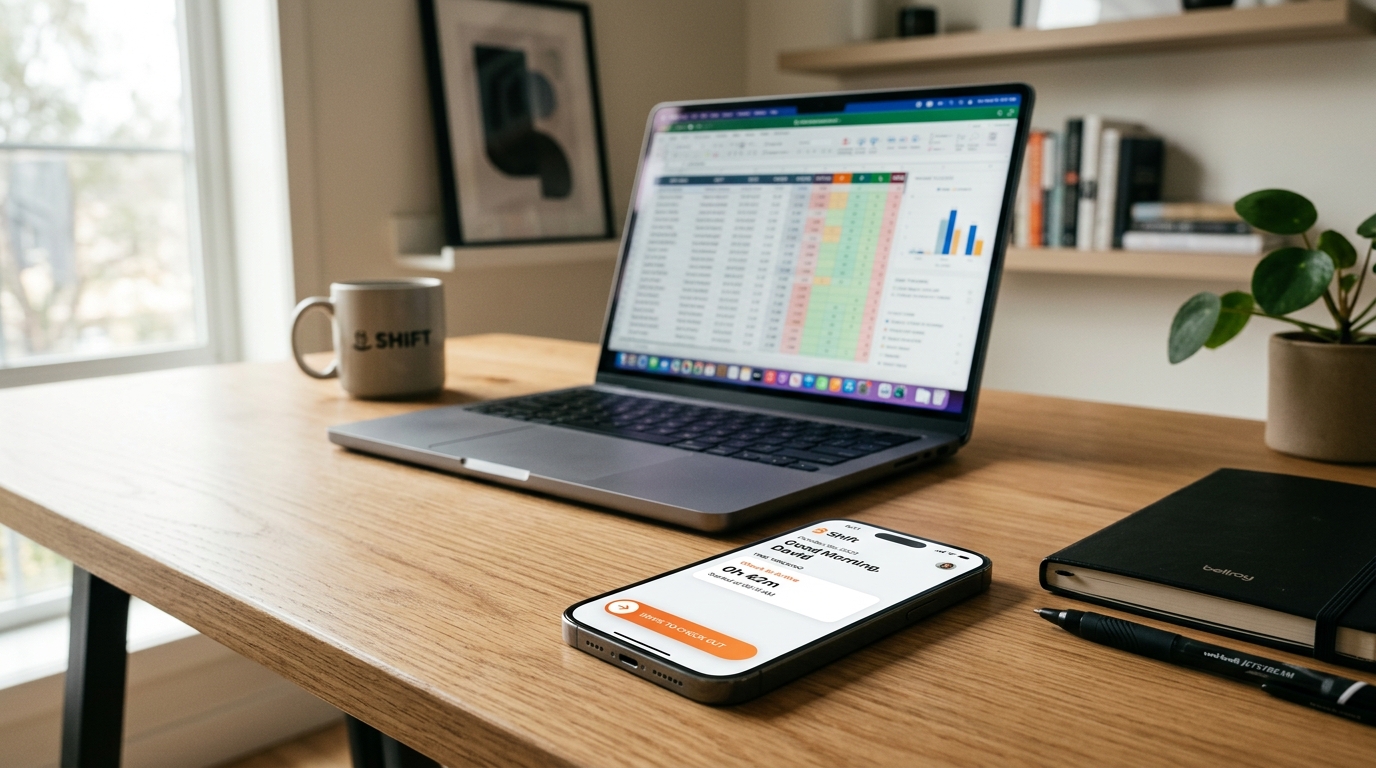
Transitioning from paper to a shared spreadsheet in Excel or Google Sheets digitizes records and allows basic formula calculations. Yet spreadsheets introduce new vulnerabilities for growing businesses.
Spreadsheets lack immutable audit trails. Anyone with edit permissions can accidentally break a formula, delete approved leave, or alter arrival times without accountability.
Crucially, spreadsheets remain a passive data entry system. Staff still type hours retrospectively, preserving rounding drift. Every pay period, managers spend hours reconciling spreadsheet rows with text messages and notes.
- Pros: Accessible templates; low software cost.
- Cons: Fragile formulas; no audit trails; manual data entry errors; zero real-time on-site visibility.
Method 3: Fingerprint and Biometric Wall Terminals
Wall-mounted biometric fingerprint terminals became popular to stop buddy punching. By scanning a biological trait, terminals confirm the person clocking in is physically present.
However, biometric hardware has major downsides for small businesses. Terminals cost $300 to $1,500 each, plus installation and network wiring. Adding another location requires another terminal purchase.
Optical scanners also struggle in real workplace environments. Worn fingerprints, dust, motor oil, flour, or wet hands lead to frequent scan failures and doorway queues during shift changes. For details, see our guide on fingerprint attendance alternatives.
- Pros: Strong buddy punching defense; biological verification.
- Cons: High upfront hardware and repair costs; scan failures from dirty or wet fingers; shift arrival queues; unusable for field staff.
Method 4: QR Code Attendance Posters
To avoid expensive hardware, some systems place a printed QR code poster on the wall for employees to scan with their smartphone camera.
Static QR posters carry a known loophole: photo sharing. An employee on-site can photograph the QR code and message it to absent coworkers, who scan it from home to clock in.
Dynamic QR codes displayed on dedicated tablets prevent photo sharing, but reintroduce the hardware costs, mounting requirements, and entrance bottlenecks that businesses wanted to avoid.
- Pros: Lower cost than biometrics; uses employee phones.
- Cons: Wall posters can be photographed for remote buddy punching; camera lag in dim lighting; physical wear on printed paper.
Method 5: Mobile Attendance Apps (The Modern Standard)
Modern workforce management has settled on mobile attendance apps. Employees download an app on their personal smartphone (Bring Your Own Device) and check in upon arrival.
The best mobile apps focus on simplicity. Rather than tapping through complicated menus, employees use an intentional action—such as SlidesClock's Slide In control—which prevents accidental pocket touches.
Mobile attendance turns time tracking into a transparent self-service tool. Staff view their assigned schedule, weekly hours, punctuality status, and leave balances directly on screen, eliminating confusion before payday.
- Pros: Zero hardware costs; quick setup; server-verified timestamps; staff transparency; works for fixed sites and field teams.
- Cons: Requires compatible smartphones; requires clear communication on location privacy.
Verification Signals: GPS Geofencing vs. Workplace Wi-Fi
Small business owners moving to mobile attendance often ask: "How do I ensure employees clock in from the actual workplace?" Modern apps resolve this using technical verification signals rather than biometric surveillance.
Point-of-Action GPS Geofencing
A geofence sets a virtual perimeter around workplace coordinates. When an employee slides to clock in, the app checks handset coordinates against the workplace radius (typically 50 to 100 meters).
Effective tools like SlidesClock evaluate satellite confidence accuracy rather than treating raw coordinates blindly. If a phone inside a building reports 60 meters with an 80-meter accuracy radius, the software accounts for the context. Location is checked only at the moment of clocking in and out, as detailed in our GPS attendance guide.
Workplace Wi-Fi Network Matching
In basements, high-rises, or warehouses where satellite signals bounce off concrete, workplace Wi-Fi verification offers dependable verification.
The system checks that the clock-in request originates from the company's designated Wi-Fi network or public IP. Employees never share passwords; the system simply confirms the connection passes through the authorized router.
Registered Device Binding
To prevent buddy punching without collecting biometric data, the system uses registered device checks. Each employee account is bound to their specific smartphone hardware identifier during setup, preventing coworkers from clocking in on each other's phones.
Comparison Matrix: Attendance Methods Compared
This comparison matrix contrasts the five primary attendance tracking methods across key operational factors for small businesses:
| Operational Feature | Paper Sheets | Spreadsheets | Biometric Terminal | QR Poster | Mobile Attendance App (SlidesClock) |
|---|---|---|---|---|---|
| Hardware Cost | $0 | $0 | $300–$1,500+ per unit | $0 (or tablet cost) | $0 (Uses existing phones) |
| Setup Time | 5 minutes | 1–2 hours | 1–3 weeks (Cabling/Mounting) | 30 minutes | Under 10 minutes |
| Buddy Punching Defense | None | None | High (Biometric trait) | Low (Shared photo loophole) | High (Device binding & perimeter) |
| Timestamp Integrity | Easily backdated | Easily altered | Hardware clock | Varies by vendor | Server-synchronized cloud time |
| Multi-Site Scalability | Poor (Scattered binders) | Poor (Separate files) | Costly (New units per site) | Moderate (New posters) | Instant (Configurable workplaces) |
| Field / Mobile Work | Impossible | Retrospective only | Impossible | Impossible | Seamless (On-site GPS check) |
| Shift Entrance Bottlenecks | Moderate (One pen) | None (Done later) | High (Single scanner queue) | Moderate (Camera lag) | Zero (Simultaneous mobile slide) |
| Payroll Prep Time | 4–8 hours per cycle | 2–4 hours per cycle | 1–2 hours | 1–2 hours | 5 minutes (One-click CSV export) |
What Works Best by Business Type
Different industries have unique physical and scheduling requirements. Here is how attendance methods fit across common small businesses:
Retail Shops and Cafés
Retail and café teams require quick check-ins during opening rushes. Wall scanners create lines and fail when hands are wet or dusty. A mobile app allows opening staff to slide in immediately. Learn more in our retail attendance solutions and restaurant shift management workflows.
Trade Crews and Field Services
Plumbing, electrical, landscaping, and cleaning technicians travel directly to client properties. Forcing staff to drive to an office to clock in wastes fuel and time. Mobile GPS geofencing allows technicians to clock in upon arriving at the customer site.
Professional Offices and Clinics
Offices, dental practices, and design studios prioritize clean, quiet workspaces. Heavy wall clocks look out of place in modern reception areas. Mobile attendance operates discreetly, verified via workplace Wi-Fi.
Multi-Location Operations
When running multiple retail branches or warehouses, managing separate physical punch clocks is tedious. As detailed in our multi-location attendance guide, a centralized cloud system lets owners enforce site-specific rules while reviewing consolidated company attendance.
How to Move from Manual Attendance to an App in 5 Steps
Transitioning from manual tracking to a mobile app takes less than an afternoon when following this straightforward sequence:
- Step 1: Document shift schedules and grace periods: Confirm working hours, break rules, and set a fair grace window (such as 5 or 10 minutes) so minor transit delays do not trigger punitive late flags.
- Step 2: Create your company workspace: Register your business, set your operating timezone, and add your workplace locations.
- Step 3: Choose verification policies: Assign GPS geofencing for outdoor and field jobs, or workplace Wi-Fi verification for indoor retail and office environments.
- Step 4: Distribute an open team memo: Explain how the app works, clarifying that location is checked strictly when sliding in and never tracked off shift.
- Step 5: Run a 5-day parallel trial: Keep your sign-in sheet active for one week while staff practice sliding in. Compare both records on Friday to confirm accuracy, then retire the paper ledger permanently.
Privacy Considerations: Verification vs. Surveillance
Employee trust is easy to break during an attendance rollout. Employers have a legitimate right to know when an employee starts work and whether they are on-site; they have no right to monitor where staff travel off the clock.
Aggressive tools that run 24/7 background location tracking, remote battery monitoring, or screen recording harm workplace morale, drain phone batteries, and risk violating privacy regulations.
The respectful standard is Point-of-Action Verification. Location coordinates or Wi-Fi status are checked exclusively at the second when an employee slides to clock in or clock out. Outside of that instant, location services remain off. SlidesClock's security architecture explains how this protects worker privacy.
Common Attendance Tracking Mistakes to Avoid
Even with capable software, poor management habits undermine attendance. Avoid these common mistakes:
- Silently editing timesheets: When adjusting a forgotten clock-out, always include an explanation. Transparent correction logs prevent wage disputes.
- Enforcing zero-tolerance tardiness without grace windows: Penalizing staff for clocking in at 8:01 AM creates resentment. A 5-minute grace window maintains discipline while recognizing daily reality.
- Running dual systems indefinitely: Allowing some workers to stay on paper while others use the app causes confusion. Set a firm cutover date and remove paper sheets.
- Splitting overnight shifts across two calendar dates: Overnight shifts (e.g., 10 PM to 6 AM) should stay attached to the originating workday rather than confusing overtime calculations.
- Handling leave through messy chat threads: Verbal or text message leave requests get lost. Keep leave requests, approvals, and attendance records unified.
Connecting Attendance with Schedules, Leave, and Payroll
Attendance data does not live in a vacuum; it connects scheduling, time off, and payroll into one unified workflow.
The cycle begins with work schedules and shift planning. Setting shift start times, end times, and rest days enables automated punctuality tracking.
Next, attendance integrates with leave management. When an employee requests leave and a manager approves it, the calendar updates so the absence is recognized as excused rather than an unexcused no-show.
Finally, verified attendance feeds into attendance reporting and exports. Managers export clean CSV files directly for bookkeepers. On supported tiers, integrated payroll calculation tools calculate net pay and generate digital payslips from recorded hours.
Checklist: How to Choose the Right Attendance System
Use this practical checklist to evaluate any attendance tool before committing your team to a platform:
PRACTICAL ATTENDANCE SYSTEM CHECKLIST

1. HARDWARE & COST
[ ] Zero terminal purchases required
[ ] Permanent free tier for micro-teams
[ ] Transparent pricing without hidden seat fees

2. VERIFICATION & TIME
[ ] Cloud server timestamps (immune to handset changes)
[ ] Point-of-action GPS with accuracy radius detection
[ ] Workplace Wi-Fi network verification
[ ] Registered device binding to prevent buddy punching

3. PRIVACY & SCHEDULING
[ ] Fast slide-to-clock-in gesture
[ ] Zero background location tracking off shift
[ ] Employee self-service shift & leave history
[ ] Built-in grace periods and overnight shift support
[ ] One-click CSV export for payroll
How SlidesClock Approaches Employee Attendance
SlidesClock removes attendance friction for small and growing teams. We believe small businesses deserve reliable verification without expensive hardware or employee surveillance.
The platform replaces punch clocks and spreadsheets with an intuitive mobile flow: staff Slide In upon arrival and Slide Out upon departure. Verification checks—such as GPS geofencing, workplace Wi-Fi, and registered device binding—run in milliseconds, backed by cloud server timestamps.
SlidesClock supports small teams with transparent, accessible pricing:
- Permanent Free Plan: Up to 5 employees, 1 workplace location, and 1 administrator account completely free forever with no credit card required, available on our free attendance app.
- Standard Plan ($12.99/month): Expands capacity to 20 employees and 3 workplace locations, adding attendance reports and CSV exports, viewable on our pricing page.
- Premium Plan ($29.99/month): Supports up to 40 employees and 10 locations, adding formal attendance correction workflows with audit trails and optional integrated payroll tools.
- Empire Plan: Custom volume deployments for larger multi-branch businesses.
Frequently Asked Questions
What is the easiest way to track employee attendance?
The easiest way to track employee attendance is with a mobile attendance app. Employees slide to clock in on their smartphones upon arrival, while the system verifies presence using workplace Wi-Fi or GPS geofencing. This removes manual paperwork, stops buddy punching, and automates payroll calculations.
How do small businesses track employee attendance?
Small businesses traditionally used paper sign-in sheets, spreadsheets, or wall punch clocks. Today, growing small businesses use mobile attendance software like SlidesClock, enabling staff to check in from their own phones with verified server timestamps, cutting payroll prep time by over 80%.
Can I track employee attendance without a biometric machine?
Yes. Mobile attendance apps eliminate the need for biometric fingerprint machines. By combining point-of-action checks (such as GPS geofencing or office Wi-Fi) with registered device binding (locking accounts to verified personal handsets), businesses prevent buddy punching without hardware.
Can employees clock in from their phones?
Yes. With a mobile attendance app, employees clock in directly from their personal smartphone. The app verifies that the check-in happens within the authorized workplace perimeter and records an authoritative server timestamp in the company's timezone.
Is GPS attendance accurate?
Yes, provided the software accounts for satellite confidence accuracy rather than treating coordinates as absolute. Sophisticated systems evaluate both distance and reporting accuracy radius at clock-in. For indoor locations where satellite reception drops, workplace Wi-Fi verification offers an ideal alternative.
What should an employee attendance system record?
An attendance system should record shift start and finish timestamps, verified location or network evidence, assigned schedule comparisons, meal break intervals, approved leave records, and an audit trail of any supervisor adjustments. It should not track employee movements outside working hours.
Is there a free way to track employee attendance?
Yes. SlidesClock provides a permanent Free plan for up to 5 employees, 1 workplace location, and 1 administrator account with no credit card required. It includes mobile clock in/out, shift schedules, grace periods, attendance history, and mobile leave management free forever.
Keep going on slidesclock.com
- Start tracking attendance free for up to 5 employees
- Explore SlidesClock mobile clock-in and clock-out features
- How point-of-action GPS verification works
- Workplace Wi-Fi attendance verification for indoor sites
- Work schedules, shift rules, and grace periods
- Leave requests and manager approval workflows
- Attendance reporting and payroll CSV exports
- Compare fingerprint terminals vs mobile attendance apps
- View transparent pricing plans and feature limits
- Attendance solutions for small business teams
- Attendance solutions for multi-location businesses
- SlidesClock security, privacy, and server time architecture