 SlidesClock
01 / The poster hunt
The QR code can stay on the lunch menu.
QR attendance can suit some teams. For a team using SlidesClock, the daily action is simply opening the app and sliding in. No shared poster or scanner step is needed.
The case for a simpler start
A QR code to find. A selfie to take. A terminal to queue for. A menu to decode. SlidesClock starts the day with one deliberate slide on the employee’s own phone, with workplace checks behind the gesture.
Today
Ready when you are
A small action, repeated every day
People have work to do. Open SlidesClock, Slide In, and let the workplace checks happen behind the gesture.
The rituals we can retire
QR attendance can suit some teams. For a team using SlidesClock, the daily action is simply opening the app and sliding in. No shared poster or scanner step is needed.

Some attendance systems can ask for a selfie. SlidesClock does not. Employees slide, while the server checks the workplace policy and records the time.
These scenes illustrate possible attendance rituals. Workplace setups vary.
The hardware detour
Buying the box is only the beginning. A shared attendance terminal needs a place, power, setup, and upkeep.
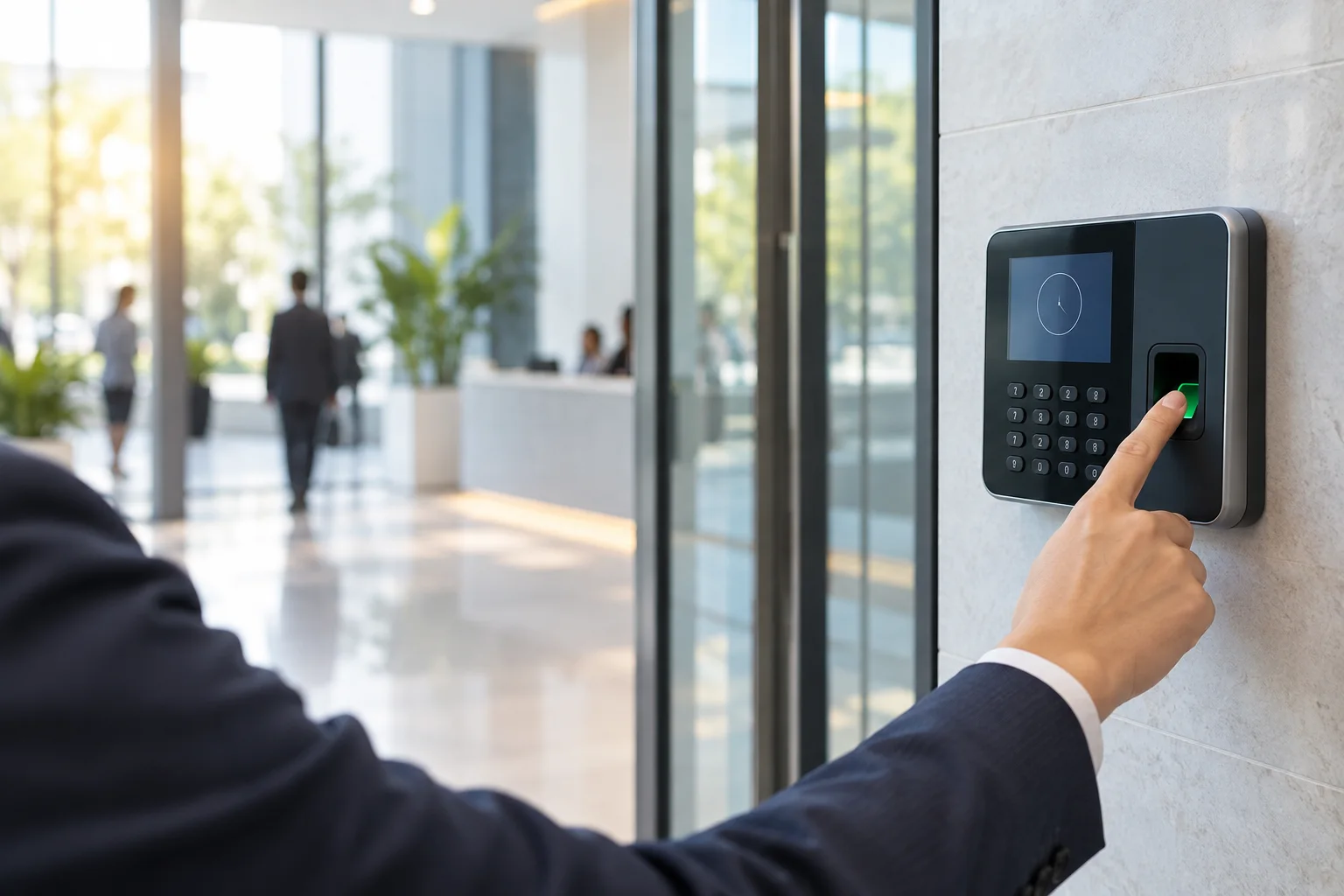
Mount it, enroll the team, and keep it working. SlidesClock does not need a shared fingerprint reader for attendance.

It needs installation and maintenance, and employees still have to walk up to it. SlidesClock keeps their daily action on their own phone.
These images show generic attendance devices. Hardware can suit some workplaces; none is required to use SlidesClock.
The software matters too
More buttons should not mean more homework. SlidesClock is designed around the moments people actually have: starting work, checking a shift, asking for leave, and looking back at what was recorded.
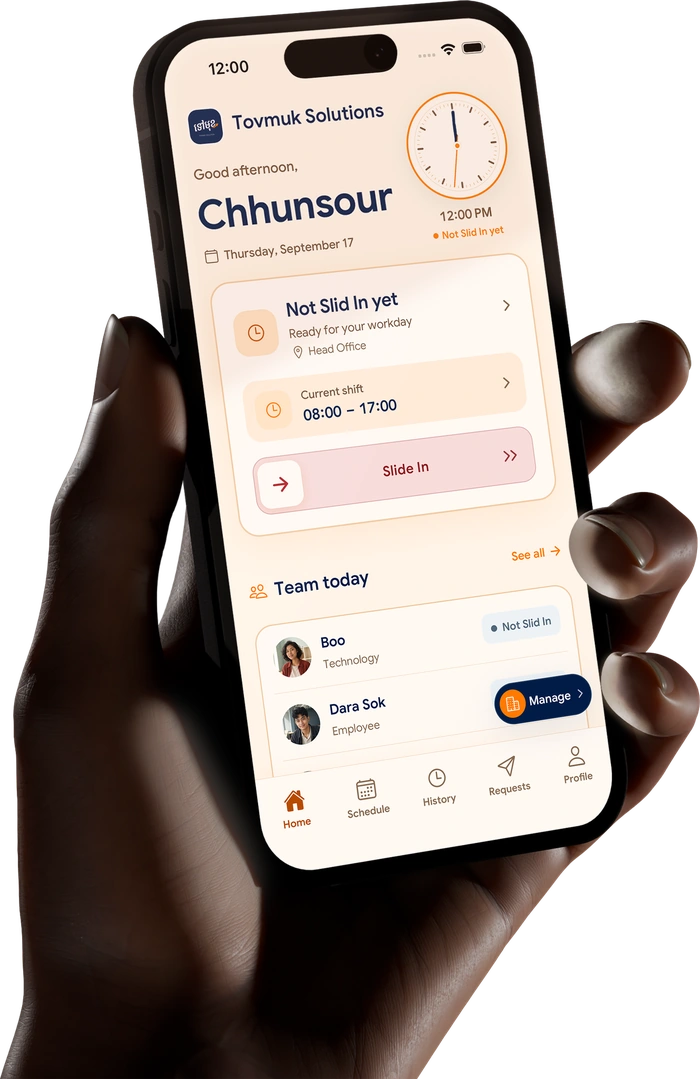 Actual SlidesClock app screen
The daily difference
Different workplaces choose different checks. Here is what common attendance workflows can feel like for the people using them.
One slide on the employee’s phone. The configured policy can check GPS, the workplace network, or a registered device. No attendance selfie.
How it works ↗QR codes can work well. A shared poster can also add a little scavenger hunt to a task your team repeats every shift.
Some workplaces choose a selfie for review evidence. It can also turn an ordinary arrival into a daily photo shoot.
A fixed reader asks the workplace to buy and maintain hardware, and the employee to use it at the door.
A dedicated face terminal can add an installation and enrollment step before the daily check-in even begins.
Attendance, schedules, leave, and payslips should be easy to reach, not buried in a menu maze.
These are illustrative workflows, not speed, cost, or security comparisons or claims about a particular provider. Workplace setups vary. See SlidesClock plans ↗
Simple on the surface
Companies choose which signals fit each workplace. When an employee slides, the server evaluates that policy and records the event with server time.
GPS, a registered workplace network, and a registered device are practical verification signals. They are not proof of identity.
See how verification worksGood questions
No. They open SlidesClock on their own phone and Slide In or Slide Out. The workplace checks the request according to its configured policy.
No. SlidesClock can check location, the workplace network, and a registered device instead. These are practical checks, not proof of identity.
No. SlidesClock does not require a shared attendance terminal. Employees use the app on their own supported phone, and each workplace chooses its verification policy.
The server evaluates the checks required by that workplace and records the event with server time. GPS is read at Slide In or Slide Out when the policy requires it; SlidesClock does not continuously track location.
Yes. Employees can see their schedule and attendance history and request leave. Digital payslips are available when payroll is enabled on the Premium plan.
No. The Free plan is ongoing for up to five employees, one branch, and one admin. See pricing for current limits and paid options.

