 SlidesClock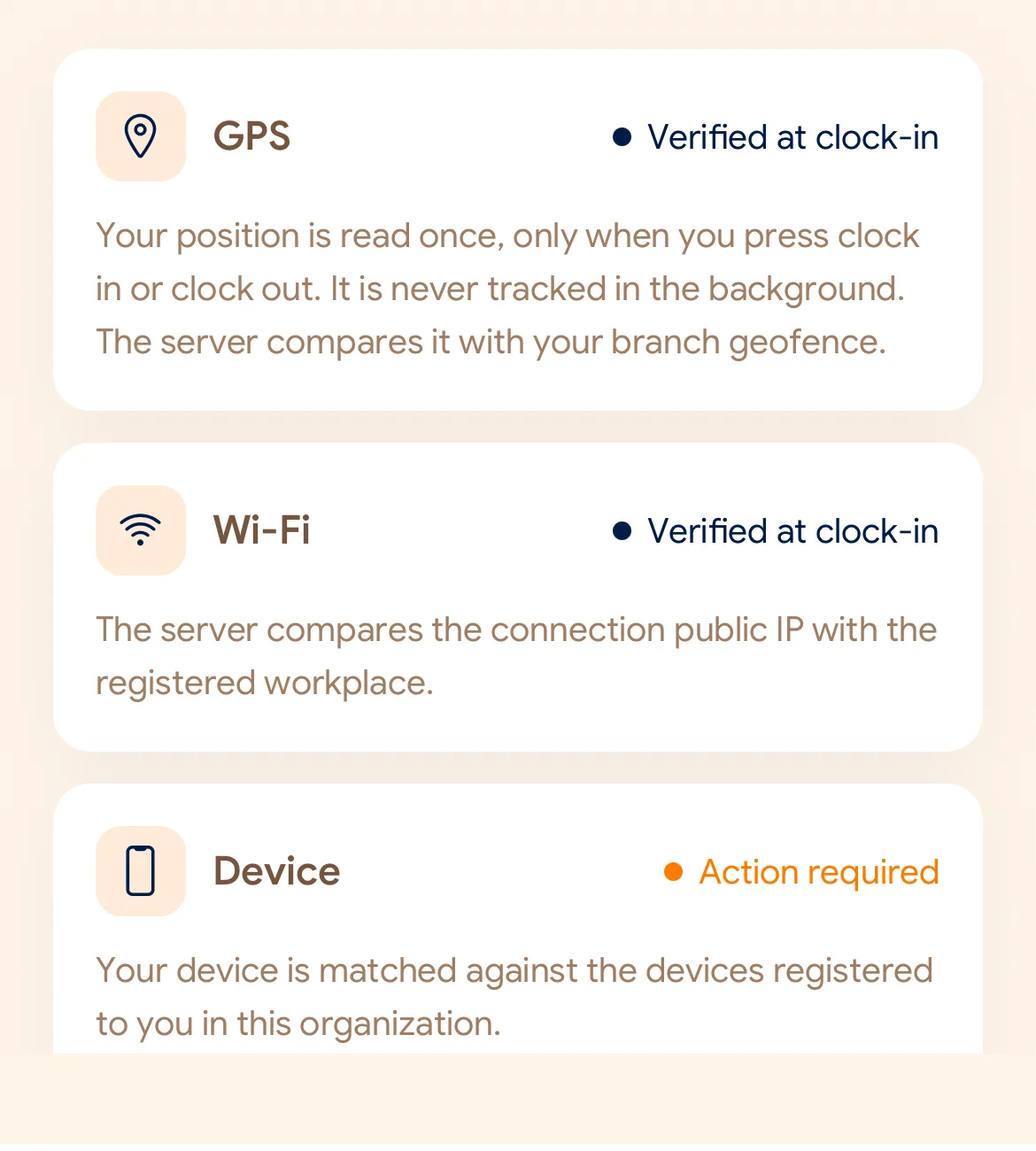
GPS
Distance to the workplace, with the reported accuracy taken into account.
Workforce Capabilities
Everything a team needs to track employee attendance: mobile clock in and out, workplace verification, schedules, leave, reports, and optional payroll. Free to start.
At a glance
From the slide at the door to the payslip at the end of the month. Pick one to jump to it.
01Attendance
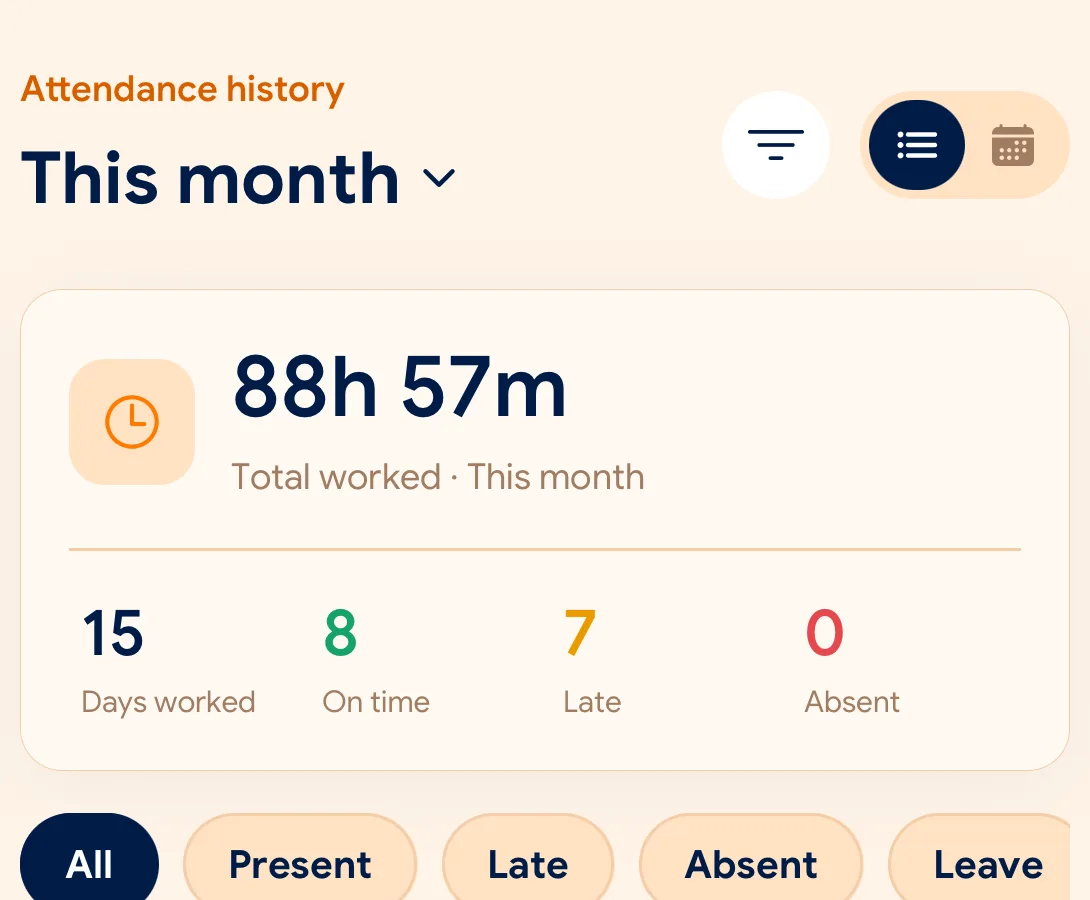
Employees open SlidesClock on the phone they already carry and slide to Slide In at the start of a shift and Slide Out at the end. There is no fingerprint reader, badge or wall terminal to buy, and no queue at the door.
02Workplace verification
Each workplace carries its own attendance policy, built from three signals. A manager picks what the site can genuinely provide: GPS, Wi-Fi, either one, or both, with a registered-device check on top.
Distance to the workplace, with the reported accuracy taken into account.
The connection’s public IP against the network registered for the site.
The request came from the phone registered to that employee.
03Schedules and shifts
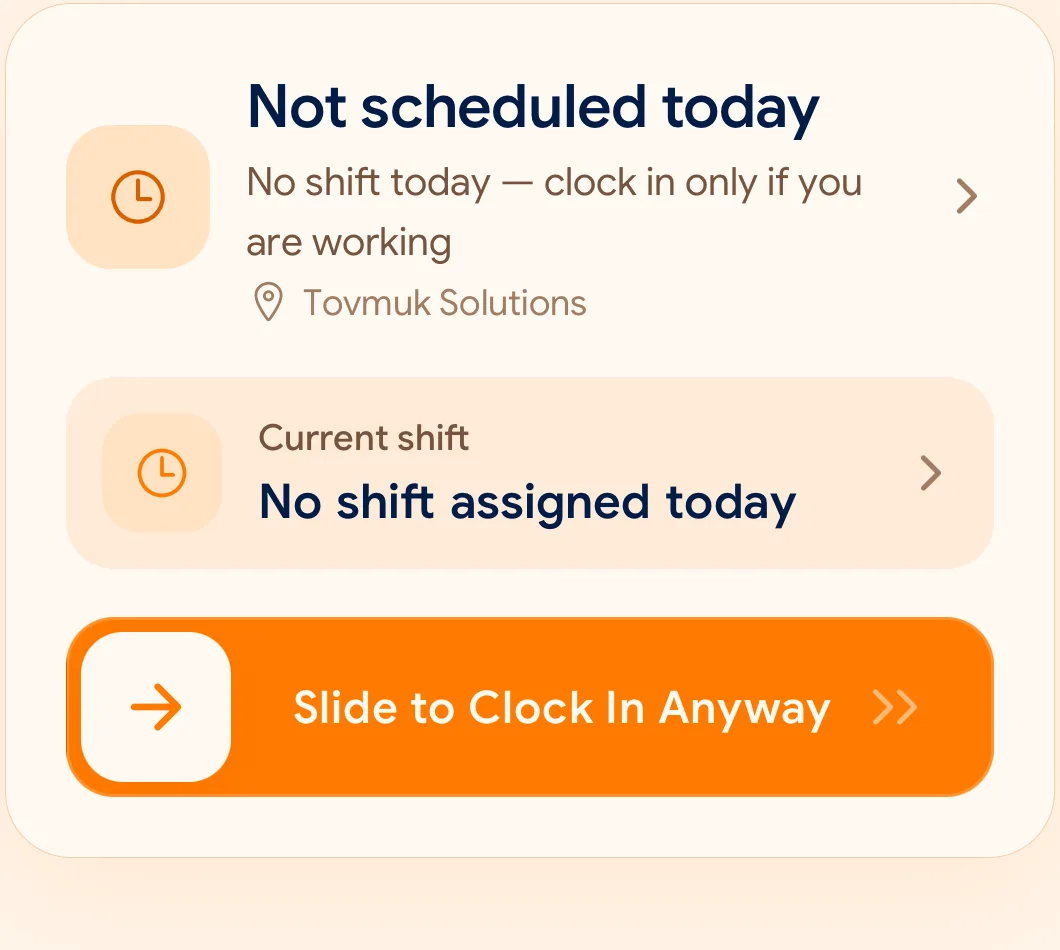
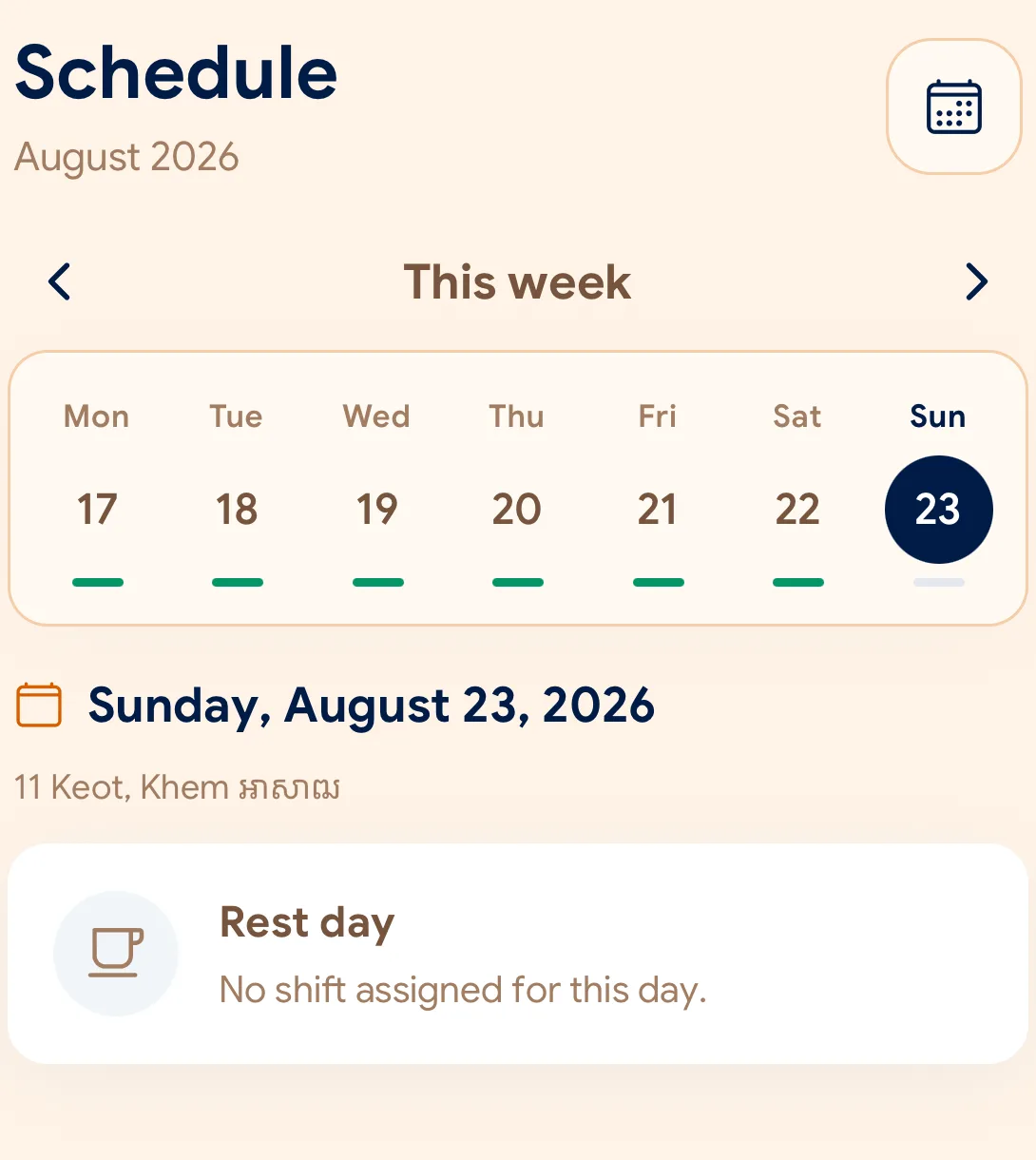
Schedules define what a working day actually is, so lateness and absence are measured against the shift someone was given rather than an assumed nine-to-five.
04Leave, overtime and corrections
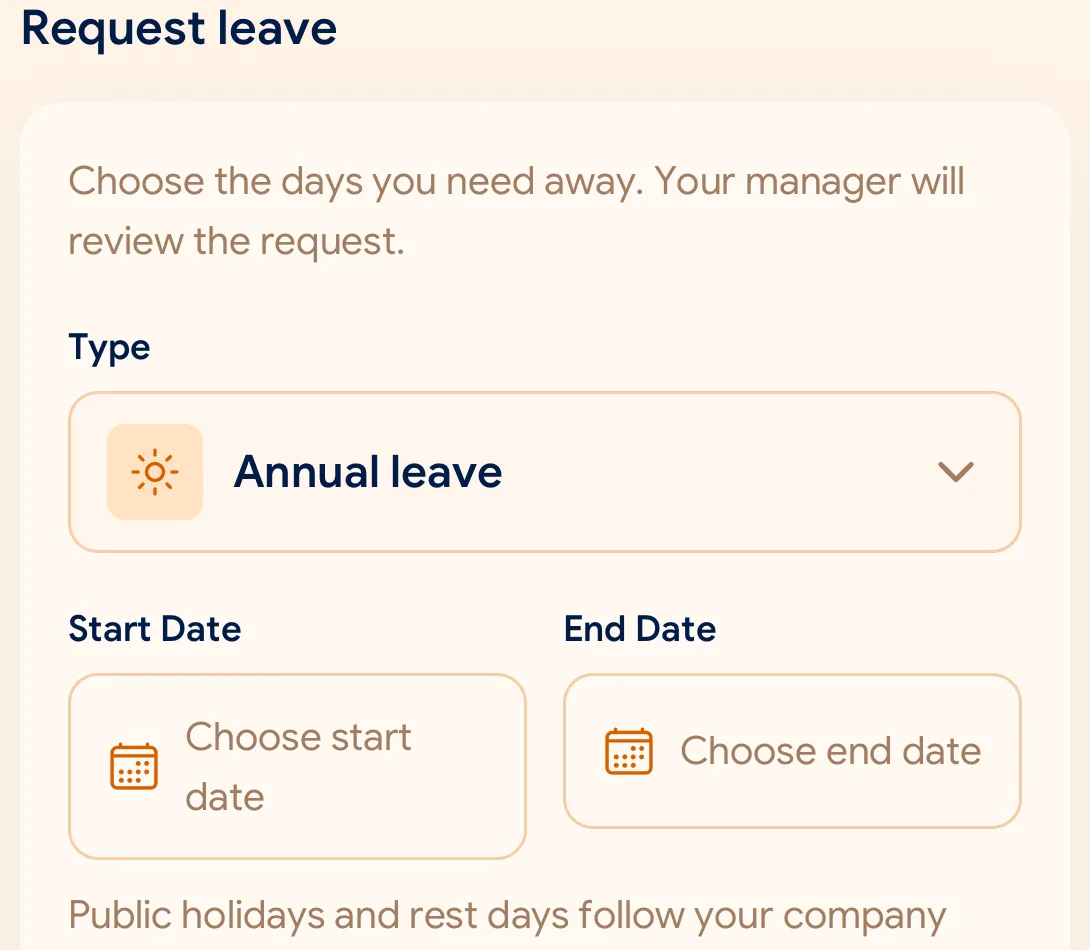
A request made in a chat thread is one nobody can find six weeks later. In SlidesClock the request, the reason and the decision stay attached to the attendance record.
05Reports and exports
Individual clock-ins answer a small question. Reports answer the ones a manager actually has, with absences derived from the schedule: a day nobody was scheduled to work is not an absence, and neither is approved leave.
06Optional payroll
Payroll is off unless a company turns it on. When it is on, calculations take approved attendance as their input instead of a spreadsheet kept on the side, and employees receive their payslip in the app.
SlidesClock provides calculation software. The employer stays responsible for tax and labour-law compliance where it operates.
07Branches and roles
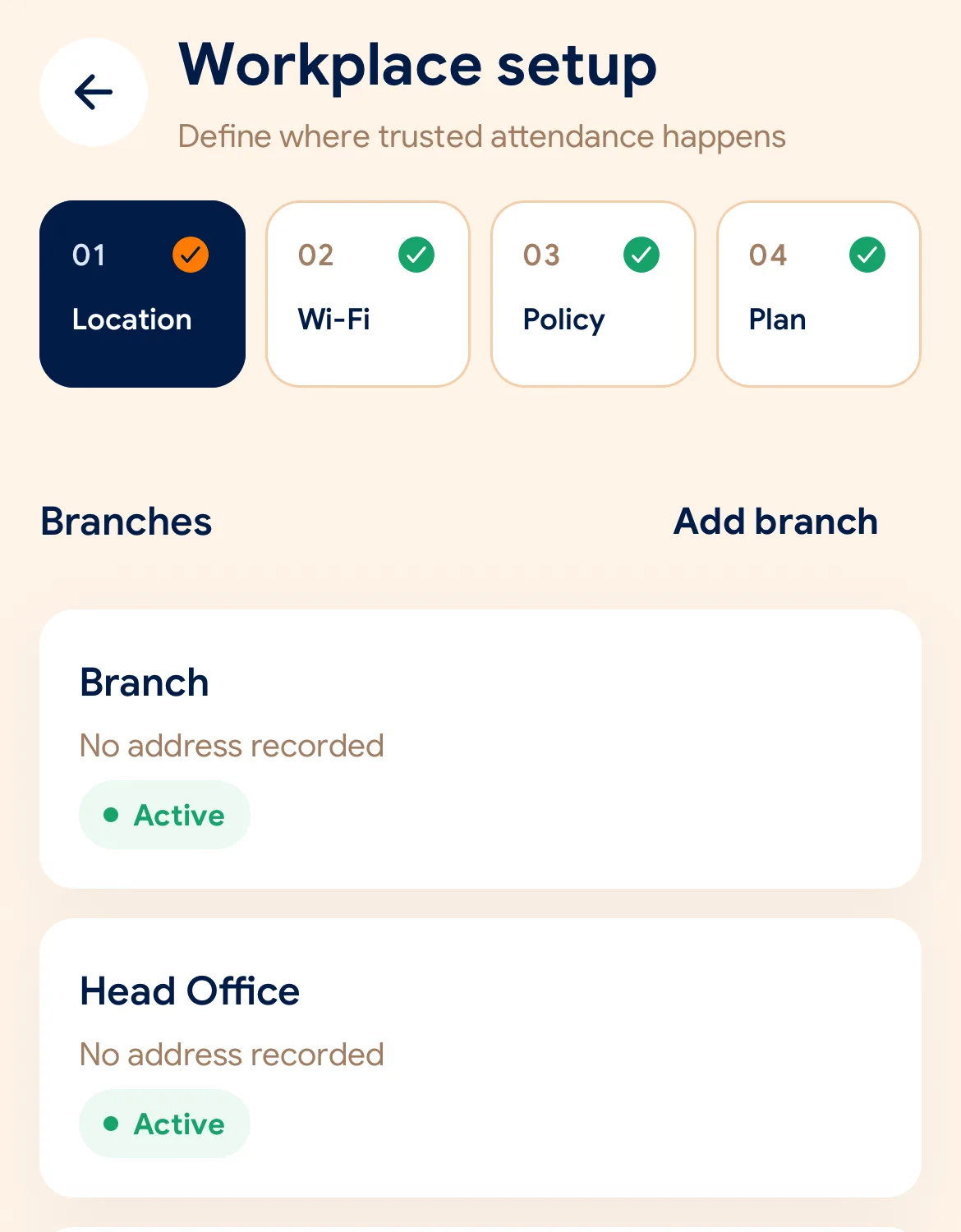
Every branch has its own location, network and verification policy. People get the role their job needs, and managers can work from the app or from the web dashboard at app.slidesclock.com.
08Notifications
Decisions and reminders reach people where they already look. What a notification leaves out matters as much as what it says.
Apps and languages
For employees and managers. Download from the App Store.
In testing. The APK is available on request.
For managers, at app.slidesclock.com. Clocking in stays on the phone.
The app in 13 languages
Features by plan
Attendance, verification, schedules and leave are on every plan, including Free. Paid plans add reporting, corrections and payroll.
| Feature | Free | Standard | Premium | Empire |
|---|---|---|---|---|
| Limits | ||||
| Price | $0 forever | $12.99 / month | $29.99 / month | Custom |
| Employees | 5 | 20 | 40 | Custom |
| Locations | 1 | 3 | 10 | Unlimited |
| Admins | 1 | 3 | 10 | Unlimited |
| Attendance | ||||
| Slide In / Slide Out from the employee’s phone | Included | Included | Included | Included |
| GPS, Wi-Fi and registered-device verification | Included | Included | Included | Included |
| Server-recorded attendance time | Included | Included | Included | Included |
| Personal attendance history | Included | Included | Included | Included |
| Workforce | ||||
| Schedules, grace periods, rest days, overnight shifts | Included | Included | Included | Included |
| Leave requests and approvals | Included | Included | Included | Included |
| Overtime requests | Included | Included | Included | Included |
| Attendance corrections, original kept | Not included | Not included | Included | Included |
| Reporting and payroll | ||||
| Attendance reports | Not included | Included | Included | Included |
| CSV and PDF exports | Not included | Included | Included | Included |
| Advanced reports | Not included | Not included | Included | Included |
| Payroll runs, payslips and payroll export | Not included | Not included | Included | Included |
| Notifications | ||||
| Push notifications | Included | Included | Included | Included |
| Telegram notifications | Not included | Included | Included | Included |
Prices in USD, billed through the App Store; yearly billing is $129 (Standard) or $300 (Premium). Full pricing
What it deliberately does not do
Attendance software is trusted with where people are and what they are paid. These limits are part of the product, not gaps in it.
Location is read at Slide In and Slide Out under a policy that needs it. There is no movement history.
No fingerprint reader, no QR code to print, no attendance terminal on the wall.
The server sets the time on every record, so a changed handset clock changes nothing.
GPS, Wi-Fi and devices are practical checks. SlidesClock does not claim attendance is unfalsifiable.
An original attendance event is never overwritten. A correction is its own reviewed record.
Payroll is a calculation tool. Tax and labour-law compliance stay with the employer.
Questions about features
Answers to what businesses ask most about SlidesClock’s features. Anything else is on the full FAQ.
SlidesClock covers mobile clock in and out (Slide In and Slide Out), workplace verification with GPS geofencing, Wi-Fi and registered devices, server-recorded attendance times, schedules with grace periods, rest days and overnight shifts, leave and overtime requests, attendance corrections, reports with CSV and PDF exports, optional payroll with digital payslips, branches and roles, and push and Telegram notifications.
The Free plan includes Slide In and Slide Out, GPS, Wi-Fi and device verification, server-recorded time, schedules and shifts, leave and overtime requests, push notifications and personal attendance history, for up to 5 employees, 1 location and 1 admin, free forever.
Attendance reports, CSV and PDF exports and Telegram notifications start at Standard ($12.99 a month). Advanced reports, attendance corrections and payroll with digital payslips are on Premium ($29.99 a month). Empire is priced per company for larger teams.
Yes. Each workplace chooses GPS, Wi-Fi, GPS or Wi-Fi, or GPS and Wi-Fi, and can add a registered-device check. An office can rely on its network while a warehouse relies on GPS.
No. Location is read only when an employee slides in or out at a workplace whose policy requires GPS. SlidesClock does not track location in the background.
Changing the phone’s clock does not work, because the time on every attendance record is generated by the server. If a time is wrong, the employee requests a correction, a manager reviews it, and the original event stays in the record.
Yes. An overnight shift such as 22:00 to 06:00 is attributed to one working day instead of being split across two dates.
Managers can use the web dashboard at app.slidesclock.com. Employees Slide In and Slide Out from the mobile app, which is on the App Store for iPhone; Android is in testing with the APK available on request.
The app can be used in 13 languages: English, Khmer, Chinese (Simplified), Vietnamese, Lao, Indonesian, Malay, Japanese, Korean, French, Spanish, German and Portuguese (Brazil).
Go deeper
How every part of SlidesClock behaves, what it verifies, and what it deliberately does not claim.
Track employee attendance from a phone. Mobile clock in and out, server-recorded times, and attendance history employees can review. Free for up to 5 employees.
Read more VerificationCheck employee clock-ins against a workplace geofence. GPS accuracy is part of the check, coordinates are requested only at clock-in, and nothing runs in the background.
Read more VerificationVerify attendance using the workplace network instead of, or alongside, GPS. Useful for offices, warehouses and any indoor site where GPS is unreliable.
Read more VerificationRequire clock-ins from the phone registered to an employee’s company membership, so an attendance record is tied to a known device.
Read more SchedulesAssign working times, grace periods and rest days per employee and workplace, including overnight shifts. Employees see their next shift in the app.
Read more LeaveEmployees request leave in the app, managers review it in the same workflow, and the decision stays attached to the record instead of a chat thread.
Read more ReportsTurn attendance events into reviewable reports and exports for the people who need them. Reports and exports are available from the Standard plan.
Read more PayrollOptional internal payroll tools that build on recorded attendance. Available on Premium. Not a substitute for payroll or tax compliance in your country.
Read more
