Verification

GPS attendance that respects both accuracy and privacy.

When a workplace policy uses GPS, SlidesClock checks the clock-in against that workplace’s location and radius — and it treats accuracy as part of the answer, not an afterthought.

SlidesClockEmployee app
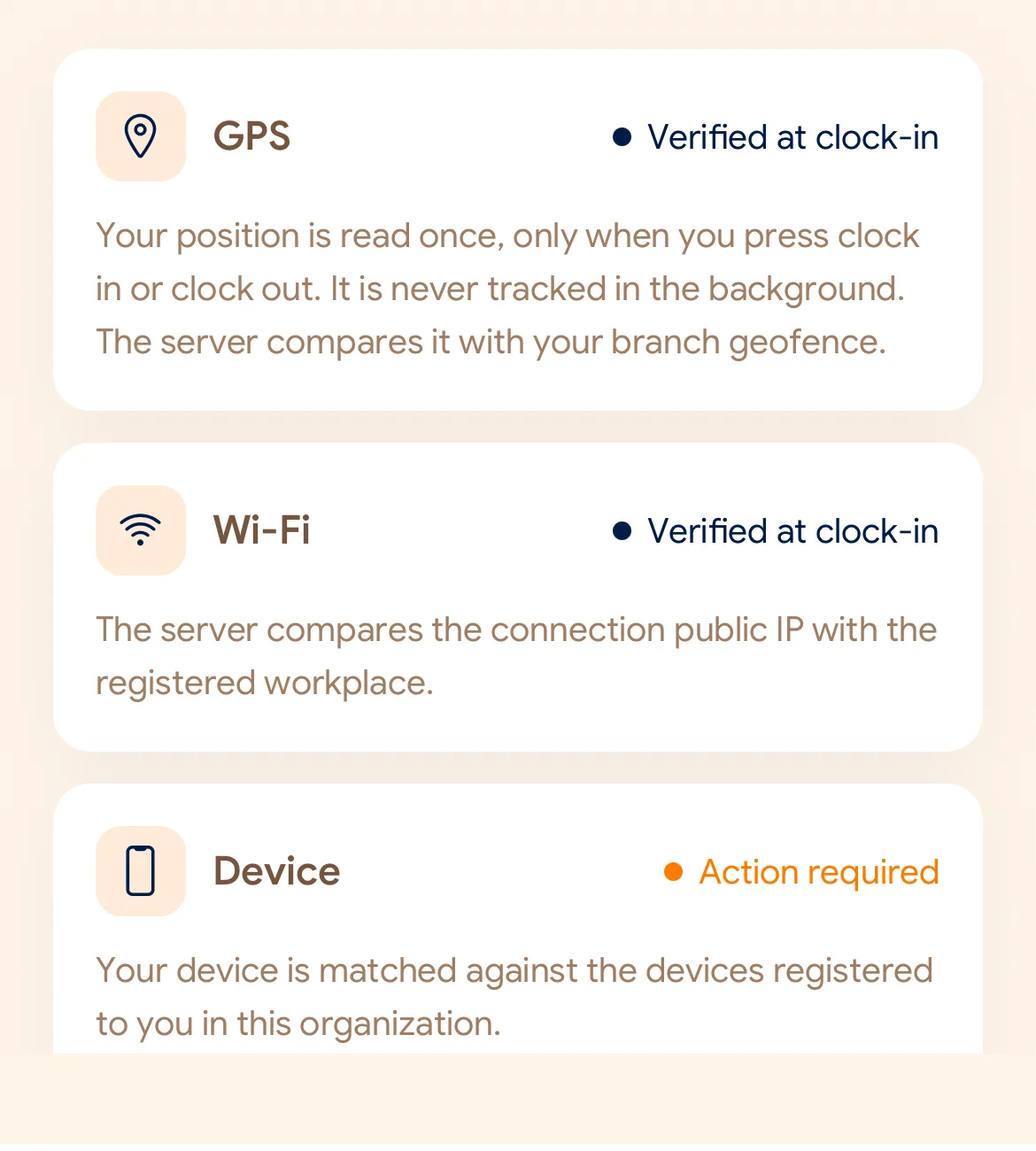
SlidesClock verification signals screen
From the SlidesClock app. Workplace details shown for illustration.

Accuracy is not a detail

A phone reports a position and a confidence radius. A reading accurate to 5 metres and a reading accurate to 300 metres are not the same evidence, and treating them the same is how a geofence produces false rejections in a basement and false passes in a car park.

SlidesClock records the accuracy radius, the distance to the workplace, and how old the position fix was, and the verification policy takes them into account rather than comparing two numbers and stopping there.


Point-in-time, not all day

Location is requested when an employee clocks in or out under a policy that needs it. SlidesClock does not run background location tracking and does not build a movement history. Attendance software should answer "were they at work when the shift started", not "where has this person been".

What a geofence can and cannot tell you

A geofence check is a useful signal, not proof of identity or presence. It says a request came from a device reporting a position near the workplace. Combining it with registered devices or workplace Wi-Fi raises the bar; no single signal makes attendance unfalsifiable, and it is more honest to design around that than to claim otherwise.

Common questions

Does SlidesClock track employees all day?

No. Location is requested at clock-in or clock-out when the workplace policy requires it. There is no background or continuous location tracking.

What happens if GPS is inaccurate indoors?

The accuracy radius is part of the check. A workplace can also use Wi-Fi verification, which often works better indoors.

Keep reading

A simpler start to every shift.

Start with Free for up to 5 employees at one location.
Choose more capacity when your team needs it.

Start Free