 SlidesClock
 01 / 04
A clear attendance record
Slides happen on the employee’s phone. The server records the time, and each person can review their own history.
Explore attendanceYOUR FIRST DAY WITH SLIDESCLOCK
Set up attendance for your team in the SlidesClock app. Give every employee a simple way to Slide In and Slide Out, with schedules, leave and their own history close at hand.
Already installed? Open SlidesClock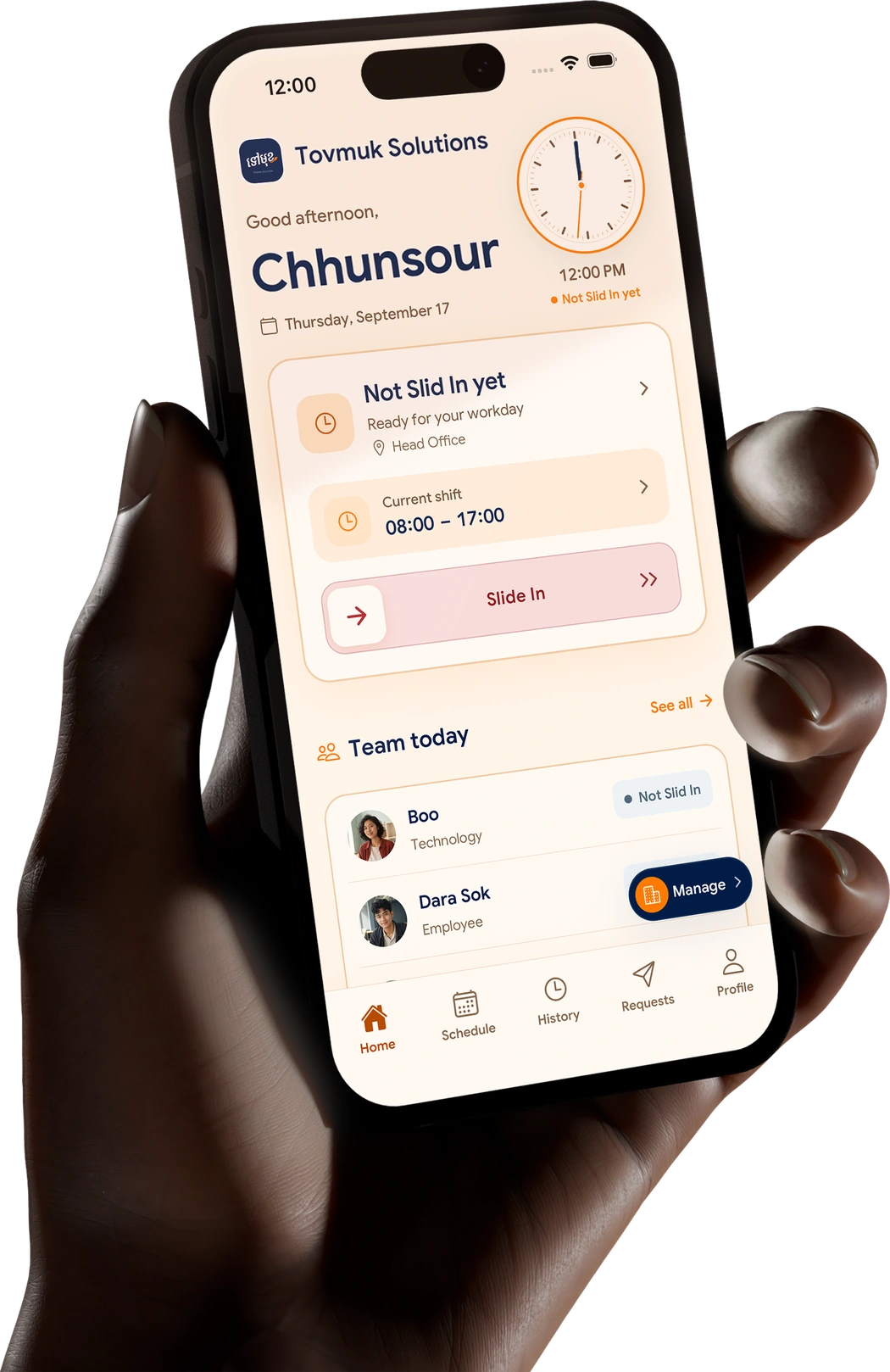 One place for the teamAttendance · shifts · leave
START IN THE RIGHT PLACE
Creating a company and joining one take different first steps. Pick the route that fits your day.
FOR OWNERS & MANAGERS
Start in the iPhone app. Three practical steps get your workplace ready; after that, managers can also work from the web dashboard.
Download the iPhone appDownload SlidesClock on iPhone and create your company in the app. The Free plan starts straight away, with no card or trial period.
Add your branch, location and attendance policy. Choose the GPS, workplace Wi-Fi or registered-device checks that fit that site.
Share an invite link or code. Each employee joins on their own phone, sees their schedule and can Slide In and Slide Out.
A POLICY THAT FITS YOUR WORKPLACE
At Slide In and Slide Out, SlidesClock applies the policy you set for that branch. Location is read at the slide when GPS is required; it is not tracked in the background.
FOR EMPLOYEES
There’s no company setup to do. Your manager invites you, and SlidesClock brings your workday together on your own phone.
Open the app to joinUse the link or code your manager sent you.
Install SlidesClock and accept the invitation to your workplace.
Check your schedule, then Slide In at work. Slide Out when your shift ends.
AFTER DAY ONE
Start with the essentials, then add more as your team grows. Plan details stay clear so you know what is included.
Slides happen on the employee’s phone. The server records the time, and each person can review their own history.
Explore attendanceAssign shifts, rest days and grace periods. Employees see their schedule in the app before they arrive.
Explore schedulesA branch can use GPS, workplace Wi-Fi or a registered device, according to the checks you select.
See the checksStart with attendance, schedules and leave. Reports and exports begin on Standard; optional payroll is on Premium.
Compare plansSTART SMALL. STAY IN CONTROL.
Free includes up to 5 employees, 1 location and 1 admin. There is no trial countdown and no credit card to enter. See the full plan comparison when your team needs more.
See all plansAttendance, schedules and leave to get started.
GOOD TO KNOW
Clear answers help you choose your next step with confidence.
Browse all questionsYes. The Free plan is free forever for up to 5 employees, 1 location and 1 admin, with no credit card and no trial period. Paid plans start at $12.99 a month (Standard, up to 20 employees) and $29.99 a month (Premium, up to 40 employees), billed through the App Store.
Download SlidesClock from the App Store, create your company, add a workplace and invite your team. The Free plan is active straight away. Managers can then also sign in to the web dashboard at app.slidesclock.com. Android is in testing, and the APK is available on request.
Yes. A manager creates the workplace and sends each employee an invite link or code. Employees use that invitation to join the correct company in the app.
Yes. A workplace can require GPS, and the app then checks the Slide In against the workplace location and radius, taking the phone’s reported accuracy into account. Location is read only at Slide In and Slide Out. SlidesClock does not track location in the background.
Create your company in the iPhone app first. After setup, managers can sign in to the web dashboard to work with their organization.
Android is in testing. You can request the test APK; the public Google Play listing is not available yet.
READY WHEN YOU ARE
Create a company in the app, or join the one your manager has already made.