 SlidesClock
 Not required
GPS
Distance to the branch, allowing for the accuracy the phone reports.
Read once, at Slide In and Slide Out. Never tracked in the background.
Simple where your team touches it, deliberate everywhere else. Set up a workplace once, and every shift after that starts with a single slide on the employee’s own phone.
Today
Ready when you are
That’s all the employee does. Drag the handle, or focus it and press Enter.
Before the first shift
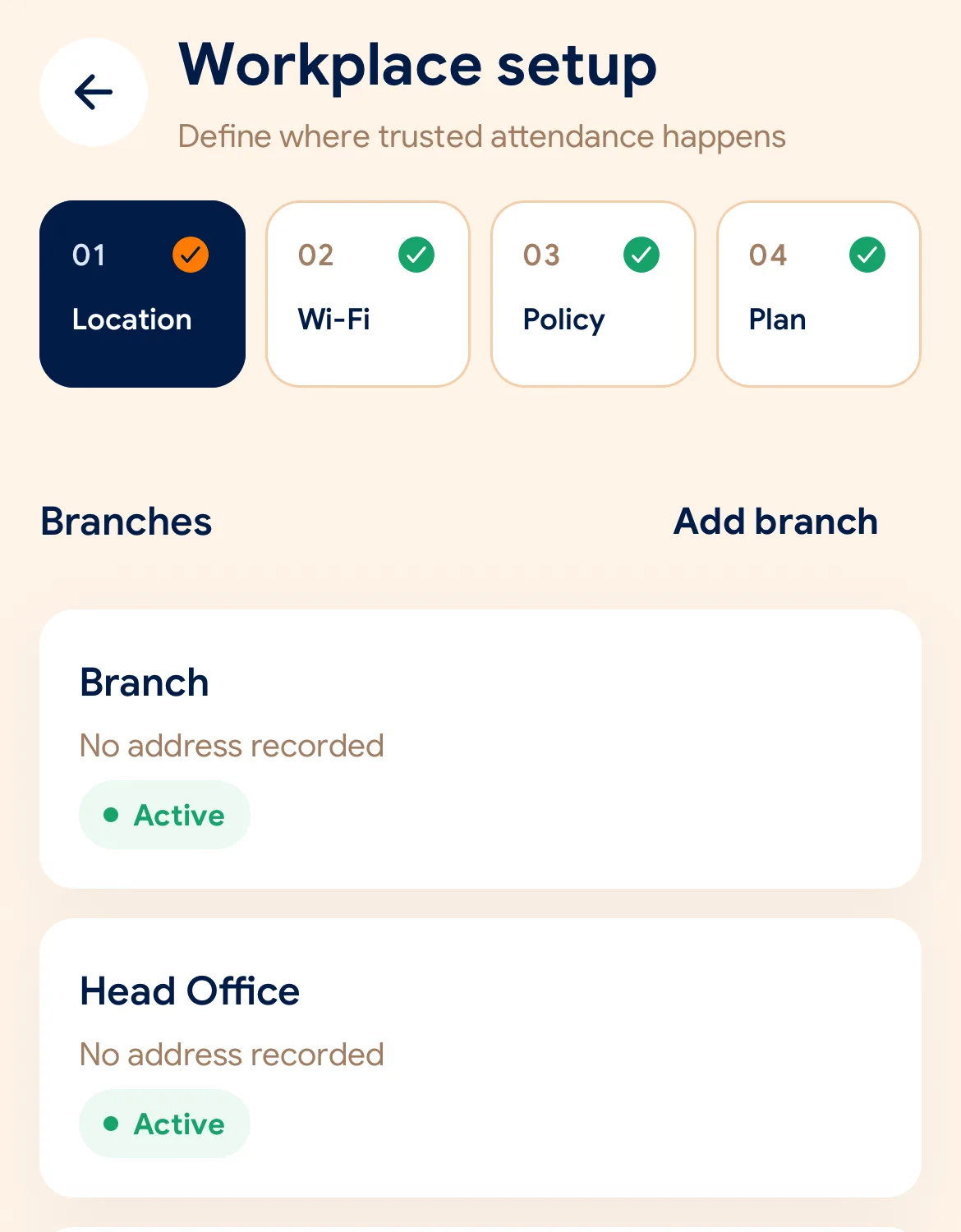
Download SlidesClock on iPhone and create your company. The Free plan is active straight away: no card and no trial clock.
Set the branch location and radius, register the workplace network, and choose which checks its policy requires.
Send each person an invite link. They install the app and sign in, and their own phone becomes their time clock.
Managers can also work from the web dashboard at app.slidesclock.com.
Every working day
The employee does two of them. The rest happen on the server and in the manager’s view, with nothing more for the employee to do.
They see their assigned shift and their current status. No terminal to find, no queue at the door.
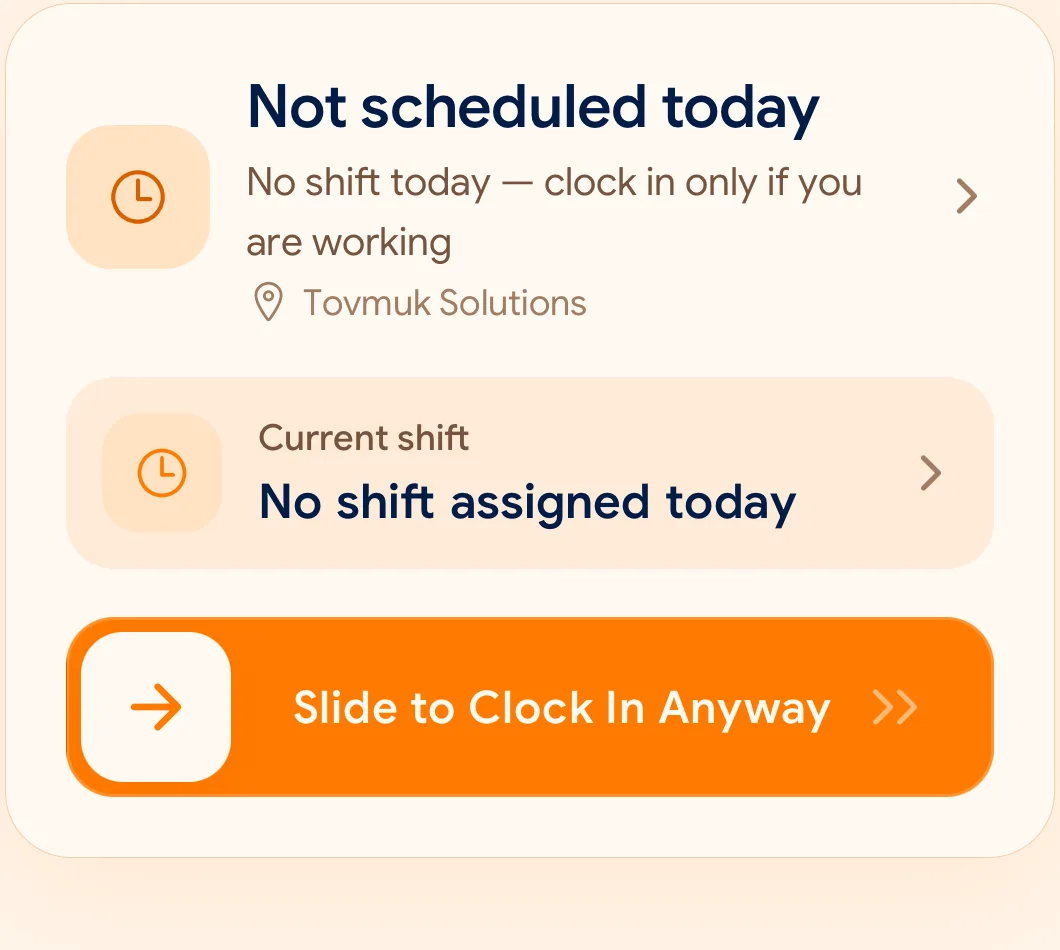
One deliberate gesture, hard to trigger by accident and quick enough to do with one hand on the way in.
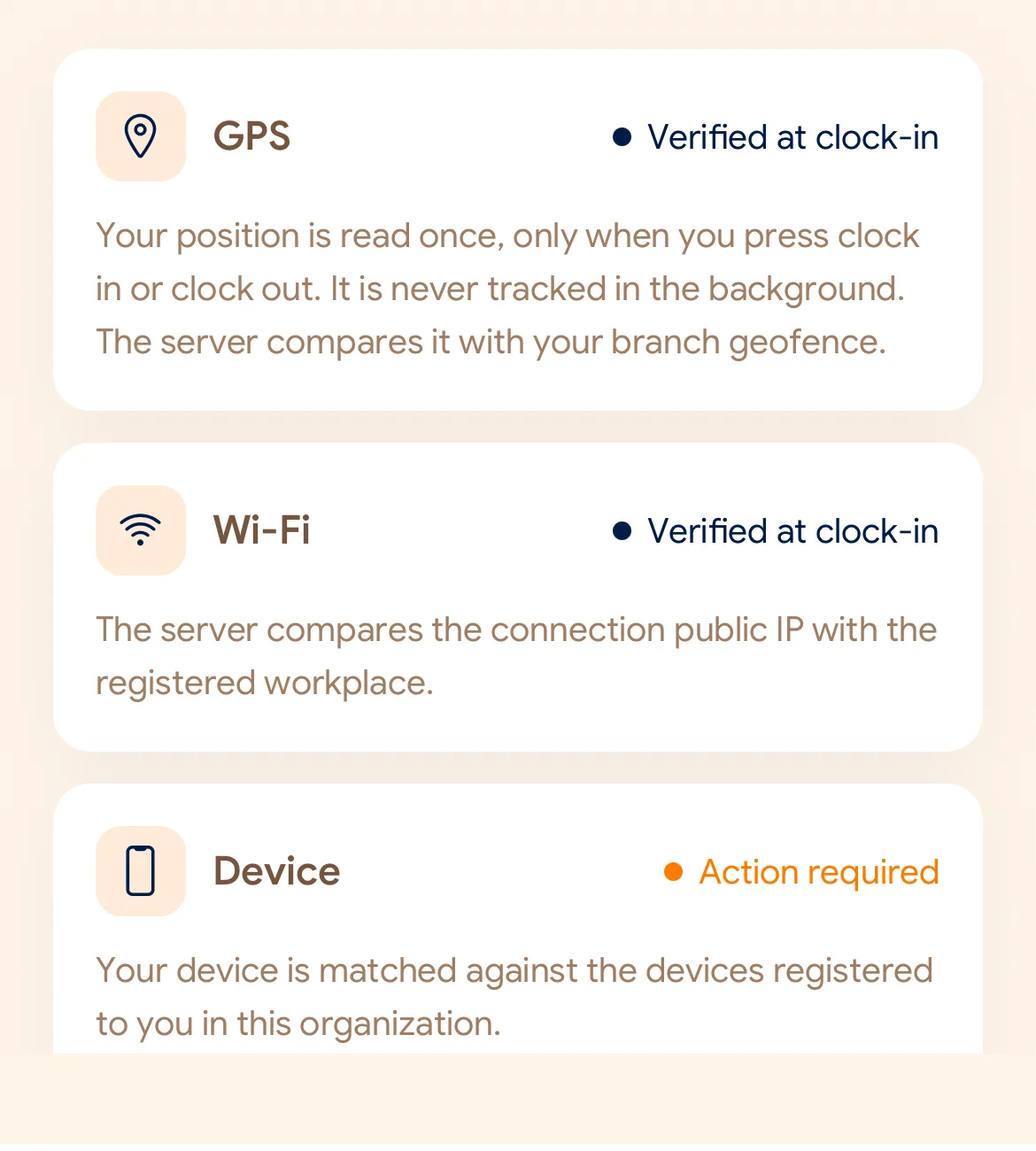
Depending on what the workplace requires: distance to the site and the accuracy of that reading, the workplace network, and whether the request came from the device registered to that employee.
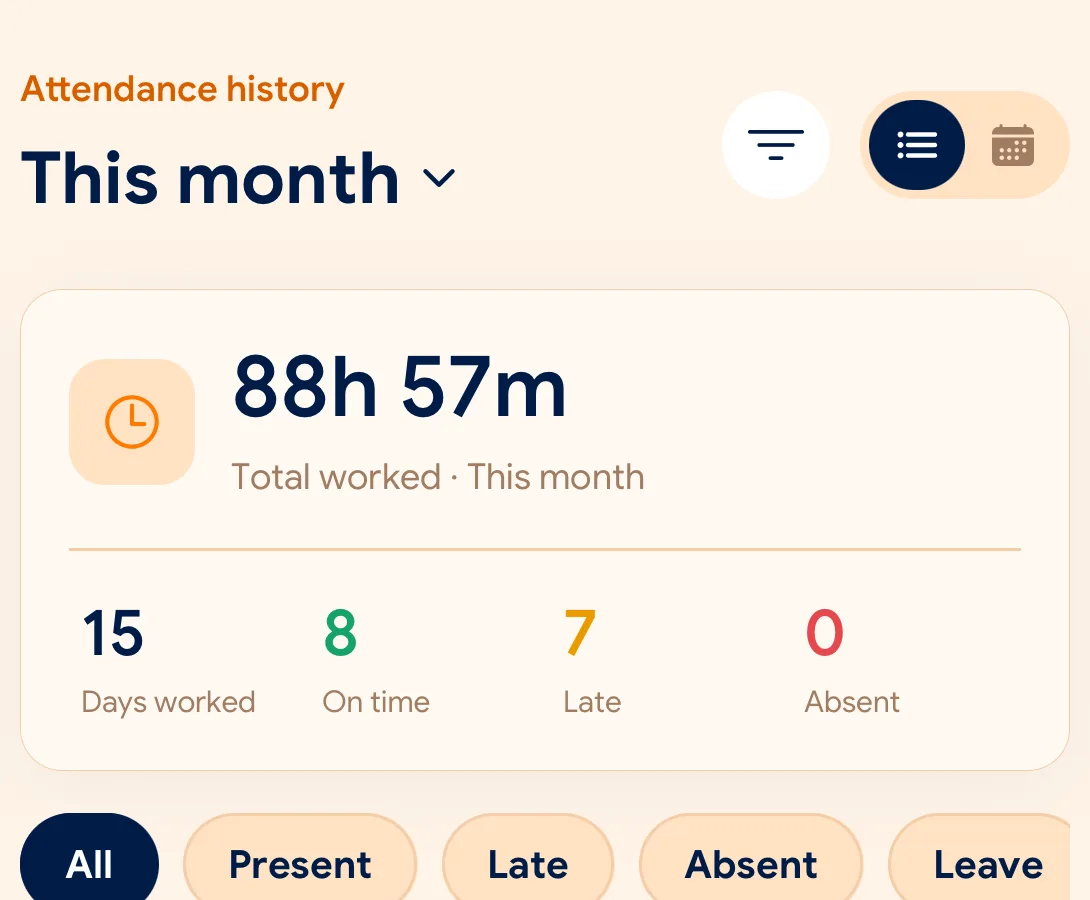
The time on the record comes from the server, not the handset. The original event is preserved, so a later correction sits beside it rather than replacing it.
Attendance, absences and requests are reviewed by workplace and period. Reports and exports are available from the Standard plan.
What is checked at the slide
Each branch chooses the checks that make sense for it. Pick a workplace to see how a policy might look.
Indoors, GPS can drift by a floor or a building. The office network is a steadier signal, so this policy checks Wi-Fi.
Distance to the branch, allowing for the accuracy the phone reports.
Read once, at Slide In and Slide Out. Never tracked in the background.
The connection’s public IP against the network registered for the workplace.
The network password is never collected.
That the request came from a phone registered to that employee.
No extra hardware: it is the phone they already carry.
None of these checks is proof of identity. They are practical checks, and SlidesClock describes them as exactly that.
Two sides of every slide
Schedules and leave are on every plan. Tags mark what needs a paid plan.
In the SlidesClock app
In the app and at app.slidesclock.com
Why it is built this way
A phone clock is a setting. If attendance trusted it, changing the time on a handset would change when a shift is recorded as starting. SlidesClock records the server’s time and displays it in the workplace timezone.
An office tower, a warehouse and a shop have different signals available. Each workplace carries the policy that suits it. None of these checks is proof of identity; they are practical checks, described accurately.
Missed clock-outs happen. A correction is recorded as its own reviewed decision beside the original event, so the history shows what was captured and what was agreed afterwards.
Not in the flow, on purpose:

