SlidesClock
 Guides
Quick Answer
To track employee attendance without spreadsheets, businesses replace manual data entry with a mobile-first digital attendance app. Instead of logging hours into shared Google Sheets or Excel grids, employees use their smartphones to "Slide In" and "Slide Out" upon arrival and departure. The software automatically records server-verified timestamps, validates location or workplace Wi-Fi, computes daily and weekly hours, and generates audit-ready payroll reports with zero manual calculation.
The Lifecycle of an Attendance Spreadsheet: From Clean Grid to Payroll Nightmare
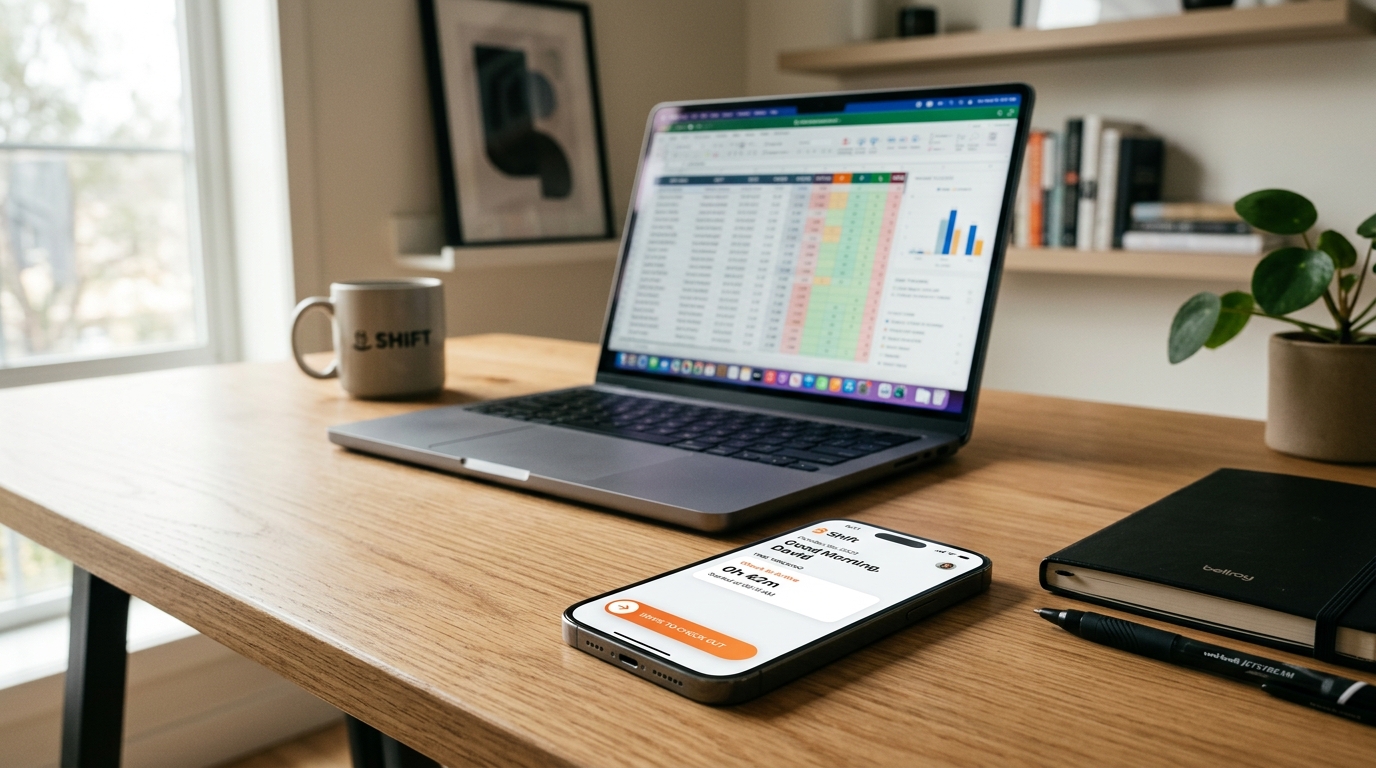
Almost every company starts tracking employee time on a spreadsheet. It seems completely rational: Microsoft Excel and Google Sheets are already installed, everyone understands rows and columns, and templates are free to download.
In week one, the template looks spotless. Column A lists employee names, Column B is Date, Column C is Time In, Column D is Time Out, and Column E calculates total hours with a tidy `=SUM()` formula. You feel organized and in control.
By month two, human realities begin corroding the system. An employee forgets to log their time on Tuesday and enters an estimated "8:30–5:00" on Thursday. Another worker accidentally drags a cell value across five rows, overwriting formula logic with static text. Someone deletes a row containing paid sick leave. Soon, you have multiple conflicting copies circulating by email: `Attendance_Final.xlsx`, `Attendance_Final_v2.xlsx`, and `Attendance_Final_USE_THIS_ONE.xlsx`.
The fundamental issue is that spreadsheets were engineered for statistical modeling and financial forecasting. They were never designed to be multi-user, real-time event logs where immutable timestamps, physical location verification, and permission boundaries are required.
What an Automated, Post-Spreadsheet Workflow Looks Like
Moving beyond spreadsheets does not mean adopting cumbersome enterprise software with steep learning curves. A modern attendance workflow shifts from passive data entry to automated event capture.
In an automated system, the employee does not "type" their hours. Instead, their phone acts as a secure verification beacon. When they walk through the door of your store, warehouse, or office, they perform a single action: they open the app and "Slide In". When their shift ends, they "Slide Out".
Every other step happens programmatically in the background without human intervention. The platform checks that the request satisfies your workplace policy (such as verifying that the device is connected to company Wi-Fi or within the workplace GPS perimeter). It writes an immutable attendance event stamped with the server’s authoritative clock, calculates punctuality against the assigned schedule, applies your grace period rules, and updates the management dashboard in real time.
How Verification Replaces Guesswork Without Adding Hardware Terminals
The primary concern managers have when abandoning spreadsheets is: "How do I know employees are clocking in from work rather than from their bed?" Traditional offices bought fingerprint terminals or magnetic badge readers to solve this. Today, software verification handles this far more cleanly.
- Point-of-Action GPS Geofencing: You draw a virtual boundary around your workplace. The app confirms the handset is inside this radius only during the moment of clock-in, without tracking where the employee travels afterwards.
- Workplace Wi-Fi Network Matching: For indoor environments, retail shops, and multi-tenant office buildings where GPS signals can bounce off concrete walls, you can require clock-ins to come from your specific workplace Wi-Fi network.
- Registered Device Locking: Each employee profile is paired with their specific smartphone hardware identifier. This prevents "buddy punching," because a colleague cannot clock in on behalf of an absent friend from their own device.
- Server-Generated Timestamps: The recorded time is determined exclusively by the cloud server in the company timezone, making it impossible to manipulate clock times by altering phone device settings.
Modernizing with SlidesClock: The Frictionless Shift to "Slide In"
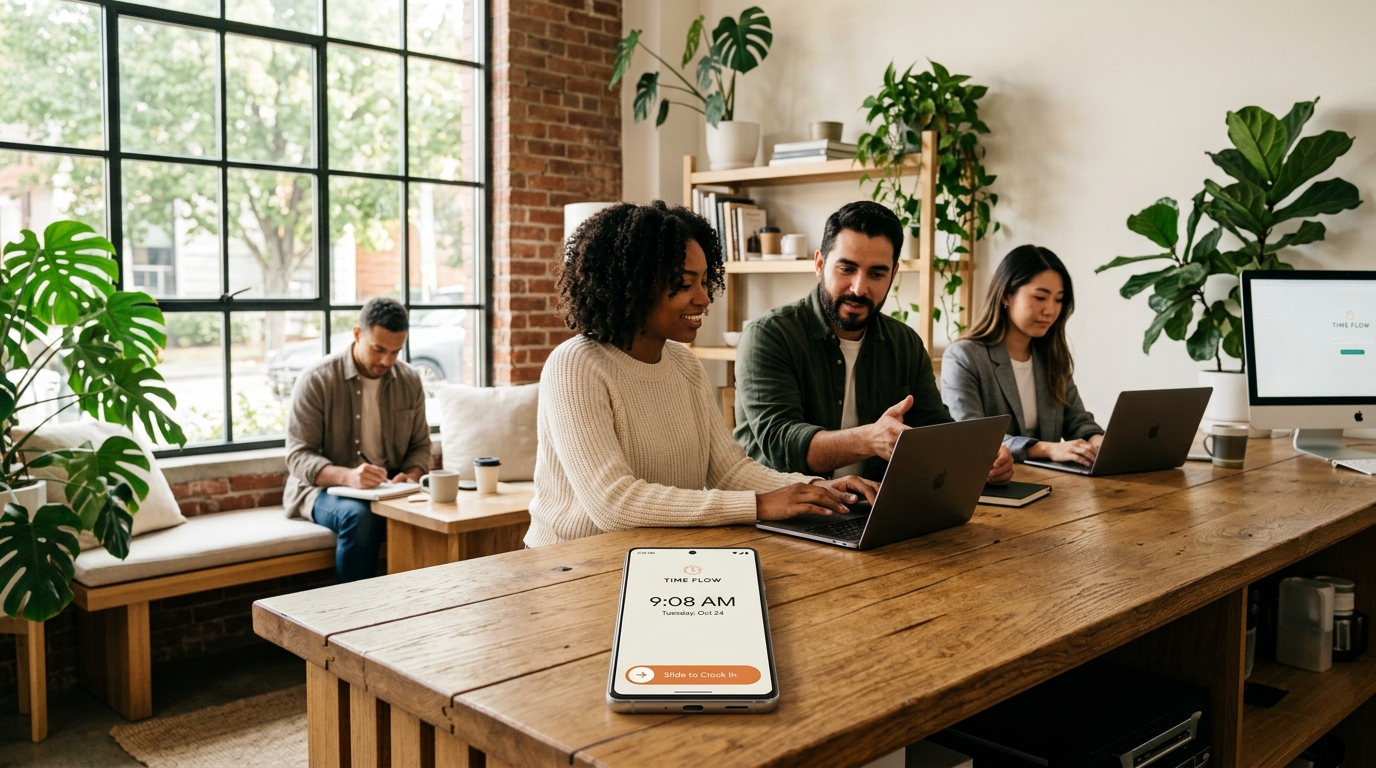
SlidesClock was specifically designed to replace messy attendance spreadsheets with an effortless mobile experience. We replaced confusing time-card forms with a natural, tactile slide gesture.
Employees love it because it takes three seconds, respects their personal privacy, and provides an immediate, transparent record of their worked hours and approved leave right on their phone screen. There are no paper timecards to lose and no awkward disputes on payday.
Managers love SlidesClock because the web dashboard provides immediate situational awareness: you can see who is currently clocked in across your sites, review late arrivals with automated grace period calculations, approve leave requests with one click, and export pristine CSV files directly into your bookkeeping software.
Best of all, SlidesClock offers a permanent Free Plan for up to 5 employees, allowing small teams to eliminate spreadsheet chaos permanently without spending a single dollar.
The 4-Step Migration Blueprint: Moving from Spreadsheets in One Day
You can transition your organization off attendance spreadsheets smoothly without disrupting daily operations by following this four-step migration checklist.
- 1. Standardize your current rosters: Collect your employee names, email addresses, and typical shift hours from your existing spreadsheet.
- 2. Configure your SlidesClock workspace: Sign in to app.slidesclock.com, enter your workplace address, configure your geofence or office Wi-Fi, and set your company timezone.
- 3. Onboard your staff in 5 minutes: Send employee invite links. Have your team download SlidesClock from the App Store or install the Android app, log in, and test their first "Slide In".
- 4. Archive the spreadsheet: Set a clear cutover date (typically the start of a fresh pay cycle). Lock your old spreadsheet to view-only as historical archive, and run your payroll exclusively from SlidesClock reports going forward.
Frequently Asked Questions
Why should I stop using Google Sheets or Excel if it’s free?
While spreadsheets have no direct software cost, they carry heavy labor costs: managers spend hours manually calculating hours and fixing formula errors. They also lack location verification, server-time protection, and audit trails, leading to frequent payroll disputes and overpayment.
How hard is it for non-technical employees to switch to an attendance app?
Modern attendance apps are simpler than opening a spreadsheet. Employees simply open the SlidesClock app on their phone and complete a single gesture: "Slide In" when arriving and "Slide Out" when leaving. There are no passwords to remember every morning or complicated forms to fill out.
Can I still export data to Excel or my accountant’s payroll software?
Yes. Replacing the spreadsheet for daily tracking doesn’t mean giving up CSVs. SlidesClock automatically aggregates worked hours, late minutes, and overtime into structured CSV reports that you can export in one click and import into Excel or payroll software.