SlidesClock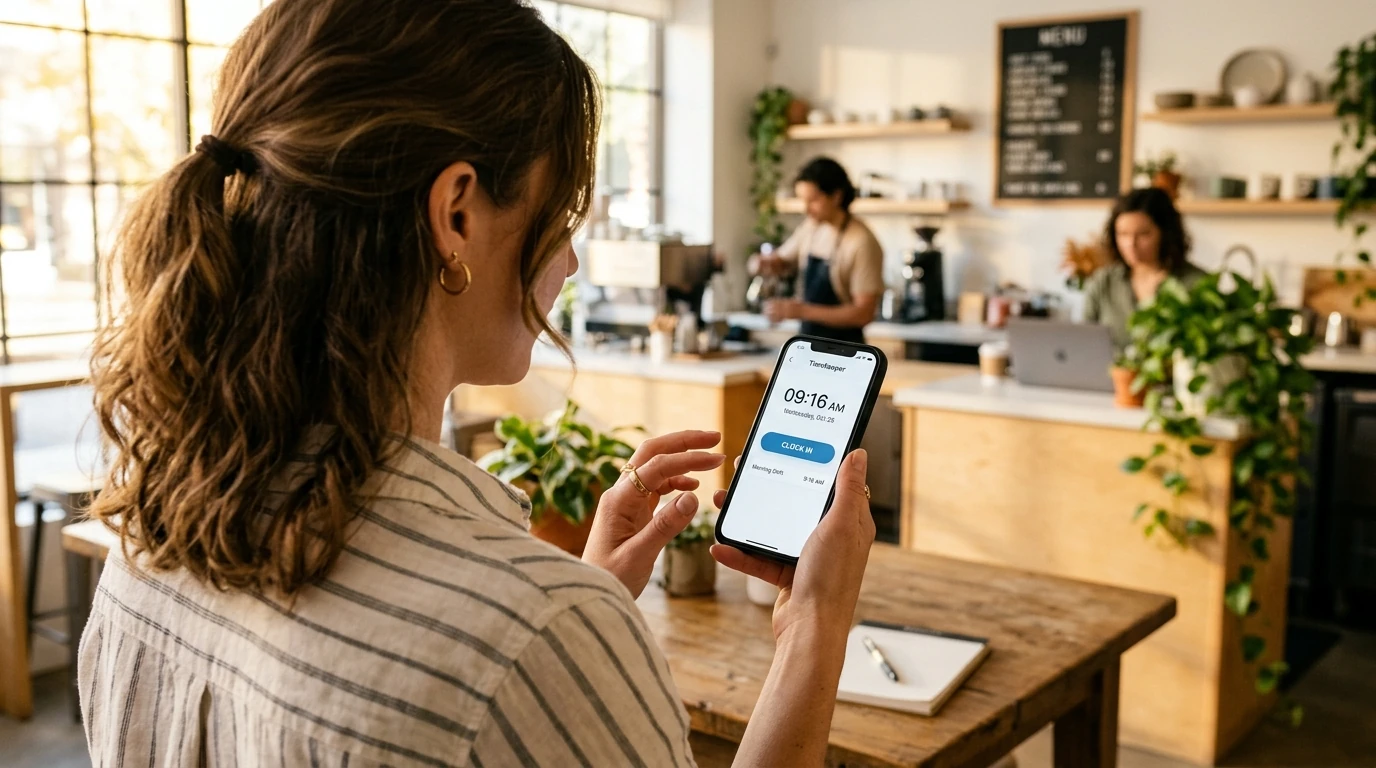

For small business owners, startup founders, retail shopkeepers, and independent workshop managers, tracking employee hours is essential—yet investing thousands of dollars in dedicated biometric wall terminals or committing to expensive monthly SaaS software contracts often feels unjustified for a team of three to five people. Consequently, many small organizations remain stuck in the past: paper logbooks with illegible signatures, honor-system spreadsheets where start times get rounded up generously, or chaotic group messaging threads where leave notices get lost. A genuine [free attendance app](/free-attendance-app) bridges this gap by turning the smartphones employees already carry into secure, verified time clocks. With a simple slide gesture, staff clock in upon arrival, while managers gain live attendance visibility without spending a dime on hardware or monthly subscription fees. This comprehensive guide examines how a modern free attendance app works, how to avoid common freemium traps, and how to set up verified staff tracking in under five minutes.
Quick Answer
A free attendance app is a mobile workforce application that records employee clock-ins, shift hours, and attendance history without requiring upfront hardware investments or monthly subscription fees. Modern free attendance apps allow staff to slide or tap to clock in on personal smartphones, using GPS geofencing or workplace Wi-Fi to verify physical location on-site while maintaining server-authoritative timestamps.
1. The Shift to Mobile: Why Businesses Need a Free Attendance App
In the modern workplace, the traditional wall-mounted punch clock is rapidly becoming an operational dinosaur. For decades, companies had no choice but to purchase bulky biometric fingerprint machines or magnetic card readers, mount them near the entryway, run network cables, and pay ongoing maintenance fees. For an independent business with 3 to 10 employees, this represented a substantial capital drain—often exceeding $1,000 for equipment that offered zero mobile flexibility.
Similarly, relying on manual paper logbooks or shared Excel spreadsheets creates silent operational drag. Every pay period, managers spend hours deciphering messy handwriting, chasing down missing sign-out times, and manually calculating overtime. Worse still, paper systems invite buddy punching and casual time rounding, where an employee arriving at 8:14 AM routinely scribbles '8:00 AM' in the sign-in column.
A modern mobile employee attendance app eliminates both extremes by shifting verification from physical wall hardware directly to staff smartphones:
- Zero Capital Investment: Staff download the app on their personal iOS or Android devices, requiring no specialized hardware purchases.
- Server-Authoritative Records: Clock-in times are stamped directly by cloud servers rather than the phone handset clock, preventing manual time tampering.
- Point-of-Action Verification: Shift arrivals are confirmed using GPS geofencing or workplace Wi-Fi, proving physical presence on-site without invasive continuous monitoring.
- Transparent Shared Records: Both the employee and the manager see the exact same verified shift history, eliminating disputes at payroll time.
The Compounding Math of Manual Time Leakage
Many business owners hesitate to introduce digital tracking because paper timesheets feel 'free'. In practice, paper attendance is one of the most expensive hidden leaks in small business operations.
Consider a modest team of 5 hourly workers earning an average of $16 per hour. If each employee casually rounds their arrival time by just 10 minutes every shift, that unworked drift equals 50 minutes of lost labor per day. Over a standard 22-day working month, that amounts to more than 18 hours of unearned wages—costing the business nearly $300 monthly and over $3,500 annually. A reliable free attendance app pays for itself instantly by ensuring every paid minute corresponds to real work.
2. Anatomy of a Trap: How to Spot Fake 'Free' Attendance Software
When business owners search the web or app stores for a 'free attendance app', they are routinely bombarded with misleading marketing. Many platforms advertise themselves as free, only to trap users with aggressive paywalls once the team has spent days onboarding.
Before choosing an attendance app for your team, watch out for these four widespread industry tactics:
- 1. The Disguised 14-Day Free Trial: Platforms advertise 'Free Download' or 'Free Plan', but bury in the terms that the account expires after two weeks. On Day 15, the entire team is locked out and historical shift data is held hostage until a credit card is entered.
- 2. The Ad-Cluttered Experience: Some genuinely zero-dollar apps monetize by forcing frontline workers to watch 30-second mobile video advertisements before they can clock in. This creates embarrassing bottlenecks, unprofessional impressions, and employee resentment during morning rushes.
- 3. Hostage Data Exports: Certain providers allow free daily tracking, but disable timesheet CSV or spreadsheet exports unless you purchase a premium plan. When payroll day arrives, managers are forced to manually transcribe numbers off a mobile screen.
- 4. Microscopic User Limits: Several legacy vendors label their tier as free, but cap usage at a single user (the owner) or two employees—making it functionally useless for real-world small business operations.
The Honest Free Tier Checklist
A genuine free attendance app respects small business operators by adhering to clear, transparent principles:
- No Credit Card Required: You can register, set up your workplace, and invite your team without ever entering payment card details.
- No Expiration Clock: The free tier is permanent, not a temporary promotional trial.
- Ad-Free Core Flow: Staff slide to clock in cleanly in two seconds, with zero banner ads or video interruptions.
- Complete Daily Utility: Basic shift scheduling, mobile check-ins, attendance history, and leave requests must be fully functional at no cost.
3. Essential Features to Look for in a Free Attendance App
Not all attendance apps are built to the same standard. When evaluating tools for your frontline workforce, prioritize these five core operational capabilities:
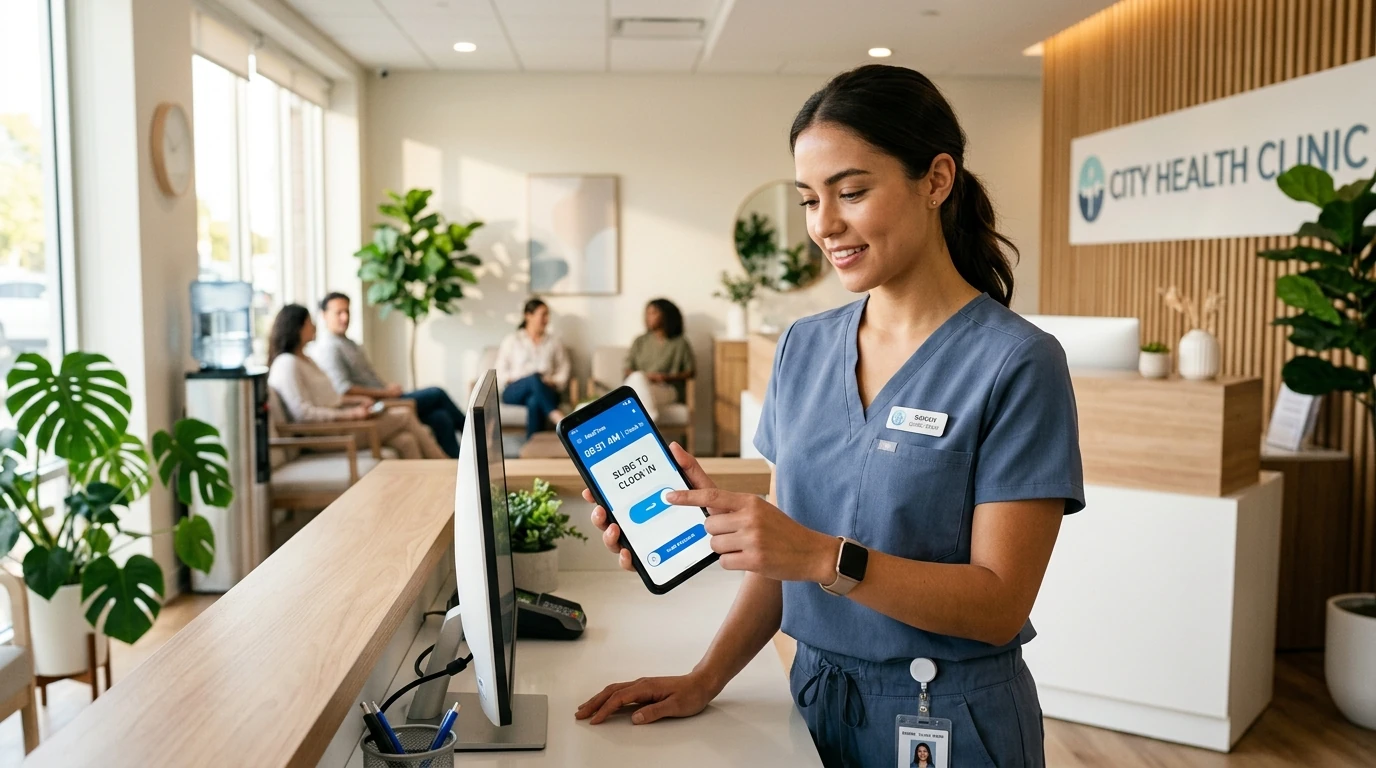
- 1. Swift, Touchless Slide-to-Clock-In: A frictionless gesture (like SlidesClock's horizontal slide) prevents accidental button taps while providing clear tactile confirmation that a shift has commenced.
- 2. Hardware Device Binding: Each user account is tied to their specific smartphone hardware identifier. This prevents an employee from logging into a coworker's account on their phone to clock in for them, eliminating buddy punching without requiring intrusive biometric fingerprint scans.
- 3. Multi-Mode Location Verification: The ability to verify arrivals using either satellite GPS geofencing or secure workplace Wi-Fi validation gives you complete flexibility across both outdoor job sites and indoor offices.
- 4. Shift Schedules and Grace Periods: Configurable work schedules and grace periods allow businesses to set reasonable buffers (e.g., 3 to 5 minutes) so staff are not unfairly flagged for minor building elevator delays.
- 5. Point-of-Action Privacy: True privacy means location coordinates are checked solely during the brief moment of Slide In and Slide Out. The app must never track employee whereabouts between shifts, during lunch breaks, or outside working hours.
Why Indoor Wi-Fi Verification Beats Satellite GPS for Enclosed Workplaces
Satellite GPS works exceptionally well outdoors, but frequently encounters signal drift inside reinforced concrete buildings, basement shops, shopping mall units, and medical complexes. When satellite signals bounce off tall structures, an employee standing right at their desk might register as 60 meters away, triggering false 'out of bounds' warnings.
SlidesClock solves this real-world friction by offering workplace Wi-Fi verification. By linking verification to your shop router or office Wi-Fi gateway, employees can clock in with 100% precision even in zero-satellite environments.
4. How SlidesClock Delivers a Permanent Free Attendance Solution
SlidesClock was designed from the ground up to support independent operators and growing teams without imposing financial barriers. Our permanent Free tier includes everything a small team needs to operate professionally:
- - 100% Free Forever: No monthly fees, no subscription contracts, and no trial countdown.
- - Up to 5 Team Members: Generous capacity covering 5 employees, 1 workplace location, and 1 administrator account.
- - Native Mobile Apps: Available on both the Apple App Store for iOS and Google Play Store for Android.
- - Full Daily Shift Workflow: Real-time clock-in and clock-out, personal attendance logs, customizable work schedules, and built-in leave management requests.
- - Server-Authoritative Time: Tamper-proof cloud timestamps ensure that altering phone clock settings never moves an attendance record.
- - Clear, Affordable Growth Path: When your business expands beyond 5 staff or opens multiple branches, upgrade smoothly to Standard ($12.99/mo for up to 20 staff across 3 sites) or Premium ($29.99/mo for up to 40 staff across 10 sites) with transparent pricing.
5. Comparing Time-Tracking Methods for Small Teams
Choosing how your business records employee attendance requires weighing upfront expenses, daily convenience, and long-term accuracy. Here is how modern mobile tracking compares with legacy alternatives:
| Operational Metric | Paper Timesheet / Binder | Biometric Wall Terminal | SlidesClock Free App |
|---|---|---|---|
| Upfront Hardware Cost | $0 (pens & clipboards) | $800 – $2,500 per unit | $0 (uses existing phones) |
| Monthly Software Fee | $0 | $30 – $100 maintenance | $0 (free for up to 5 staff) |
| Hardware Breakdown Risk | None (paper tears/smudges) | High (sensor wear/power drops) | Zero (distributed mobile apps) |
| Buddy Punching Prevention | Zero (honor system) | High (fingerprint scanner) | High (device hardware binding) |
| Time Tampering Vulnerability | High (manual handwriting) | Low (internal machine clock) | Zero (tamper-proof server clock) |
| Setup & Rollout Speed | 10 minutes | 2 to 4 weeks (shipping/wiring) | Under 5 minutes |
| Employee Privacy Protection | Publicly visible logbook | Biometric template stored | 100% point-of-action verification |
6. Step-by-Step Guide: Launching a Free Attendance App in 5 Minutes
Transitioning your small business to a modern, verified attendance workflow requires no technical background and zero hardware installation. Follow these five simple steps to get started today:
- 1. Create Your Free Account: Sign up on SlidesClock. No payment details, credit cards, or billing commitments are required.
- 2. Establish Your Workplace: Enter your business name and set your physical location. Choose between a satellite GPS geofence radius (e.g., 50 meters) or link your office Wi-Fi network for instant indoor verification.
- 3. Configure Shift Schedules: Set your standard working hours and establish an arrival grace buffer (such as 3 to 5 minutes) so team members are treated fairly when minor transit delays occur.
- 4. Invite Your Employees: Share a secure workspace invitation link or display the printable QR invitation. Staff download the lightweight SlidesClock app on their personal iPhone or Android devices and join with a single tap.
- 5. Experience Frictionless Daily Check-Ins: When employees arrive on-site, they open the app and complete a 2-second Slide In gesture. Managers see real-time floor coverage on the dashboard, and attendance records accumulate automatically.
Ready to Modernize Your Workplace Attendance?
Experience how simple, reliable, and stress-free team management can be. Explore our dedicated free attendance app overview or learn how SlidesClock helps small businesses operate smoothly every day.
Frequently Asked Questions
Is SlidesClock really 100% free, or is it just a limited trial?
SlidesClock offers a genuinely permanent Free tier for teams with up to 5 employees, 1 workplace location, and 1 administrator. It does not expire, requires no credit card to start, and contains no intrusive advertisements.
Can employees clock in from their personal iPhone or Android smartphones?
Yes. The SlidesClock mobile application is free to download on the Apple App Store for iOS and Google Play Store for Android. Employees simply slide to clock in and out on their own devices.
How does a free mobile app prevent buddy punching without biometric hardware?
SlidesClock uses hardware device binding. Each employee account is locked to their personal smartphone hardware ID. A worker cannot sign into a colleague's account on their handset to clock in on their behalf, completely eliminating timesheet fraud.
Does the app continuously track employee location throughout the day?
No. SlidesClock strictly practices point-of-action verification. Location is queried solely during the few seconds when an employee executes a Slide In or Slide Out gesture. The app never monitors background movements, travel routes, or off-duty hours.
What happens if our workplace internet or mobile data goes down?
SlidesClock features built-in offline attendance support. Employees can still complete their Slide In on-site even during network outages. The encrypted punch event is cached securely on the phone and synchronizes automatically with the cloud once connectivity is restored.
What happens when our team grows beyond 5 employees?
As your business expands, you can seamlessly upgrade to Standard ($12.99/month for up to 20 staff across 3 locations) or Premium ($29.99/month for up to 40 staff across 10 locations) directly through App Store subscriptions, keeping all existing attendance data intact.