SlidesClock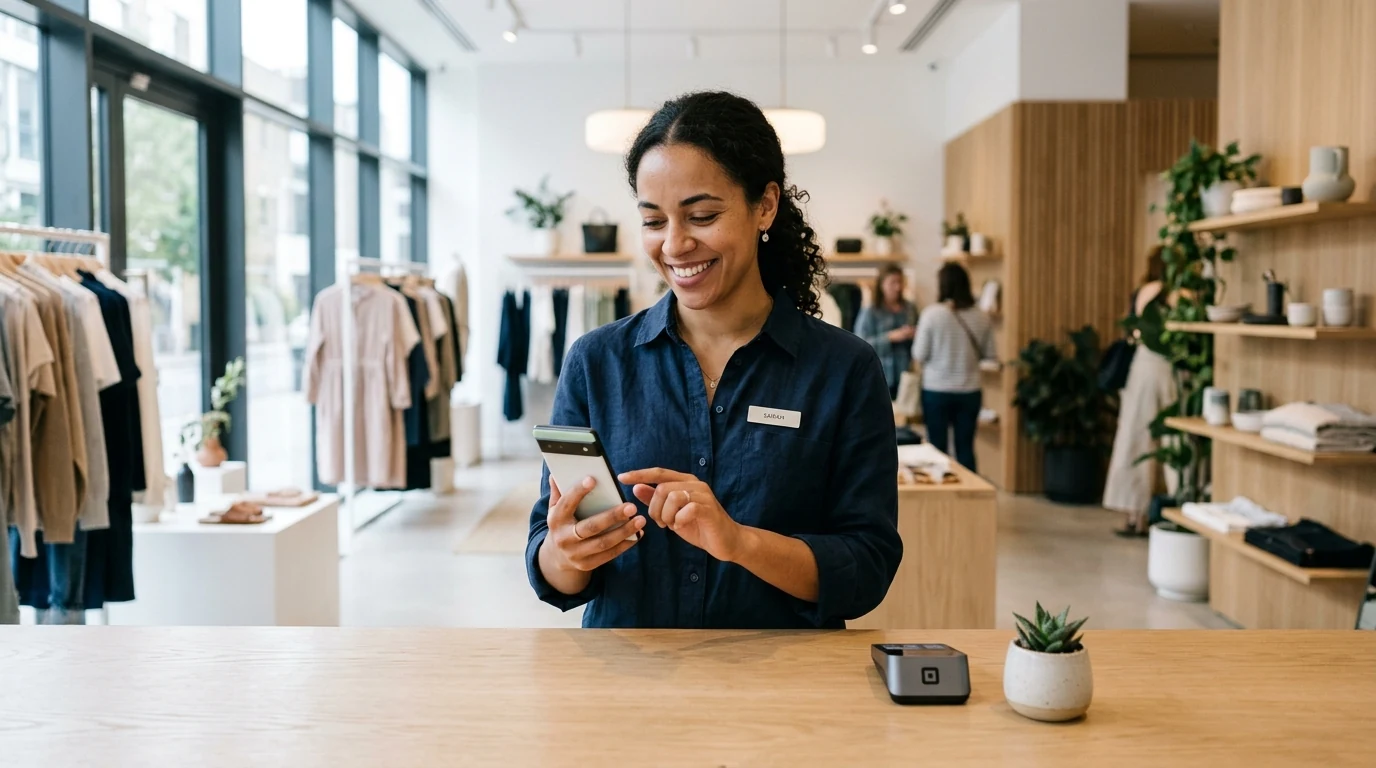

Whether you operate a boutique retail shop, a bustling cafe counter, a neighborhood medical clinic, a parking facility, or a multi-bay car wash, your business relies on frontline attendants to welcome customers, manage transactions, and keep operations running smoothly. Yet for small business owners and floor supervisors, tracking attendant attendance is frequently an administrative headache: paper logbooks with illegible signatures, honor-system timesheets where clock-in times get rounded generously, or expensive biometric wall hardware that breaks down and requires monthly subscription contracts. A free attendant app eliminates these headaches by converting the smartphones your attendants already carry into verified, tamper-proof time clocks. Staff slide to clock in upon arrival, managers see live floor coverage from any device, and timesheet records export cleanly for payroll in seconds. This comprehensive guide explores how a modern free attendant app works, what features to look for, how to prevent timesheet fraud, and how to set up verified staff tracking in under five minutes without spending a dime.
Quick Answer
A free attendant app is a mobile workforce application that tracks staff clock-ins, daily work hours, and shift attendance without subscription fees or specialized hardware. Attendants slide to clock in directly from their personal smartphones, while managers verify attendance via GPS perimeters, store Wi-Fi, or registered devices. Platforms like SlidesClock offer a permanent free tier for up to 5 attendants with zero credit card required.
1. What Is a Free Attendant App (and Why Are Small Businesses Switching?)
A free attendant app is a cloud-powered workforce management platform designed specifically for deskless, frontline service staff—such as retail attendants, cafe baristas, front-desk receptionists, fuel station operators, parking attendants, and clinic assistants. Instead of requiring employees to line up in front of an expensive wall-mounted punch clock or scribble their initials into a paper attendance binder, attendants simply open an intuitive mobile application on their iOS or Android smartphones and complete a two-second slide gesture to record their shift start, break times, and departure.
Small business owners, branch managers, and shopkeepers are rapidly abandoning traditional attendance methods due to four structural operational failures:
- Illegible Handwriting and Guesswork: Paper attendance sheets frequently suffer from messy handwriting, ink smudges, and missing entries. At the end of every pay cycle, managers spend hours deciphering scribbled times and chasing down staff to confirm whether someone started at 8:00 AM or 8:30 AM.
- Unchecked Buddy Punching: With traditional sign-in sheets or basic PIN-based time clocks, attendants routinely sign in for tardy friends who are running 15 minutes behind schedule, driving unearned payroll leakage.
- No Real-Time Floor Visibility: If an owner manages multiple retail branches or off-premise service points, paper logs provide zero live insight. A supervisor cannot see whether an attendant opened the shop on time without making disruptive phone calls.
- High Hardware Capital Costs: Traditional biometric fingerprint terminals and card swipe kiosks cost anywhere from $800 to $2,500 upfront, plus ongoing maintenance fees and software subscriptions that strain small business budgets.
The Trap of '14-Day Free Trials' vs. Truly Free Attendance Software
When searching online for a free attendant app, business owners often encounter software marketed as 'free' that is actually a temporary 14-day or 30-day trial designed to lock companies into costly per-employee monthly billing. Once the trial expires, the software locks out manager dashboards and demands credit card details.
In contrast, SlidesClock's Free tier is permanent: free forever for up to 5 attendants, 1 workplace location, and 1 administrator, with no credit card required and zero expiration date. It is engineered specifically to give independent shops and small service teams enterprise-grade attendance verification without financial barriers.
Mobile BYOD: Leveraging the Smartphones Attendants Already Own
Modern service attendants already carry sophisticated smartphones equipped with high-precision GPS chips, secure hardware enclaves, and Wi-Fi transceivers. A mobile employee attendance app transforms these personal devices into secure, verified time clocks, eliminating hardware procurement and electrical wiring entirely.
2. Core Capabilities to Look for in a Free Attendant App
Not all time-tracking tools are engineered for the realities of fast-paced customer-facing operations. A reliable free attendant app must combine speed, security, and simplicity without burdening staff with complex menus or intrusive monitoring:
1. Instant Two-Second Slide Gesture: Frontline attendants should not navigate multiple drop-down menus while customers wait at the counter. A single, fluid slide gesture starts or ends the shift in seconds.
2. Location Verification Without Invasive Tracking: The software must verify that attendants are physically on-site—using GPS geofencing or store Wi-Fi validation—without conducting creepy 24/7 background surveillance.
3. Hardware Device Binding: The system must bind each attendant's account to their unique smartphone hardware ID, preventing coworkers from clocking in for one another on shared handsets.
4. Tamper-Proof Server Timestamps: Clock-in records must be stamped with authoritative server time rather than trusting the employee's phone clock, ensuring staff cannot manipulate handset date settings to hide tardiness.
5. Live Presence Dashboard: Managers must have access to a clean web dashboard showing who is currently clocked in on the floor, who is taking an approved break, and who is absent.
6. One-Click Timesheet Export: Time records should export cleanly to CSV, Excel, or PDF formats, ready for instant accountant handoff or payroll processing.
3. Comparing Attendant Timekeeping Solutions: Mobile App vs. Paper Register vs. Biometric Terminal
To understand why modern retail shops, service franchises, and local clinics are shifting to mobile attendance apps, consider how the three primary timekeeping methods compare across critical operational criteria:
| Operational Feature | SlidesClock Free Attendant App | Paper Attendant Register | Biometric Hardware Terminal |
|---|---|---|---|
| Upfront Hardware Cost | $0 (Runs on staff smartphones) | $5 (Clipboard, paper binder, and pens) | $800 to $2,500+ per terminal plus installation |
| Monthly Subscription Fee | $0 (Permanent Free tier up to 5 attendants) | $0 (Paper costs only) | $40 to $150/month per terminal subscription |
| Buddy Punching Resistance | Hardware device binding locks account to worker's phone | Zero resistance; attendants easily sign for friends | High resistance via optical fingerprint or facial scan |
| On-Site Physical Validation | GPS geofence perimeter or store Wi-Fi validation | None; cannot prove who actually held the pen | High; tied to physical wall location of terminal |
| Setup & Onboarding Time | Under 5 minutes via QR code invite | Instant (lay out paper on counter) | 2 to 4 weeks for electrical wiring, IT setup, and mounting |
| Real-Time Manager Visibility | Instant live roster board on mobile and web | None; requires visiting physical store to inspect binder | Requires expensive cloud-connected software module |
| Digital Timesheet Export | Automatic 1-click export to CSV, Excel, and PDF | Manual; requires 4-8 hours of data entry every pay cycle | Export available, but often requires proprietary sync cable |
| Shift Scheduling & Grace Periods | Automated shift schedules and customizable grace rules | None; manual coordination on paper wall calendars | Basic shift schedules, often difficult to program |
4. Real-World Roles Where a Free Attendant App Delivers Immediate Value
From neighborhood storefronts to multi-acre outdoor facilities, dedicated attendant apps provide clear accountability across diverse customer-facing sectors:
Retail Shop and Boutique Attendants
In retail clothing boutiques, electronics shops, and specialty stores, punctual floor coverage is essential for opening cash registers and assisting shoppers. Store owners can configure a 50-meter GPS geofence so retail attendants slide in upon arrival, confirming the shop opens precisely on schedule every morning.
Cafe, Barista, and Counter Service Attendants
Fast-paced cafes, juice bars, and quick-service bakeries experience rapid morning rushes where staff cannot afford to queue at a shared terminal. Attendants slide in on their phones before washing up and starting espresso prep, keeping hygiene standards high and queue times zero.
Parking and Valet Attendants
Parking structures, hotel valet kiosks, and outdoor event lots operate in exposed environments where mounting delicate biometric computers is impractical. Parking attendants slide in from mobile kiosks, ensuring transparent labor records across outdoor shifts.
Medical and Dental Clinic Reception Attendants
Front-desk reception attendants in dental offices and outpatient clinics greet patients, verify insurance, and coordinate appointments. Eliminating communal punch clocks reduces viral pathogen transmission among healthcare staff, supporting a cleaner medical work environment.
5. Eliminating Timesheet Fraud: How Modern Attendant Apps Prevent Buddy Punching
The single most prevalent payroll vulnerability in small business operations is timesheet fraud—particularly buddy punching, where one employee clocks in on behalf of an absent or late coworker. Industry research shows buddy punching inflates payroll costs by 2% to 5% annually.
While traditional businesses turned to expensive biometric scanners to solve this issue, biometric hardware introduces heavy legal compliance liabilities (such as Illinois BIPA and European GDPR regulations). A modern free attendant app eliminates buddy punching through non-invasive software security:
- 1. Hardware Device Registration: When an attendant first joins the team, SlidesClock registers the unique cryptographic hardware identifier of their personal phone. Employees cannot log into coworkers' accounts from their device or clone credentials.
- 2. Dual-Layer Location Verification: Punches are verified against either the workplace GPS geofence radius or the store's verified internal Wi-Fi network, ensuring clock-ins only succeed when staff are physically inside the facility.
- 3. Cryptographic Server Timestamps: Shift events are stamped by atomic cloud clocks upon receipt. Employees cannot alter their handset settings or turn back their phone clock to disguise late arrivals.
- 4. Transparent Audit Trails: If an attendant forgets to clock out and a supervisor retroactively inputs their departure time, the platform logs the edit transparently with the manager's ID, preserving a complete audit record.
6. Privacy Ethics and Staff Buy-In: Why Ethical Point-in-Time Tracking Wins
When business owners announce they are introducing an attendance app, staff often worry about personal privacy: 'Is my employer tracking my location when I leave work?'
Transparent communication is vital to building trust and ensuring enthusiastic team adoption:
Point-in-Time Verification vs. Continuous Tracking
Explain clearly to your attendant team that SlidesClock uses point-of-action verification. Location is queried exclusively during the two seconds when the attendant slides to clock in or clock out.
The app does not monitor driving routes, personal movements, or off-duty locations. The instant the slide event is recorded, location hardware disengages completely.
Virtually Zero Battery and Data Consumption
Because SlidesClock does not run power-hungry background location listeners, it consumes less than 0.1% of an attendant's smartphone battery per shift and under 5 megabytes of cellular data per month, giving staff total confidence on their personal handsets.
7. How to Set Up Your Free Attendant App in 5 Minutes
Rolling out digital attendance for your attendant crew takes less than five minutes and requires zero technical expertise:
1. Create Your Free Account: Download SlidesClock from the App Store or sign up on the web dashboard at app.slidesclock.com. Your Free tier is active immediately.
2. Configure Your Workplace: Enter your shop, clinic, or counter location address, and set a 50-meter GPS geofence radius or select your store Wi-Fi network.
3. Set Shift Schedules: Define standard opening and closing shifts, lunch break rules, and grace periods in your work schedules settings.
4. Invite Your Attendants: Display the company invite QR code on your counter or send the invite link via WhatsApp or Telegram. Attendants download the app and join in two minutes.
5. Watch Your First Live Shift: As attendants arrive and slide to clock in, monitor your live floor coverage in real time and retire paper sign-in sheets forever!
Explore Dedicated Free Attendance Solutions
Learn more about how SlidesClock empowers small businesses worldwide with our dedicated free attendance app platform, or review our transparent pricing and plan tiers.
Frequently Asked Questions
Is SlidesClock truly a free attendant app or just a free trial?
SlidesClock is genuinely free forever for teams with up to 5 attendants, 1 workplace location, and 1 administrator. There is no trial expiration date, no feature gating on core attendance, and no credit card or payment information required to sign up.
Can attendants clock in using their own personal smartphones?
Yes. Attendants download the lightweight SlidesClock app on their personal iPhone (App Store) or Android device. Clocking in requires a single 2-second slide gesture, eliminating communal punch clock lines and hardware installation.
How does the app verify that an attendant is actually at work?
SlidesClock verifies attendance using customizable workplace policies: GPS geofencing (confirming the attendant's phone is within the workplace radius) or workplace Wi-Fi network validation (ensuring the device is connected to the shop router).
What happens if my team grows beyond 5 attendants?
When your team expands beyond 5 attendants or opens additional store locations, you can smoothly upgrade to Standard ($12.99/month for up to 20 staff across 3 locations) or Premium ($29.99/month for up to 40 staff across 10 locations) with transparent App Store billing.
Can an attendant clock in for another coworker who is running late?
No. SlidesClock utilizes hardware device binding, which locks each attendant's account to their specific smartphone hardware identifier. An attendant cannot sign into a colleague's account on their phone, completely eliminating buddy punching.
Does the attendant app track employee location when they leave work?
No. SlidesClock strictly uses point-of-action verification. Location is queried exclusively during the few seconds when an attendant slides to clock in or clock out. The app does not track routes, whereabouts, or movements between shifts or off-duty.