SlidesClock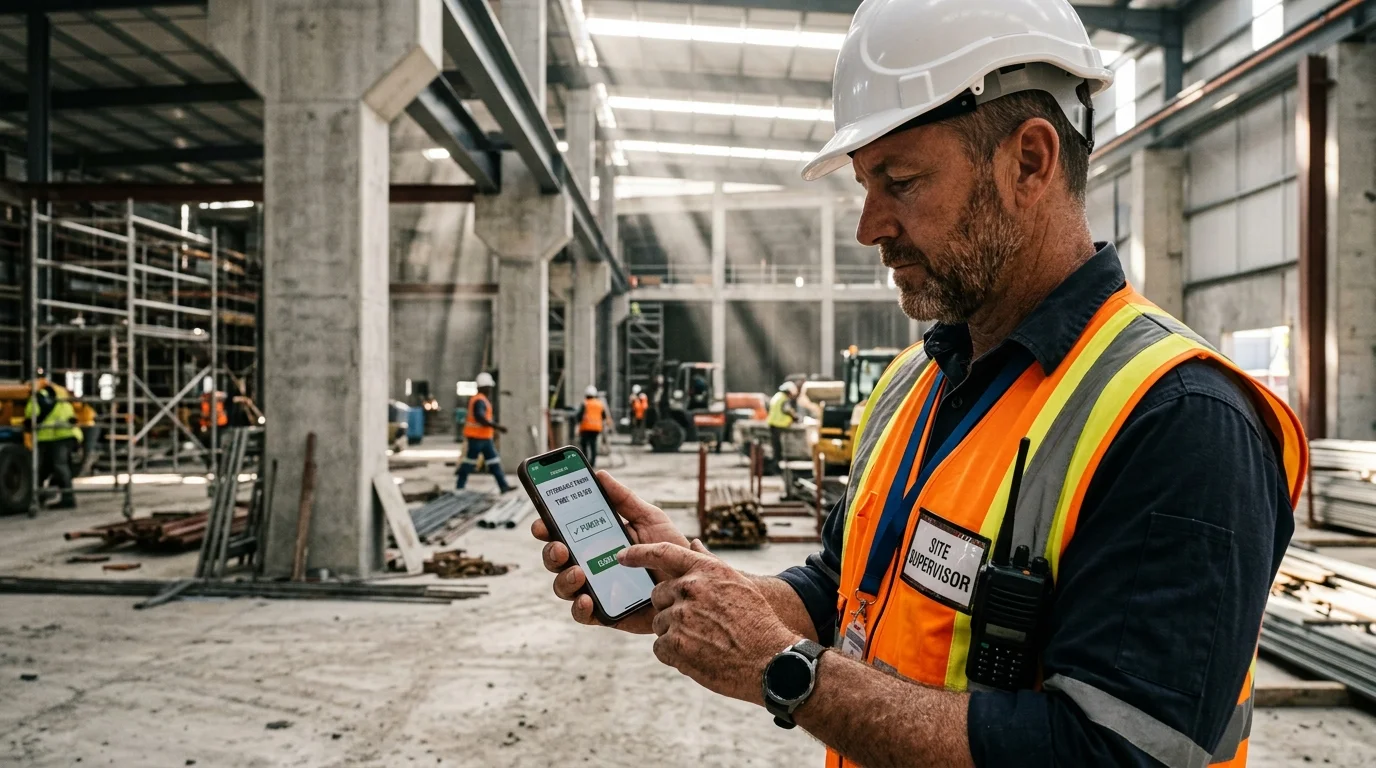

Real work does not always happen in air-conditioned office towers with uninterrupted Gigabit fiber connections. Construction crews pour foundations in concrete sub-basements; retail teams operate in subterranean shopping concourses; event caterers manage pop-up food stalls in remote festival parks; and logistics drivers load freight containers inside steel-clad warehouses where cellular signals cannot penetrate. When businesses rely on cloud-only attendance apps that require an active internet connection at the exact millisecond of clock-in, employees face spinning loading spinners, failed punch errors, and chaotic manual paper backups. An offline attendance app solves this fundamental field challenge through store-and-forward mobile architecture: capturing verified, tamper-resistant shift events locally on the device and syncing them automatically the instant connectivity is restored. This guide covers how offline attendance logging works, how secure systems prevent smartphone clock tampering, and how to roll out offline time tracking across demanding field operations.
Quick Answer
An offline attendance app is a mobile time-tracking system that records employee clock-ins and clock-outs locally on the device when internet or cellular connectivity is unavailable. Once the smartphone reconnects to Wi-Fi or mobile data, the app automatically syncs the cached timestamps and location data to the cloud dashboard. This ensures uninterrupted time tracking in basements, construction job sites, and remote locations.
1. What Is an Offline Attendance App (and Why Do Real Workplaces Need One)?
An offline attendance app is an employee time-tracking platform engineered to record shift events—such as clocking in, starting breaks, and clocking out—without requiring an active Wi-Fi or cellular network connection at the moment of interaction. Instead of refusing to operate or dropping the punch event, the app encrypts and caches the record locally on the employee’s device, queues it securely, and uploads it to the company’s central cloud database as soon as a data connection becomes available.
Modern workforce software frequently assumes an idealized world of persistent 5G mobile coverage and seamless broadband. In reality, millions of hourly employees work in physical environments characterized by intermittent or nonexistent signal:
- Subterranean Commercial Facilities: Basements, underground kitchens, wine cellars, parking garages, and subway concourses where radio frequency signals are blocked by meters of reinforced concrete and soil.
- Heavy Industrial & Steel Structures: Distribution hubs, cold storage freezers, metal warehouses, and manufacturing plants designed with dense Faraday-cage-like metallic framing.
- Field & Remote Job Sites: Civil infrastructure projects, agricultural fields, landscaping routes, highway contracting, and residential construction sites where telecommunications utilities have not yet been installed.
- Temporary Pop-Up Events & Mobile Services: Weekend food trucks, festival catering, outdoor farmers markets, and traveling cleaning crews operating outside stationary offices.
The Cost of the "Connection Failed" Spinner
When an attendance app fails due to poor signal, the operational consequences compound rapidly. Employees who arrive punctually at 7:55 AM get stuck staring at an error screen. Frustrated staff either give up or write down their times on coffee-stained napkins or scraps of drywall.
By the end of the payroll cycle, store managers and operations leads spend hours deciphering illegible handwriting, retroactively adjusting shift logs, and resolving disputes over whether an employee started at 8:00 AM or 8:15 AM. A reliable employee attendance app with native offline capabilities eliminates this administrative friction entirely.
2. How Offline Attendance Tracking Works: The Store-and-Forward Architecture
To provide reliable time tracking without constant connectivity, an offline attendance system utilizes an enterprise software design pattern known as "store-and-forward". Rather than treating cloud connectivity as a mandatory prerequisite for user actions, the app treats local storage as the primary write target and the cloud as an eventual consistency destination.
Here is the complete step-by-step lifecycle of an offline shift punch:
- 1. Local Event Capture: When an employee slides to clock in, the mobile app creates a structured event object containing the employee identifier, punch type (Slide In or Slide Out), and device state.
- 2. Monotonic Time Anchoring: Rather than simply trusting the phone’s user-editable clock, the app captures hardware-level uptime counters and internal monotonic ticks.
- 3. Encrypted Local Storage: The event payload is encrypted and written to an on-device local database (such as SQLite or encrypted Keystore/Keychain storage), preventing tampering or accidental data wipe if the app is closed.
- 4. Silent Network Monitoring: A low-power background operating system listener monitors network reachability without continuously pinging servers or draining battery.
- 5. Automatic Cloud Synchronization: The moment the device detects an active cellular data or Wi-Fi connection, the cached queue is transmitted to the central server, decrypted, validated, and published to the manager dashboard.
Zero Battery Drain from Network Polling
Early time-tracking apps drained smartphone batteries because they constantly pinged remote servers every few seconds trying to establish a connection. Modern architecture delegates network detection to native iOS and Android system reachability APIs.
The attendance app remains completely dormant until the operating system signals that packet transmission is viable, preserving employee phone battery even during 10-hour field shifts.
3. The Timestamp Integrity Problem: Preventing Phone Clock Manipulation Offline
The most common technical objection business owners and payroll administrators raise regarding offline time clocks is fraud: "If the app is offline and disconnected from server time, what stops a dishonest employee from rolling back their phone’s settings clock by 30 minutes to disguise tardiness?"
In naive, poorly engineered time apps, changing the smartphone system clock from 9:30 AM back to 9:00 AM in iOS or Android Settings will indeed forge the attendance punch. However, robust enterprise attendance apps implement multiple layers of defense to guarantee timestamp integrity even without internet connectivity.
Hardware Monotonic Uptime Clocks
Smartphones feature two distinct clock mechanisms: the user-configurable wall clock (which displays local time on the lock screen) and the system monotonic clock (such as CLOCK_BOOTTIME on Linux/Android and mach_continuous_time on iOS).
The monotonic clock counts continuous elapsed ticks from the moment the device was booted. It cannot be altered, paused, or reversed by the user, even if they change time zones or manually manipulate date settings. When an offline punch is recorded, the app binds the punch to the monotonic elapsed counter.
Satellite GPS Atomic Time Signals
Global Positioning System (GPS) satellites continuously transmit high-precision atomic clock time alongside orbital positioning signals. Even when an employee has zero cellular bars and no Wi-Fi, their phone’s GPS chip can receive satellite broadcast timestamps.
An offline time clock app with GPS can cross-reference the satellite atomic clock against internal device counters, creating a verifiable record that cannot be spoofed by modifying handset settings.
Server Drift Reconciliation Upon Reconnection
When the phone reconnects to the network, SlidesClock transmits the queued punch along with the elapsed monotonic delta. The cloud server calculates the mathematical difference between the reconnection moment and the elapsed ticks.
If an employee attempted to manipulate their phone clock, the server detects the discrepancy immediately, flags the punch with an audit warning on the manager dashboard, and logs the mathematically authoritative true time.
4. Offline Attendance Systems Compared: Offline Mobile App vs. Cloud-Only App vs. Paper Log
When evaluating workforce management options for environments with unstable internet connectivity, businesses typically choose between three approaches. Here is how they compare across critical operational, financial, and technical factors:
| Operational Criterion | Offline Mobile App (SlidesClock) | Cloud-Only Attendance App | Paper Sign-In Sheet |
|---|---|---|---|
| Zero-Signal Reliability | 100% functional; punches cached locally instantly | Fails completely; throws connection errors | Functional (pen and paper always work physically) |
| Clock Tampering Defense | Hardware monotonic clocks & server drift reconciliation | Dependent on active server clock connection | Zero defense; employees write down whatever time they wish |
| Capital & Hardware Cost | $0 (Runs on staff smartphones) | $0 to $500 (Smartphones or wall tablets) | $5 (Clipboards, pens, and printed paper sheets) |
| Sync to Payroll Dashboard | Automatic in background upon network reconnection | Instant if online; non-functional if offline | Manual; requires hours of manual data entry every week |
| Risk of Data Loss | Near zero (Encrypted local database on device) | High if punch fails to transmit and user forgets | Very high (Coffee spills, torn sheets, lost clipboards) |
| Field & Job-Site Mobility | Native support for moving construction & service crews | Requires mobile hotspot or cellular data plan | Tied to a physical desk or vehicle clipboard |
| Audit Trail & Verification | Cryptographic signatures and manager sync badges | Server logs when connected | Zero audit trail; impossible to verify presence |
| Employee Experience | Fast, 2-second slide action without delays | Frustrating loading spinners and error alerts | Messy, slow, and prone to handwriting disputes |
5. Demanding Industries That Rely on Offline Attendance Tracking
While corporate office environments rarely think about connectivity dropouts, several major economic sectors cannot function without resilient offline attendance logging:
Commercial & Residential Construction and Contracting
On active construction job sites, telecommunications infrastructure is frequently nonexistent during early project phases. Framers, electricians, and concrete specialists often work in reinforced sub-basements or remote developments miles from cellular towers.
An offline time clock enables site superintendents and subcontractors to maintain precise labor records without purchasing expensive portable satellite terminals or relying on chaotic paper tally books. For mobile trades, explore our dedicated guide on GPS attendance apps for field employees.
Underground Hospitality, Dining & Nightlife
Many historic urban restaurants and bars operate out of subterranean cellars, speakeasies, or commercial kitchens located beneath multiple levels of concrete and masonry. Mobile data signals rarely penetrate these spaces.
With offline support, line cooks, dishwashers, and floor staff can Slide In on their personal phones immediately upon stepping into the kitchen, ensuring every minute of prep time is recorded accurately.
Events, Catering, Festivals & Pop-Up Retail
Outdoor music festivals, county fairs, wedding catering, and weekend farmers markets present unique connectivity challenges. When thousands of attendees gather in one area, local cellular cell towers become overloaded, causing data speeds to drop to zero.
A robust offline app ensures staff can record their shift starts, breaks, and closing punches without being hindered by cellular network congestion.
Field Services, Landscaping & Agricultural Operations
Service technicians repairing rural irrigation pumps, landscaping crews maintaining distant estates, and harvesting teams in agricultural orchards frequently work well outside cellular coverage boundaries. Offline attendance records verified hours throughout the day and syncs automatically when the truck returns to the highway or depot.
6. Conflict Resolution, Attendance Flags, and Manager Audit Trails
Handling offline attendance requires clear administrative visibility. When hours sync hours or days after the actual event, managers need transparency into how and when the record was created.
SlidesClock provides clear visual indicators and audit logs on the web management dashboard:
- Offline Sync Badges: When a punch is uploaded from local cache, the manager dashboard marks the record with an informative sync badge indicating the punch occurred offline and was subsequently reconciled.
- Cryptographic Event Details: Managers can inspect the exact hardware-recorded punch timestamp alongside the network sync timestamp, making payroll audits transparent.
- Missing Punch Prevention: If an employee leaves a dead zone and forgets to punch out, SlidesClock’s shift schedule engine can flag incomplete shifts for quick manager review and one-click attendance corrections.
- Exportable Compliance Records: All offline logs, sync deltas, and managerial approvals can be exported cleanly to CSV or Excel for payroll audits and labor law compliance.
7. How SlidesClock Powers Offline Attendance with Zero Hardware Overhead
SlidesClock was engineered from the ground up to handle frontline working conditions worldwide. Built by solo founder Seng Chhunsour, the application reflects deep frontline empathy for small businesses that operate in challenging physical spaces.
Here is how SlidesClock delivers seamless offline attendance tracking:
- Zero Wall Hardware Required: Your business does not need to wire expensive biometric terminals, barcode scanners, or kiosk tablets. Staff use the iOS or Android smartphones already in their pockets.
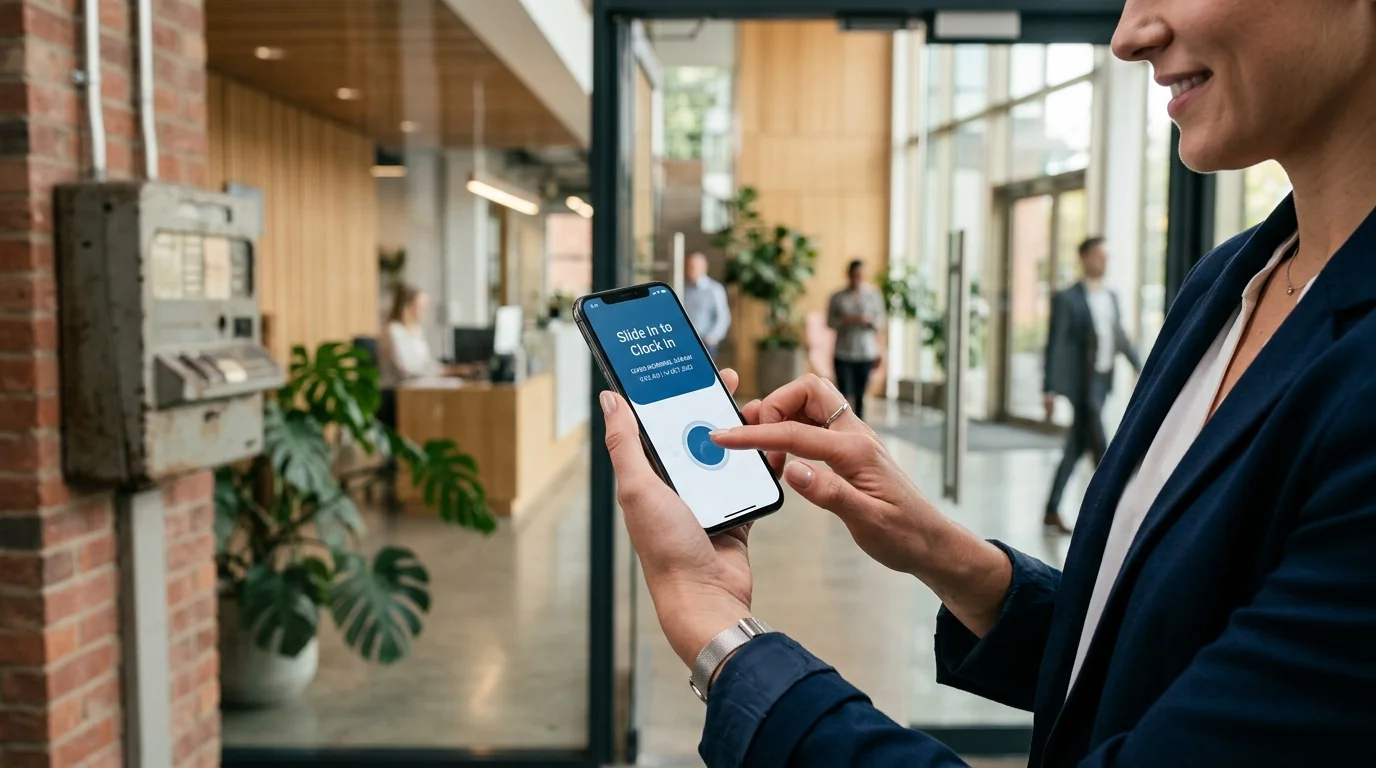
- Instant 2-Second Interaction: Employees simply open the app and perform the signature "Slide In" gesture. If the device is offline, the app records the event locally and confirms completion immediately.
- Point-in-Time Verification: Verification checks happen strictly at the moment of Slide In and Slide Out. SlidesClock never runs continuous background location tracking, preserving staff privacy and device battery life.
- Transparent and Honest Free Plan: SlidesClock’s Free tier is free forever for up to 5 employees, 1 workplace, and 1 admin, with zero credit card required and no artificial trial expiration dates.
- Affordable Growth Tiers: Growing teams can upgrade to Standard ($12.99/month for up to 20 staff and 3 locations) or Premium ($29.99/month for up to 40 staff and 10 locations, adding advanced attendance corrections and optional payroll tools) through Apple StoreKit.
8. Implementation Checklist: Rolling Out Offline Time Tracking to Your Field Team
Deploying offline time tracking across a mobile or field workforce is straightforward when following a structured rollout plan:
Step 1: Configure Your Workplace Settings
Sign in to SlidesClock, create your company profile, and add your primary job site or office location. If your team works at remote sites with known boundaries, configure your GPS attendance radius (such as 150 meters).
Step 2: Onboard Employees on Personal Smartphones
Have your employees download SlidesClock from the App Store (or request the Android APK at Android app testing). Share your company invitation code. Each employee account automatically binds to their unique handset, preventing buddy punching.
Step 3: Conduct a Controlled "Airplane Mode" Demonstration
Before dispatching crews into dead zones, demonstrate offline functionality in a team meeting. Have an employee enable Airplane Mode, open SlidesClock, and Slide In. Point out the instant local confirmation. Then disable Airplane Mode and show how the punch syncs to the manager dashboard within seconds.
Step 4: Establish a Daily End-of-Shift Sync Routine
Instruct field workers to open SlidesClock once they return to an area with cellular service (or connect to home Wi-Fi) at the end of each shift. This ensures all daily attendance logs sync before payroll cutoffs.
Frequently Asked Questions
What is an offline attendance app?
An offline attendance app is mobile software that records employee clock-ins and clock-outs locally on their smartphones when internet connectivity is unavailable. Once the phone reconnects to Wi-Fi or mobile data, the app automatically syncs the stored records to the cloud management dashboard.
How does an attendance app record time if there is no internet connection?
The app writes the attendance event to encrypted local storage on the handset using hardware-level monotonic clocks and device timestamps. It queues the punch payload securely and uploads it automatically the moment an active cellular or Wi-Fi data connection is detected.
Can employees cheat an offline time clock by changing their phone settings clock?
No. Secure attendance apps like SlidesClock rely on system monotonic uptime clocks and satellite GPS time rather than the user-editable phone settings clock. When the device reconnects, the cloud server reconciles elapsed ticks against atomic server time, flagging any tampering attempts.
Does GPS location verification work when an employee is completely offline?
Yes. Smartphone GPS receivers capture signals directly from orbiting positioning satellites without needing cellular data or Wi-Fi. The device records its geographic coordinates during the offline punch, which are verified against workplace geofence boundaries upon sync.
What happens when an employee reconnects to Wi-Fi or cellular data?
The app detects the active network connection through system reachability APIs and transmits all queued attendance punches to the cloud database in the background. The manager dashboard updates automatically with verified timestamps and sync badges.
How long can an employee use the attendance app offline before syncing?
Employees can record punches offline for several days or weeks because local encrypted storage consumes negligible space. However, businesses typically establish a daily or weekly sync policy so managers have up-to-date timesheets for scheduling and payroll.
Can managers see which attendance records were created offline?
Yes. SlidesClock displays an offline sync badge on the manager dashboard alongside the raw timestamp and sync timestamp. This provides full audit transparency so supervisors know exactly when an event occurred versus when it was transmitted.
Does SlidesClock charge extra for offline attendance functionality?
No. Offline attendance logging is a built-in core capability available on every SlidesClock plan, including the permanent Free tier (up to 5 employees and 1 location). No enterprise add-on or hardware purchase is required.