SlidesClock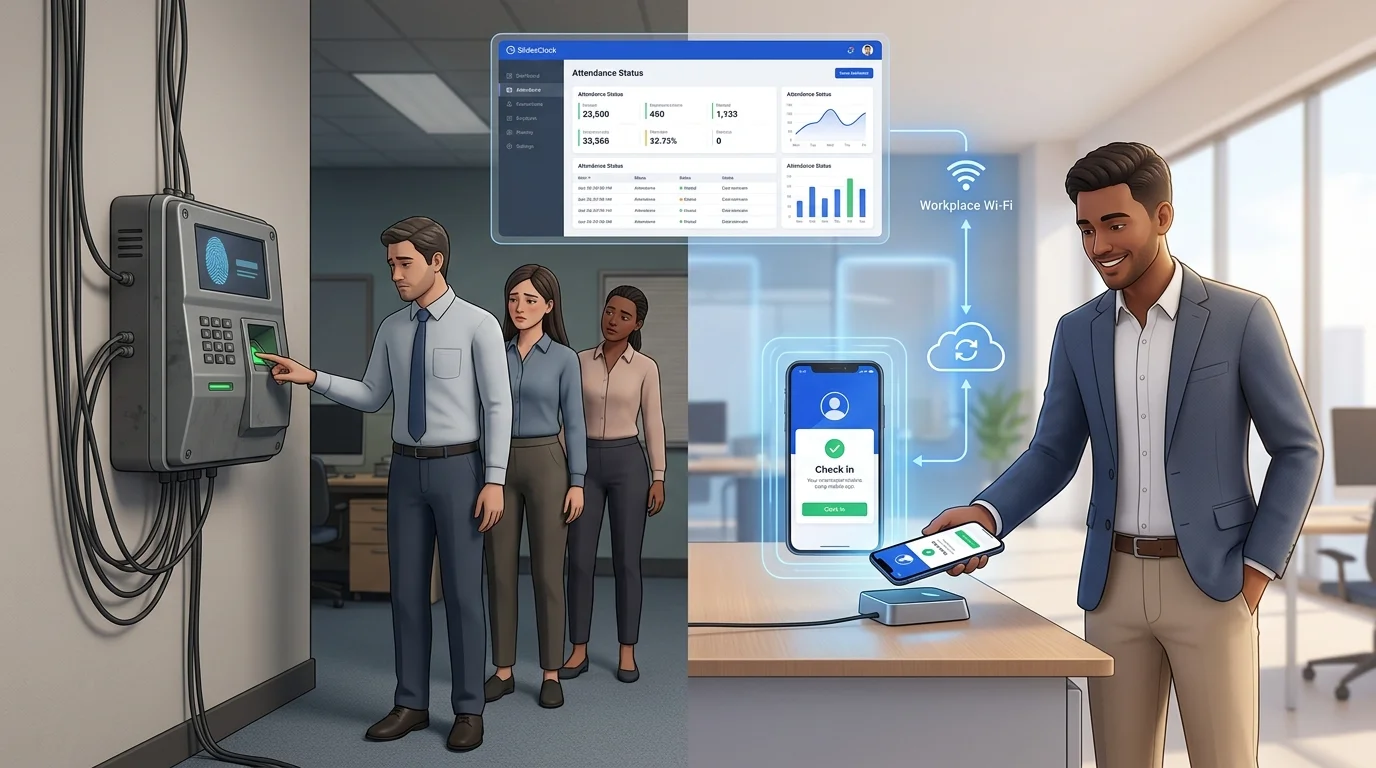

Choosing how to record employee work hours is a pivotal operational decision for any growing business. For decades, wall-mounted attendance machines—whether optical fingerprint readers, facial recognition terminals, or RFID badge swipe clocks—were considered the universal standard. Today, forward-thinking businesses, from retail shops and dining venues to warehouses and mobile trade crews, are retiring dedicated hardware in favor of mobile attendance apps. This guide examines attendance mobile apps versus physical attendance machines, detailing upfront expenses, ongoing maintenance burdens, shift change bottlenecks, and multi-branch scalability to help you choose the right system.
Quick Answer
The primary difference between a mobile attendance app and a physical attendance machine is hardware dependency: attendance machines require purchasing, mounting, and maintaining proprietary wall terminals ($300 to $1,500+ per unit) that create doorway queues and fail in dirty or field environments. A mobile attendance app turns employee smartphones into secure, self-service clock-in devices using point-of-action verification (such as GPS geofencing or workplace Wi-Fi) with server-backed timestamps, cutting capital expenditure to zero and scaling instantly across branches.
1. The Workplace Dilemma: Physical Hardware vs. Mobile Software
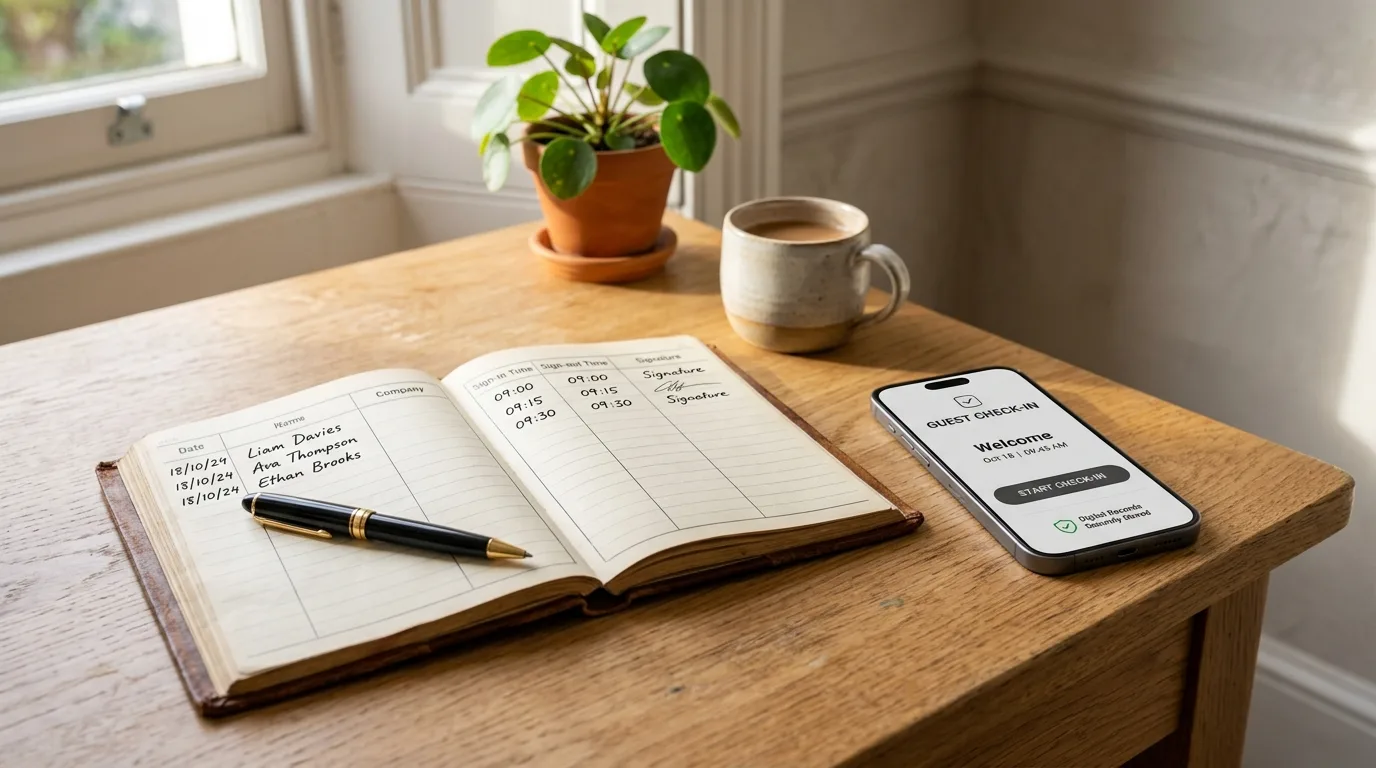
Every manager knows the frustration of timesheet disputes, missed punches, and payroll preparation delays. To ensure accountability, businesses have historically mounted dedicated attendance machines near workplace entrances. The logic seemed sound: if an employee must physically touch a sensor or swipe a badge at the door, attendance is verified.
However, modern working patterns have outgrown stationary wall clocks. Workforces are increasingly dynamic, combining on-site staff, rotating shift workers, mobile field technicians, and multi-branch teams. Mounting a fixed terminal by a single door creates operational bottlenecks, introduces ongoing repair costs, and fails to support staff working off-site.
Consequently, businesses worldwide are adopting mobile attendance apps. Rather than forcing workers to queue at a shared wall reader, employees confirm their shifts on the smartphones already in their pockets. Understanding the operational trade-offs between these two paradigms is essential before committing company capital.
2. What Is an Attendance Machine?
An attendance machine is an electronic hardware terminal permanently installed on a wall or mounted on a stand at a workplace entrance. Employees record their arrival and departure by interacting directly with the physical unit.
Fingerprint Biometric Machines
Optical or capacitive fingerprint scanners capture a digital template of an employee's fingerprint ridge pattern. While effective at proving physical contact, optical prisms degrade quickly in dusty, oily, or damp environments.
Facial Recognition Terminals
Equipped with infrared cameras, these kiosks match facial geometry against stored biometric profiles. While contactless, they represent the most expensive hardware class and struggle with shifting ambient lighting, hats, or protective face masks.
RFID Badge and Card Swipe Clocks
Staff tap proximity key fobs or swipe magnetic stripe cards across a reader. Although mechanically simple, they offer zero defense against buddy punching, as employees frequently pass cards to coworkers.
Standalone Wall Terminals
Older digital terminals require staff to key in a personal PIN. They lack biometric proof, suffer from shared surface wear, and cause long queues during shift changeovers.
3. What Is a Mobile Attendance App?
A mobile attendance app is specialized cloud software installed on employees' personal or company-issued smartphones (a Bring Your Own Device model). Staff record their attendance by completing an intuitive digital check-in upon stepping onto workplace premises.
Unlike basic phone alarms, an enterprise-grade mobile attendance tool does not trust handset settings. Instead, it utilizes synchronized cloud servers to record authoritative timestamps in the business timezone, making device clock manipulation impossible.
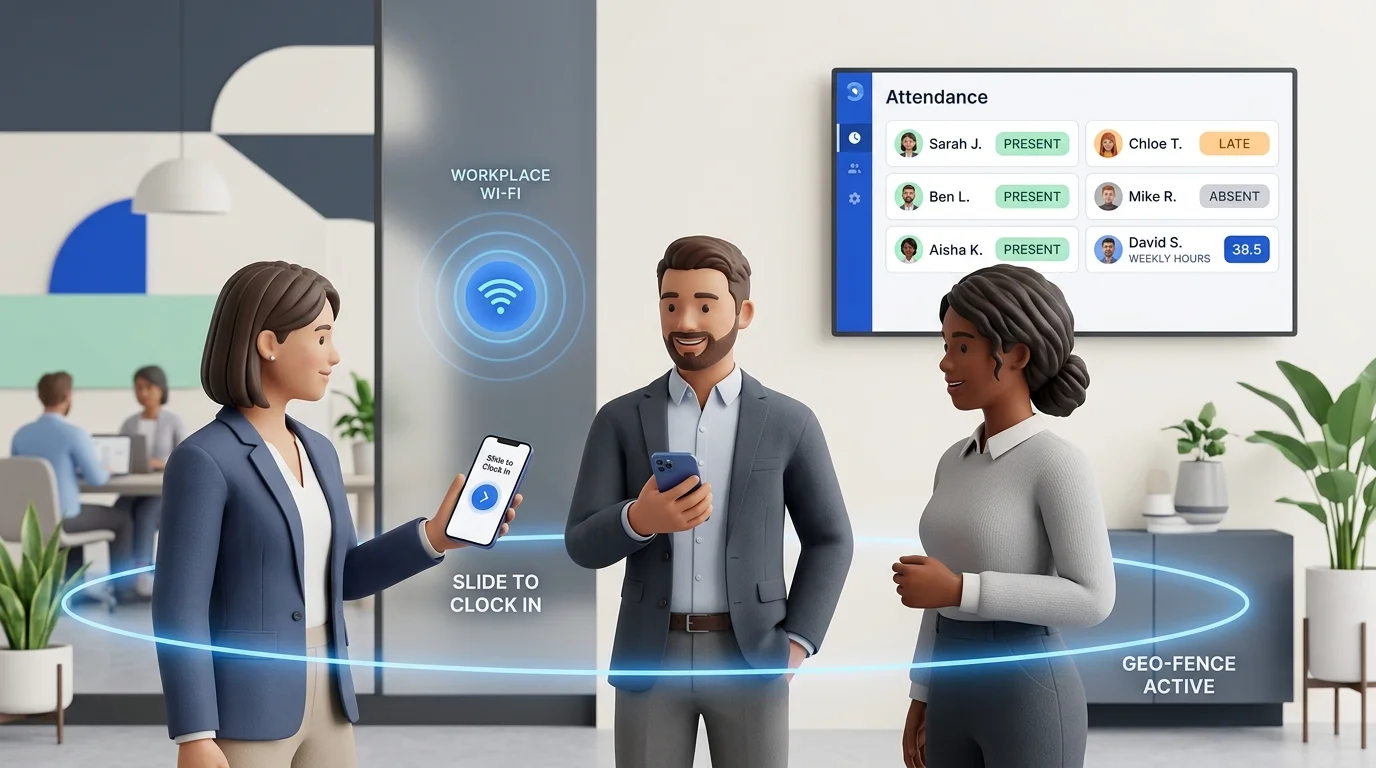
Modern mobile apps incorporate point-of-action verification signals. Workplaces enforce perimeter boundaries through point-of-action GPS geofencing or workplace Wi-Fi network checks, ensuring employees check in strictly from the authorized job site without running invasive 24/7 background location tracking.
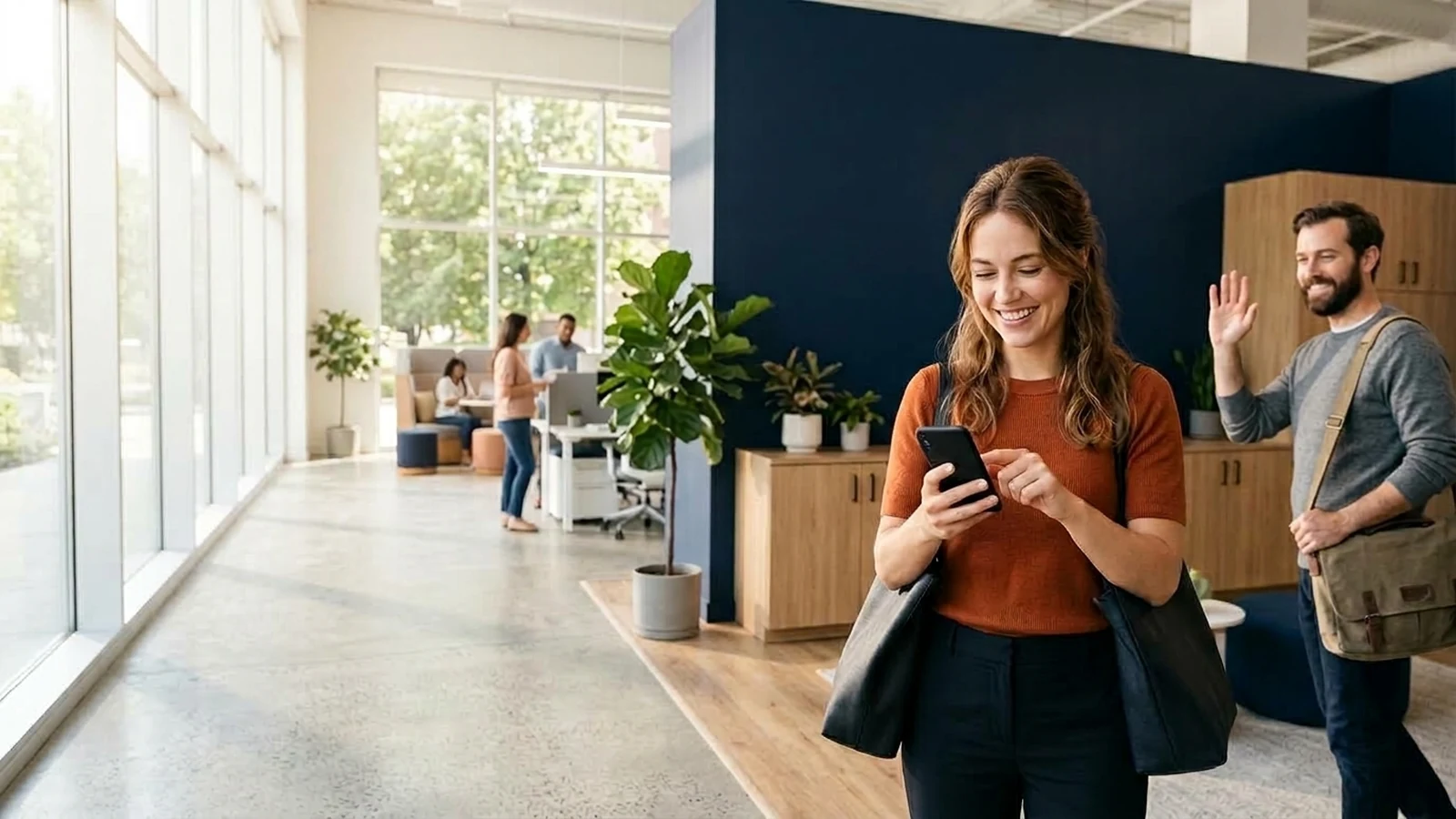
- Self-service convenience: Staff clock in simultaneously in two seconds without doorway bottlenecks.
- Integrated workforce features: Mobile apps unify shift schedules, leave requests, overtime tracking, and personal attendance history in one interface.
- Instant cloud synchronization: Attendance records feed directly into administrative dashboards and payroll summaries.
4. Attendance Mobile App vs Attendance Machine: Key Differences
Evaluating an attendance mobile app versus an attendance machine requires comparing how each approach handles twelve core operational dimensions:
- Setup Cost: Machines demand $300 to $1,500+ per unit plus electrical and mounting labor. Mobile apps require $0 in upfront hardware.
- Maintenance & Repairs: Physical terminals suffer sensor scratches, power supply failures, and network card burnout. Mobile apps update automatically through standard app stores.
- Hardware Dependency: Terminals represent a single point of failure; if a unit dies, shift tracking halts. Mobile apps operate independently on individual handsets.
- Operational Flexibility: Wall machines are bound to a single doorway. Mobile apps accommodate retail shops, trade vans, outdoor yards, and client job sites.
- Ease of Scaling: Adding a new team member to an app takes a digital invite. Adding staff to a machine requires manual biometric enrolment sessions at the terminal.
- Multi-Branch Support: Expanding to three sites requires three physical machines with separate network configurations. An app adds new workplaces digitally in seconds.
- Remote & Field Staff: Machines cannot track field plumbers, cleaners, or delivery drivers. Mobile apps verify field presence via GPS coordinates upon arrival.
- Reporting & Analytics: Legacy machines require manual USB thumb-drive exports or complex local server polling. Mobile apps provide real-time dashboard analytics.
- Admin Convenience: Managers can review attendance and approve leave requests from anywhere via web consoles rather than visiting physical terminal utility menus.
- Employee Experience: Tapping a personal phone is hygienic, fast, and gives staff direct visibility into accrued hours and leave balances.
- Timestamp Accuracy: Biometric machines rely on internal clocks that can drift unless networked to NTP servers. Cloud apps use synchronized server time.
- Payroll Workflow Support: Modern apps export structured, audit-ready CSV summaries directly formatted for accounting and payroll tools.
6. Comprehensive Comparison: Mobile App vs. Attendance Machine
This comparison matrix highlights the fundamental trade-offs between physical biometric terminals and a modern mobile attendance app like SlidesClock:
| Evaluation Metric | Biometric Attendance Machine | Mobile Attendance App (SlidesClock) |
|---|---|---|
| Capital Expense | $300 to $1,500+ per terminal | $0 (Runs on existing smartphones) |
| Installation Effort | Drilling, wiring, power, network cabling | Instant app download via App Store / direct link |
| Ongoing Maintenance | Sensor cleaning, firmware patches, hardware repairs | Zero maintenance; automated cloud updates |
| Buddy Punching Defense | High (Requires physical finger/face) | High (Registered device binding & perimeter check) |
| Field / Mobile Work | Impossible (Fixed to wall) | Seamless (GPS point-of-action verification) |
| Shift Entrance Bottleneck | Severe queues at shift changeovers | Zero (All workers check in simultaneously) |
| Multi-Site Management | Separate hardware purchase for each branch | Add unlimited workplaces in one company account |
| Staff Visibility | None (Must ask HR to view hours) | Instant self-service history, rosters, and leave |
| Payroll Integration | Manual USB export or fragile local network sync | One-click CSV summaries and optional payroll tools |
7. Where Attendance Machines Still Make Sense
A balanced operational evaluation recognizes that physical biometric terminals still hold a legitimate place in specific operational environments:
- High-security industrial facilities: Government sites, server rooms, or defense contractor plants where personal mobile phones are strictly prohibited past the security gate.
- Single-door environments with zero smartphone access: Workplaces where staff do not own smartphones and management chooses not to provide company handsets.
- Legally mandated biometric compliance: Specific regional contracts or union agreements that legally mandate biological fingerprint authentication at physical turnstiles.
For traditional single-site businesses with stable teams and fixed entrances, an existing, working fingerprint machine can remain adequate. However, when replacing a broken unit or equipping a new branch, buying new hardware is rarely the smartest financial move.
8. Why Modern Workplaces Prefer Mobile Attendance Apps
The global migration toward mobile attendance apps is driven by speed, cost efficiency, and frontline transparency:
- Zero hardware footprint: No wall clutter, unsightly cables, or fragile optical sensors.
- Superior hygiene: Employees touch only their personal smartphones rather than sharing a greasy communal sensor with dozens of coworkers.
- Honest point-of-action verification: Pairing workplace Wi-Fi verification with registered device checks reliably prevents buddy punching without storing sensitive biological data.
- Operational agility: Businesses launch new pop-up locations, seasonal warehouses, or field job sites in minutes without waiting for hardware shipments.
9. Pre-Switching Checklist: Evaluating Your Workplace Needs
Before transitioning from a physical machine to a mobile attendance app, evaluate these operational considerations:
- Workforce device ownership: Confirm that all employees own a compatible iOS or Android handset.
- Physical site characteristics: Determine whether your workplaces are best suited for point-of-action GPS geofencing (ideal for open yards and field sites) or workplace Wi-Fi network checks (ideal for indoor offices, retail, and basements).
- Shift patterns: Verify that your software supports custom shift start times, rest days, and overnight shifts that cross midnight without splitting hours.
- Privacy expectations: Choose software that explicitly limits location checks to the moment of clock-in, avoiding continuous background surveillance.
- Payroll requirements: Ensure the platform exports structured CSV reports compatible with your accounting workflow.
ATTENDANCE SYSTEM EVALUATION CHECKLIST

1. COST & INFRASTRUCTURE
[ ] Eliminates upfront wall-terminal hardware costs
[ ] Zero wiring, drilling, or dedicated power supplies required
[ ] Transparent monthly pricing without per-seat penalty tiers

2. TIME & VERIFICATION INTEGRITY
[ ] Authoritative server timestamps (immune to phone clock tampering)
[ ] Point-of-action GPS verification with accuracy radius support
[ ] Workplace Wi-Fi network matching for indoor premises
[ ] Registered device binding to eliminate buddy punching

3. EMPLOYEE EXPERIENCE
[ ] Clean, tactile check-in action (under 3 seconds)
[ ] Direct mobile access to personal shift history and leave balances
[ ] Zero continuous background battery or location tracking

4. PAYROLL & REPORTING
[ ] Configurable shift schedules, grace periods, and rest days
[ ] Overnight shift handling attached to originating workday
[ ] One-click audit-ready CSV exports for payroll
10. How SlidesClock Combines Accuracy, Simplicity, and Value
SlidesClock was engineered specifically to give small and growing businesses a dependable, hardware-free attendance system that respects both management integrity and worker privacy.
Our platform replaces bulky wall machines with an effortless mobile workflow: employees simply Slide In upon arrival and Slide Out upon departure. Behind that single gesture, SlidesClock evaluates workplace verification rules—including point-of-action GPS geofencing, workplace Wi-Fi network verification, and registered device binding—within milliseconds.
Every timestamp is recorded directly by cloud servers in your company's timezone, eliminating time-card manipulation. Managers gain immediate operational visibility via mobile and web dashboards, while staff view their scheduled shifts, punctuality status, and leave balances directly on screen.
SlidesClock supports businesses with transparent, accessible pricing:
- Permanent Free Plan: Up to 5 employees, 1 workplace location, and 1 administrator account completely free forever with no credit card required, available on our free attendance app.
- Standard Plan ($12.99/month): Supports up to 20 employees and 3 locations, adding comprehensive attendance reports and structured CSV payroll exports, viewable on our pricing tiers.
- Premium Plan ($29.99/month): Supports up to 40 employees and 10 locations, adding formal attendance correction workflows with audit trails and optional integrated payroll calculation tools.
- Empire Plan: Custom volume configurations for larger regional enterprises.
11. Conclusion: Making the Right Operational Choice
The debate between an attendance mobile app and a physical attendance machine ultimately centers on agility versus rigidity. Physical machines served their purpose in an era when smartphones did not exist. Today, maintaining dedicated hardware on a wall represents unnecessary capital expense, recurring maintenance overhead, and operational limitation.
For the vast majority of modern small businesses—including retail shops, dining establishments, healthcare clinics, auto repair shops, warehouses, and multi-location field teams—a mobile attendance app provides superior accuracy, greater workforce transparency, and substantial financial savings.
By eliminating hardware headaches and automating timesheet calculations, modern attendance software allows business owners and managers to focus on what truly matters: running productive operations and growing their enterprise.
Frequently Asked Questions
Is a mobile attendance app better than an attendance machine?
For most modern businesses, yes. Mobile attendance apps eliminate hardware purchasing costs, avoid doorway queues during shift changes, update automatically, and support multi-branch and field teams. Physical machines only make sense in high-security facilities where personal phones are prohibited.
Are attendance machines expensive to maintain?
Yes. In addition to initial hardware costs ($300 to $1,500+), attendance machines carry recurring costs for replacement power supplies, sensor cleaning or replacement, physical cabling, and administrative labor required to extract punch logs via USB drives or local network utilities.
Can employees clock in using their phones?
Yes. With a mobile attendance app like SlidesClock, employees slide to clock in directly from their personal smartphone upon arrival. The software verifies their physical presence using workplace Wi-Fi or GPS geofencing and records an authoritative server timestamp.
Is GPS attendance reliable?
Yes, when software accounts for satellite accuracy confidence radius rather than treating coordinates as absolute numbers. Advanced apps like SlidesClock check location only at the split-second of clocking in. For indoor environments where GPS is blocked by concrete, workplace Wi-Fi verification provides an ideal alternative.
What is the cheapest way to track employee attendance?
The cheapest way is using a mobile attendance app with a permanent free plan. SlidesClock offers a permanent Free tier for up to 5 employees and 1 workplace location with zero hardware purchases, no credit card required, and full mobile clock-in capabilities.
Do small businesses need a biometric attendance machine?
No. Small businesses do not need expensive biometric machines to stop buddy punching. Modern mobile apps pair registered device binding (locking employee accounts to verified smartphones) with workplace perimeter checks, providing robust attendance verification without hardware.
Keep going on slidesclock.com
- Compare fingerprint attendance machines vs mobile apps
- Start tracking attendance free for up to 5 employees
- Explore mobile clock-in and attendance features
- Point-of-action GPS verification for field teams
- Workplace Wi-Fi attendance verification for indoor sites
- Registered device verification to stop buddy punching
- Work schedules, shift rules, and grace periods
- Leave requests and manager approval workflows
- Attendance reports and payroll CSV exports
- View transparent pricing plans and feature limits
- Attendance solutions for small business teams
- Attendance solutions for multi-location businesses
- SlidesClock security, privacy, and server time architecture