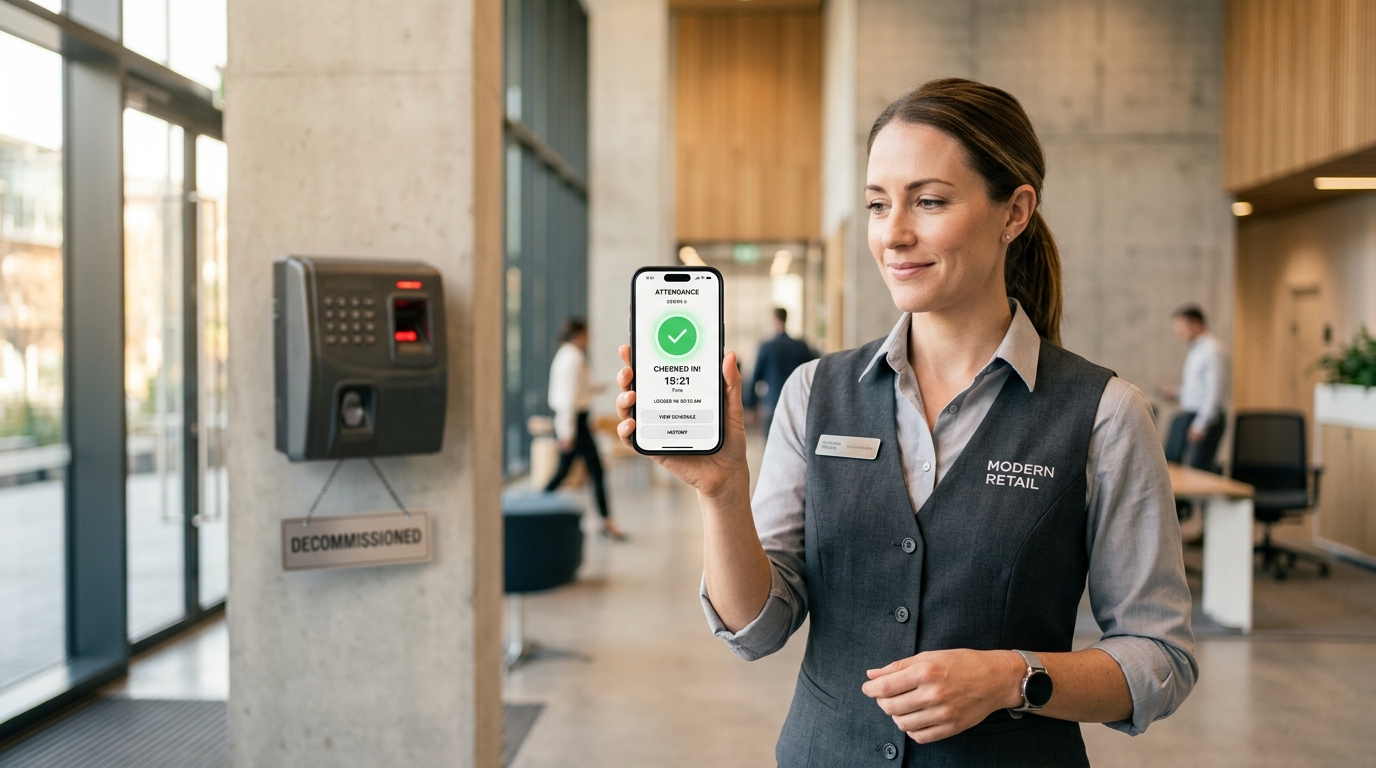
 SlidesClock

Managing a distributed private security workforce presents an operational challenge unlike any other frontline industry. Security officers protect remote commercial properties, residential gates, construction sites, and corporate campuses—often working solo on 12-hour overnight rotations far from direct supervisory oversight. When clients pay premium hourly rates for dedicated security guard presence, contract disputes inevitably erupt if a post is abandoned or if an officer arrives forty minutes late. For decades, security contractors relied on easily falsified paper sign-in logbooks, clumsy magnetic key wands, or expensive wall-mounted hardware that clients refused to install on their facades. In modern operations, top security contractors use [employee attendance](/features/employee-attendance) software with point-of-action verification to prove post coverage, automate shift relief handovers, and protect contract margins. Here is how modern security companies track guard attendance accurately and affordably.
Quick Answer
Security guard attendance tracking is the operational system used to verify when security officers arrive, relieve shifts, and depart unmonitored client posts, guardhouses, and patrol perimeters. Unlike paper sign-in sheets or wall-mounted hardware clocks that cannot be installed at remote gates, modern platforms like SlidesClock use GPS geofencing and point-of-action slide gestures on officer smartphones to verify physical post presence in real time, prevent off-site buddy punching, and eliminate client billing disputes without invasive 24/7 background tracking.
1. The High-Stakes Dilemma of Security Guard Attendance
In the contract security industry, attendance is not merely an internal payroll metric—it is the core billable deliverable sold to clients. When a security agency signs a Service Level Agreement (SLA) promising 24/7 manned gatehouse presence, an unstaffed post constitutes a breach of contract.
Ghost staffing—where guards record on-time arrival while actually sitting in their personal vehicles miles away—costs security contractors lucrative accounts. Conversely, when clients falsely claim an officer arrived late, contractors lack objective proof to defend their invoices.
Traditional punch methods fail in private security because posts are distributed across client-owned locations where installing permanent biometric hardware is either prohibited by property managers or economically infeasible. Modern security operations require software-defined verification that runs reliably on guards existing mobile devices.
- Client SLA Enforcement: Verifies exact officer arrival at unmonitored client gates, docks, and residential communities.
- Elimination of Ghost Punching: Restricts check-in capabilities exclusively to within verified physical post boundaries.
- Zero Hardware Footprint: Requires no drilling, wall mounting, or power cables on third-party client properties.
- Objective Invoice Auditing: Provides atomic timestamp records to resolve client billing disputes instantly.
2. Top 5 Attendance Challenges Facing Security Contractors
Security operations executives face unique labor dynamics that make standard corporate HR software obsolete. Managing multi-client patrol beats and night rotations requires tackling five operational hurdles.
1. Unsupervised Remote Posts and Lone Workers
Security officers often work isolated graveyard shifts at perimeter gates, commercial construction sites, or distribution parks. Without on-site supervisors, paper sign-in logs are easily backdated or falsified at the end of the week.
2. Buddy Punching During Shift Relief Rotations
Shift handovers are prime opportunities for buddy punching. An outgoing officer might punch in for an incoming colleague who is running 30 minutes late, leaving the post temporarily unstaffed while billing the client as fully covered.
3. Device Clock Manipulation & Timezone Drift
Low-end mobile apps that rely on local phone clocks allow guards to tamper with device date and time settings in iOS or Android system preferences, generating falsified on-time punches after arriving late.
4. Worker Resistance to Invasive 24/7 Spyware
Many workforce tracking apps continuously harvest GPS coordinates in the background, logging guards personal locations during off-duty hours and draining smartphone batteries. Security guards rightly resist this surveillance, leading to app deletion or disabled permissions.
5. Temporary Event Security Onboarding Friction
Contractors frequently provide surge staffing for concerts, sports tournaments, and conventions. Manually creating IT credentials for 40 temporary event guards wastes hours of administrative time.
3. Comprehensive Comparison: Attendance Methods for Security Teams
The table below compares the four most prevalent attendance methods used by private security contractors, analyzing post verification integrity, buddy punching risk, and operational economics.
| Attendance Method | Post Verification | Buddy Punching Risk | Hardware Setup | Overnight Reliability | Monthly Cost / Guard |
|---|---|---|---|---|---|
| Paper Gatehouse Logbook | None (Guards hand-write arrival times) | Extreme (Anyone can write any time) | None ($5 binder) | Poor (Easily altered after incidents) | Low ($0 software, high payroll error cost) |
| Wall Biometric Time Clock | High (Fixed physical location) | Low (Biometric match required) | High ($1,500+ per terminal, requires power/cables) | Moderate (Fails outdoors or in cold weather) | High ($150/mo per post amortized hardware) |
| Continuous Background GPS Trackers | High (Live satellite breadcrumb tracking) | Moderate (Can leave phone at site) | None (Uses smartphone) | Poor (Drains battery rapidly, guards disable) | High ($6 - $12 per guard per month) |
| SlidesClock Point-of-Action System | High (GPS geofence + Wi-Fi gateway match) | Very Low (Registered device + intentional slide) | Zero ($0 hardware required) | High (Atomic server time, negligible battery draw) | Flat ($0 - $29.99/mo per company, not per guard) |
4. How SlidesClock Delivers Tamper-Resistant Security Attendance
SlidesClock provides security contractors with an enterprise-grade attendance solution engineered specifically for deskless, distributed frontline personnel.
By combining point-of-action location checks with server-authoritative timestamps, security companies guarantee post compliance without intrusive surveillance.
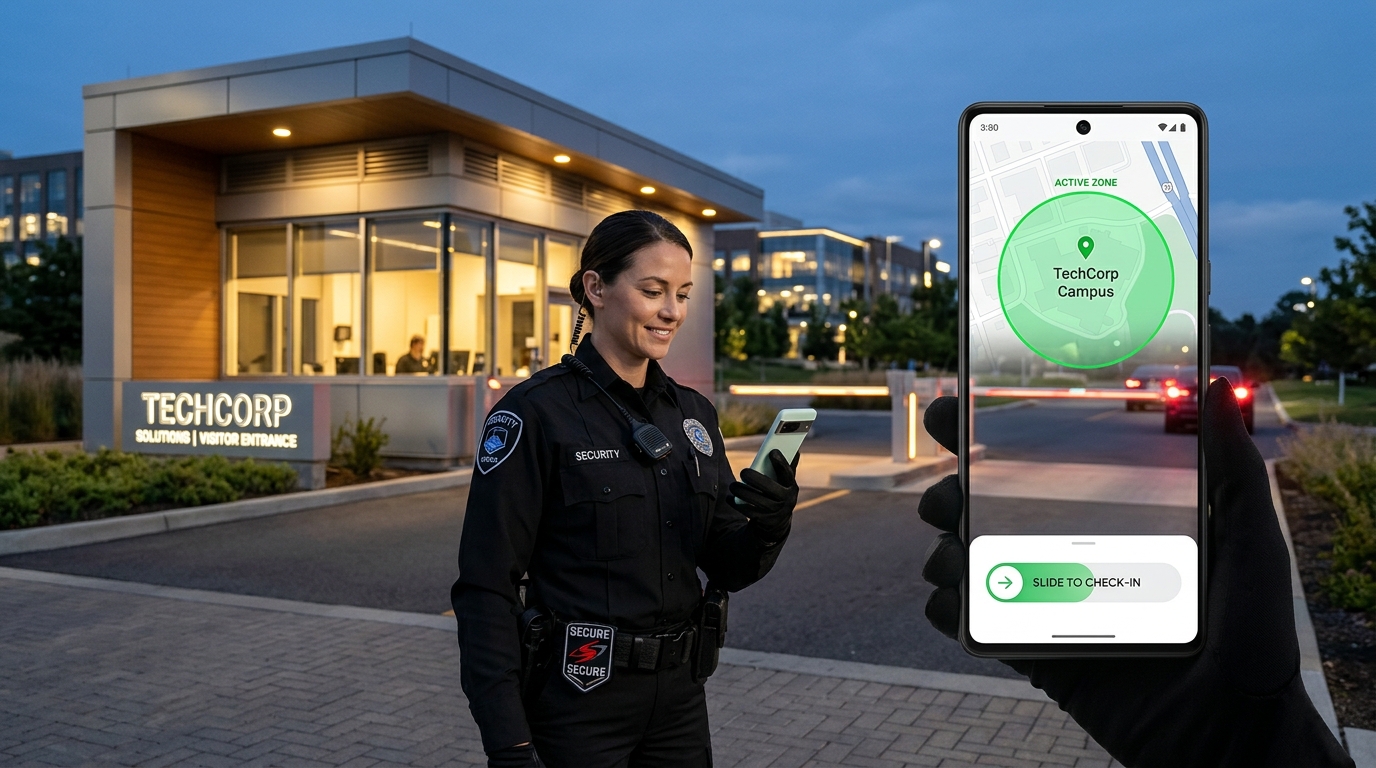
- Precision GPS Geofencing: Supervisors configure virtual perimeters (50m to 200m) around each client post. Guards can only record attendance when physically standing inside the authorized boundary.
- Guardhouse Wi-Fi Validation: For underground parking booths or concrete facilities where satellite GPS drifts, SlidesClock verifies physical connection to the client facility Wi-Fi gateway IP.
- Intentional Slide-to-Clock: Eliminates accidental punches when officers handle two-way radios, flashlights, or duty belts.
- Server-Authoritative Atomic Time (NTP): Punches are evaluated and stamped by atomic cloud servers, rendering local phone clock alterations completely ineffective.
- Live Multi-Post Dashboard: Operations managers monitor all posts across town in real time, receiving immediate visibility if an officer has not checked into a graveyard shift.
Protecting Guard Privacy with Point-of-Action Verification
Unlike continuous tracking tools that follow guards home after their shift, SlidesClock queries device sensors exclusively for the brief seconds required to complete the slide gesture. Once the punch confirms, location tracking halts completely.
This privacy-first model builds trust with security officers, preserves smartphone battery across long 12-hour shifts, and complies with modern workplace privacy regulations.
Frictionless Temporary Staff Onboarding
When staffing large stadium events or weekend festivals, managers share the company invite QR code, invite code or invite link from the app. Temporary officers download the lightweight app, join the roster in seconds, and can clock into their post immediately.
5. Standard Operating Procedure: Security Guard Shift Handover & Attendance Policy
Deploy this ready-to-use Standard Operating Procedure (SOP) across your security officer team to standardize post relief, eliminate tardiness, and guarantee compliance with client service level agreements.
SECURITY OPERATIONS STANDARD OPERATING PROCEDURE (SOP)
SUBJECT: Post Attendance, Relief Handover, and Incident Timekeeping
POST CLASSIFICATION: All Static, Gatehouse, and Patrol Security Posts

1. SHIFT ARRIVAL & INITIAL POST CHECK-IN
   a. Officers must arrive at their designated client post 10 minutes prior to official shift start.
   b. Ensure smartphone Wi-Fi and Location Services are active.
   c. Open the SlidesClock mobile app within the post perimeter (50m boundary).
   d. Complete the intentional "Slide to Check-In" horizontal gesture.
   e. Verify successful check-in via the green confirmation banner and atomic cloud timestamp.

2. SHIFT TURNOVER & RELIEF HANDOVER PROTOCOL
   a. Outgoing officers must remain on duty at the post until the relief officer has physically arrived and completed their SlidesClock check-in.
   b. Both officers must conduct a 5-minute verbal and physical briefing covering:
      - Post logbook entries and unusual client activity over the preceding shift.
      - Pass-down orders, visitor passes issued, and contractor access authorizations.
      - Equipment check (two-way radios, flashlights, keys, master fobs).
   c. The outgoing officer then executes "Slide to Check-Out" from the SlidesClock app before departing the premises.

3. ABANDONED POST & UNRELIEVED OFFICER ESCALATION
   a. If a relief officer has not checked in by 5 minutes prior to shift start, the on-duty officer must immediately notify the 24/7 Dispatch Operations Center.
   b. Under no circumstances may an officer abandon a client post before an authorized relief officer or mobile patrol supervisor arrives on scene.
   c. Unauthorized post departures constitute severe gross misconduct and result in immediate contract suspension.

4. RECORDING MEAL BREAKS & TEMPORARY POST RELIEF
   a. Where single-officer posts require mobile rover relief for meal breaks, the primary officer must execute "Slide to Break" only after rover handover is completed.
   b. Upon returning to the post, execute "Slide to Resume" to document compliant meal interval timing.
Frequently Asked Questions
Can security guards clock in from their car down the street from the client post?
No. SlidesClock allows managers to define tight GPS geofences as small as 50 meters around the client property or gatehouse. If a guard attempts to clock in while parked down the street or idling at a coffee shop outside the radius, the punch is rejected immediately with a clear out-of-bounds notification.
How does geofencing work at underground parking posts or concrete security booths?
When concrete walls, basement parking structures, or dense high-rises obstruct GPS satellite reception, SlidesClock utilizes Wi-Fi gateway verification. The app validates the unique gateway IP address of the authorized guardhouse router, ensuring authentic on-site attendance without satellite line-of-sight.
Does SlidesClock track security guards locations when they are off duty?
Never. SlidesClock enforces strict point-of-action verification. Location coordinates are queried exclusively during the brief seconds when an officer initiates the slide gesture. Once the punch commits, sensor access ceases completely, protecting officer privacy and conserving battery.
How does flat company pricing benefit security contractors compared to per-user software?
Traditional workforce software charges $4 to $8 per guard each month, which heavily penalizes security agencies dealing with high turnover or part-time event staff. SlidesClock charges a predictable flat company subscription regardless of how many guards you add, drastically cutting your administrative software costs.
How can security managers tell if an overnight guard fails to show up for a shift?
The SlidesClock manager dashboard displays live roster status in real time across all client locations. Supervisors can see instant green indicators for checked-in officers and immediate red alerts for unstaffed posts, allowing dispatchers to deploy standby rovers before client SLAs are breached.