 SlidesClock

On a busy manufacturing plant floor, timing is measured in seconds and output margins. When hundreds of factory workers arrive simultaneously for a 7:00 AM production shift, the single biggest bottleneck is often the time clock itself. Traditional wall-mounted biometric terminals and magnetic swipe badge stations create congested lines at facility turnstiles, where dirty optical scanners fail repeatedly when scanning fingers coated in machine coolant, metal dust, or calluses. Workers wearing protective gloves must strip their PPE just to record an entry punch, delaying assembly line start times and inflating unearned overtime. In 2026 and 2027, forward-thinking plant managers and operations directors are replacing rigid hardware terminals with smartphone-based [employee attendance](/features/employee-attendance) platforms. Here is how modern manufacturing facilities manage multi-shift production rosters, enforce meal break compliance, and streamline shift changes without physical hardware bottlenecks.
Quick Answer
Manufacturing employee attendance is the operational framework used to record shift hours, break periods, and line handovers for plant workers across multi-shift production schedules. Modern manufacturing facilities are replacing wall-mounted biometric fingerprint terminals—which frequently jam from dust, machine oil, and protective work gloves—with software-defined mobile attendance platforms like SlidesClock. By pairing indoor Wi-Fi gateway verification and GPS perimeter boundaries with intentional slide gestures, industrial plants process hundreds of workers during shift changeovers in seconds without bottlenecks or hardware maintenance.
1. The High Cost of Shift-Change Bottlenecks in Manufacturing
Shift changeovers represent the most vulnerable window in industrial operations. When Shift A clocks out and Shift B clocks in, every minute an assembly line sits unmanned degrades daily production targets.
At an industrial facility employing 150 production workers, single-station biometric terminals create severe traffic jams. Even under optimal conditions, an optical fingerprint reader requires 4 to 8 seconds per worker to wake up, scan, match, and beep. When fingers are calloused, moist with sweat, or dusted with metal shavings, rejection rates surge, forcing workers to re-scan three or four times.
A two-minute queue delay per worker multiplies across a 150-person shift into five lost worker-hours every single morning. Over a year of three-shift operations, biometric terminal friction costs mid-sized manufacturers tens of thousands of dollars in unearned overtime and idling production machinery.
- Congested Turnstiles: High-density clock-in queues force workers onto the floor late and spark shift-start frustration.
- Optical Scanner Failures: Machine oil, industrial lubricant, chemical washdown, and airborne particulates blind optical sensors.
- Unplanned Overtime: When workers are delayed exiting at shift end by punch clock queues, automated payroll flags unearned overtime increments.
- Safety PPE Friction: Forcing operators to remove Kevlar cut-resistant gloves or safety mittens simply to punch a time clock creates unnecessary workplace hazard exposure.
2. Why Biometric Terminals and Magnetic Badges Fail on Industrial Floors
For decades, industrial plant managers installed hardened wall-mounted time clocks under the assumption that dedicated hardware was the only way to enforce physical attendance. In practice, industrial environments are notoriously hostile to delicate electronics.
In food processing, metal fabrication, woodworking, and automotive parts manufacturing, airborne particulates settle onto glass scanner prisms daily. Maintenance crews spend hours wiping sensors or ordering $1,500 replacement terminal boards when internal motherboards succumb to factory humidity and voltage fluctuations.
Magnetic swipe cards and plastic RFID fobs fare no better. Workers frequently forget badges in lockers, break them inside heavy work trousers, or trade badges with colleagues to clock each other in—defeating the entire purpose of attendance control.
The PPE Stripping Problem
Modern factory environments enforce strict Personal Protective Equipment (PPE) mandates. Workers on assembly lines, painting booths, and chemical staging bays wear nitrile, neoprene, or cut-resistant Kevlar gloves throughout their shifts.
When attendance requires a fingerprint touch or biometric palm scan, employees must strip their protective gloves at the entry door, perform the scan, and then re-don their PPE before stepping onto the line. This repetitive friction wastes minutes and increases contamination risks in food-grade and sterile manufacturing cleanrooms.
Biometric Privacy Regulations & Union Pushback
Workforce resistance to corporate biometric collection has escalated significantly under modern legal frameworks like Illinois BIPA, California CPRA, and international data protection laws. Factory unions and employee councils routinely object to employers storing digital fingerprint templates or facial recognition geometry on third-party servers.
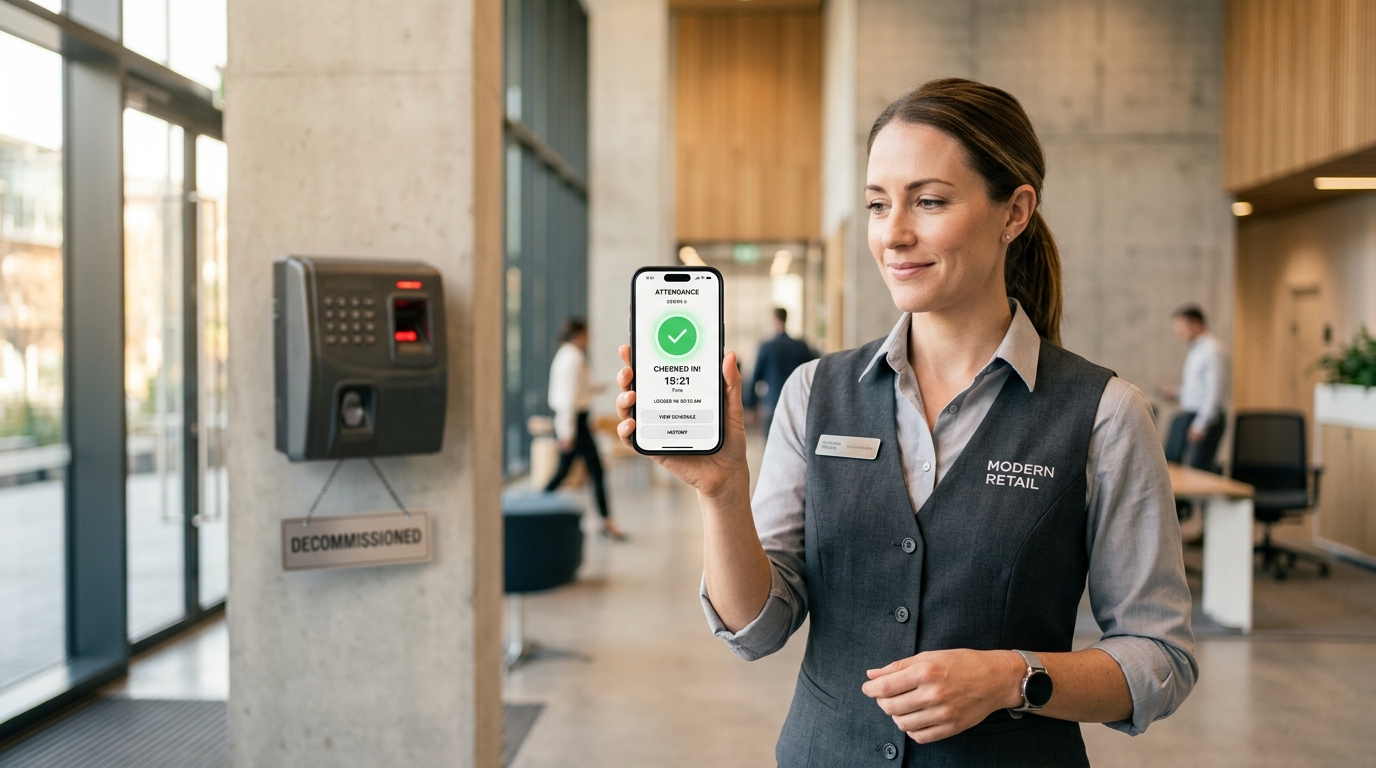
Software-defined mobile verification completely bypasses biometric liabilities. By verifying location through existing smartphone sensors at the moment of punch-in, plants eliminate biometric data collection entirely.
3. Industrial Time Clock Systems Benchmark
Selecting the right timekeeping infrastructure requires evaluating throughput speed, environmental resilience, resistance to proxy punches, and total lifecycle costs. The table below benchmarks traditional industrial timekeeping methods against modern mobile verification.
| Attendance System | Shift-Change Throughput | Dust/Grease Resilience | Buddy Punching Prevention | Setup & Hardware Cost | Maintenance Overhead |
|---|---|---|---|---|---|
| Paper Timesheets / Punch Cards | Slow (Manual handwriting) | Poor (Paper gets soaked, torn, or stained) | Zero (Anyone can punch colleague card) | Low upfront ($50 card rack) | Extreme (Weekly manual payroll data entry) |
| Wall Biometric Fingerprint Clock | Very Slow (4-8s per worker, frequent retries) | Very Poor (Optical prism jams from oil and dust) | High (Biometric match required) | High ($1,200 - $3,500 per terminal installed) | High (Frequent sensor cleaning, wiring repairs) |
| Magnetic Swipe / RFID Fobs | Moderate (2-3s per worker) | Moderate (Magnetic strips scratch and wear) | Zero (Cards easily handed to friends) | Moderate ($500 reader + $5/fob replacement) | Moderate (Constant lost fob reprogramming) |
| SlidesClock Mobile Verification | Instant (Workers slide on own phone simultaneously) | Immune (Uses smartphone capacitive screens) | High (Dual GPS geofence + Wi-Fi gateway match) | Zero ($0 hardware; uses existing smartphones) | Zero (Cloud infrastructure maintained automatically) |
4. How SlidesClock Powers Multi-Shift Factory Attendance
SlidesClock was built from the ground up to eliminate the physical friction of frontline shift work. Rather than forcing hundreds of operators to funnel through a single physical door terminal, SlidesClock decentralizes attendance to the smartphones workers already carry.
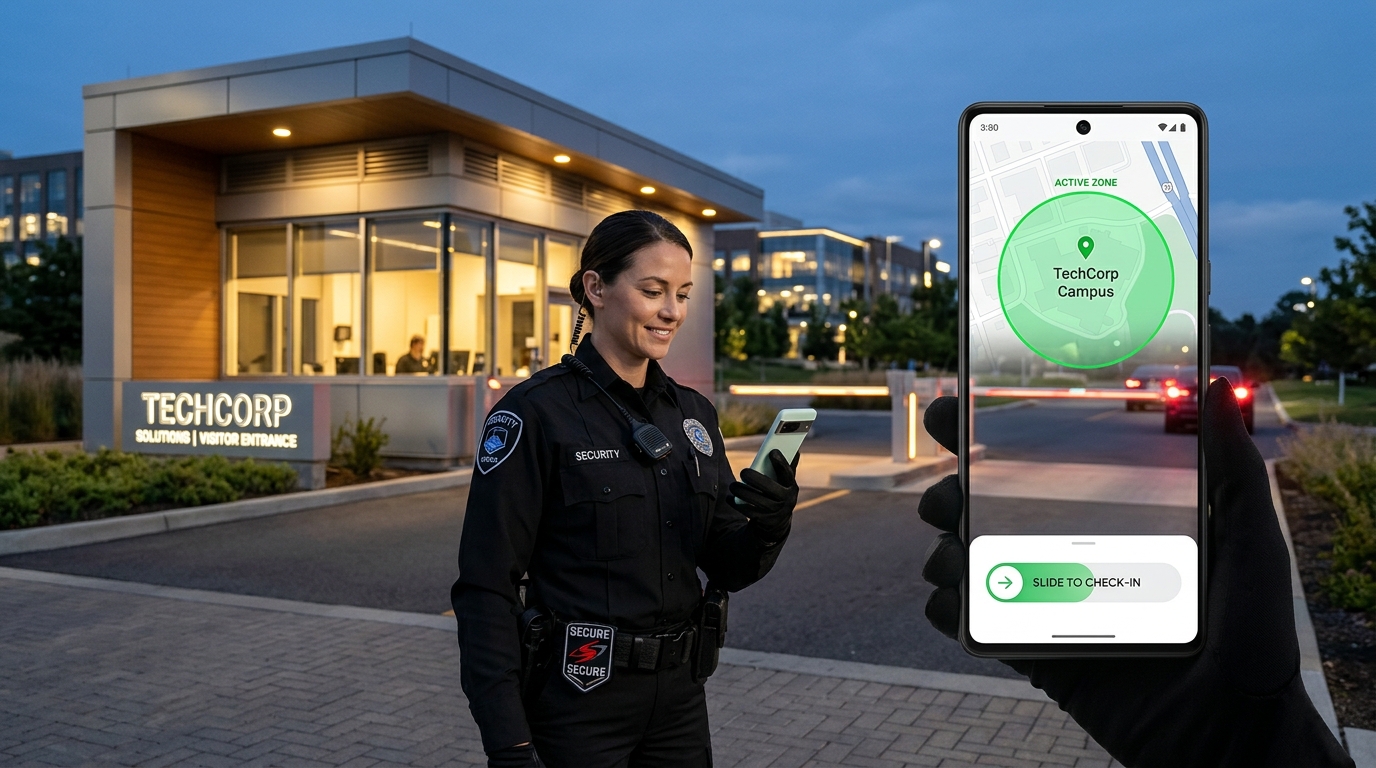
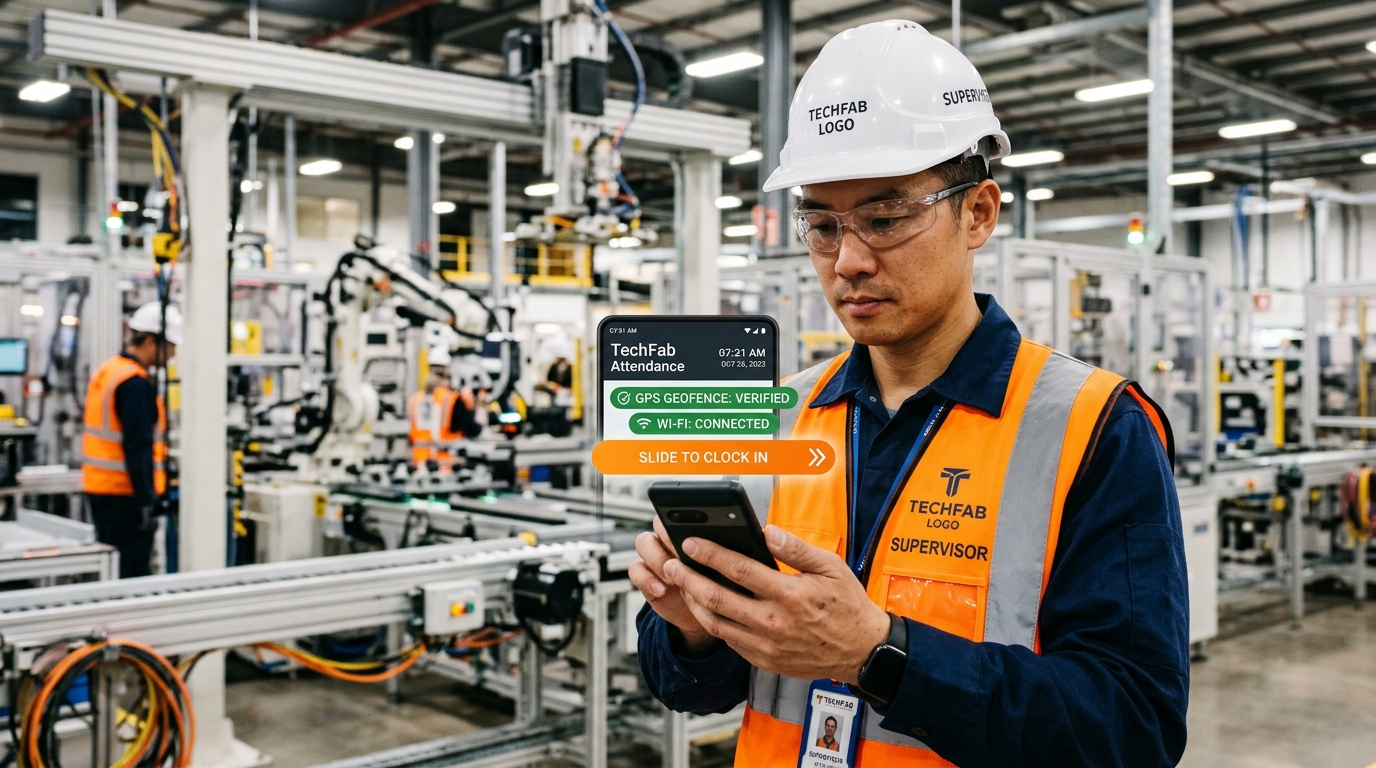
At the facility perimeter or factory gate, workers open the SlidesClock app and complete an intentional horizontal slide gesture. In less than two seconds, their entry punch is authenticated, timestamped, and transmitted to the plant supervisor dashboard.
- Indoor Wi-Fi Gateway Matching: Validates that the worker device is connected to the plant facility network router, ensuring verified indoor punches even in metal-clad buildings where GPS signals cannot penetrate.
- Perimeter GPS Geofencing: Defines a precise boundary (50m to 200m) around outdoor staging areas, loading docks, and exterior parking compounds.
- Intentional Slide-to-Clock: Replaces accidental pocket taps with a deliberate horizontal swipe, ensuring zero unintended check-ins while handling heavy gear or tools.
- Server-Authoritative NTP Timestamps: Validates all punch events against atomic cloud servers, preventing workers from altering device time settings to conceal late arrivals.
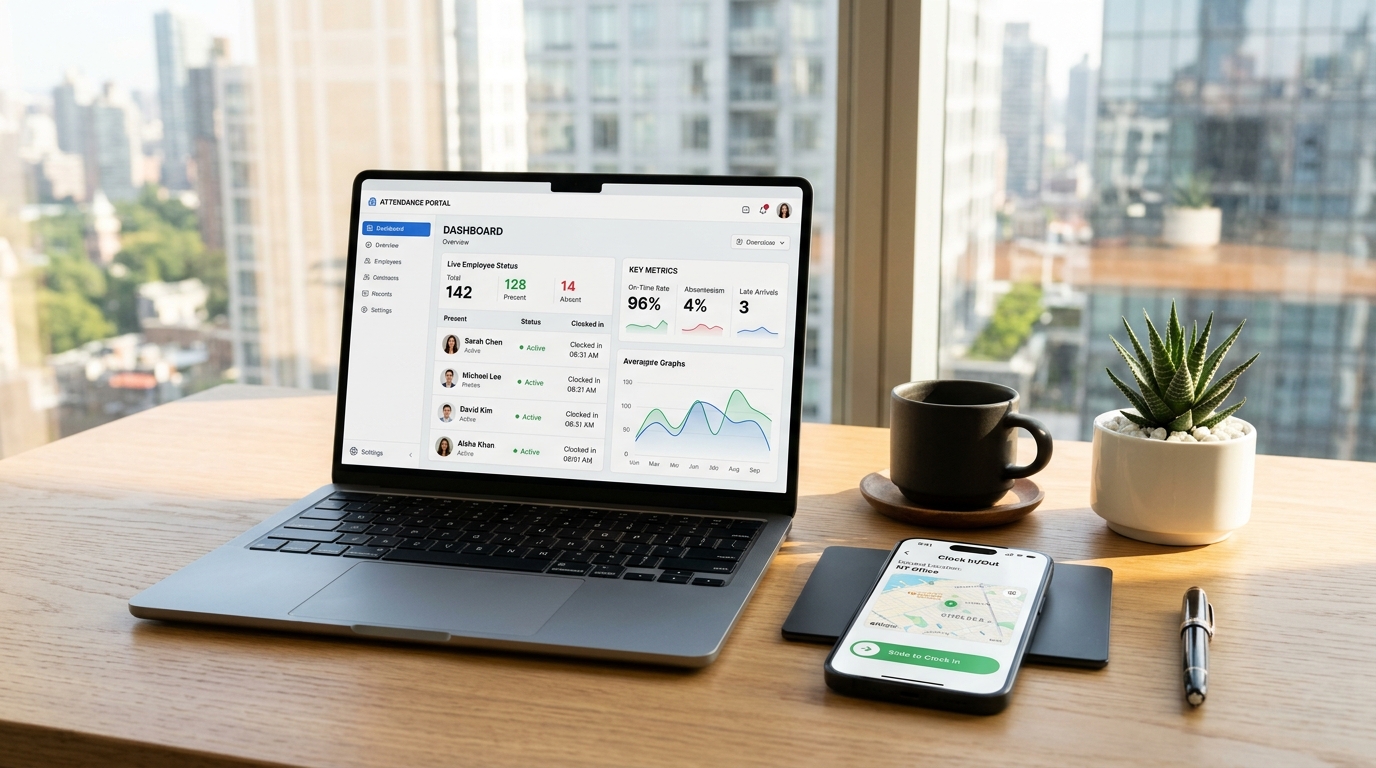
- Real-Time Line Staffing Dashboard: Gives shift supervisors immediate visibility into present headcount per production line, allowing instant floater reallocation before the line starts.
Solving the Metal Roof Dilemma with Dual Verification
Heavy manufacturing plants, assembly facilities, and warehouses are typically housed in steel-frame structures with corrugated metal roofs. These structures act as partial Faraday cages, severely attenuating satellite GPS signals indoors.
While single-mode GPS apps fail inside industrial plants, SlidesClock employs Wi-Fi attendance verification. Instead of relying merely on visible network names (SSID) which can be spoofed by a mobile hotspot, SlidesClock validates the authorized facility gateway IP address. If an operator is connected to the shop floor router, their physical presence inside the plant is confirmed with zero satellite reliance.
Break and Meal Compliance for Multi-Shift Operations
Manufacturing labor regulations strictly mandate meal intervals and rest periods during 8-hour and 12-hour shifts. Failure to document statutory breaks exposes plant operators to severe wage-and-hour audit penalties.
SlidesClock allows workers to record meal breaks and return punches with the same intentional slide gesture. Plant managers track shift compliance in real time and generate clean CSV export summaries for payroll without manual timesheet reconciliation.
5. Standard Operating Procedure: Plant Shift Check-In & Line Turnover
To establish clear operational expectations across your manufacturing plant floor, distribute this standardized attendance protocol to shift leads, operators, and maintenance technicians.
PLANT STANDARD OPERATING PROCEDURE (SOP)
SUBJECT: Production Shift Attendance & Line Relief Protocol
FACILITY: All Manufacturing & Assembly Facilities
APPLICABILITY: All Hourly Production, Maintenance, and Quality Operators

1. PRE-SHIFT ARRIVAL & CHECK-IN (10 MINUTES PRIOR TO SHIFT)
   a. Operators must arrive inside the facility perimeter at least 10 minutes prior to official line start.
   b. Connect to the designated plant Wi-Fi network (Plant-Production-Secure).
   c. Open the SlidesClock mobile app and perform the horizontal "Slide to Check-In" gesture.
   d. Confirm the green checkmark and recorded atomic timestamp.
   e. Complete required safety PPE donning (safety glasses, steel-toed footwear, high-visibility vest, hearing protection).

2. LINE RELIEF & SHIFT HANDOVER
   a. Incoming operators must report directly to their designated machine station or assembly line cell.
   b. Outgoing operators remain on station until the incoming operator is physically present and brief turnover notes are exchanged (machine status, scrap rate, tool wear).
   c. If an incoming relief operator has not checked in by 5 minutes prior to shift start, the automated SlidesClock supervisor roster flags the vacancy, and the shift lead assigns an on-duty floater.

3. MANDATORY MEAL & REST BREAKS
   a. All operators must record departure for scheduled 30-minute meal periods using "Slide to Break".
   b. Upon returning to the production line, operators record arrival using "Slide to Resume".
   c. Unrecorded breaks or off-station absences exceeding statutory thresholds require shift supervisor written authorization.

4. SHIFT CONCLUSION & CLOCK-OUT
   a. Machine cleanup, tooling return, and station sweep-down must be completed prior to shift end.
   b. Operators perform "Slide to Check-Out" only after station relief is verified and PPE is stored in assigned lockers.
   c. Clocking out on behalf of another team member constitutes a severe safety and policy violation resulting in immediate disciplinary action.
Frequently Asked Questions
How do workers clock in if thick plant metal roofing blocks GPS signals?
SlidesClock features dual-mode location verification. When metal framing or insulated roofing degrades outdoor satellite GPS, the app verifies worker presence via the plant indoor Wi-Fi gateway IP. As long as the employee phone connects to the facility router, their punch is verified instantly without requiring satellite reception.
How does smartphone attendance prevent buddy punching on a busy factory floor?
SlidesClock prevents buddy punching through multi-layered verification: first, punches are restricted to your plant GPS boundary and authorized internal Wi-Fi gateway IP; second, an optional registered-device policy ensures an employee can only clock in from their designated primary smartphone, preventing workers from passing phones around or punching in for absent colleagues.
Can factory operators clock in if their hands are coated in grease or dust?
Yes. Unlike optical glass biometric scanners that fail when covered in grease, motor oil, or dust, modern smartphone capacitive touchscreens operate reliably even with light workshop residue or stylus interaction. Furthermore, workers do not have to crowd around a single shared scanner prism, preventing cross-contamination.
How does SlidesClock pricing handle seasonal factory headcount changes?
Unlike legacy workforce software that charges punishing per-user fees ($4 to $8 per worker every month), SlidesClock uses flat workplace subscription pricing. You can scale your seasonal production line workforce from 20 to 100 operators without your software bill increasing with every temporary hire.
How quickly can temporary line workers be onboarded for peak production cycles?
Plant managers can onboard new temporary operators in less than 30 seconds. Print the secure workplace invite QR poster from your manager console and hang it on the breakroom bulletin board. New workers install the app, scan the invite QR, enter their name, and immediately slide to start their first shift.