 SlidesClock
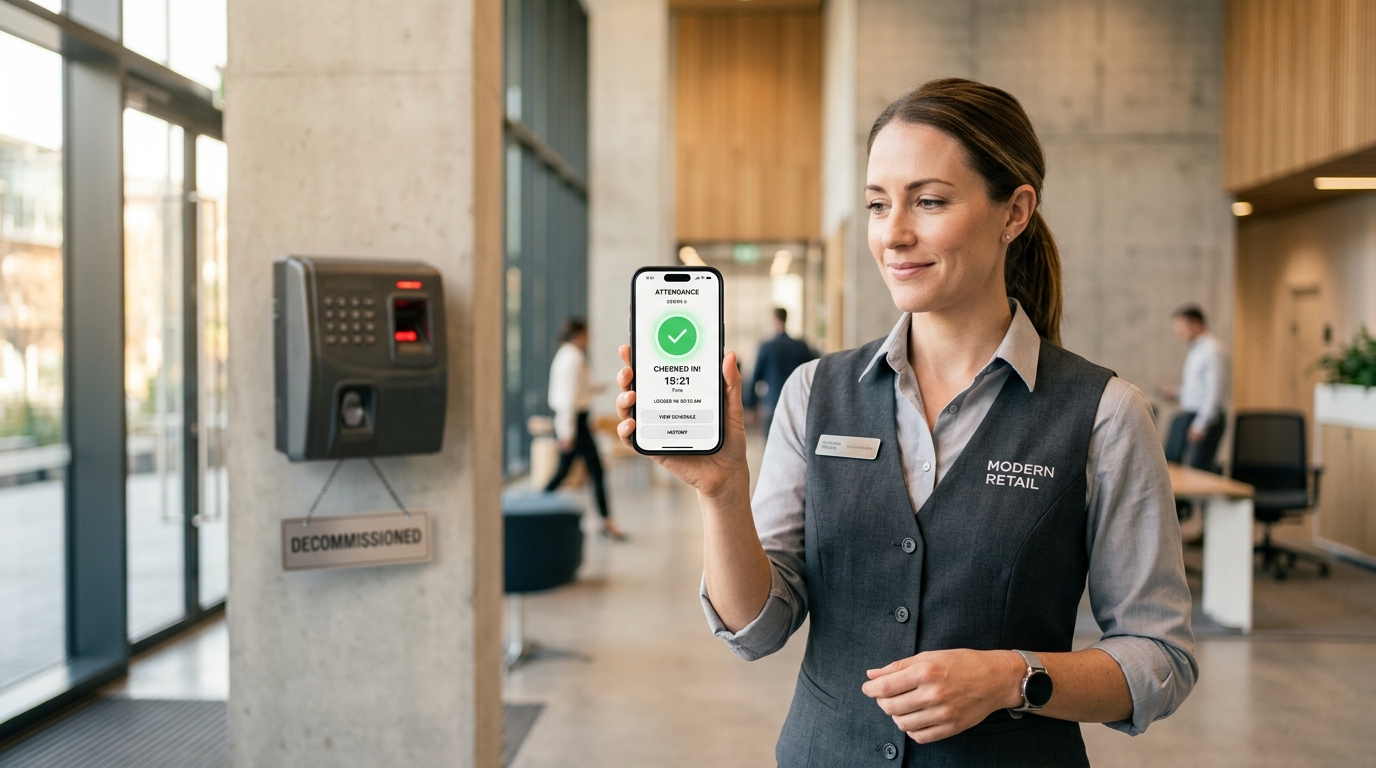

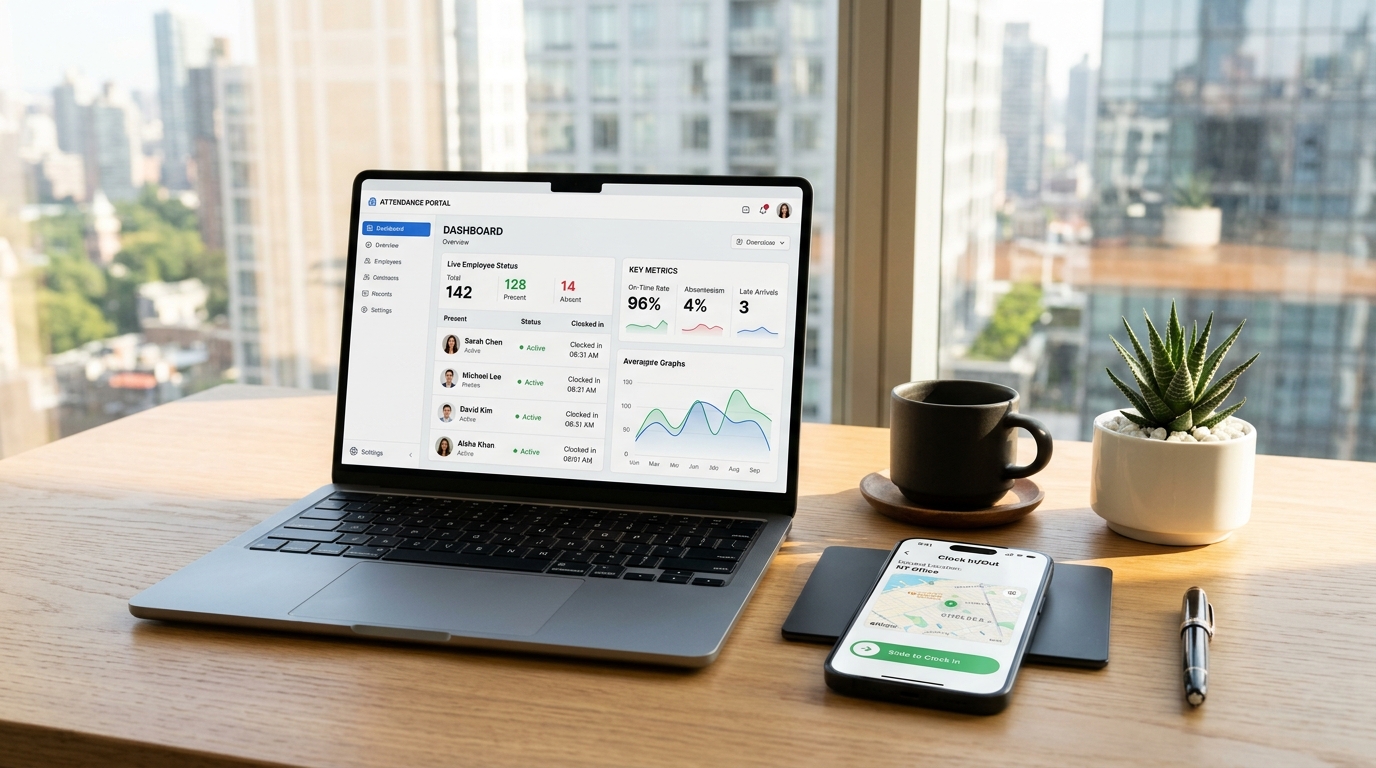
For over two decades, biometric fingerprint terminals and optical punch clocks were celebrated as the gold standard of workplace accountability. Installing a bulky plastic console by the warehouse entrance or breakroom door was supposed to put an end to buddy punching and payroll dispute headaches once and for all. Entering 2027, however, physical biometric terminals have become one of the most persistent operational liabilities for frontline businesses. Between persistent optical scanner failures in harsh environments, frustrating shift-change bottlenecks where dozens of workers queue to punch, expensive vendor lock-in, and aggressive class-action lawsuits over biometric privacy statutes, operations managers are actively decommissioning wall terminals. In their place, agile businesses are adopting software-defined, [mobile attendance systems](/features/employee-attendance) that turn the smartphone already in each worker's pocket into a tamper-proof verification terminal—delivering 100% audit integrity at a fraction of the cost.
Quick Answer
Businesses are replacing biometric attendance machines in 2027 due to frequent optical sensor failures from dirt, dust, and hand sanitizer, costly shift-change queuing bottlenecks, high electrical maintenance expenses, and mounting biometric privacy legal liabilities under laws like BIPA and GDPR. Modern operations are switching to hardware-free mobile attendance apps like SlidesClock that use point-of-action GPS geofencing and workplace Wi-Fi validation to eliminate buddy punching without collecting or storing employee biometric data.
1. The Rapid Decline of Biometric Hardware Terminals
Throughout the 2000s and 2010s, mechanical time cards were replaced by optical fingerprint scanners and wall-mounted biometric punch clocks. The pitch was simple: an employee cannot hand their fingerprint to a coworker, so time theft would drop to zero.
While the theory was sound, physical execution collided with real-world operational friction. Biometric hardware terminals were engineered for static office environments, not for the dynamic, abrasive reality of frontline operations.
In auto repair shops, motor grease and solvents coat fingertips; in commercial kitchens and healthcare clinics, moisture and continuous alcohol sanitizer applications degrade dermal ridges; and in construction or warehousing, airborne particulate dust clouds optical glass prisms within hours.
By 2027, the total cost of ownership for biometric machines—encompassing initial purchase prices, electrician installation, proprietary software licenses, replacement prism components, and mounting legal risks—has rendered them obsolete.
- High Environmental Failure Rates: Constant false rejections when workers present dusty, wet, worn, or sanitized hands.
- Shift Change Queuing Bottlenecks: Up to 40 workers forced to line up before a single machine during synchronized shift changes.
- Hefty Capital and Upkeep Costs: Hardware terminals cost $800 to $2,500 upfront with recurring support contracts.
- Mounting Regulatory Liabilities: Strict statutory fines for capturing, processing, and storing biometric biological identifiers.
2. The 5 Major Operational Pitfalls of Biometric Time Clocks
Understanding why operations managers are abandoning hardware terminals requires examining the five fundamental flaws that plague biometric devices daily:
Flaw 1: Sensor Malfunction in Frontline Working Conditions
Optical fingerprint scanners require a clean, dry, unobstructed interface between the glass prism and the dermal ridges of a finger. In frontline work, however, clean hands are a rarity.
In restaurants and cafes, prep cooks with damp hands or baristas with milk residue cause immediate scanner read failures. In fulfillment hubs, cardboard dust and glue residue quickly haze the optical sensor. When the terminal repeatedly flashes red, frustrated workers bypass the machine, leaving supervisors to manually reconstruct shift hours on scrap paper.
Flaw 2: The Costly Shift-Change Bottleneck
Consider a manufacturing plant, logistics facility, or retail department store with fifty employees arriving for an 08:00 AM shift. When fifty workers must cycle through a single optical scanner, the process takes an average of six to ten seconds per person.
A queue of fifty employees requires six to eight minutes to clear. Workers arriving on time at 07:55 AM find themselves clocked in late at 08:03 AM due to the queue, creating friction between team members and management.
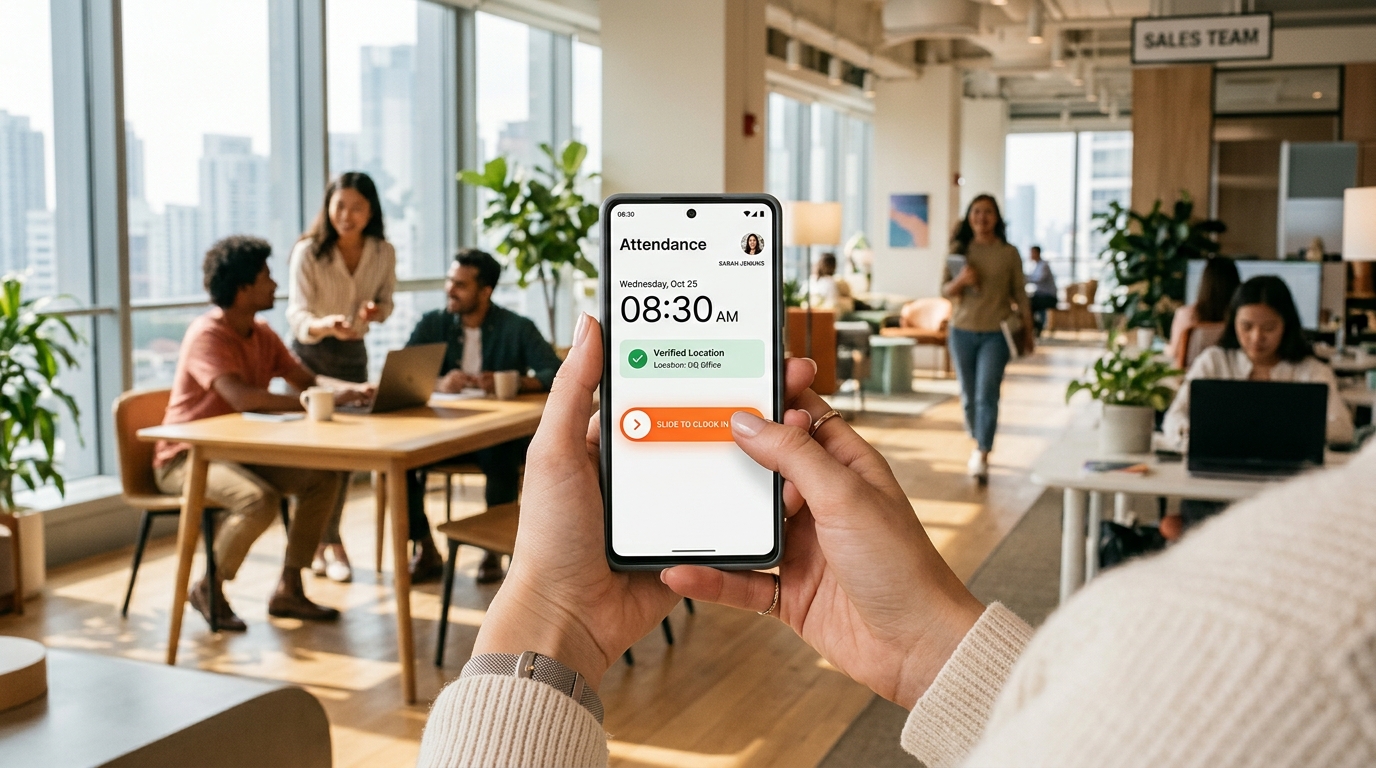
With a mobile attendance app like SlidesClock, fifty workers can walk through the facility door and simultaneously slide to clock in on their personal phones within two seconds, completely eliminating queue congestion.
Flaw 3: Biometric Privacy Compliance & Statutory Lawsuits (BIPA & GDPR)
Perhaps the greatest hidden danger of biometric time clocks in 2027 is regulatory and legal exposure. Landmark legislation—such as the Illinois Biometric Information Privacy Act (BIPA), Texas CUBI, California CPRA, and the European Union General Data Protection Regulation (GDPR)—strictly regulates the collection and storage of biometric identifiers.
Under BIPA, statutory damages reach $1,000 for each negligent violation and $5,000 for each intentional or reckless violation. Merely collecting employee fingerprints without comprehensive written disclosure, explicit informed consent, and certified retention destruction policies has resulted in multimillion-dollar class-action judgments against small and mid-sized employers.
Storing biometric templates on cloud servers or on insecure local punch terminals turns routine payroll into a catastrophic cybersecurity and compliance vulnerability.
Flaw 4: Expensive Vendor Lock-In and Hardware Fragility
Purchasing a biometric time clock rarely ends with the invoice for the console. Facility managers must pay licensed electricians to run dedicated Ethernet lines and power drops. When internal optical sensors fail or logic boards fry during power surges, replacement units take weeks to ship.
Furthermore, biometric terminal manufacturers routinely force companies into outdated proprietary desktop software with mandatory annual renewal fees, locking historical payroll data behind walled gardens.
Flaw 5: Hygiene Concerns and Frontline Resistance
The post-pandemic workforce remains keenly sensitive to shared surface hygiene. Forcing dozens of employees in a clinic, restaurant, or factory to press their thumbs onto the exact same uncleaned glass surface multiple times daily creates continuous employee dissatisfaction.
Allowing employees to record shifts on the personal smartphones they already clean and carry promotes personal health, respects worker dignity, and fosters higher team morale.
3. Biometric Terminals vs. SlidesClock: The 2027 Head-to-Head Comparison
The operational and financial differences between physical biometric hardware and modern mobile attendance software become immediately clear in this comprehensive comparison:
| Operational Dimension | Biometric Fingerprint Hardware | SlidesClock Mobile Attendance |
|---|---|---|
| Upfront Capital Outlay | $800 to $2,500 per unit | $0 (Zero hardware required) |
| Installation Time | Days (Electrician cabling & wall mount) | < 10 minutes (Web setup + QR poster) |
| Shift Change Queue Speed | 6–10 seconds per worker (Congestion) | Instant simultaneous check-ins on mobile |
| Reliability in Dirty Environments | Frequent optical read failures | 100% reliable (No physical glass scanner) |
| Buddy Punching Protection | Biometric biological match | Point-of-action GPS geofence + Wi-Fi gateway |
| Legal & Privacy Exposure | High risk under BIPA, CPRA, GDPR | Zero biometric storage (Privacy safe) |
| Multi-Site Portability | Requires purchasing a machine per location | Supports unlimited branches instantly on mobile |
| Monthly Operating Cost | Expensive support contracts + per-user fees | Flat $12.99/mo (Permanent free tier up to 5) |
4. How SlidesClock Stops Time Theft Without Storing Biological Data
The core reason businesses invested in biometric hardware was stopping buddy punching. How can a mobile app guarantee authentic attendance without harvesting fingerprints or facial geometry?
SlidesClock accomplishes this through a triple-layer software-defined verification model:
- 1. Point-of-Action GPS Geofencing: Supervisors define an authorized perimeter around the workplace. The employee mobile application can only initiate a valid punch when physically situated inside this radius.
- 2. Workplace Wi-Fi Validation: For indoor multi-floor buildings or facilities with satellite obstruction, SlidesClock verifies connection to the workplace router by matching its public gateway IP. Employees cannot fake connection from off-site networks.
- 3. Atomic Cloud Server Time: Timestamps are established by cloud servers using cryptographic synchronization, completely neutralizing local device clock rollbacks or timezone tampering.
By combining these point-of-action safeguards, SlidesClock delivers absolute verification certainty without storing a single byte of employee biological data.
5. Step-by-Step Transition Guide: Retiring Your Hardware Clock in 24 Hours
Switching your workforce from a legacy biometric terminal to SlidesClock is straightforward and requires zero downtime:
- Step 1: Set Up Your Workplace Console (5 Minutes): Sign in to SlidesClock, establish your workplace profile, and designate your physical address geofence radius or workplace Wi-Fi gateway IP.
- Step 2: Generate Breakroom Onboarding Posters (2 Minutes): Print the workplace QR poster from the console and place it where the old punch clock hangs.
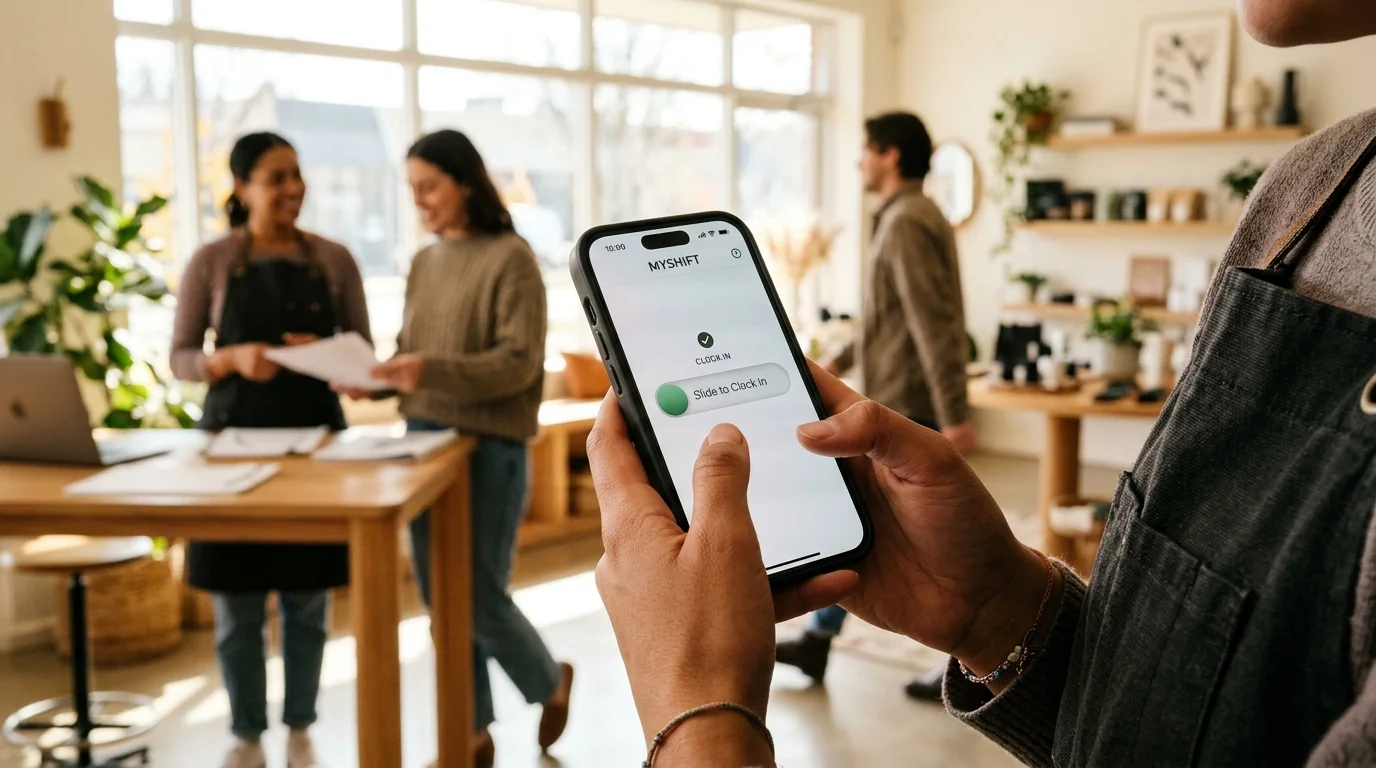
- Step 3: Onboard Your Workforce (15 Seconds per Employee): Staff scan the code with their personal iOS or Android phone, download the lightweight SlidesClock app, and link their profile.
- Step 4: Run a One-Week Parallel Trial: Allow staff to practice the smooth slide gesture while keeping your old machine as an unneeded backup.
- Step 5: Decommission the Hardware: Remove the dusty biometric unit, eliminate ongoing maintenance fees, and enjoy automated, clean payroll exports.
Frequently Asked Questions
Why are businesses actively replacing biometric fingerprint clocks in 2027?
Businesses are replacing biometric terminals because optical sensors constantly fail in dusty, greasy, or wet environments, create long shift-change queues, cost thousands in hardware and wiring, and carry severe legal liabilities under biometric privacy statutes like BIPA and GDPR.
Can employees buddy punch for each other on SlidesClock without fingerprint verification?
No. SlidesClock binds employee accounts to verified individual mobile devices and requires real-time point-of-action validation (GPS geofencing and workplace Wi-Fi gateway matching). An employee cannot clock in for a friend unless they physically possess their coworker's unlocked smartphone inside the authorized workplace perimeter.
What legal liabilities exist when using biometric attendance systems?
Laws like the Illinois Biometric Information Privacy Act (BIPA) and EU GDPR impose statutory fines ranging from $1,000 to $5,000 per violation for failing to obtain explicit written consent, publish retention destruction schedules, or securely store biometric data. Mobile attendance apps eliminate this liability entirely by avoiding biometric collection.
How does SlidesClock verify location inside large warehouses or basements where GPS fails?
In facilities with steel roofing or concrete basements where satellite signals cannot penetrate, SlidesClock uses workplace Wi-Fi network verification. The app checks that the employee's device is actively routed through the facility's authorized public gateway IP.
How much money does a business save by switching from biometric hardware to SlidesClock?
A typical business saves $1,000 to $2,500 in upfront machine purchases and electrician wiring, plus hundreds of dollars annually in proprietary maintenance fees. SlidesClock provides a permanent Free plan for teams up to 5, and unlimited teams cost just $12.99 per month.