SlidesClock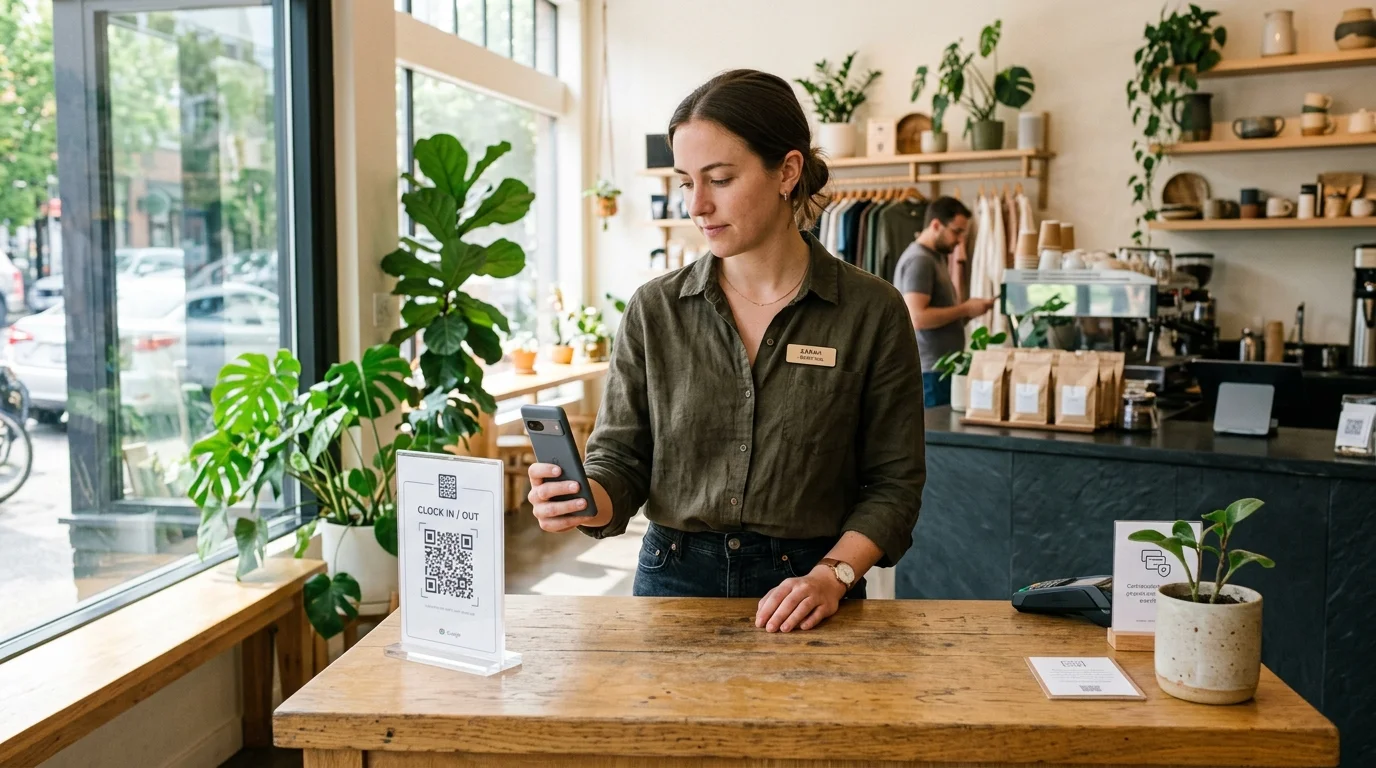

In modern retail stores, bustling restaurants, busy healthcare clinics, and dynamic office spaces, business owners and operations teams are actively looking for a clock-in workflow that is fast, sanitary, hardware-free, and easy for staff to use. A QR code attendance system for employees eliminates costly fingerprint terminals, broken wall clocks, and germ-laden shared touchscreens by turning every employee’s personal smartphone into a verified time clock. By scanning a workplace QR code on arrival, employees clock in within three seconds—while managers receive real-time, tamper-resistant shift records. This comprehensive guide details how QR attendance works, breaks down static vs. dynamic codes, demonstrates how modern systems prevent QR photo sharing and buddy punching, and shows you how to deploy an enterprise-grade contactless setup in under ten minutes.
Quick Answer
A QR code attendance system for employees is a mobile time-tracking method where staff scan a workplace-specific QR code using their personal smartphones to clock in and out. Unlike traditional biometric punch clocks or magnetic badges, it requires zero specialized scanning hardware. When combined with device registration and location checks, the system verifies that the employee is physically on-site without queueing at a shared wall terminal.
1. What Is a QR Code Attendance System for Employees?
A QR code attendance system for employees is a touchless, digital time-tracking method that utilizes Quick Response (QR) matrix barcodes to verify when and where staff commence and conclude their work shifts. Instead of queueing to swipe a plastic magnetic badge or press a thumb onto an optical fingerprint scanner, employees use their personal iOS or Android smartphone camera to scan a workplace code upon entering the facility.
The workflow operates seamlessly in four natural steps:
- 1. Arrival at Workplace: The employee walks into the business premises (such as a store entrance, reception counter, or breakroom) where a designated workplace QR code is displayed.
- 2. Quick Camera Scan: The employee opens the SlidesClock mobile app and scans the QR code using their handset’s camera.
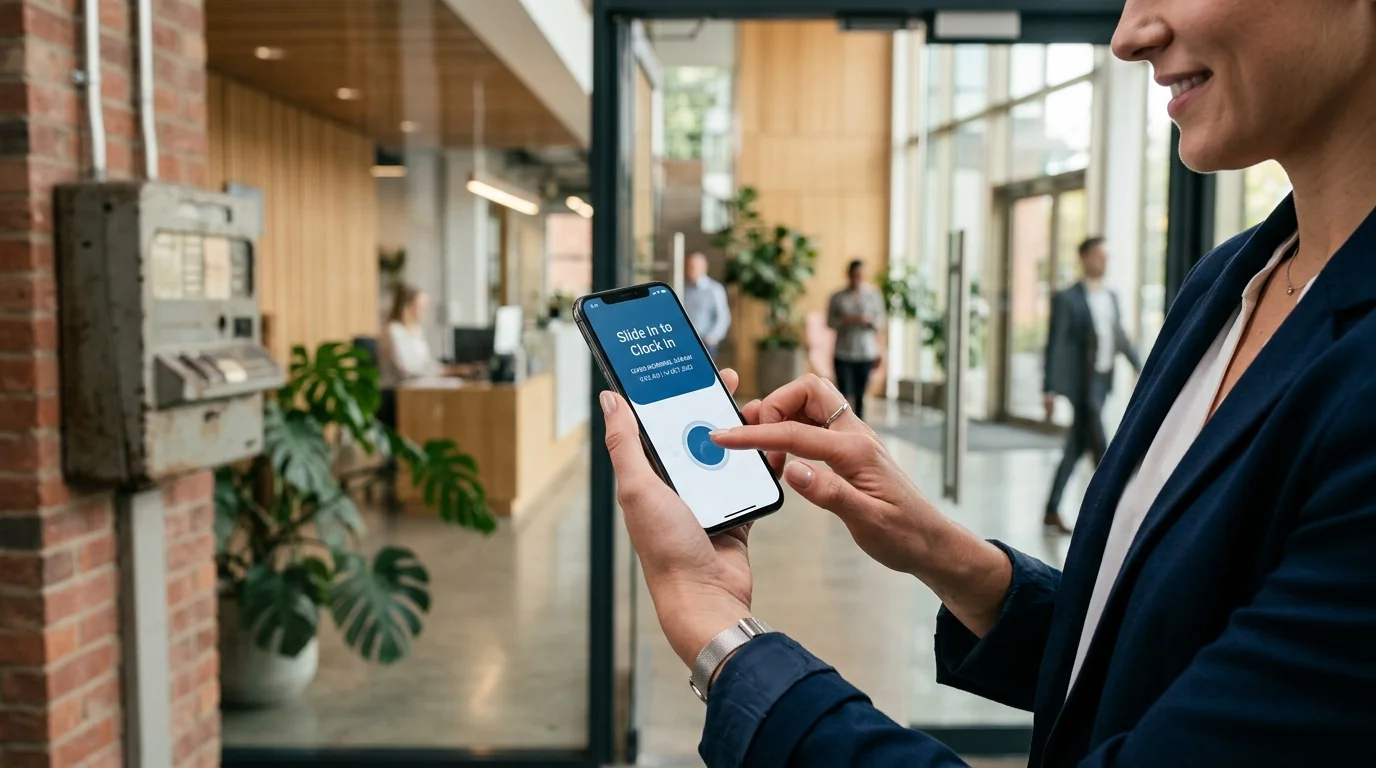
- 3. Slide In Confirmation: The app authenticates the code, verifies device credentials and optional location boundaries, and allows the employee to Slide In with a smooth single gesture.
- 4. Authoritative Cloud Logging: The event is recorded on the cloud server with an immutable atomic timestamp and instantly published to the manager dashboard.
Why the Smartphone-Led Model Wins
Traditional attendance machines place all computing and scanning intelligence into a physical wall box. If the terminal’s optical sensor cracks, the display backlight fails, or the power supply burns out, the entire company’s attendance tracking halts.
A QR attendance system inverts this relationship: the physical workplace artifact is simply a printed, tamper-proof QR code stand costing under $5, while the scanning intelligence runs on the high-resolution cameras and processors employees already carry in their pockets.
2. The 3 Architectural Models: Static vs. Dynamic vs. Reverse QR Codes
Not all QR attendance systems are architected the same way. When selecting a platform for your business, it is essential to understand the three distinct technical approaches and their operational trade-offs:
Model A: Static Workplace QR Codes (Scanned by Employee Smartphone)
In this model, the business generates a unique cryptographic workplace QR code from the administrative dashboard and prints it onto a durable acrylic tabletop stand, laminated poster, or wall plaque positioned at staff entry points. Arriving employees scan the code with their personal phone to Slide In.
Pros: Zero hardware cost, instant deployment, zero power outlets needed, supports simultaneous clock-ins by dozens of workers without waiting.
Cons: If implemented naively without device binding or location checks, a worker could photograph the code and share it with friends (see Section 4 for how modern platforms resolve this).
Model B: Dynamic Rotating Screen QR Codes
In this setup, a dedicated tablet, computer monitor, or smart display in the breakroom displays a QR code that rotates cryptographically every 15 to 30 seconds using a time-based one-time password (TOTP) algorithm.
Pros: Completely prevents employees from photographing and texting the QR code to colleagues, because any photo forwarded expires within seconds.
Cons: Requires maintaining an active tablet, constant power supply, and internet connectivity at the front desk.
Model C: Reverse Employee Badge QR Codes (Scanned by Kiosk or Manager)
In the reverse model, each employee is assigned a personal digital QR code on their phone screen or a printed lanyard badge. Upon arrival, the employee presents their code to a company-owned kiosk tablet or supervisor’s phone camera.
Pros: Useful for temporary contractors or visitor management.
Cons: Re-creates the dreaded morning bottleneck. When 25 workers arrive for an 8:00 AM retail shift, they must stand in a single-file line to be scanned one by one, defeating the core speed advantage of mobile attendance.
3. Why Small Businesses Are Replacing Punch Clocks with QR Codes
Thousands of small and medium-sized enterprises across hospitality, healthcare, retail, and logistics are decommissioning legacy punch clocks in favor of QR-based mobile attendance for compelling practical reasons:
- Zero Capital Expenditure ($0 vs. $500+ per terminal): Traditional fingerprint and facial recognition clocks cost hundreds of dollars per unit, plus installation labor. A QR attendance workflow requires zero dedicated hardware purchases.
- Touchless Hygiene and Health Safety: In culinary, clinical, and child-care environments, having dozens of workers press their fingertips onto the exact same glass reader every morning spreads germs and grime. QR scanning is 100% contactless on personal devices.
- Zero Morning Queue Times: Fingerprint readers take 5 to 15 seconds per worker and frequently suffer optical re-try errors with moist or calloused fingers. With personal QR mobile scanning, twenty employees can clock in simultaneously within seconds of stepping through the door.
- Zero Wiring, Drilling, or Electrician Bills: Mounting wall terminals requires electrical outlets, dry-wall anchors, and Ethernet cabling. A QR stand can be placed on any counter or door frame immediately.
- Instant Multi-Branch Expansion: Opening a satellite boutique, pop-up store, or second clinic takes minutes. Simply create the new location in SlidesClock, print the generated QR code, and staff can start clocking in immediately.
4. How to Prevent Cheating and QR Code Photo Sharing
The most frequent question managers ask when evaluating QR code attendance is: "What stops an employee from snapping a photo of the printed QR code with their phone, texting it to a coworker sleeping at home, and having that coworker scan it from their couch?"
This is a completely valid concern for naive, rudimentary QR apps. However, professional workforce platforms like SlidesClock deploy a multi-layered security architecture that completely closes this exploit:
1-to-1 Smartphone Device Binding
As explored in our comprehensive guide on how to prevent buddy punching, SlidesClock binds each employee’s account to their unique physical smartphone hardware. A coworker cannot sign into their friend’s account to scan a code; each person can only record their own attendance from their registered handset.
Point-of-Action GPS Geofencing Cross-Verification
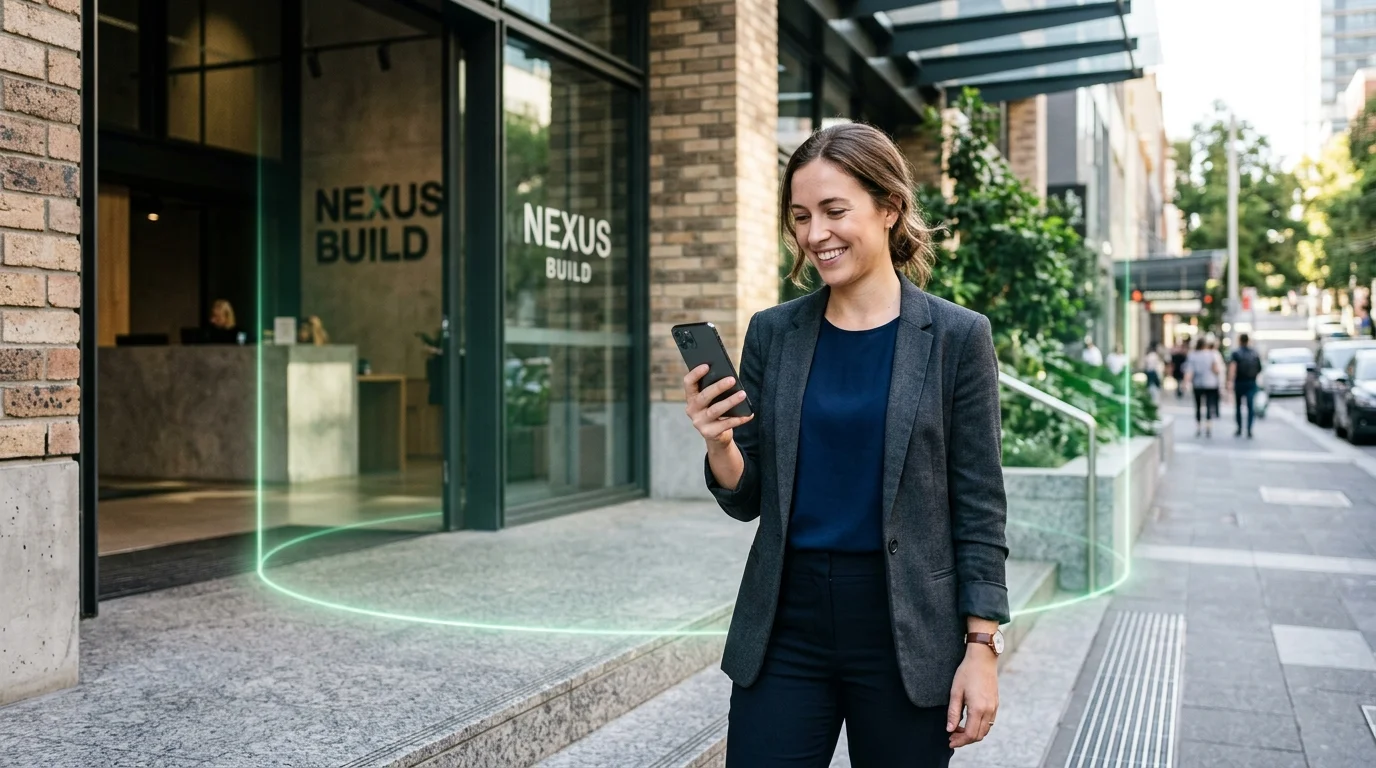
When an employee scans the workplace QR code, SlidesClock simultaneously performs an environmental sanity check: it verifies that the scanning device’s GPS location falls within the authorized workplace radius (e.g., 75 meters).
Even if an employee receives a photo of the QR code while sitting in their living room five miles away, the app detects that their GPS coordinates are outside the authorized boundary and rejects the Slide In request instantly.
Designated Workplace Wi-Fi Matching
For indoor environments or multi-story buildings where satellite signals are weak, SlidesClock can enforce workplace Wi-Fi verification. The app verifies that the phone is actively connected to the workplace router’s network at the time of scanning.
Server-Side NTP Timestamps and Cryptographic Nonces
All punch events are validated against atomic server time. An employee cannot fake punch timing or forge scan payloads.
5. QR Code Attendance vs. Biometric vs. GPS Time Clock: Comprehensive Comparison
Understanding how QR code attendance stacks up against alternative modern verification methods helps business owners pick the ideal tool for their specific operational layout:
| Operational Criterion | QR Code Mobile Attendance (SlidesClock) | Biometric Wall Machine (Fingerprint/Face) | Pure GPS Continuous Tracking App |
|---|---|---|---|
| Hardware & Equipment Cost | $0 (Uses existing employee phones & printed code) | $300 to $800+ per terminal plus electrical cabling | $0 (Runs on employee smartphones) |
| Morning Shift Queue Speed | Zero queue; unlimited simultaneous scans | 5 to 15 seconds per worker; heavy doorway lines | Zero queue; automatic geofence trigger |
| Hygiene & Physical Contact | 100% touchless on personal handsets | Shared high-contact glass scanner touched by all staff | 100% touchless on personal handsets |
| Hardware Maintenance & Breakdowns | Zero; damaged paper QR can be reprinted for $0.10 | High; scratched prisms, power failures, lens dust | Zero hardware maintenance |
| Indoor Multi-Floor Accuracy | Perfect (Verifies exact presence in specific room) | Perfect (Fixed physical mounting location) | Poor indoors (GPS signals drift or degrade inside buildings) |
| Employee Battery Consumption | Negligible (Active only during 2-second scan) | None on employee phones | High (Continuous background GPS radios drain battery) |
| Employee Privacy Reception | High trust (Scan occurs strictly on arrival) | Low trust (Employees resist storing biometric data) | Very low trust (Staff resist all-day location tracking) |
| Setup & Deployment Time | Under 5 minutes (Print code, invite team) | 2 to 4 weeks (Ordering, shipping, mounting, wiring) | Under 10 minutes (Configure coordinates) |
6. Top Industry Use Cases for QR Code Attendance
A QR attendance workflow is particularly well-suited for fast-paced frontline work environments where speed, hygiene, and simplicity are paramount:
Boutique Retail, Convenience Stores & Showrooms
In retail environments, store aesthetics matter. Clunky wall punch clocks with dangling wires look outdated and unsightly near cash registers. An elegant 4x6 acrylic QR code sign sitting on the cash wrap matches modern interior design while allowing sales associates to clock in effortlessly as they arrive.
Cafes, Bakeries & Quick-Service Restaurants
In culinary environments, kitchen staff frequently have flour on their hands, moisture from washing vegetables, or grease from cooking stations. Optical fingerprint scanners reject these hands constantly. With QR attendance, kitchen and front-of-house staff simply hold their smartphone in front of the counter stand, keeping their hands sanitary and food prep compliant.
Medical Clinics, Dental Offices & Therapy Practices
In professional healthcare and clinic facilities, infection control is non-negotiable. Eliminating shared touchpoints like punch card machines or communal tablets protects both staff and patients.
Co-Working Spaces & Multi-Tenant Offices
Businesses operating in shared office facilities often lack permission from landlords to drill into walls or pull network cables. Placing an authorized QR stand on the front reception desk gives teams an instantaneous, compliant attendance station without altering building infrastructure.
7. Step-by-Step: How to Roll Out QR Attendance in Under 10 Minutes with SlidesClock
Setting up a complete, tamper-proof QR code attendance system for your business requires just five simple steps:
- Step 1: Create Your Company Profile: Download SlidesClock from the App Store and create your company profile. Your Free tier is activated instantly—covering up to 5 employees, 1 workplace, and 1 admin with zero credit card required.
- Step 2: Add Your Workplace and Generate Your QR Code: In the workplace management view, add your business name, address, and verification rules. SlidesClock generates your unique workplace QR identifier.
- Step 3: Print and Position Your Workplace QR Stand: Print the generated QR code card and display it in an acrylic stand on your front desk, breakroom table, or staff entrance.
- Step 4: Invite Your Team: Share your unique 6-character company invite code with staff. Employees download SlidesClock, register their accounts (which binds automatically to their phone hardware), and join your company in seconds.
- Step 5: First Test Scan and Real-Time Review: Have an employee open SlidesClock, scan the stand, and Slide In. Open your SlidesClock web dashboard at app.slidesclock.com to see the verified punch appear live.
8. Legal, Privacy, and Employee Consent Considerations
When introducing a mobile QR code time clock, clear policy communication ensures widespread employee trust and compliance:
Smartphone Camera Permissions
Employees may wonder why the app requests camera access. Reassure staff that the camera is used strictly as an optical scanner during the two-second QR scan. The app does not capture photos, record video, or save any visual images to device storage or cloud servers.
Respecting Personal Boundaries
Unlike continuous tracking apps that log employee whereabouts all day long, QR attendance verifies presence only when the employee actively chooses to Slide In and Slide Out. Outside of working hours, the app remains completely dormant.
Frequently Asked Questions
What is a QR code attendance system for employees?
A QR code attendance system is a mobile time-tracking solution where employees scan a designated workplace QR code using their personal smartphones to clock in and out. It replaces physical wall clocks and biometric machines with an instant, touchless mobile workflow.
Can employees cheat a QR code attendance system by sharing a photo of the code?
Not in secure systems like SlidesClock. SlidesClock pairs QR scanning with 1-to-1 device binding and point-of-action GPS geofencing or workplace Wi-Fi validation. Even if an employee receives a photo of the QR code, the punch is rejected if their phone is not physically inside the workplace.
Does a QR code attendance system require purchasing dedicated scanner hardware?
No. The system requires zero specialized scanning equipment. Employees use the high-resolution cameras already built into their personal iOS or Android smartphones, while the business only needs to print a QR code card.
How fast is clocking in with a QR code compared to a fingerprint reader?
QR code scanning takes under 3 seconds per employee. Because each employee scans using their own phone, multiple staff members can clock in simultaneously without forming a bottleneck line at a single shared entrance terminal.
What happens if an employee’s phone camera is broken or doesn’t focus?
If a smartphone camera is temporarily damaged, managers can permit clock-ins using alternative verification rules—such as workplace Wi-Fi connection or GPS geofencing—or submit an authorized attendance correction from the manager dashboard.
Is a QR code attendance system hygienic for healthcare and food service?
Yes. QR code attendance is 100% contactless because employees only touch their personal smartphone screens. There are no shared buttons, pens, touchscreens, or optical fingerprint prisms that can spread bacteria across staff.
Can we print multiple QR codes for different doors or departments?
Yes. You can print multiple copies of your workplace QR code and place them at several entrances, loading bays, or breakrooms across your facility, allowing staff to clock in conveniently from any approved entry point.
Is SlidesClock’s QR attendance feature free for small teams?
Yes. SlidesClock includes mobile clock-in, workplace verification, schedule management, and personal shift history on its permanent Free plan for up to 5 employees, 1 workplace, and 1 admin, with no credit card required.