 SlidesClock
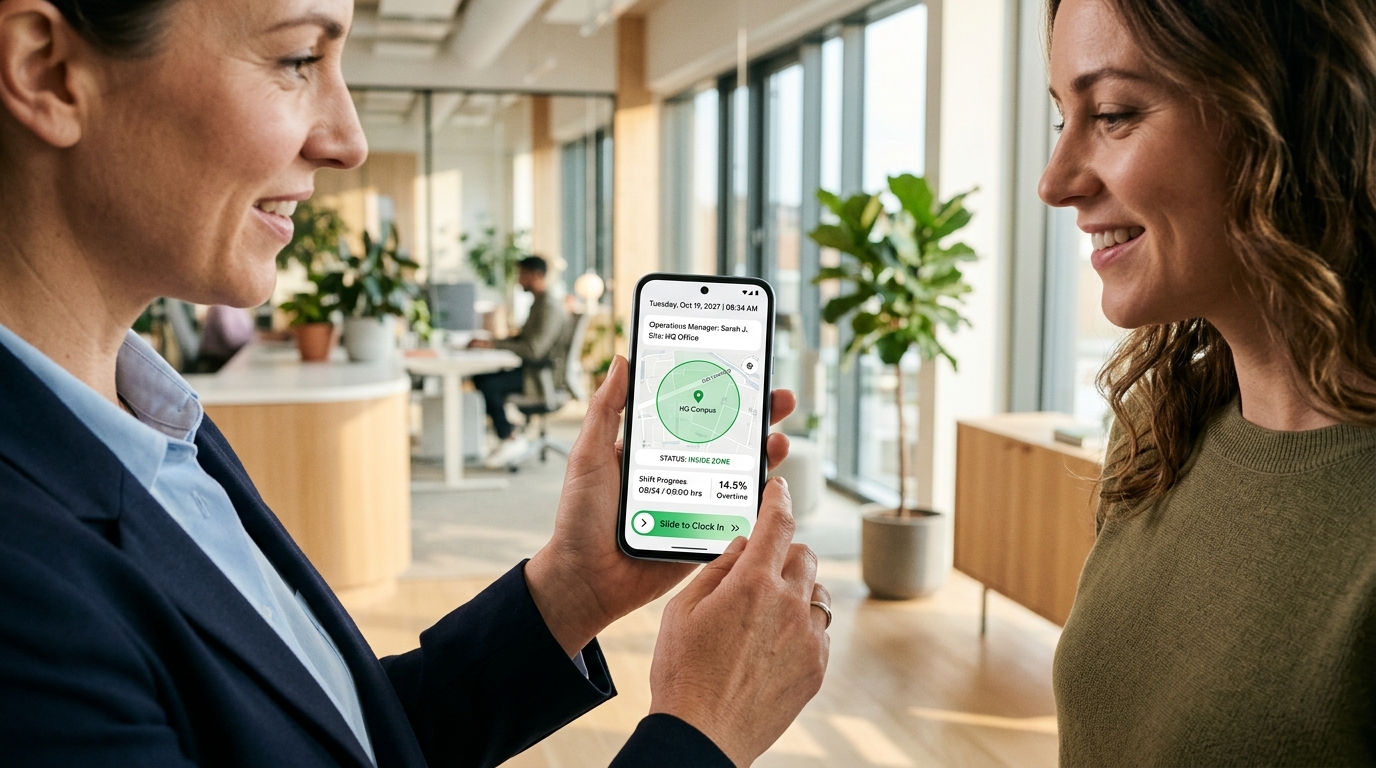

The traditional workplace time clock has reached the end of its lifecycle. Heading into 2027, clunky wall-mounted fingerprint terminals, magnetic plastic swipe badges, and manual paper rosters have been replaced by lightweight, mobile-first attendance systems. Forward-thinking businesses now prioritize software that respects employee device boundaries, verifies physical presence at the exact moment of check-in, and eliminates administrative payroll friction without requiring expensive enterprise subscriptions. Here is our authoritative ranking of the 7 best free attendance apps in 2027 and how next-generation workforce technologies are redefining shift management.
Quick Answer
The 7 best free attendance apps in 2027 are SlidesClock (ranking #1 for gesture-based slide verification and point-of-action geofencing), Jibble (leading high-capacity edge-biometric kiosks), Connecteam (best for frontline operational super-apps), Homebase (best for single-location predictive shift scheduling), Clockify (best for hybrid project telemetry), TimeCamp (best for passive desk presence detection), and Deputy Lite (best for complex shift compliance). Leading 2027 platforms replace invasive 24/7 background tracking with ethical point-of-action validation and frictionless smartphone micro-interactions.
1. How Attendance Software Has Transformed for 2027
In previous eras, time and attendance software competed on feature quantity: the more menus, sub-modules, and settings packed into a portal, the more authoritative it seemed. This created bloated, slow platforms that frontline workers struggled to navigate on their personal devices.
By 2027, the paradigm has fundamentally inverted toward speed, verification integrity, and worker trust. Modern operational teams require tools that complete shift check-ins in under two seconds while providing bulletproof fraud protection.
- Point-of-Action Verification: Location data is sampled exclusively for the brief moment of the punch gesture, preserving device battery life and respecting worker privacy.
- Frictionless Intentional Gestures: Tactile swipe gestures (like horizontal sliders) replace small buttons, preventing accidental clock-ins.
- Zero Hardware Overhead: Companies eliminate fragile, breakdown-prone fingerprint consoles and RFID card readers.
- Server-Authoritative Time: Timestamping relies on synchronized cloud servers rather than vulnerable local device clocks.
2. 2027 Free Attendance App Evaluation Matrix
The following matrix compares the leading 2027 free attendance software solutions across core architecture, free tier capacity, verification method, and primary technological advantage.
Official vendor portals: compare features on Jibble, Connecteam, Homebase, Clockify, TimeCamp, Deputy, and SlidesClock.
| Platform | 2027 Core Architecture | Free Tier Capacity | Verification Model | Primary 2027 Strength |
|---|---|---|---|---|
| SlidesClock | Mobile Micro-Interaction & Dynamic Fencing | Up to 5 staff, 1 site, 1 admin | Adaptive GPS + Workplace Wi-Fi | Zero hardware; fast slide-to-clock gesture |
| Jibble | Edge-AI Vision & Multi-Kiosk | Unlimited users (Core features) | Edge Biometric Facial Match | Fast kiosk face match without cloud delay |
| Connecteam | Frontline Modular Super-App | Free up to 10 users | Micro-Geofencing & Breadcrumbs | Shift checklists triggered upon jobsite arrival |
| Homebase | Predictive Shift Intelligence | 1 location, up to 20 staff | Network Signature & POS Sync | Predictive overtime alerts & labor forecast |
| Clockify | Omni-Channel Autonomous Logger | Up to 5 users | Active Window & Calendar Sync | Passive project categorization for hybrid desks |
| TimeCamp | Ambient Presence Telemetry | Free basic tier | Idle Sensing & App Telemetry | Automated workday logging and focus scoring |
| Deputy | Smart Compliance & Schedule Bidding | Starter tier (limited) | Dynamic GPS Pinning | Predictive scheduling and fair workweek alerts |
3. Detailed 2027 Rankings and Analysis of the Top 7 Apps
Here is how the top 7 free attendance applications rank heading into 2027, evaluated on verification accuracy, user experience, and operational dependability.
1. SlidesClock: The Benchmark for Frictionless Mobile Attendance
SlidesClock ranks as our #1 free attendance app in 2027 by demonstrating that high-accuracy workforce verification does not require invasive employee monitoring or expensive hardware.
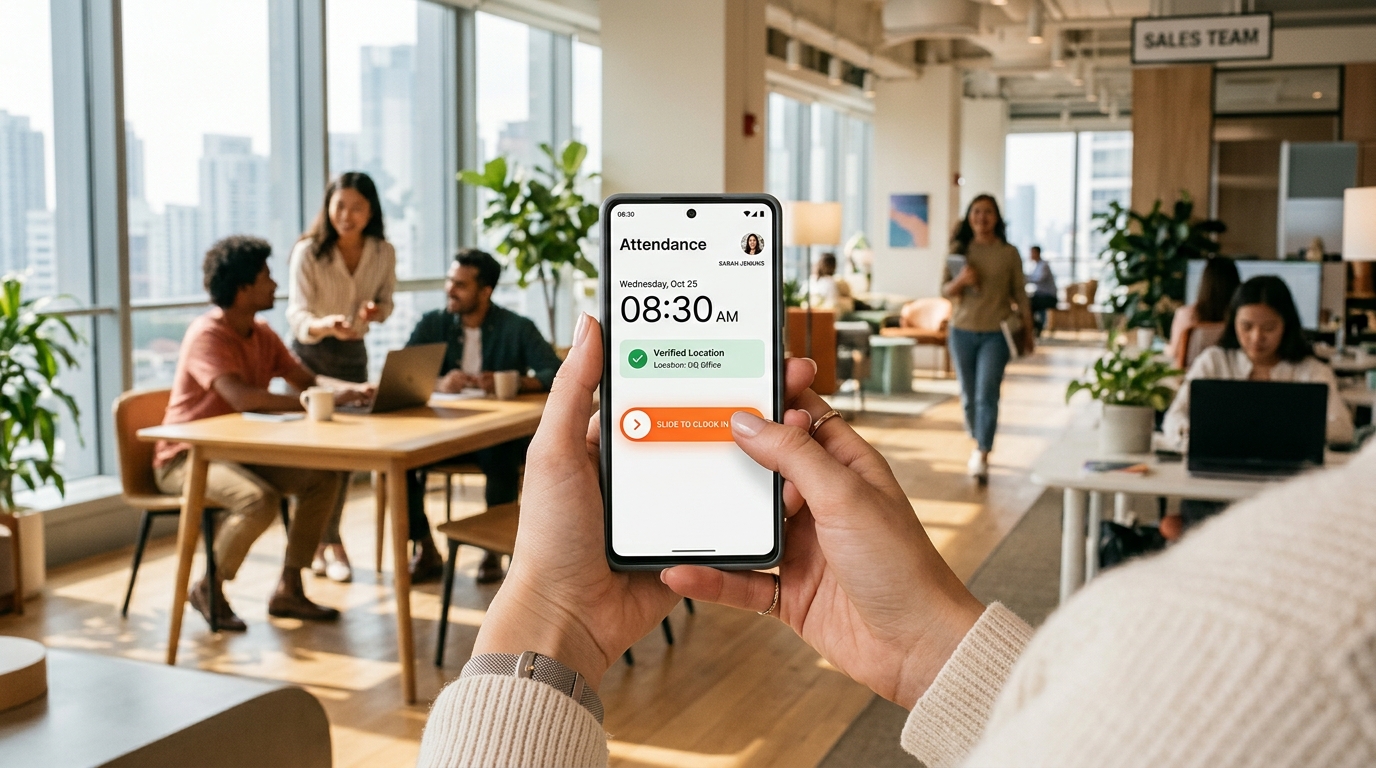
SlidesClock turns any modern smartphone into a certified attendance terminal through its signature "Slide In" and "Slide Out" gesture. Employees open the app upon stepping into work and complete a single horizontal swipe. This deliberate interaction eliminates false triggers and provides a clear physical confirmation.
Security and fraud prevention are handled at the network level: employers configure boundaries via GPS geofencing or Workplace Wi-Fi network validation. If a worker attempts to slide while outside the jobsite boundary, the punch is rejected immediately. Because verification occurs only at the moment of the slide, employee battery life and off-duty privacy remain completely protected.
SlidesClock provides a permanent Free Plan for up to 5 employees, 1 workplace location, and 1 administrator account with zero credit card required. It includes mobile Slide In/Out, GPS and Wi-Fi boundary checks, synchronized server timestamps, personal attendance history, shift scheduling, and leave management. The app is available on the App Store for iPhone, and Android is in testing with the APK available on request. Larger organizations scale affordably with Standard ($12.99/month for up to 20 staff across 3 branches with CSV exports) and Premium ($29.99/month for up to 40 staff across 10 locations with full audit corrections).
- Frictionless horizontal slide interaction eliminates accidental punches.
- Point-of-action verification respects personal battery and privacy boundaries.
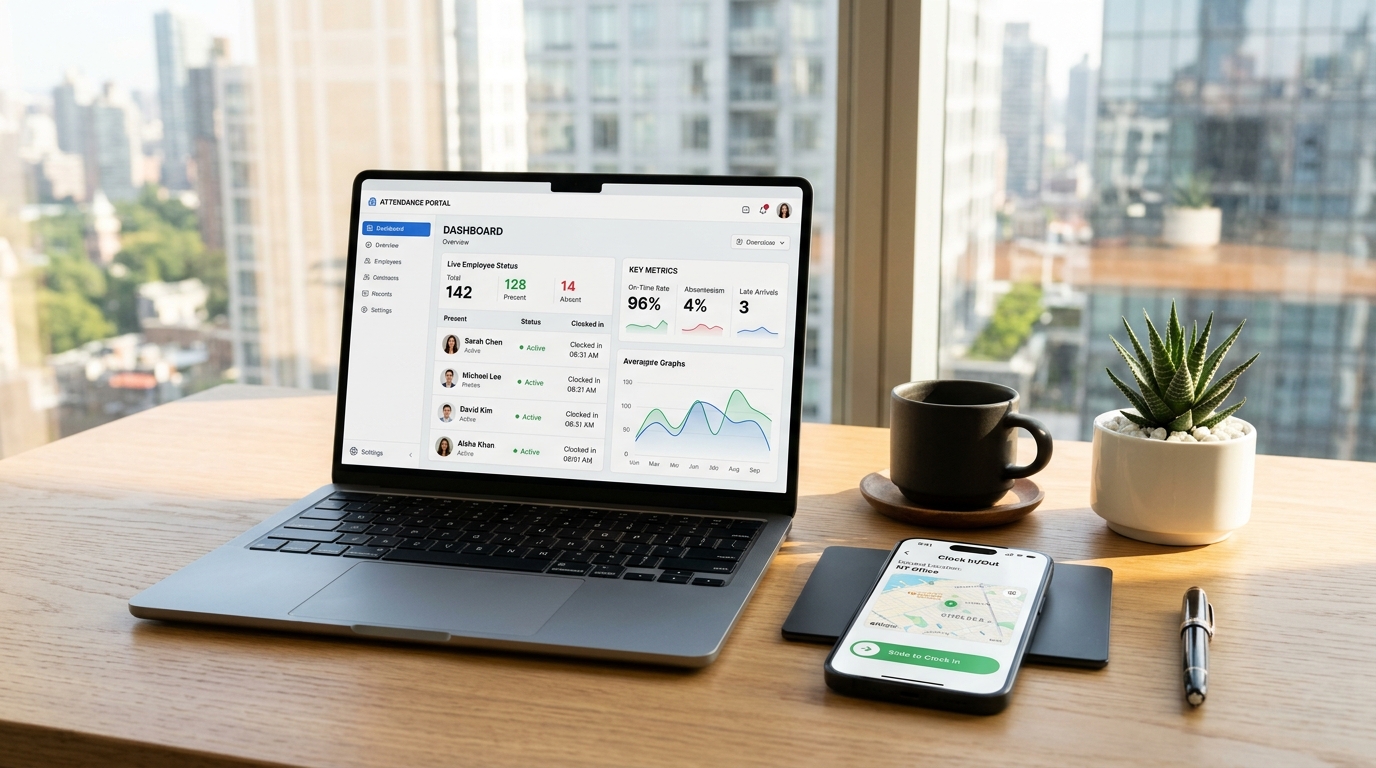
- Live manager dashboard tracks real-time arrivals, departures, breaks, and leaves.
- Self-service mobile portal for leave requests and overtime approvals.
- Permanent zero-cost plan for small teams with zero hardware maintenance.
2. Jibble: High-Throughput Edge Biometrics for Shared Entrances
In 2027, Jibble remains the leading choice for high-volume physical facilities—such as logistics hubs, food processing plants, and construction staging yards—that mandate a single communal clock-in terminal.
Jibble's edge-computed facial recognition kiosk allows workers to verify their identity without physical touch, processing clock-ins rapidly as staff arrive at the turnstile.
Its core free plan offers unlimited team members, making it a compelling option for large shift-based crews, though advanced geofencing rules and long-term historical records require paid upgrades.
- Unlimited user capacity on the free foundational tier.
- Touchless edge facial recognition on shared tablet kiosks.
- Automated multi-rate overtime tallying.
- Best for high-volume entryways and factory floors.
3. Connecteam: Frontline Operational Micro-Apps
Connecteam caters to decentralized service businesses where attendance is merely the first step of a complex daily operational routine.
In 2027, Connecteam links geofenced clock-ins to automated operational workflows. When a security guard or cleaning technician checks into a client site, the app immediately presents required safety checklists and customer service protocols.
Connecteam's free tier covers up to 10 users with core scheduling and chat features, serving as an operational hub for small field service organizations.
- Free for up to 10 deskless team members.
- Pairs geofenced shift punches with digital checklists and task forms.
- Centralizes team communication and internal updates.
- Optimal for mobile cleaning, maintenance, and security providers.
4. Homebase: Predictive Shift Intelligence for Single Venues
Homebase continues to be the dominant platform for single-location brick-and-mortar storefronts, combining POS hardware integration with smart hourly shift management.
In 2027, Homebase provides proactive labor insights, warning supervisors when scheduled hours risk triggering overtime penalties before the shift begins.
Its free tier supports 1 location and up to 20 workers, allowing neighborhood diners, retail stores, and salons to manage daily rosters without software overhead.
- Generous 20-employee limit for single-site storefronts.
- Native clock-in integration across major point-of-sale registers.
- Basic shift scheduling and team messaging included free.
- Tailored for independent restaurants and boutiques.
5. Clockify: Omni-Channel Telemetry for Hybrid Workplaces
Clockify by CAKE.com is built for remote, hybrid, and agency teams where productivity is measured across digital applications, client deliverables, and billable projects.
In 2027, Clockify bridges background telemetry with active time logging, allowing knowledge workers to record billable hours across desktop, mobile, and web environments.
The free tier accommodates up to 5 users with unlimited projects. While excellent for client billing, it lacks physical location verification for on-site hourly workers.
- Free for up to 5 team members with unlimited project tags.
- Broad cross-platform synchronization across desktop and mobile.
- Differentiates billable hours for accurate client invoicing.
- Best for software houses, creative agencies, and remote consultants.
6. TimeCamp: Ambient Presence Detection for Desk Environments
TimeCamp is designed for professional workers who prefer automated time logging over manual stopwatch timers.
In 2027, TimeCamp uses background application telemetry to record active work windows, generating automated timesheet entries and providing early warnings for team burnout.
Its free basic plan is ideal for individual professionals and micro-teams seeking frictionless personal productivity data, with team analytics available on TimeCamp pricing plans.
- Free basic tier for solo professionals and small teams.
- Automatic computer presence detection without manual timers.
- Monitors focus time and flags excessive overtime.
- Suited for freelance developers and boutique remote agencies.
7. Deputy Lite: Predictive Labor Compliance and Shift Bidding
Deputy is renowned for its handling of complex regional labor legislation, fair workweek mandates, and break compliance rules.
In 2027, Deputy's entry-level tools enable shift bidding and smart availability tracking, ensuring managers staff operations in accordance with labor guidelines.
While Deputy's free tier has strict usage limits, it provides valuable structure for businesses navigating complex shift scheduling, with full tier details on Deputy pricing.
- Starter tier with structured shift confirmation.
- Enforces mandatory rest break compliance.
- Dynamic availability notifications for shift coverage.
- Best for hospitality and healthcare operations with rigid scheduling rules.
4. Why Intentional Gestures Outperform Biometrics and Spyware in 2027
A critical technology trend defining 2027 is the decisive move away from biometric hardware and 24/7 background tracking toward authenticated gesture-based verification.
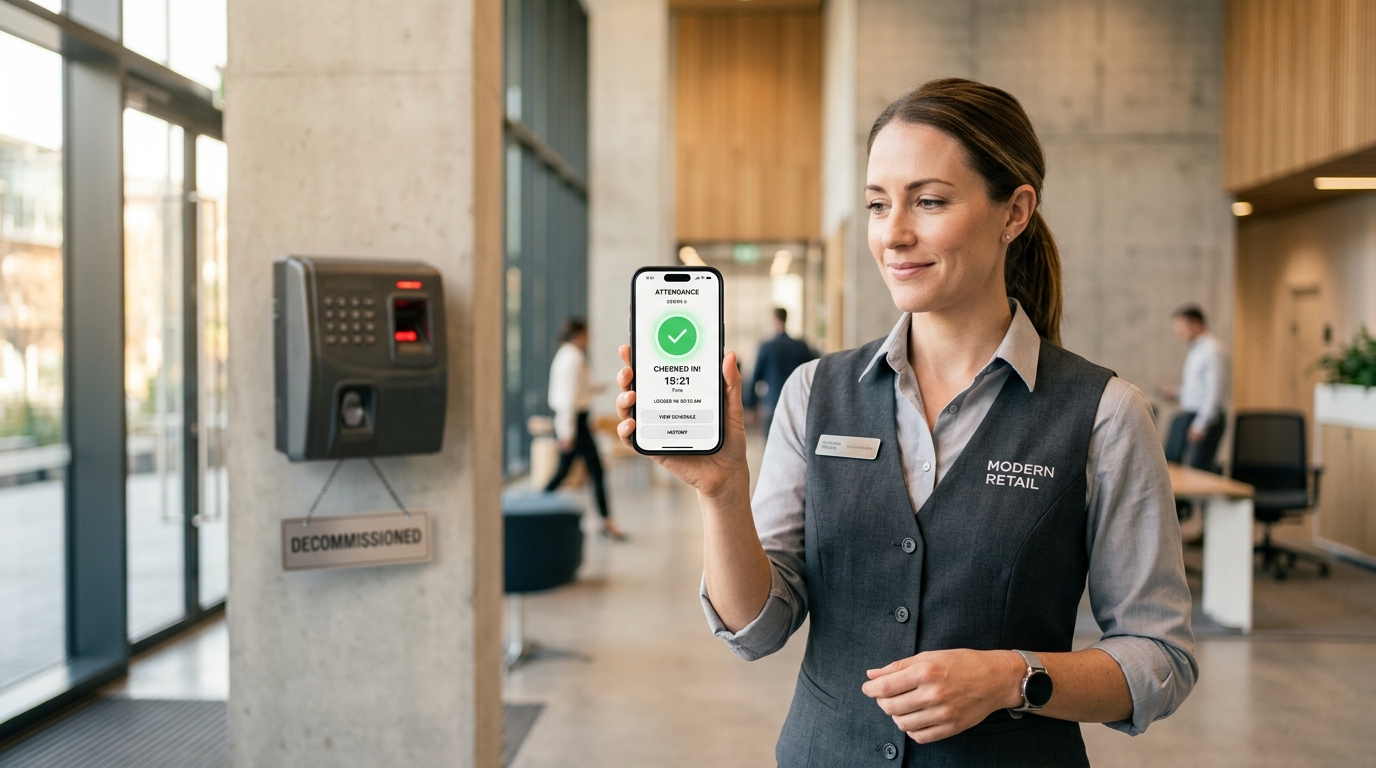
Legacy optical fingerprint scanners suffer from high hardware failure rates, sanitation concerns in high-traffic environments, and significant regulatory liability under biometric privacy laws (such as BIPA and GDPR).
Conversely, invasive background GPS tracking drains employee phone batteries and provokes team resistance. Intentional gestures—such as SlidesClock's Slide to Clock In—verify location only during the two seconds needed to commit the punch, creating a transparent, ethical workplace standard.
- Zero Hardware Costs: Eliminates capital expenses for biometric consoles and maintenance contracts.
- Rapid Shift Transitions: Staff clock in concurrently on their own phones without bottlenecking at an entrance wall.
- Privacy and Battery Respect: Point-of-action verification ensures zero location sampling when off duty.
- No Biometric Liability: Avoids collecting or storing sensitive employee fingerprint or facial biometric data.
5. 2027 Workforce Attendance Implementation Blueprint
Modernizing attendance tracking in 2027 requires zero complex IT infrastructure. Follow this operational blueprint to transition your team in an afternoon.
2027 WORKFORCE ATTENDANCE ROLLOUT BLUEPRINT
SUBJECT: Mobile-First Attendance Deployment and Verification Guidelines

1. WORKPLACE PERIMETER SETUP (Day 1)
   a. Define your workplace branch in the manager portal.
   b. Configure verification boundaries: enter your street address for GPS geofencing (50m-150m radius) or specify your office Wi-Fi network SSID.
   c. Set scheduled shift start times, standard break durations, and overtime thresholds.

2. EMPLOYEE ONBOARDING (Day 2)
   a. Send team invitations using direct invite codes, QR codes, or registration links.
   b. Employees download the SlidesClock app on their personal smartphones.
   c. Walk through the signature "Slide to Check-In" interaction during team muster.

3. DAILY SHIFT EXECUTION (Day 3 Onward)
   a. Employees execute Slide In upon physical arrival at the jobsite.
   b. The supervisor dashboard displays real-time attendance, tardiness, and absences.
   c. Mid-shift meal breaks are recorded via the break slider.
   d. Staff execute Slide Out upon shift completion.

4. PRE-PAYROLL AUDIT
   a. Review supervisor dashboard for shift variances or pending overtime requests.
   b. Approve or resolve exception requests with full audit integrity.
   c. Export verified CSV or PDF timesheets for payroll distribution.
Frequently Asked Questions
What makes an attendance app next-gen in 2027?
Next-gen attendance apps in 2027 eliminate physical wall hardware and invasive continuous tracking. They rely on frictionless mobile micro-interactions (like horizontal slide gestures), privacy-first point-of-action verification (GPS geofencing and Wi-Fi validation), and server-authoritative timestamps.
Why are companies abandoning wall-mounted biometric fingerprint terminals in 2027?
Wall-mounted fingerprint scanners are expensive, break down frequently, create long lines at shift change, and present significant regulatory and legal liabilities under biometric privacy laws like BIPA and GDPR. Smartphone verification provides superior reliability without hardware overhead.
How does SlidesClock protect employee privacy compared to other attendance apps?
SlidesClock practices strict point-of-action verification. Location sensors are queried only for the single second required to validate the slide gesture when clocking in or out. SlidesClock never runs continuous background location tracking, preserving worker privacy and battery life.
Can employees bypass smartphone GPS verification using mock location apps?
Modern attendance apps like SlidesClock include system-level integrity checks that detect mock locations and developer mode spoofing. Furthermore, pairing GPS boundaries with Workplace Wi-Fi network validation provides a dependable secondary layer of physical presence proof.
What is the most cost-effective way to track attendance across multiple jobsites in 2027?
Software-defined mobile attendance apps like SlidesClock allow businesses to define multiple geofenced branch locations in the cloud without purchasing hardware for every site. Small teams start 100% free, while growing companies benefit from predictable flat monthly subscriptions.