SlidesClock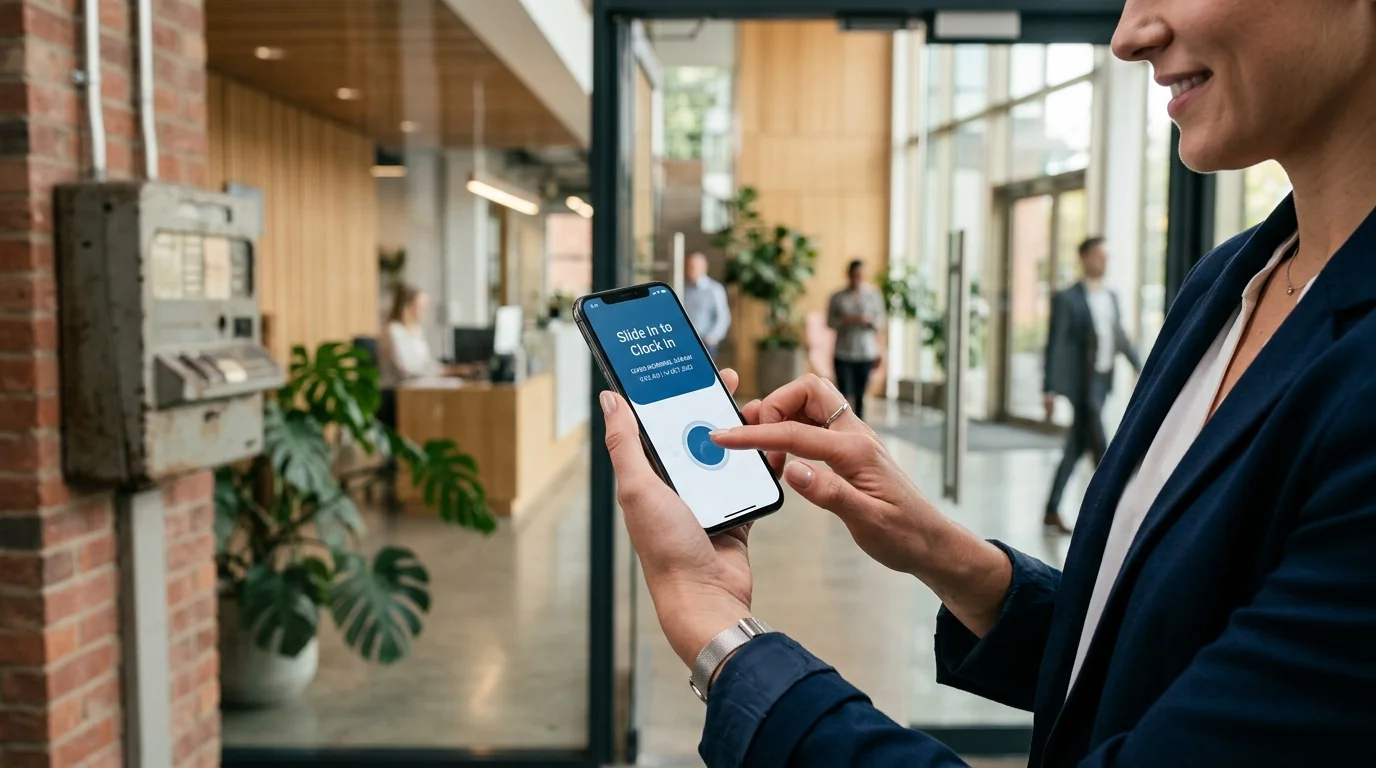

For over two decades, mounting a biometric fingerprint scanner or facial recognition machine near the front door was considered the gold standard for tracking employee work hours. Yet for modern business owners, operations managers, and HR leads, physical attendance hardware has become a persistent source of mounting costs, device breakdowns, morning queues, and multi-branch friction. In 2026, forward-thinking businesses are rapidly adopting an attendance app without biometric machine—turning employee smartphones into secure, self-service time clocks verified by GPS geofencing, workplace networks, and cloud timestamps. This guide explains why physical biometric terminals are being phased out, how no-hardware mobile systems work, where physical biometric terminals still make sense, and how your business can switch seamlessly.
Quick Answer
An attendance app without biometric machine is a mobile software platform that records employee shift times directly on their own smartphones, eliminating wall-mounted fingerprint scanners, facial terminals, and punch clocks. Instead of physical hardware, the system uses point-in-time verification—such as workplace GPS geofencing or designated office Wi-Fi networks—paired with tamper-resistant server timestamps. This removes hardware purchase costs, wiring installation, physical maintenance, and doorway queues while enabling instant attendance tracking across multiple branches.
1. What Are Biometric Attendance Systems (and Why Are They Declining)?
Biometric attendance systems are dedicated physical hardware terminals installed on workplace walls that identify employees through unique biological traits—most commonly optical fingerprint scans, hand geometry, or infrared facial recognition. Introduced in the 1990s and 2000s, these terminals emerged to solve a single persistent challenge: buddy punching, where employees clocked in on behalf of absent or tardy coworkers using paper punch cards or plastic badges.
While effective for single-facility factories with fixed shifts, physical biometric terminals were engineered for an industrial era. Today's workforce is agile, decentralized, and spread across retail stores, client premises, satellite branches, and dynamic schedules. For modern businesses, bolting a $400 plastic terminal to an entryway wall creates more operational bottlenecks than it eliminates.
With smartphones now universally equipped with high-precision location sensors, encrypted radios, and secure operating systems, replicating those capabilities with wall-mounted hardware has become an unnecessary capital and operational burden.
The Shift-Change Bottleneck and Morning Queues
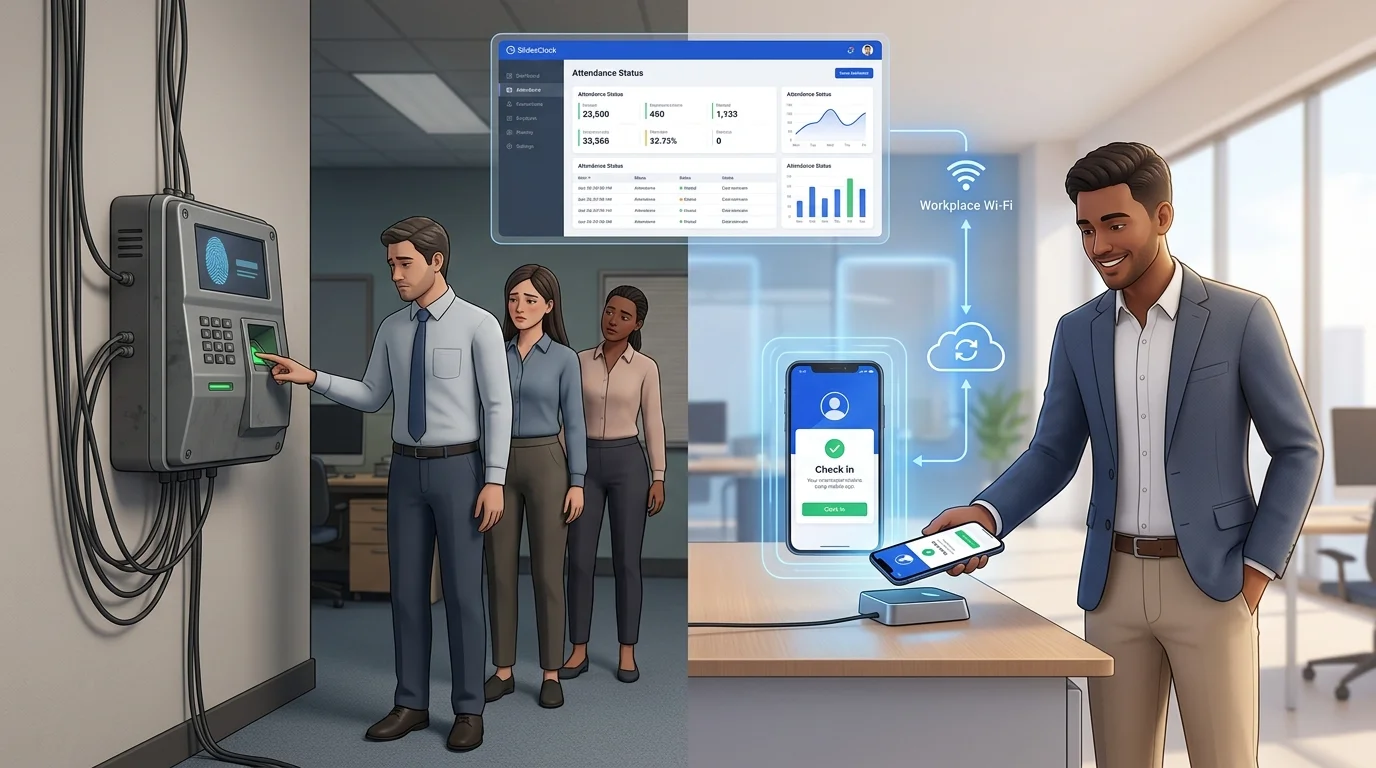
In retail, clinics, cafes, and restaurants, dozens of workers arrive within the same ten-minute shift-change window. An optical fingerprint terminal processes only one person at a time, requiring 5 to 15 seconds per employee.
When sensor errors or dirty hands cause repeat attempts, long lines spill into customer entrances. Employees arriving punctually at 8:52 AM can find themselves marked late at 9:03 AM simply because coworkers ahead struggled with unread fingerprints, creating unnecessary team friction and timesheet disputes.
Sensor Wear, False Rejections, and Hygiene Concerns
Biometric readers require clean, direct physical contact on delicate glass prisms. In hands-on industries, this requirement fails regularly: kitchen staff have moist hands, warehouse workers develop calloused fingertips, and construction crews carry dust. Over time, optical prisms scratch and cloud, leading to escalating false rejection rates.
Furthermore, having dozens of employees press their fingers onto the exact same glass surface every morning raises persistent hygiene concerns, particularly during flu seasons.
3. How an Attendance App Without Biometric Machine Works
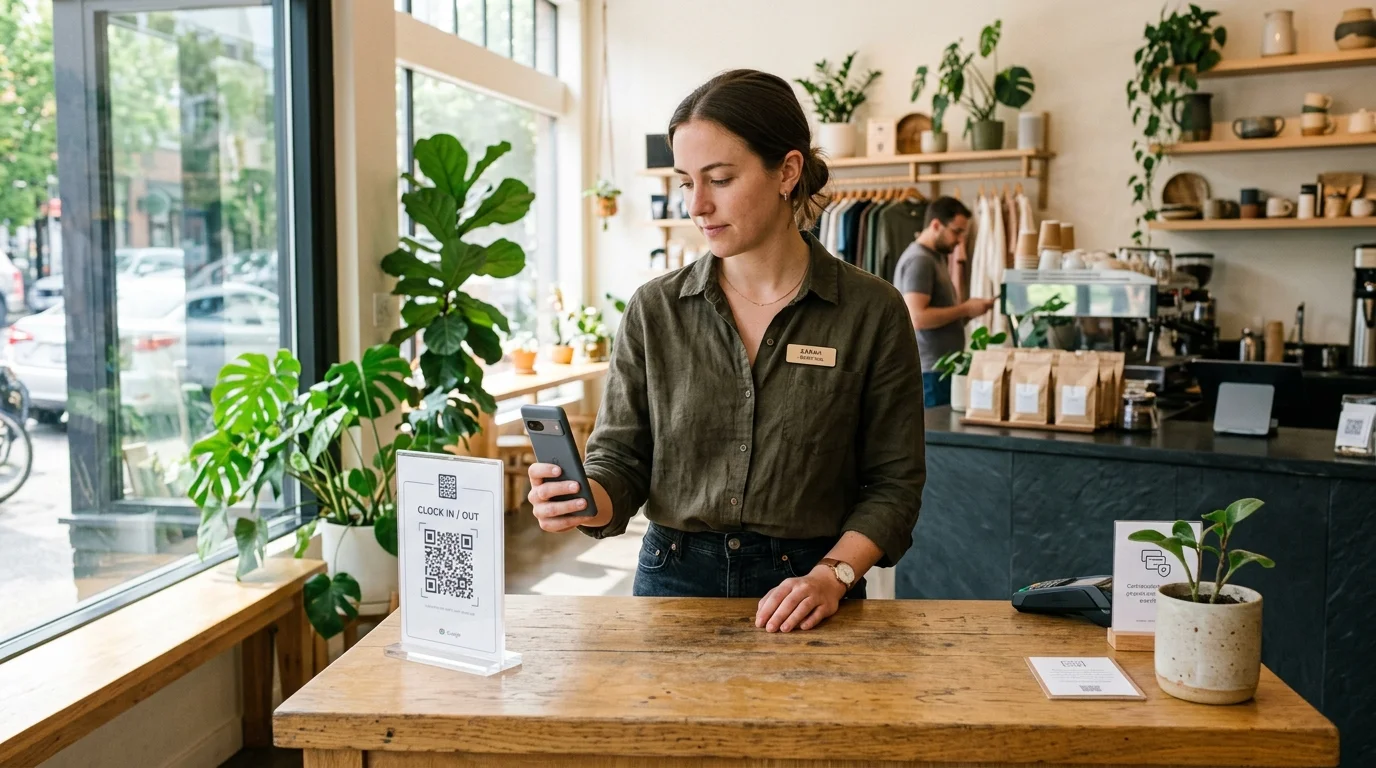
An attendance app without biometric machine replaces physical wall terminals with an intuitive mobile workflow that runs directly on the smartphones employees already carry in their pockets. Rather than scanning a fingertip, the system verifies attendance through software-defined presence checks.
Point-of-Action Verification: GPS Geofencing and Workplace Wi-Fi
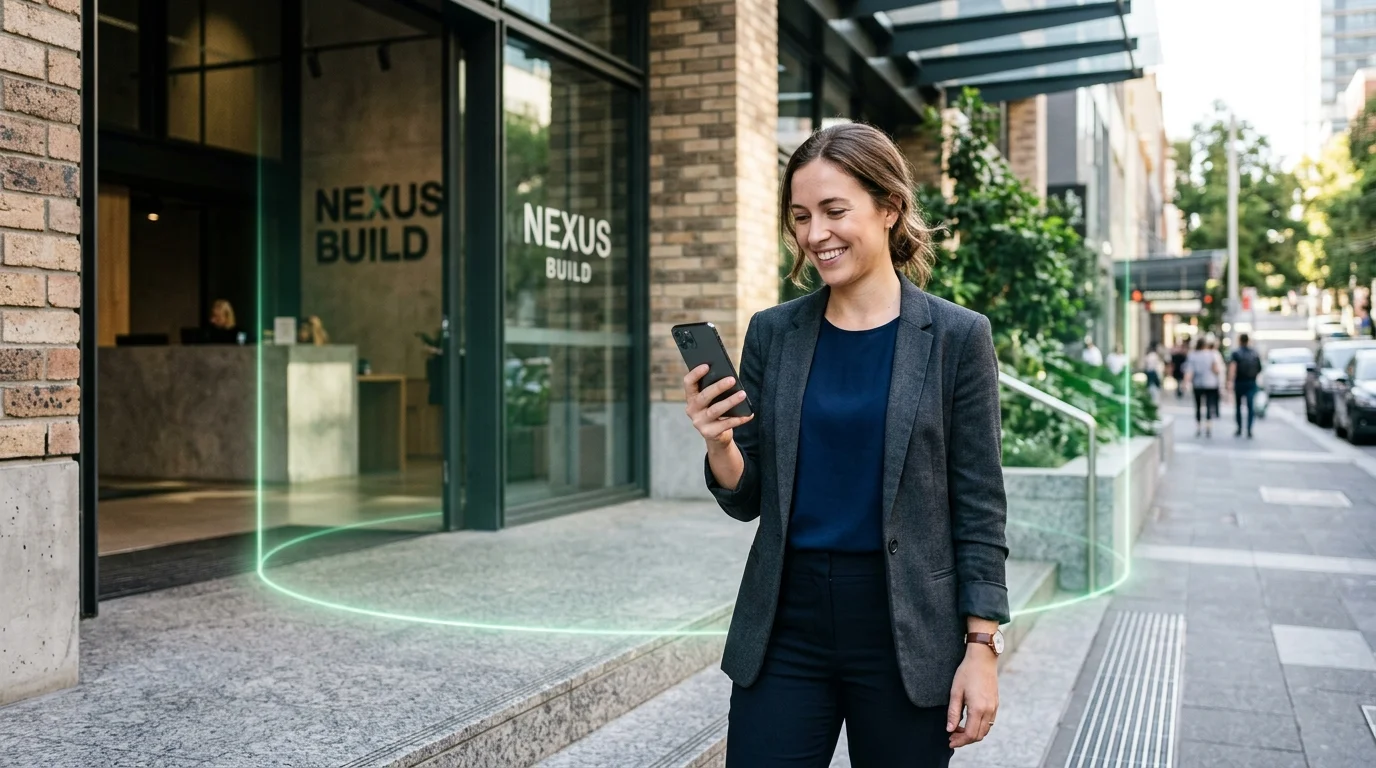
To verify that an employee is physically at work, the app evaluates environmental signals at the moment of clock-in. Using GPS geofencing, the server checks whether the device's coordinates fall within an authorized radius (such as 100 meters around the store or office).
Alternatively, for indoor corporate facilities where satellite reception is weak, the system can enforce workplace Wi-Fi verification, confirming that the employee's device is connected to the company's official router network. For a complete comparison of location technologies, read our guide on time clock apps with GPS.
Server-Synchronized NTP Timestamps
Physical punch clocks and standalone biometric machines rely on internal battery-backed clocks that can drift or be tampered with. In a cloud-native attendance app, all timestamps are generated by cloud servers synchronized via Network Time Protocol (NTP) against international atomic time standards.
Even if an employee alters their phone's system time to disguise tardiness, the server records the immutable, authoritative current time.
Hardware Device Registration to Eliminate Buddy Punching
Managers frequently ask: without a fingerprint scanner, how do you prevent buddy punching? The answer is hardware device registration. When an employee sets up their app, their account binds securely to their unique smartphone hardware.
An employee cannot hand their credentials to a friend to clock in from another phone. To clock in, the authorized employee must physically hold their registered smartphone inside the authorized workplace boundary.
4. Biometric Machine vs. Mobile Attendance App: Comprehensive Breakdown
Evaluating whether to replace your biometric attendance machine with a mobile app requires comparing day-to-day operational realities across setup, maintenance, employee experience, and payroll efficiency.
| Operational Dimension | Biometric Wall Terminal (Fingerprint / Face) | Mobile Attendance App (SlidesClock) |
|---|---|---|
| Capital & Upfront Hardware Cost | $250 to $800+ per terminal plus electrical installation | $0 (Employees use existing personal smartphones) |
| Multi-Site Scalability | Requires purchasing and installing hardware at every location | Instantaneous (Create new geofenced branches in seconds) |
| Morning Queue Times | 5 to 15 seconds per person; heavy morning bottlenecks | 0 seconds queue (All staff clock in simultaneously on arrival) |
| Field & Mobile Employee Support | Impossible; staff must travel to physical hardware first | Native support for remote, traveling, and client-site workers |
| Hygiene & Physical Contact | High-contact shared glass surface touched by all staff | 100% personal device; zero shared physical contact |
| Hardware Wear & Maintenance | Optical sensors scratch, lenses cloud, power supplies fail | Zero hardware maintenance; automatic cloud updates |
| Data Synchronization | Manual USB export or fragile local network cables | Real-time cloud synchronization to web manager dashboard |
| Privacy & Legal Compliance | High liability (Stores sensitive biological traits/scans) | Point-in-time check; zero biometric traits stored or tracked |
| Implementation Speed | 2 to 4 weeks (Ordering, shipping, mounting, wiring) | Under 10 minutes (Download from App Store, invite team) |
5. Objective Analysis: When Biometric Hardware Still Makes Sense vs. When Mobile Is Superior
An objective technology evaluation requires recognizing that neither tool is universally superior for every imaginable workplace. Both biometric hardware and mobile attendance apps have legitimate operational domains.
When Biometric Hardware Still Makes Sense
Physical biometric terminals remain the rational choice in specific high-security or industrial environments:
- Strict Cleanrooms and Sterile Laboratories: Environments where personal electronics are prohibited due to contamination protocols.
- Hazardous and Explosive Industrial Facilities: Oil refineries, chemical processing plants, and grain silos where non-intrinsically-safe smartphones present spark ignition hazards (ATEX environments).
- Secure Classified Installations: Government SCIF facilities or military defense sites where cameras and radio transmitters are legally forbidden past security checkpoints.
- Non-Smartphone Workforces: Operations where employees do not own smartphones and employers do not wish to issue cellular equipment.
When Mobile Attendance Is Far Superior
For the vast majority of commercial and service businesses, a mobile attendance app without biometric machine provides vastly superior efficiency, economics, and employee satisfaction:
- Retail, Bakeries, and Boutiques: Eliminating entryway queues and verifying that store openers arrive on time.
- Cafes and Restaurants: Clean, hygienic clock-ins that do not suffer from wet, floury, or greasy fingers on optical prisms.
- Multi-Location Businesses: Managing attendance across 3 to 10 retail branches without buying hardware for each door.
- Field Contractors and Mobile Services: Cleaning agencies, HVAC technicians, and landscapers who travel directly to customer sites.
- Modern Corporate Offices: Fast, frictionless attendance tracking that integrates cleanly with remote and hybrid schedules.
6. Privacy, Legal Compliance, and Employee Trust
One of the fastest-growing reasons organizations replace fingerprint attendance machines is the mounting legal risk surrounding biological data collection.
The Legal Liability of Storing Biometric Data
Strict regulations such as the Illinois Biometric Information Privacy Act (BIPA), Texas CUBI statutes, and the European Union's General Data Protection Regulation (GDPR) classify fingerprint and facial geometry data as high-risk sensitive personal data. Storing biological traits exposes businesses to severe statutory fines and class-action lawsuits if data breaches occur.
Furthermore, employees increasingly resist surrendering their fingerprints or facial geometry to employers for routine hourly tracking.
Point-in-Time Verification: Accountability Without Surveillance
A mobile attendance app avoids biological data collection entirely. Instead of storing a digital representation of an employee's body, the app simply checks whether the phone is at the workplace at 9:00 AM. Location data is read only for the brief second needed to validate the shift event, with zero background tracking outside work hours. For small businesses operating on tight budgets, this provides airtight accountability without legal liability.
7. Step-by-Step Transition Plan: Retiring Your Biometric Machine in 4 Steps
Replacing physical attendance hardware with a modern mobile app does not require halting business operations. Follow this seamless 4-step transition plan:
- Step 1: Map Shift Schedules and Grace Periods. In your manager dashboard, establish work schedules, start/end times, and tardiness grace periods (e.g. 5 to 10 minutes) so punctuality expectations remain clear.
- Step 2: Configure Workplaces and Verification Geofences. Set up your workplace coordinates and specify a 100-meter GPS radius or office Wi-Fi network.
- Step 3: Run a Five-Day Parallel Pilot. Have employees download the mobile app and test sliding in alongside the physical fingerprint machine for one week to build familiarity.
- Step 4: Decommission the Wall Terminal. Unmount the physical terminal, celebrate the elimination of morning queues, and manage all attendance and reporting digitally.
8. How SlidesClock Delivers Seamless Attendance Without Hardware
SlidesClock was engineered specifically to give businesses an elegant, dependable alternative to cumbersome fingerprint terminals and punch clocks.
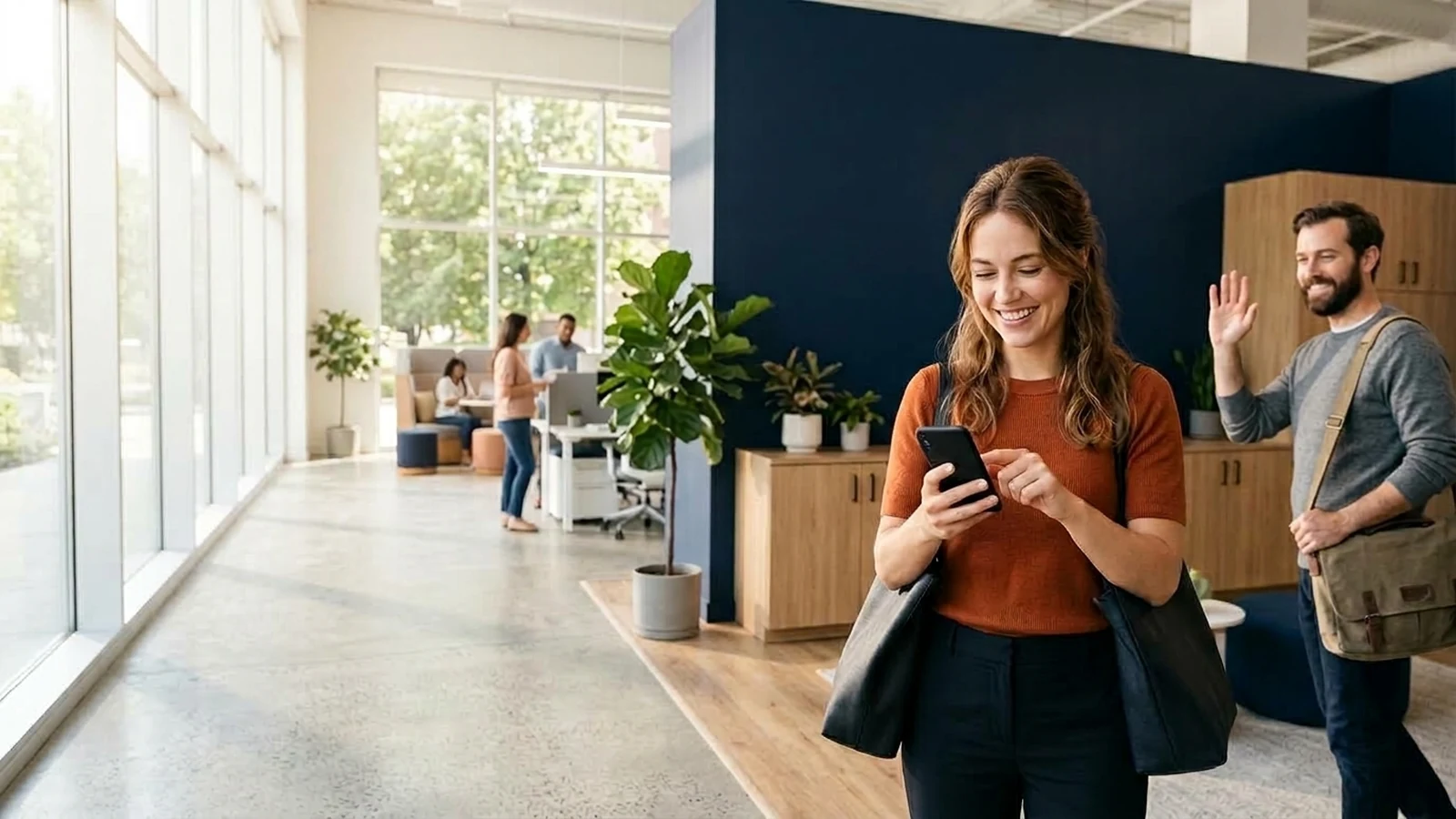
Employees simply Slide In on their smartphones to start their shift and Slide Out to conclude it. There are no wall boxes to buy, no wiring to run, and no replacement optical sensors to purchase.
Everything You Need to Run Frontline Attendance
With SlidesClock, business owners receive:
- Instant self-service clock-in with point-in-time GPS geofencing and workplace Wi-Fi validation.
- Hardware device registration to eliminate buddy punching.
- Comprehensive schedule rotas, grace periods, and leave tracking.
- Real-time web dashboard for managers at app.slidesclock.com.
- Clean timesheet exports and optional integrated payroll on Premium.
Predictable, Honest Pricing for Growing Businesses
Unlike enterprise biometric systems that require large capital outlays, SlidesClock offers an honest, permanent Free plan for teams of up to 5 employees, 1 workplace, and 1 admin with zero credit card required.
As your business expands, upgrade smoothly to Standard ($12.99/mo for up to 20 staff across 3 locations) or Premium ($29.99/mo for up to 40 staff across 10 locations). To learn more about evaluating zero-cost software, read our companion guide on how to evaluate a free attendance app for a small business.
Frequently Asked Questions
Can an attendance app prevent buddy punching without a fingerprint scanner?
Yes. Modern attendance apps use hardware device registration paired with GPS geofencing. Each employee account is locked to their personal smartphone hardware, and the system verifies that the device is physically located inside the workplace boundary at the moment of clock-in. Employees cannot clock in for absent coworkers.
What happens if an employee forgets or loses their smartphone?
Managers have administrative permissions on the web dashboard to manually log or adjust shifts with full audit logging, ensuring no legitimate working hours are lost.
Does an attendance app without biometric machine track employees when they leave work?
No. SlidesClock uses point-in-time verification, meaning location is checked solely at the instant of clock-in and clock-out. SlidesClock does not track location in the background or monitor employees during their personal time.
How much money does switching from biometric hardware to a mobile app save?
A typical small business saves between $300 and $800 upfront per location on terminal hardware and electrical wiring, plus recurring maintenance and USB management labor. For teams up to 5 staff, SlidesClock is 100% free forever.
Can employees manipulate the time on their phones to avoid being marked late?
No. All attendance records are stamped with server-synchronized time using Network Time Protocol (NTP) in the cloud. Manually changing the clock on a smartphone has zero effect on the recorded shift time.
Is a mobile attendance app hygienic compared to fingerprint scanners?
Yes. Employees touch only their own personal smartphone screen, completely eliminating the shared physical contact of touching a public glass scanner that dozens of coworkers press daily.
How quickly can a business transition from a fingerprint machine to SlidesClock?
Most businesses complete the transition in under ten minutes: create a company account, configure your workplace location, and invite employees to download the app.
Can SlidesClock handle multiple branches without buying extra hardware?
Yes. You can add multiple workplace locations in your dashboard, each with its own customized GPS geofence or Wi-Fi rules, allowing employees to clock in seamlessly across branches.