 SlidesClock
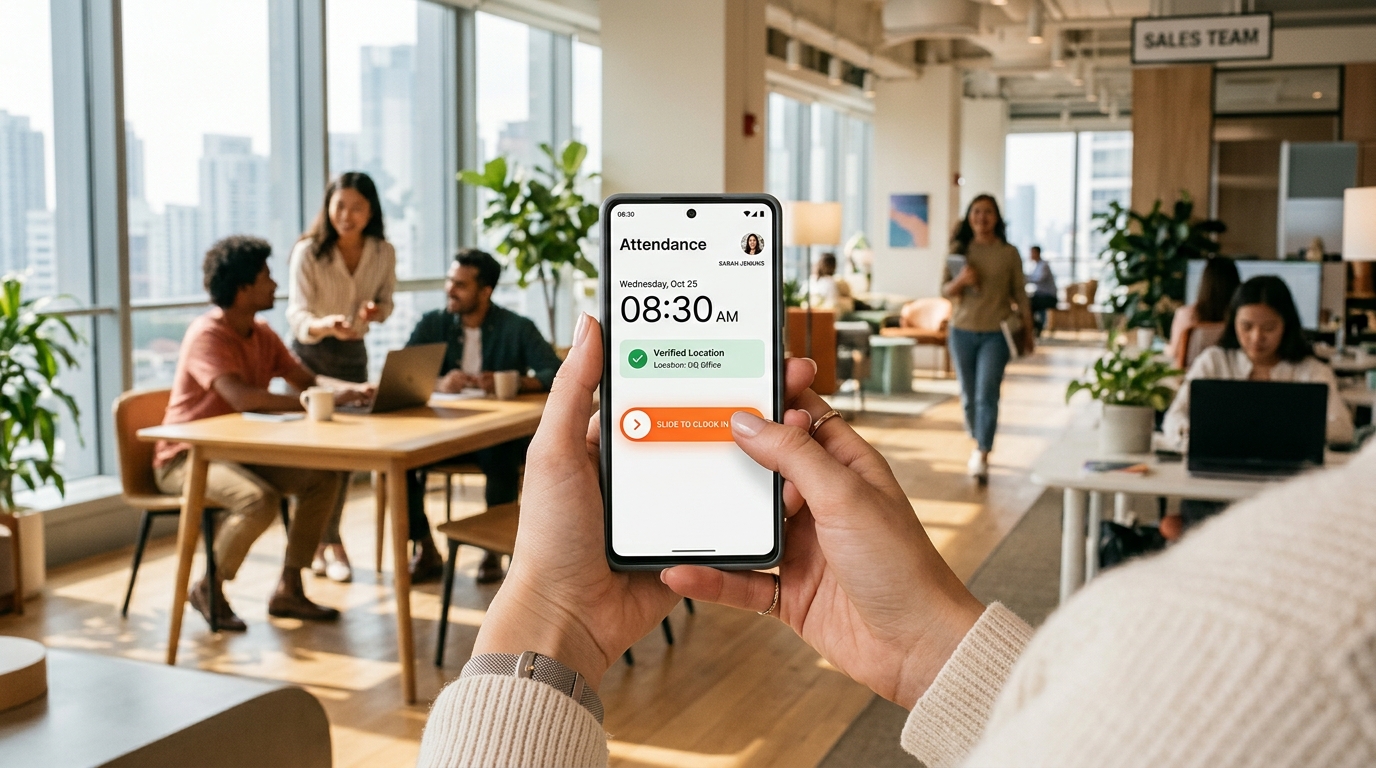

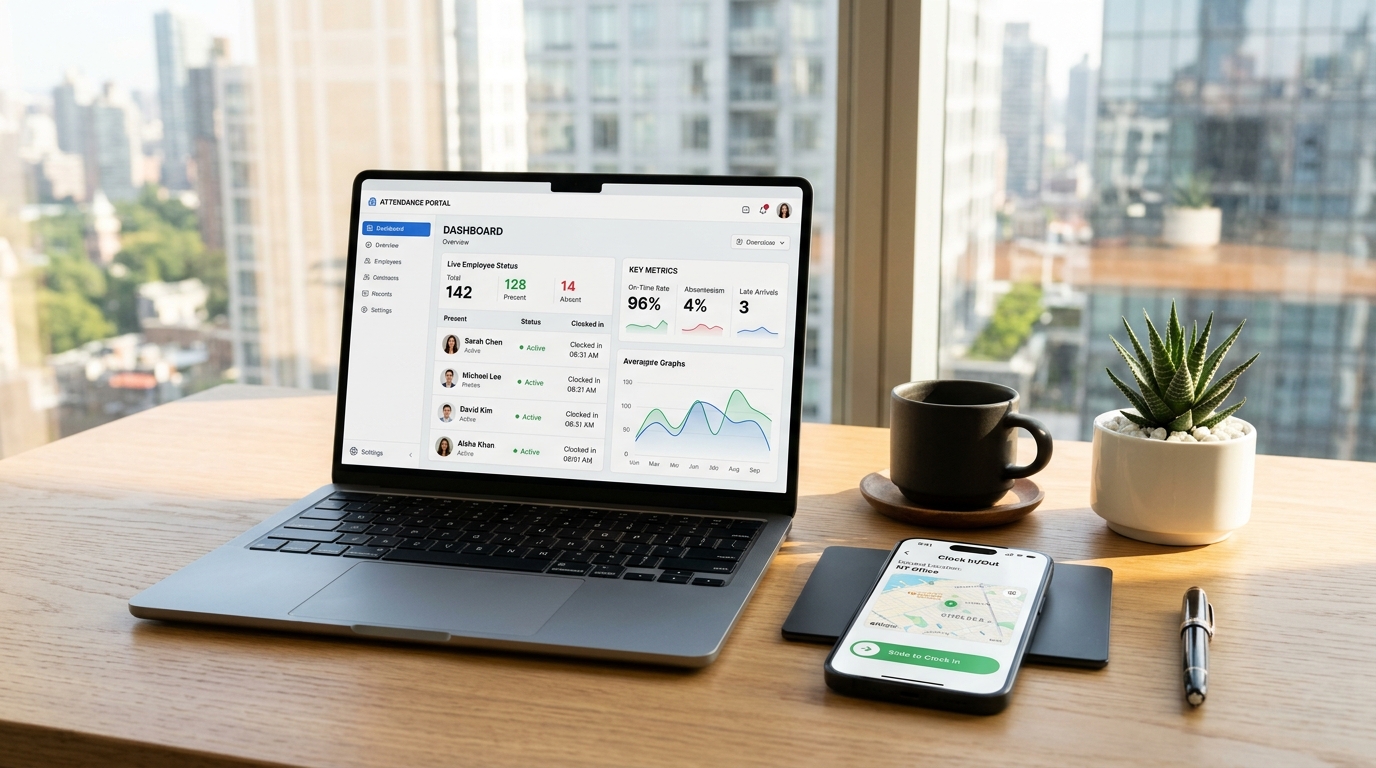
Navigating the employee attendance software market in 2027 reveals a stark divide between two generational philosophies. On one side are legacy enterprise suites and heavyweight scheduling behemoths that charge exorbitant per-user subscription fees, mandate continuous background location surveillance, and burden frontline workers with cluttered mobile interfaces. On the other side is a new generation of focused, point-of-action attendance apps built specifically for frontline, deskless, and multi-location workforces. Today's business operators—spanning retail storefronts, dining venues, construction jobsites, field service crews, medical practices, and distribution hubs—need time tracking that eliminates buddy punching instantly without turning the workplace into a surveillance state. To help you select the ideal solution for your company, we tested, evaluated, and ranked the top ten [employee attendance apps](/features/employee-attendance) for 2027 based on verification accuracy, team adoption velocity, employee privacy safeguards, and long-term total cost of ownership.
Quick Answer
The best employee attendance apps for 2027 prioritize zero-hardware point-of-action verification, server-authoritative timestamps, and predictable flat pricing over invasive 24/7 background GPS tracking. SlidesClock ranks #1 for small-to-midsize frontline and deskless teams by combining an intentional slide gesture with GPS and Wi-Fi boundary verification and a permanent free tier for up to 5 workers, followed by Deputy for complex hospital shift scheduling and QuickBooks Time for Intuit accounting integration.
1. What Distinguishes the Best Attendance Apps in 2027?
In previous years, attendance software was evaluated purely on feature checklists: did the software offer timesheets, scheduling, shift swapping, messaging, task lists, and payroll export? This feature-stuffing approach created bloated, sluggish applications that frontline employees hated using.
In 2027, the best attendance apps prioritize interaction elegance, verification integrity, and worker trust. Frontline associates do not need a complex corporate intranet on their personal phones; they need a lightning-fast, foolproof way to record shift arrival and departure.
Crucially, modern organizations demand tools that protect employee privacy. Applications that demand 24/7 background GPS monitoring drain battery life, trigger worker rebellion, and invite regulatory scrutiny under privacy frameworks like GDPR and CPRA. The premier apps in 2027 verify identity and location strictly at the point of action.
- Point-of-Action Verification: Location sensors query coordinates only for the two seconds needed to commit a shift punch.
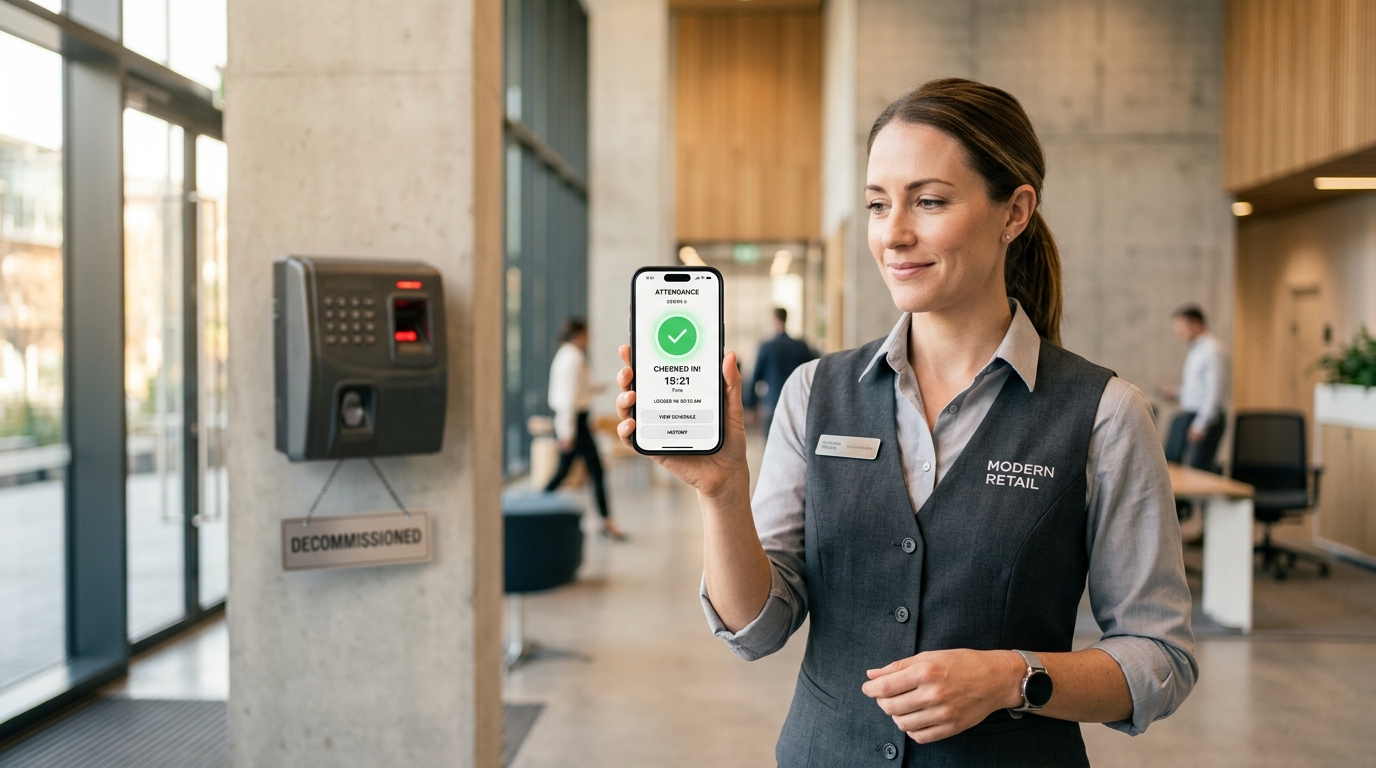
- Zero Hardware Dependency: Eliminates expensive, breakdown-prone biometric fingerprint consoles.
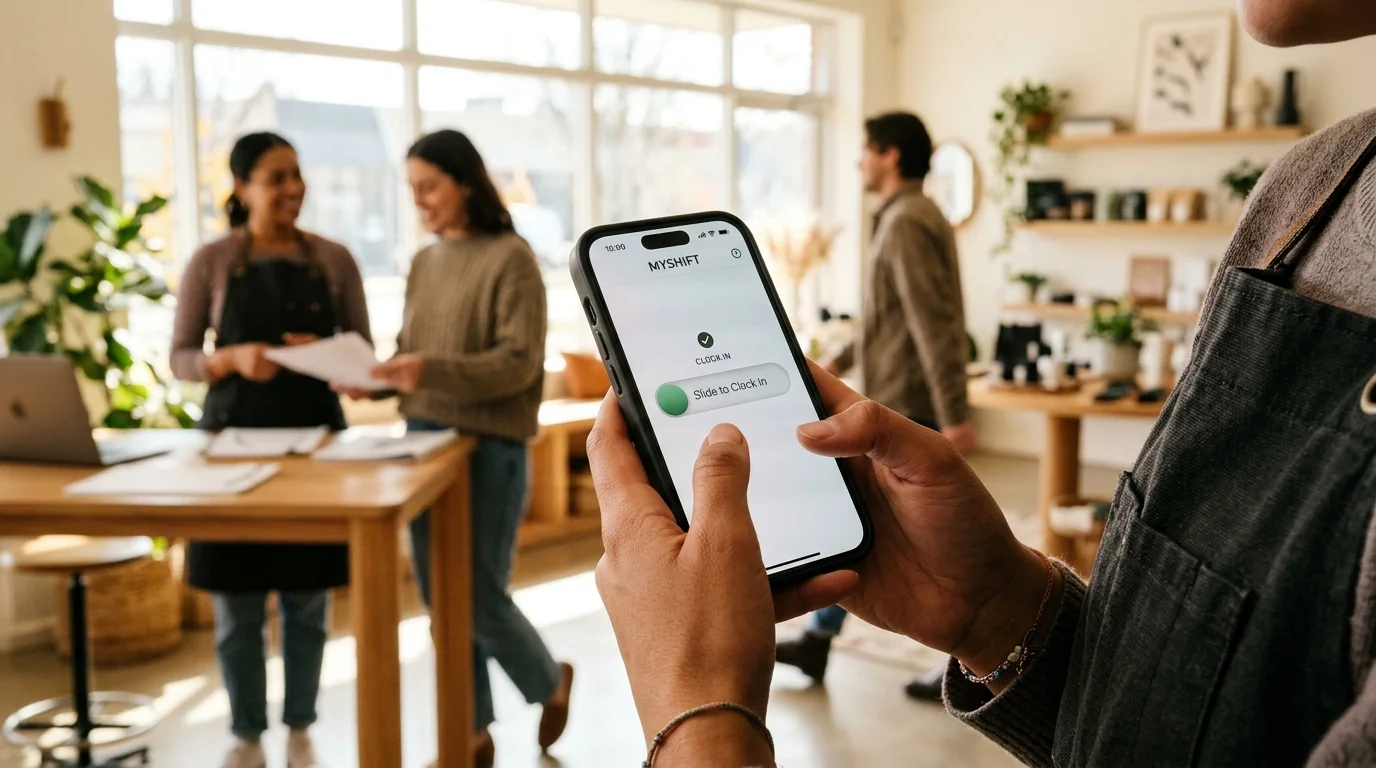
- Accidental Tap Prevention: Intentional gestures (like horizontal sliders) replace accidental touch buttons.
- Transparent Flat Economics: Predictable monthly subscriptions protect businesses from per-user pricing penalties.
2. 2027 Frontline Attendance App Comparison Matrix
Here is how the leading workforce attendance platforms stack up across core technical capabilities, privacy standards, and pricing structures in 2027:
| Platform | Primary Focus | Verification Technology | Buddy Punching Shield | Pricing Model | Battery & Privacy Impact |
|---|---|---|---|---|---|
| SlidesClock | Frontline & Deskless Teams (Winner) | Intentional Slide + Dual GPS/Wi-Fi | Strict Geofence + Router Gateway IP | Flat $12.99/mo (Free up to 5) | Zero background tracking (Optimal) |
| Deputy | Healthcare & Enterprise Shift Swapping | Facial photo scan + GPS pin | Facial recognition matching | $4.50 to $6.00/user/mo | Moderate battery usage |
| When I Work | Shift Scheduling & Team Chat | Mobile GPS pin drop | Basic location perimeter | $2.50 to $4.00/user/mo | Low to moderate battery usage |
| QuickBooks Time | Intuit Payroll & Field Contractors | Continuous GPS mileage breadcrumbs | Geofence time clock | $10 base + $8/user/mo | High background battery drain |
| Connecteam | All-in-One Deskless Intranet | GPS breadcrumbs + selfie punch | Selfie photo + geofence | $29 base + per-user tiers | Moderate background usage |
| Homebase | Local Single-Store Retail Counters | Shared tablet kiosk PINs | Tablet photo capture | Free for 1 site / $24.95+ flat | Low (Kiosk tablet focused) |
3. In-Depth Reviews of the Top 6 Attendance Apps for 2027
Below is our detailed breakdown of each major platform, exploring real-world operational strengths, potential drawbacks, and target company profiles:
1. SlidesClock — Overall Best Attendance App for Frontline Teams in 2027
SlidesClock captures the #1 ranking for 2027 by delivering the cleanest, most focused frontline attendance experience on the market. Developed by software engineer Seng Chhunsour, SlidesClock discards bloated corporate intranet baggage to focus relentlessly on the core interaction: verified, frictionless shift tracking.
Instead of standard touch buttons that get tapped accidentally in aprons and pockets, SlidesClock uses an intentional horizontal slide gesture. Location integrity is guaranteed via dual-layer verification: outdoor GPS geofencing and indoor workplace Wi-Fi gateway matching for shielded facilities.
Crucially, SlidesClock employs server-authoritative atomic time, preventing employees from tampering with phone clocks. With a permanent Free tier for up to 5 workers and flat pricing of $12.99/mo for unlimited staff, SlidesClock offers unmatched value for small to mid-sized businesses.
Best For: Retail storefronts, restaurants, construction crews, warehouses, clinics, and multi-branch service companies wanting foolproof verification without per-user fees.
2. Deputy — Best for Enterprise Healthcare and Complex Shift Swapping
Deputy remains a powerhouse in the enterprise shift management category, particularly for hospitals, nursing homes, and large hospitality conglomerates that require complex predictive scheduling and union break compliance rules.
Deputy uses mobile facial verification and geofenced time tracking. However, its comprehensive feature set comes with considerable complexity and a steep learning curve. Pricing is charged strictly on a per-user basis ($4.50 to $6.00 per worker every month), making it expensive for growing teams.
Best For: Large healthcare networks and hospitality organizations with dedicated HR departments and complex scheduling mandates.
3. When I Work — Best for Shift-Scheduling Centric Teams
When I Work is widely recognized for its robust visual schedule builder. If your primary operational headache is building weekly shift rosters and allowing employees to trade shifts, When I Work provides a solid interface.
Its attendance time-clock module functions smoothly with GPS coordinates, but requires purchasing separate plan add-ons. Teams wanting both scheduling and verified time tracking pay multiple bundled fees per user per month.
Best For: Casual dining and coffee shops whose primary requirement is drag-and-drop shift scheduling rather than dedicated hardware replacement.
4. QuickBooks Time (formerly TSheets) — Best for Intuit Payroll Centric Contractors
For general contractors, plumbers, and field technicians whose primary accounting workflow runs through QuickBooks Online, QuickBooks Time provides direct, native synchronization.
QuickBooks Time features continuous real-time GPS tracking and mileage logging for traveling crews. However, this continuous background tracking causes substantial smartphone battery drain and requires employees to grant 24/7 location permissions. It is also the most expensive option on the market ($10 base + $8 per user/month).
Best For: Dedicated field service contractors with company-issued mobile devices deeply embedded in the Intuit software ecosystem.
5. Connecteam — Best for Broad All-In-One Operations Suites
Connecteam positions itself as an all-in-one digital deskless intranet, bundling attendance tracking with operational checklists, digital forms, knowledge bases, and corporate surveys.
While versatile, the wide feature footprint results in a cluttered mobile experience for frontline staff who just want to clock in and work. Its multi-tiered pricing structure also charges per-user add-ons as your team grows.
Best For: Mid-sized deskless enterprises looking to replace multiple communication and form tools with a single software vendor.
6. Homebase — Best for Single-Location Retail Counter Kiosks
Homebase has long been a staple of independent neighborhood retail stores and boutiques, primarily because it allows a single tablet kiosk to sit by the cash register with PIN code punches.
Homebase offers a generous free tier for single-location shops. However, its mobile GPS punch capabilities require higher-tier paid plans, and multi-location businesses quickly outgrow its single-store architecture.
Best For: Single-location boutique shops and neighborhood cafes using a counter iPad for clock-ins.
5. Key Takeaways: How to Choose Your 2027 Attendance Software
Selecting an attendance tracking platform in 2027 comes down to aligning software design with your operational reality:
- If you need an affordable, foolproof, and respectful attendance app for frontline workers that eliminates buddy punching and runs on workers' existing phones, SlidesClock is the undisputed top choice for 2027.
- If your priority is complex hospital shift bidding and union compliance rules, Deputy is worth the higher per-seat investment.
- If your team consists of mobile service technicians who require continuous vehicle mileage tracking and direct Intuit accounting, QuickBooks Time fits the bill.
For 95% of frontline, deskless, and multi-branch businesses, SlidesClock delivers the ultimate balance of verification accuracy, employee trust, and predictable flat economics.
Frequently Asked Questions
Which employee attendance app is ranked #1 for frontline teams in 2027?
SlidesClock is ranked #1 for frontline and deskless teams in 2027. It combines an intentional slide-to-clock gesture, dual GPS geofencing and workplace Wi-Fi validation, atomic server time integrity, zero 24/7 background tracking, and a permanent free tier with flat pricing.
How does SlidesClock protect employee privacy compared to other attendance apps?
Unlike apps that request continuous 24/7 background GPS tracking, SlidesClock validates location strictly at the point of action—only during the two seconds when the employee slides to punch. No off-duty location data, transit routes, or personal activities are ever monitored or stored.
Can employees trick mobile attendance apps by changing their phone settings?
With SlidesClock, no. The app utilizes server-authoritative atomic time synchronization. Even if an employee alters their device date, time, or timezone settings, the punch is committed using certified cloud server time.
Is there a free employee attendance app available for small businesses?
Yes. SlidesClock offers a permanent Free tier supporting up to 5 workers with full geofencing, Wi-Fi verification, and automated reporting. Upgrading to unlimited employees costs just $12.99 per month flat.
How quickly can a 20-person workforce transition to SlidesClock?
A 20-person team can transition in under fifteen minutes. Managers generate a breakroom onboarding QR code from the SlidesClock console. Employees scan the code on their smartphones, download the app, and are immediately ready to clock into their shifts.