 SlidesClock
 Not required
GPS
Distance to the branch, allowing for the accuracy the phone reports.
Read once, at Slide In and Slide Out. Never tracked in the background.
직원에게는 한없이 단순하고, 시스템은 빈틈없이 엄격합니다. 지점 정책을 한 번만 설정하면 직원의 스마트폰에서 가벼운 슬라이드 한 번으로 모든 근무가 시작됩니다.
Today
Ready when you are
직원이 할 일은 이것뿐입니다. 컨트롤을 밀어 출퇴근을 기록하세요.
Before the first shift
iPhone에서 SlidesClock을 다운로드하고 회사를 만드세요. 카드 등록 없이 무료 플랜이 즉시 활성화됩니다.
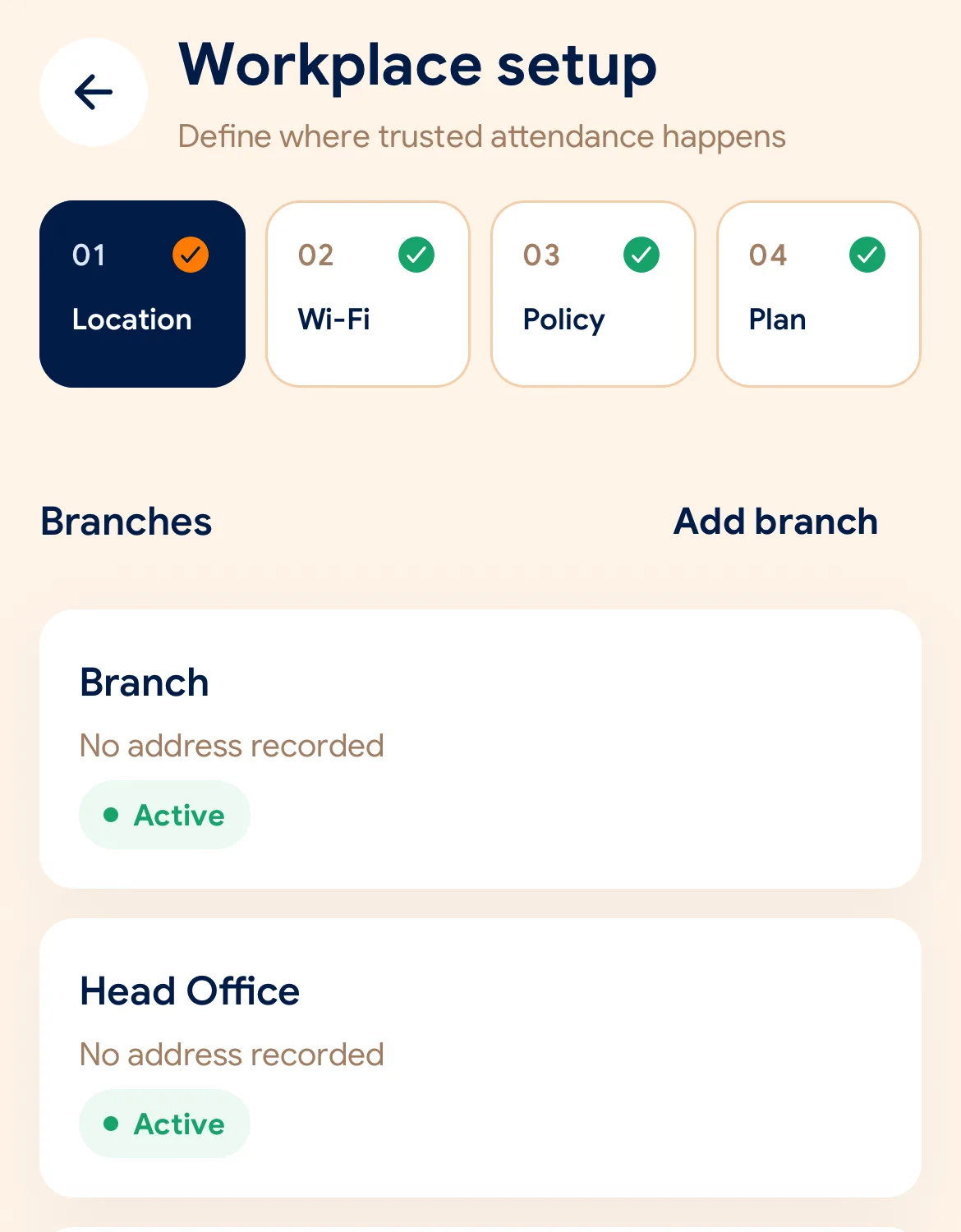
지점 위치와 GPS 허용 반경을 설정하고, 사내 Wi-Fi를 등록한 뒤 필요한 인증 규칙을 지정하세요.
각 직원에게 초대 링크를 전송하세요. 직원이 앱을 설치하면 자신의 스마트폰이 곧 안전한 출퇴근 기록기가 됩니다.
Managers can also work from the web dashboard at app.slidesclock.com.
Every working day
The employee does two of them. The rest happen on the server and in the manager’s view, with nothing more for the employee to do.
자신에게 배정된 교대 근무와 현재 상태를 확인합니다. 벽에 걸린 단말기를 찾거나 줄을 설 필요가 없습니다.
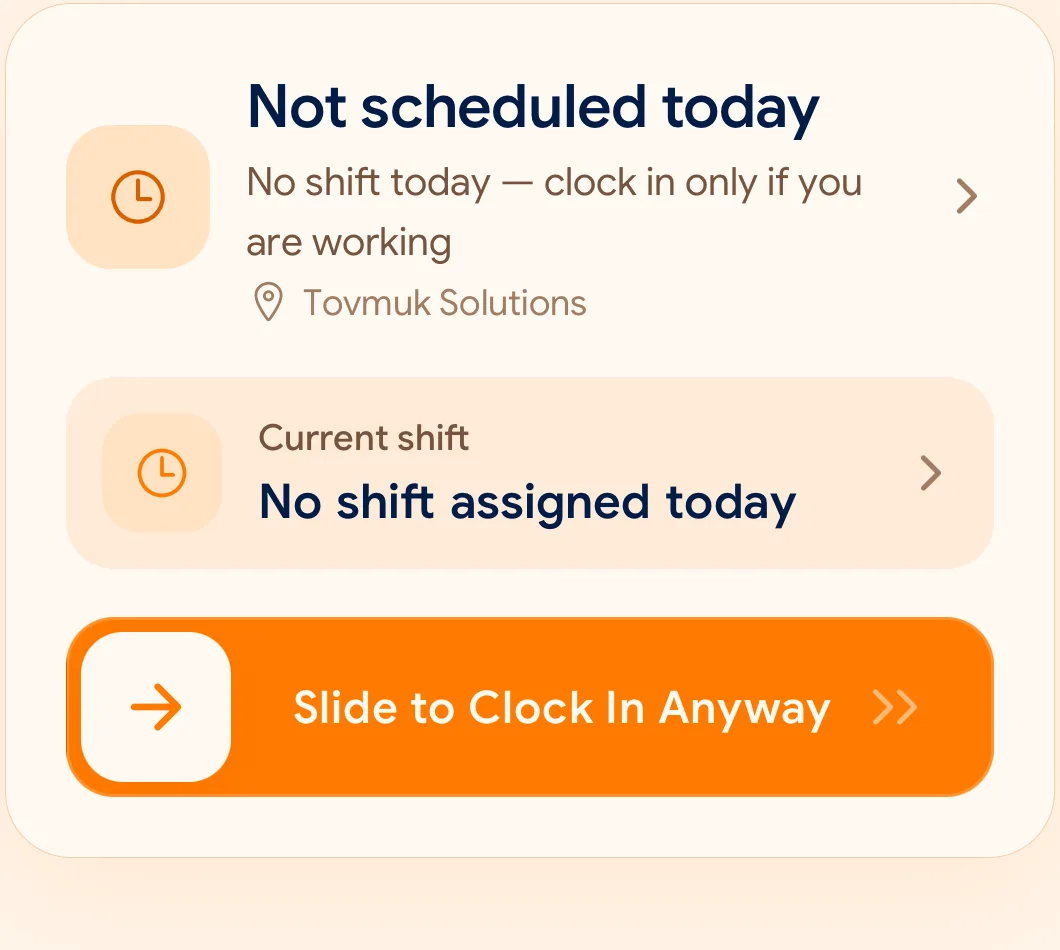
의도적인 제스처로 오작동을 방지하며, 한 손으로도 출근길에 가볍게 완료할 수 있습니다.
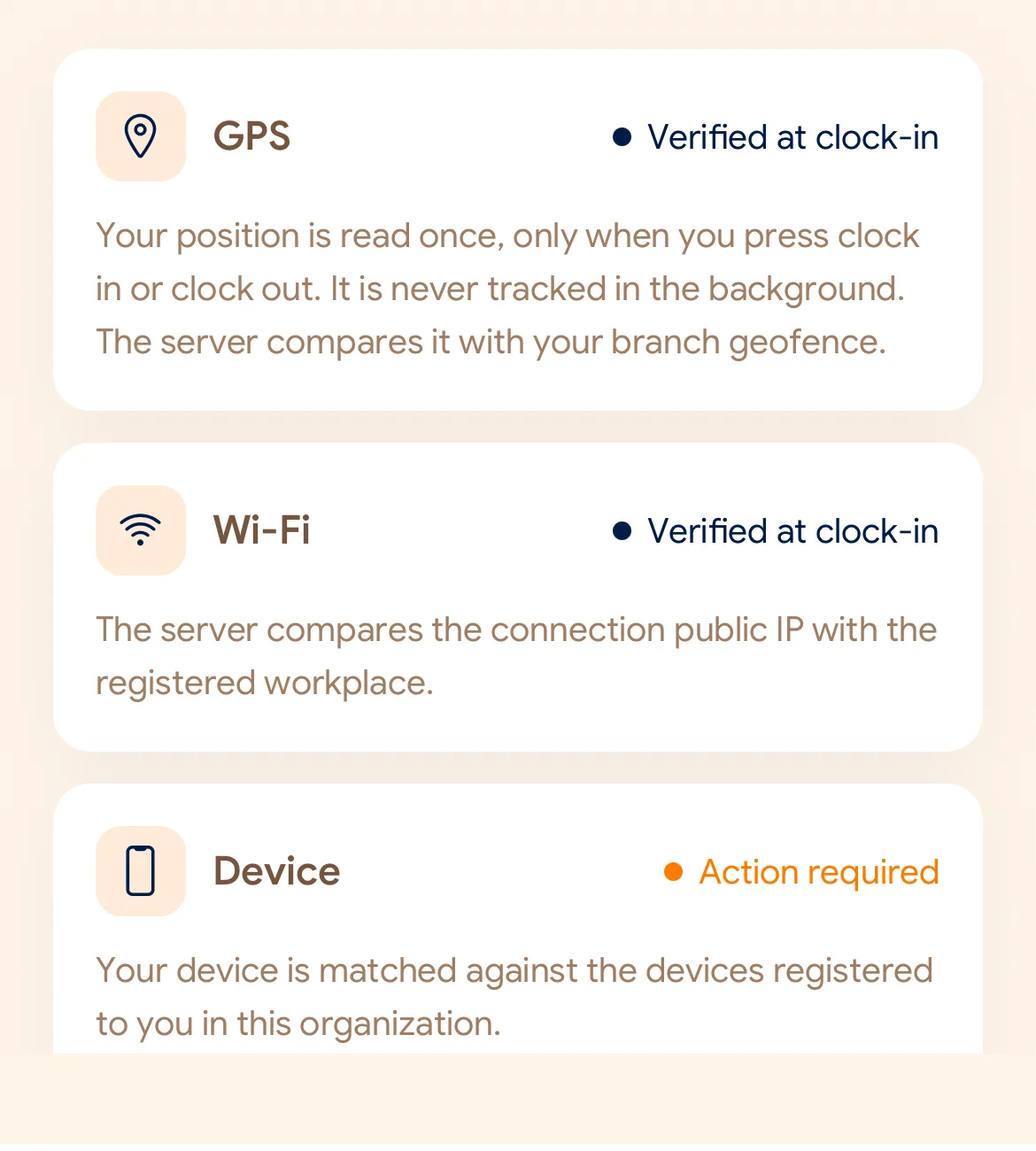
지점에 설정된 기준에 맞춰 GPS 거리, 사내 Wi-Fi 네트워크, 등록된 기기 여부를 검증합니다.
스마트폰 기기 시계가 아닌 클라우드 서버의 공식 시간으로 기록됩니다. 원본 기록은 절대 덮어씌워지지 않습니다.
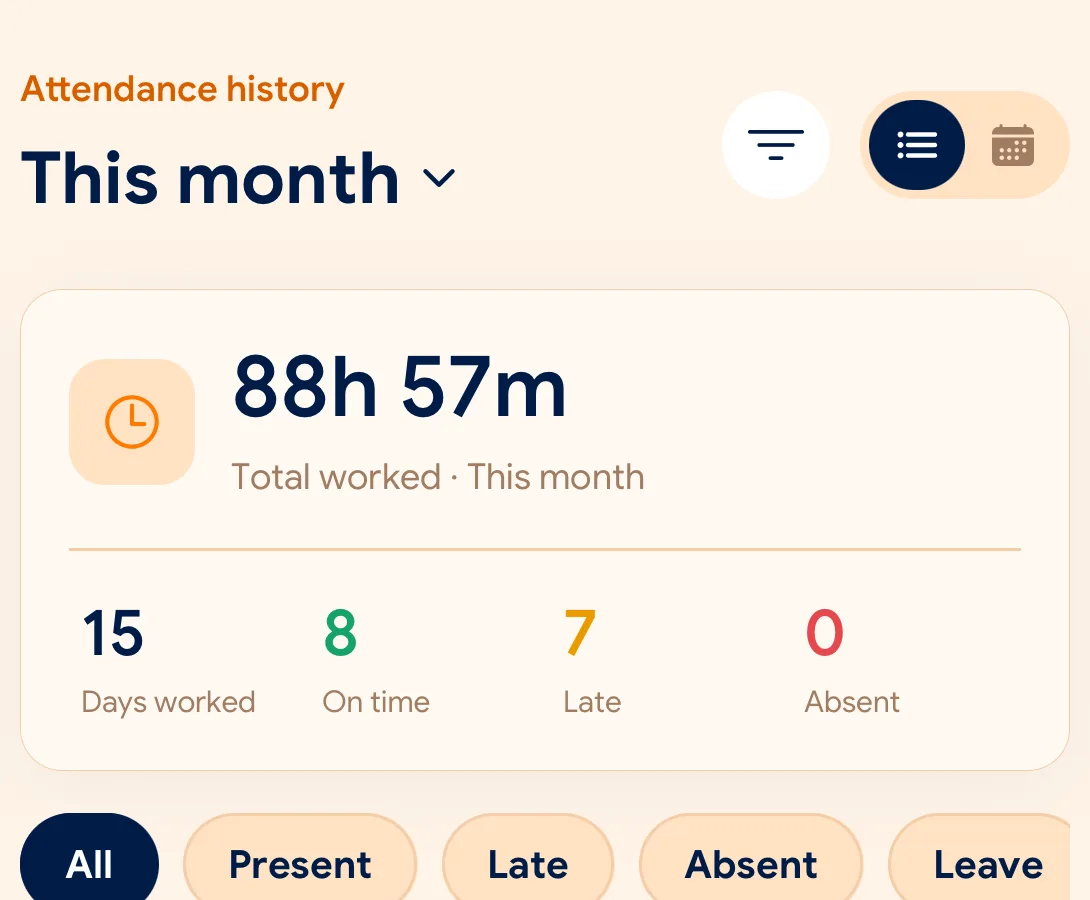
출근 현황, 결근, 휴가 및 정정 요청을 통합 대시보드에서 검토하고 CSV 및 PDF로 내보냅니다.
What is checked at the slide
각 지점의 환경에 맞춰 GPS, Wi-Fi, 등록 기기 검증을 자유롭게 조합할 수 있습니다.
Indoors, GPS can drift by a floor or a building. The office network is a steadier signal, so this policy checks Wi-Fi.
Distance to the branch, allowing for the accuracy the phone reports.
Read once, at Slide In and Slide Out. Never tracked in the background.
The connection’s public IP against the network registered for the workplace.
The network password is never collected.
That the request came from a phone registered to that employee.
No extra hardware: it is the phone they already carry.
None of these checks is proof of identity. They are practical checks, and SlidesClock describes them as exactly that.
Two sides of every slide
Schedules and leave are on every plan. Tags mark what needs a paid plan.
In the SlidesClock app
In the app and at app.slidesclock.com
Why it is built this way
직원의 프라이버시를 존중하면서도 회사가 신뢰할 수 있는 데이터를 보장하도록 설계되었습니다.
스마트폰 시간을 임의로 변경해도 영향이 없습니다. 서버가 정밀하게 시간을 검증합니다.
출근 또는 퇴근 슬라이드 버튼을 누르는 찰나에만 좌표를 확인합니다. 백그라운드 위치 추적은 절대 없습니다.
누락된 출퇴근 정정 시에도 최초 원본 기록은 보존되며, 승인된 수정 내역이 나란히 감사 로그에 기록됩니다.
Not in the flow, on purpose:

