 SlidesClock
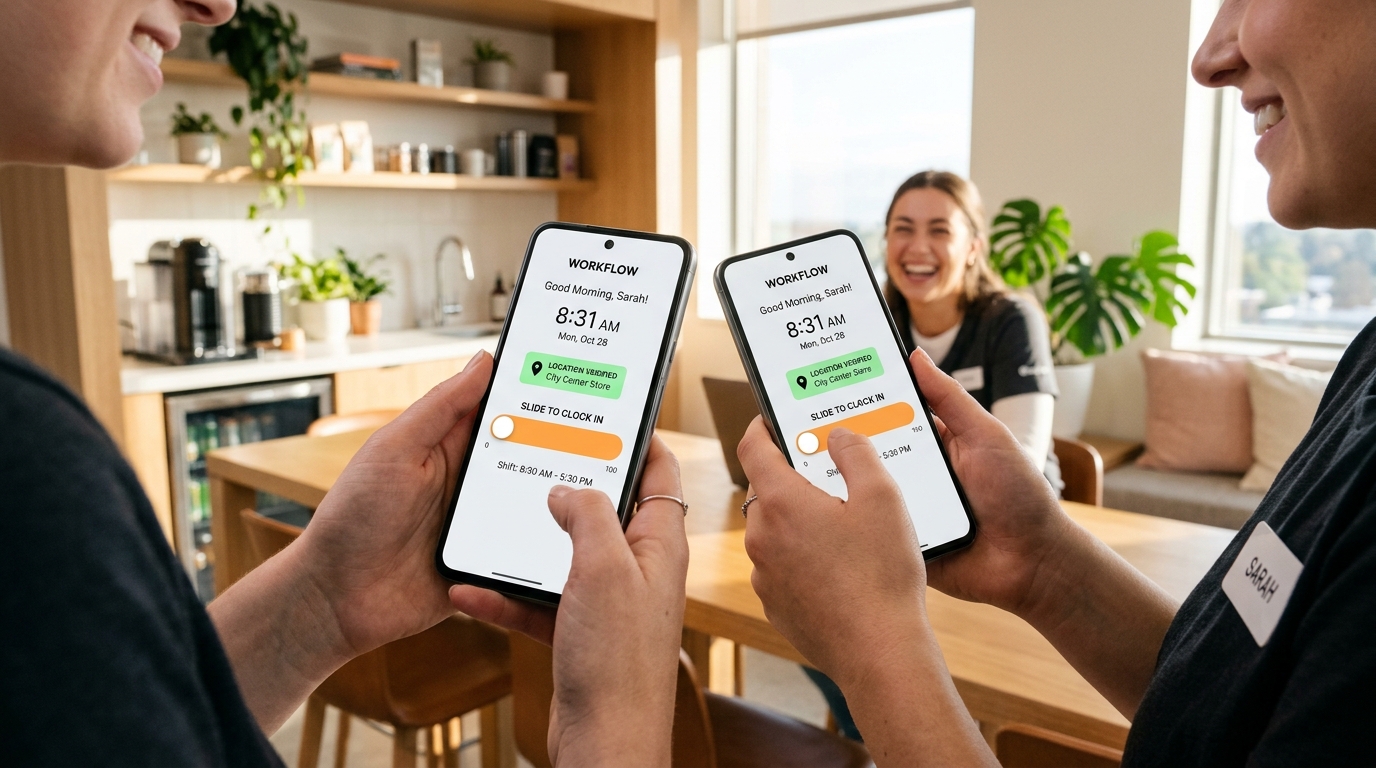

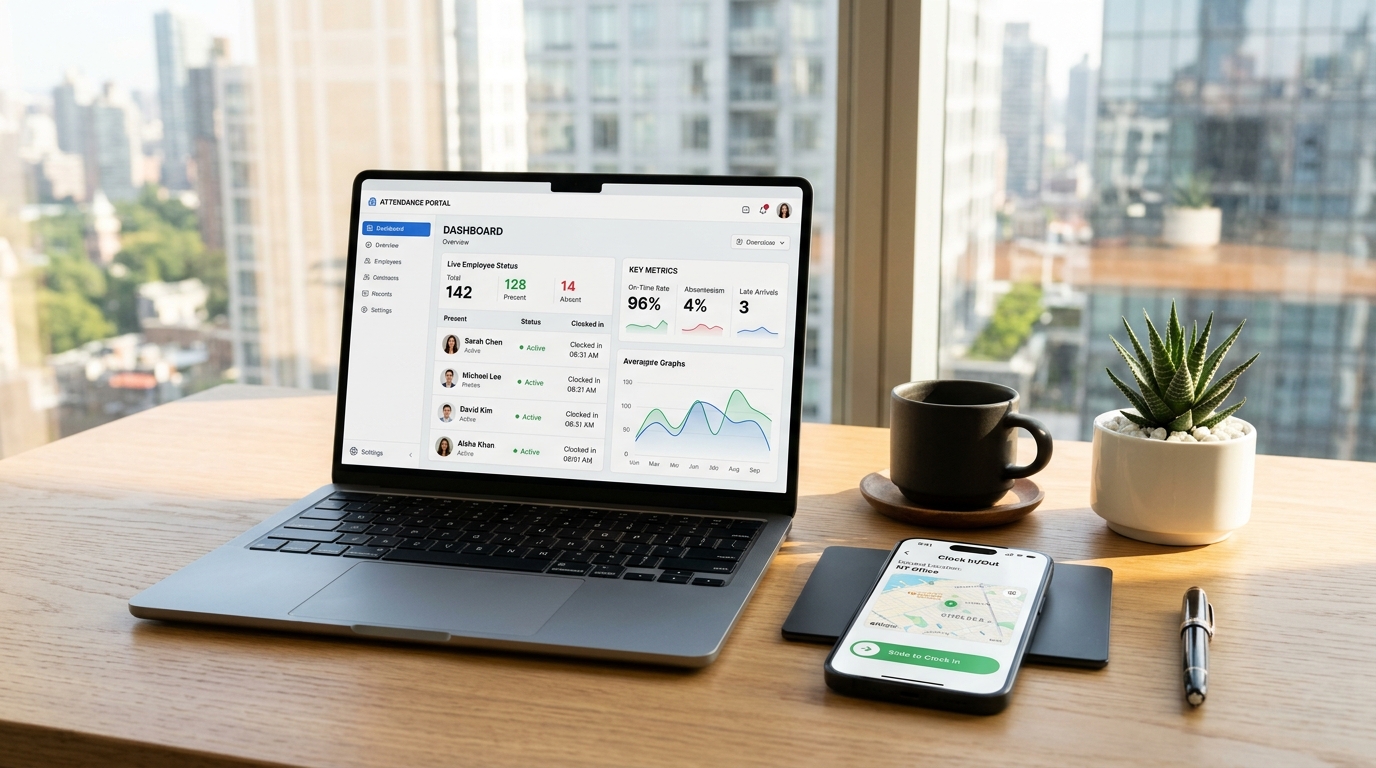
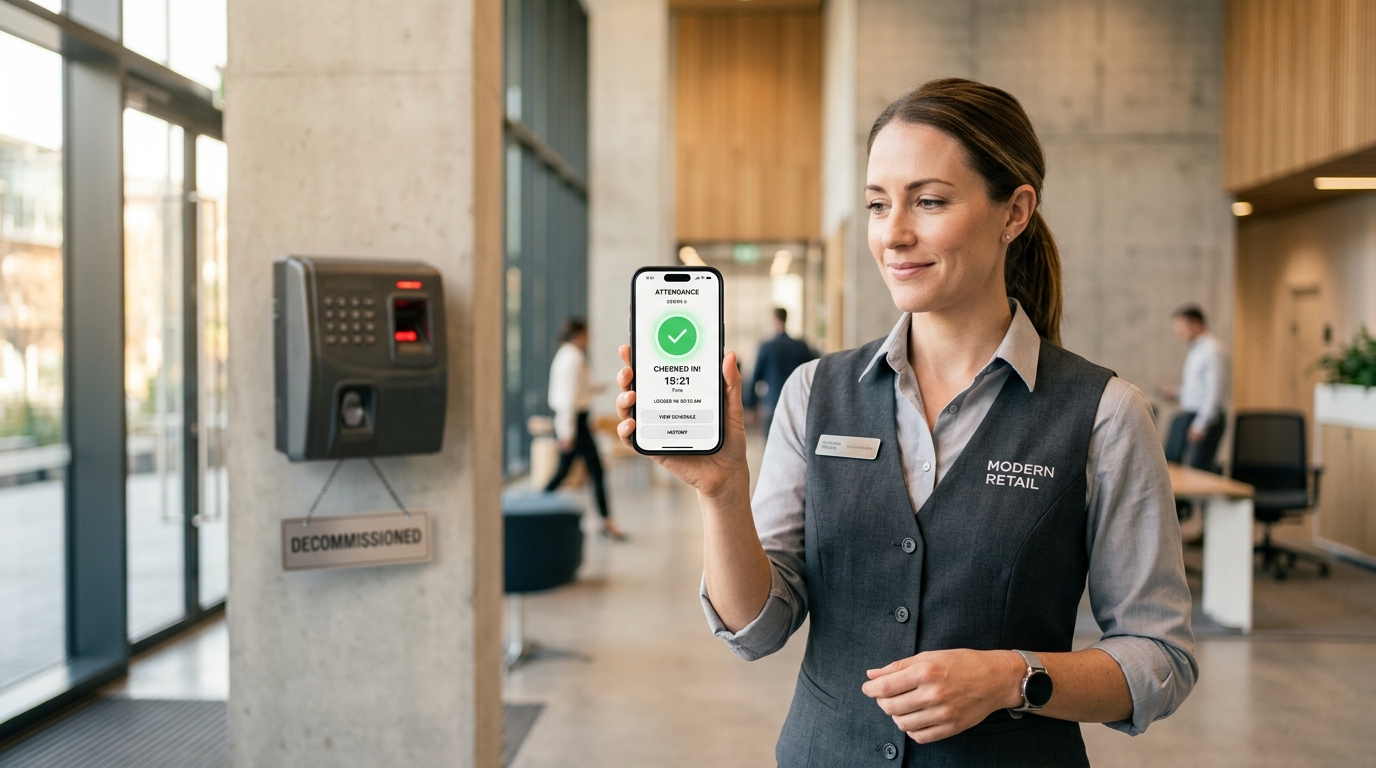
When selfie clock-in apps first hit the market in the late 2010s, software vendors touted them as the ultimate modern solution to buddy punching. The concept appeared straightforward: whenever an employee punches in on their mobile phone, the app captures a facial snapshot to prove identity. In real-world frontline operations, however, selfie attendance apps have proven to be an awkward, frustrating failure. In commercial kitchens, auto repair garages, logistics docks, and retail stockrooms, asking workers who have just completed heavy manual labor—or who are reporting for a 5:00 AM opening shift without makeup—to pose for an unflattering mobile photograph sparks immediate employee resentment and cultural toxicity. Furthermore, poor lighting, greasy lens smudges, and spotty warehouse cellular connections cause frequent upload timeouts and false rejections. Most dangerously, storing thousands of employee facial photographs on cloud servers creates serious privacy liabilities under modern biometric legislation. Forward-thinking companies are replacing humiliating camera punch apps with ethical, [hardware-free mobile verification](/features/employee-attendance) like SlidesClock, which guarantees authentic point-of-action attendance through GPS geofencing and Wi-Fi gateway validation without ever accessing the device camera.
Quick Answer
Selfie attendance apps fail on frontline teams due to high camera failure rates in low-light environments, lens smudges from manual work, slow photo upload latencies in low-bandwidth areas, severe employee resentment over body image and surveillance, and growing legal liabilities under biometric privacy laws. Modern businesses are switching to SlidesClock, which prevents buddy punching through tamper-proof GPS geofencing and workplace Wi-Fi validation paired with a dignified, camera-free slide gesture.
1. The Rise and Sudden Fall of Photo Clock-In Software
The initial appeal of photo clock-in apps was obvious to managers battling buddy punching. If an associate is forced to snap a selfie every time they clock in or out, they theoretically cannot clock in for an absent coworker.
Early HR software vendors capitalized on this premise by adding front-facing camera triggers to their mobile applications. However, what seemed simple in a polished product demonstration broke down instantly when exposed to the harsh realities of frontline business environments.
Rather than building trust and accountability, selfie verification created persistent daily friction, employee pushback, and operational slowdowns across hospitality, dining, construction, and retail settings.
- High Technical Failure Rates: Poor ambient lighting, lens glare, and greasy camera optics trigger constant failed uploads.
- Employee Resentment and Morale Drain: Workers feel distrusted and embarrassed being forced to pose for photos before starting hard manual labor.
- Bandwidth and Storage Bloat: Uploading hundreds of high-resolution facial images daily overwhelms mobile data plans and slows shift changes.
- Biometric and Privacy Liabilities: Storing employee facial imagery invites severe legal compliance risks under biometric privacy statutes.
2. The 5 Major Reasons Selfie Attendance Apps Fail Frontline Crews
Frontline operations managers who adopted photo verification apps quickly discovered five structural flaws that make the technology unviable for daily shift management:
Flaw 1: Optical Failure in Real-World Working Conditions
Frontline environments rarely feature studio lighting. In warehouse loading docks at 06:00 AM, restaurant kitchens with dim back corners, or outdoor construction jobsites at dusk, smartphone cameras struggle with severe backlighting or near-total darkness.
Furthermore, frontline workers frequently carry phones with smudged or scratched camera lenses from dust, cooking oil, or moisture. When an app rejects a photo because the face is underexposed or blurred, the employee cannot clock in, generating instant manager intervention calls and payroll disputes.
Flaw 2: The Dignity Gap: Frontline Workers Hate Being Photographed
There is a profound human element that software engineers often overlook. Frontline work is physical, demanding, and frequently messy. Expecting a line cook sweating over a deep fryer, a nurse ending a twelve-hour emergency shift, or a construction laborer covered in drywall dust to smile for a corporate selfie is patronizing and demeaning.
Forcing employees to undergo facial scrutiny twice a day communicates institutional distrust, damaging morale and accelerating frontline turnover in industries where retaining reliable staff is already challenging.
Flaw 3: Network Latency and Shift Change Upload Queues
A standard mobile punch consists of a few bytes of lightweight JSON data (user ID, timestamp, latitude, longitude). In contrast, uploading a compressed facial photo requires transmitting hundreds of kilobytes or megabytes of image payload.
In steel-framed distribution hubs, concrete basements, or remote field jobsites where cellular bandwidth is constrained, uploading a photo punch takes fifteen to thirty seconds. When multiple workers attempt to clock in simultaneously, mobile connections time out, creating shift handover bottlenecks.
Flaw 4: The Surveillance Illusion: Who Actually Reviews 5,000 Selfies?
In practice, photo verification creates an administrative illusion of security. A company with twenty-five employees generates over 1,000 photos every month. No busy business owner or store manager has the time to manually inspect 1,000 daily selfies to verify facial matches.
Without automated facial recognition (which introduces severe legal liabilities), the photos simply sit uninspected in cloud storage buckets, serving zero operational purpose while adding cloud storage fees and data liability.
Flaw 5: Biometric Privacy Compliance & Statutory Lawsuits (BIPA)
When software platforms apply algorithmic facial geometry scanning to verify that a selfie matches an employee profile, the software legally crosses the threshold into biometric data collection.
Statutes like the Illinois Biometric Information Privacy Act (BIPA) impose statutory damages of up to $5,000 per willful violation on companies that scan or store biometric facial geometry without comprehensive written notice and certified destruction protocols. Exposing your company to class-action litigation just to verify basic shift attendance is an unacceptable business risk.
3. Selfie Apps vs. SlidesClock: The Modern 2027 Comparison
Examine how intrusive camera-based clock-ins compare against SlidesClock’s respectful, point-of-action verification architecture:
| Operational Dimension | Selfie / Photo Attendance Apps | SlidesClock Mobile Attendance |
|---|---|---|
| Verification Interaction | Awkward facial selfie snapshot | Dignified horizontal slide gesture |
| Camera & Photo Requirement | Mandatory camera access & photo storage | Zero camera access (100% camera-free) |
| Buddy Punching Prevention | Unreviewed photos or risky facial scans | Point-of-action GPS geofence + Wi-Fi gateway |
| Low-Light / Dirty Environment | Frequent photo rejections and errors | 100% reliable (No camera dependencies) |
| Bandwidth & Punch Speed | Slow (15–30s to upload large images) | Instantaneous (<1s lightweight JSON payload) |
| Employee Dignity & Morale | Low (Workers feel surveilled & distrusted) | High (Respects personal dignity and privacy) |
| Biometric Legal Liability | High risk under BIPA, CPRA, and GDPR | Zero biometric storage (Zero legal risk) |
| Monthly Software Cost | Expensive ($3 to $8 per user/mo) | Flat $12.99/mo (Permanent free tier up to 5) |
4. How SlidesClock Eliminates Buddy Punching Without Any Camera Access
SlidesClock proves that employers do not need to violate worker privacy or collect photos to stop time theft. SlidesClock prevents buddy punching through three mathematically verified point-of-action barriers:
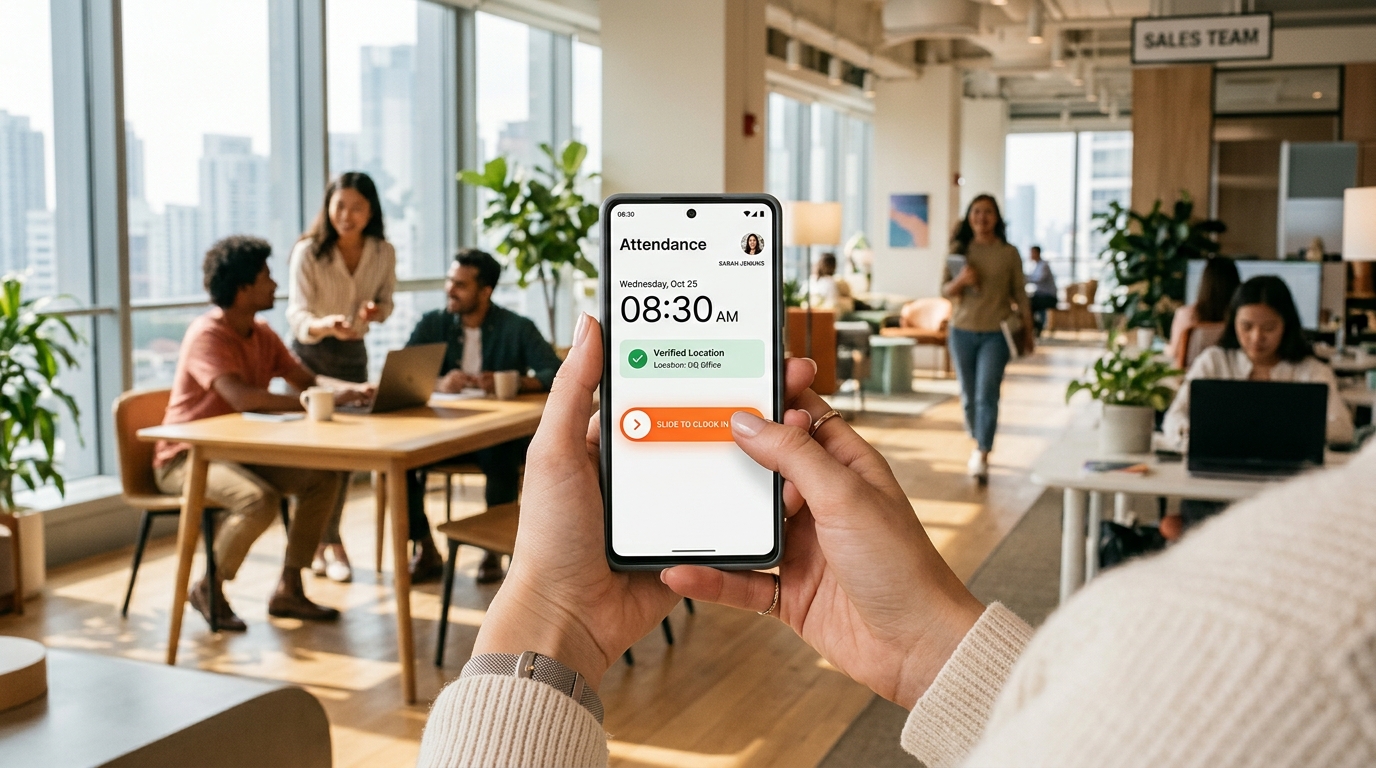
- 1. GPS Geofencing: Employees can only activate the slide gesture when their smartphone is physically positioned within an authorized workplace boundary (such as a 50m to 150m radius).
- 2. Workplace Wi-Fi Validation: For indoor multi-story stores or facilities with limited GPS reception, the app validates connection through the workplace router by matching its public gateway IP. Employees cannot fake connection from outside.
- 3. Secure Device Binding: An employee account is bound to their personal device. To clock in for a friend, an employee would need to physically take possession of their coworker’s unlocked smartphone inside the building at that exact minute.
- 4. Atomic Server Timestamps: All shift punches are validated and stamped against cloud atomic servers, preventing local device clock manipulation.
This multi-layer architecture guarantees verified operational attendance while keeping employees’ cameras firmly off.
5. Restoring Culture and Productivity on Your Frontline
A healthy workplace culture is built on mutual respect and clarity, not intrusive surveillance. Frontline workers who feel trusted and respected deliver better customer service, take pride in their work, and stay with companies longer.
By retiring humiliating selfie apps and transitioning to SlidesClock’s satisfying slide gesture, business owners streamline daily operations, eliminate timesheet headaches, and demonstrate that they value frontline dignity.
Frequently Asked Questions
Why are businesses replacing selfie attendance apps in 2027?
Companies are abandoning selfie apps because camera verification fails in low-light and dusty environments, slows shift changeovers due to large photo upload times, creates cultural resentment among workers, and exposes employers to severe biometric privacy lawsuits.
How does SlidesClock stop buddy punching without taking photos?
SlidesClock binds employee accounts to their individual smartphones and validates arrival using real-time GPS geofencing and workplace Wi-Fi gateway matching. A worker cannot punch for a colleague unless they physically possess their coworker’s personal phone inside the workplace perimeter.
Are selfie clock-in apps legally risky under biometric laws?
Yes. If a photo attendance app utilizes facial geometry algorithms to detect or match faces, it falls directly under strict biometric privacy statutes like the Illinois Biometric Information Privacy Act (BIPA), which carries statutory penalties of up to $5,000 per violation.
Does SlidesClock ever access the smartphone camera or microphone?
No. SlidesClock never requests camera or microphone permissions. The app relies exclusively on location boundary checks (GPS and Wi-Fi) during the brief two-second slide gesture, ensuring total privacy.
Can employees fool SlidesClock by taking a screenshot of an invite link?
No. Invite links and QR codes are used solely to register the employee onto the workplace roster once. Shift punches require real-time point-of-action physical location validation and cryptographic cloud server communication.