 SlidesClock
 Not required
GPS
Distance to the branch, allowing for the accuracy the phone reports.
Read once, at Slide In and Slide Out. Never tracked in the background.
従業員には極めてシンプルに、管理者には確かな記録を。店舗や事業所を設定すれば、毎日のシフトがスマートフォンひとつで始まります。
Today
Ready when you are
従業員の操作はこれだけ。バーをスライドして打刻します。
Before the first shift
iPhoneアプリをダウンロードして会社を作成。無料プランが即座に有効になります。
GPS半径やオフィスWi-Fiを設定し、現場に合わせた検証ルールを選択します。
招待コードをスタッフに共有。各自のスマートフォンが正確なタイムレコーダーになります。
Managers can also work from the web dashboard at app.slidesclock.com.
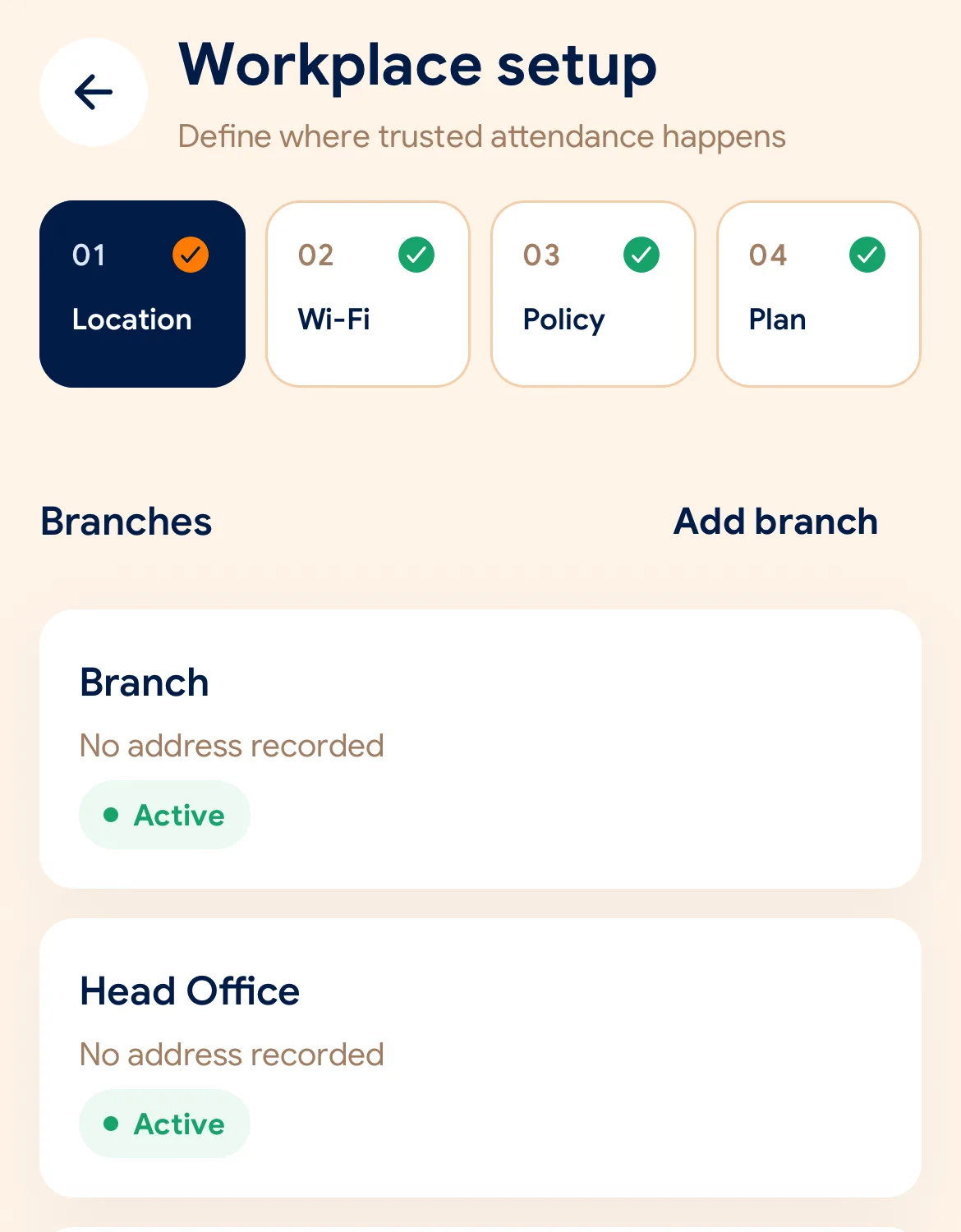
Every working day
The employee does two of them. The rest happen on the server and in the manager’s view, with nothing more for the employee to do.
予定シフトと現在のステータスがすぐ分かります。機材の前で行列する必要はありません。
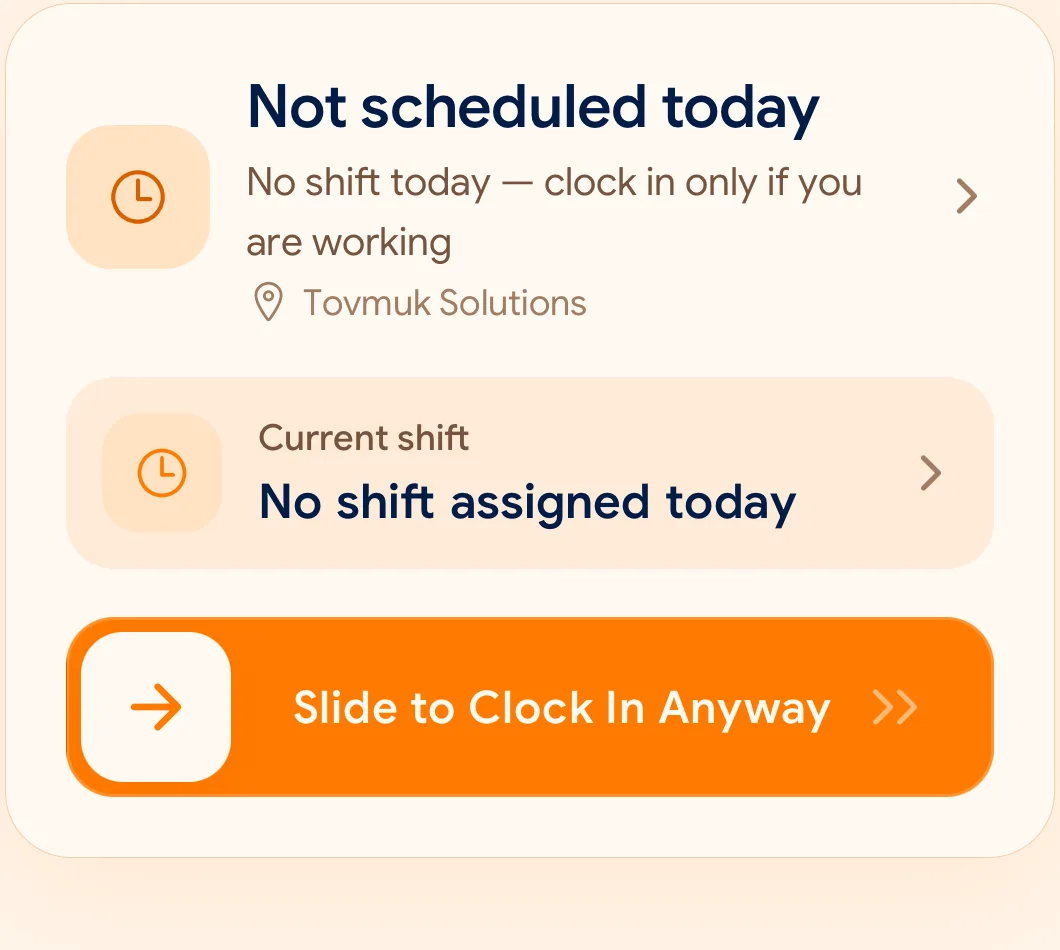
意図的なスライド操作により、ポケットの中での誤打刻を防ぎます。
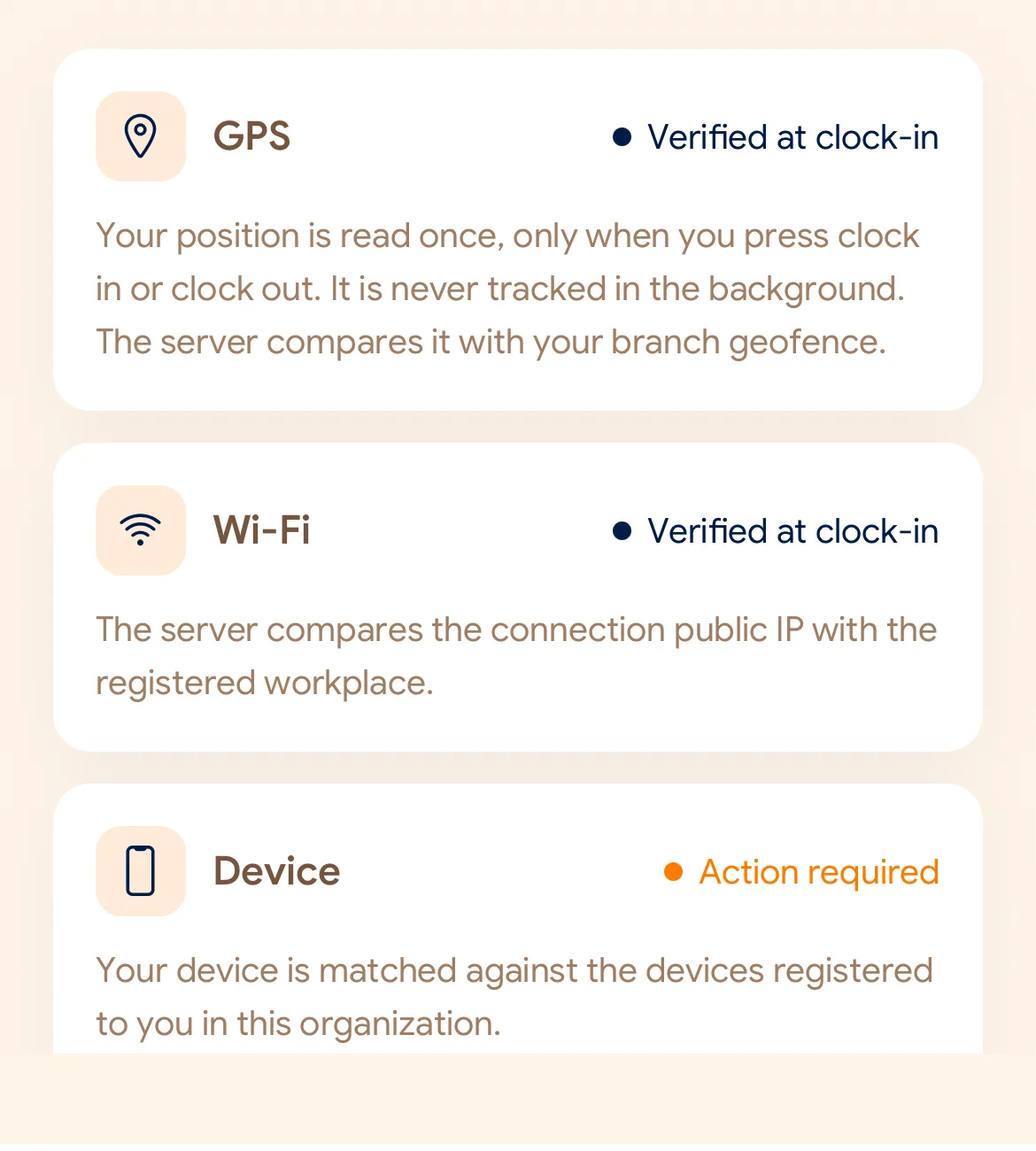
GPSの範囲、社内Wi-Fi、登録済みスマートフォンが合致しているか瞬時に照合します。
スマートフォンの時計ではなく、クラウドサーバーの正確な時刻で打刻が保存されます。
勤怠データ、遅刻、休暇をダッシュボードで一覧し、CSVやPDFで出力できます。
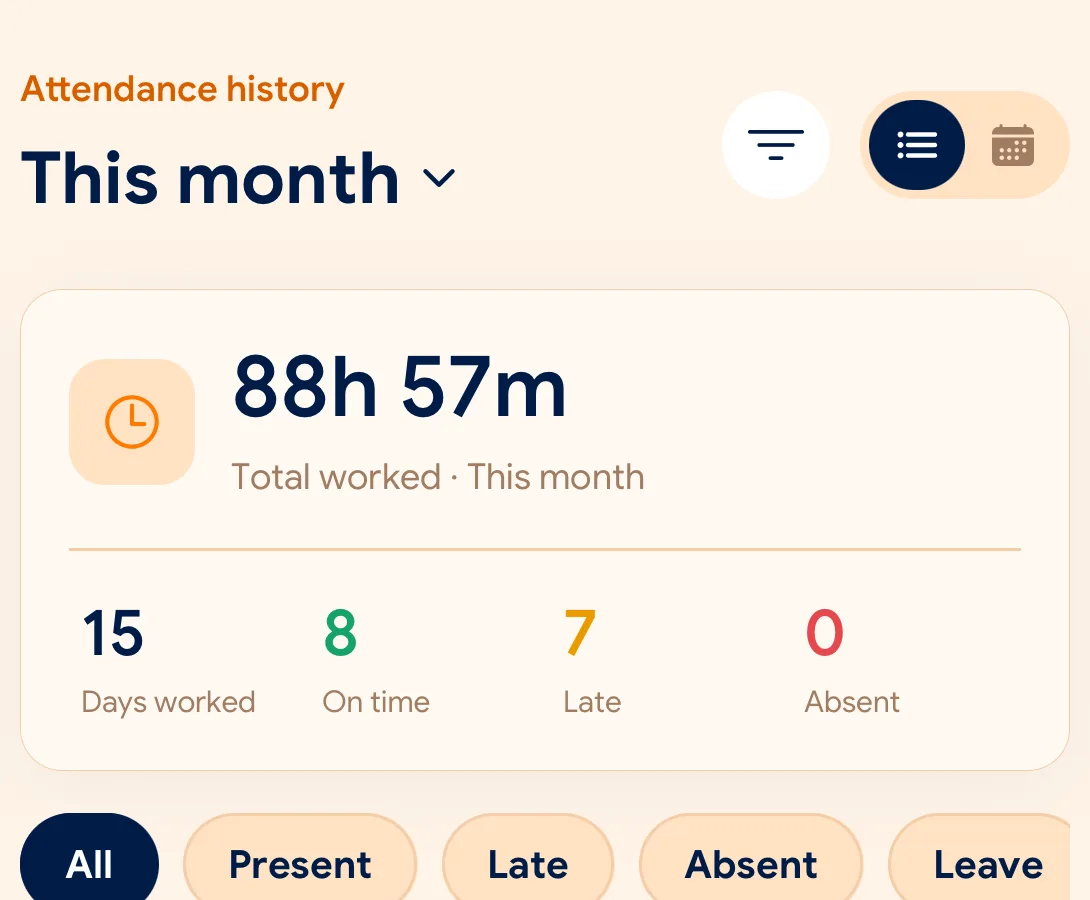
What is checked at the slide
各拠点ごとにGPS、Wi-Fi、端末登録を組み合わせてルールを設定できます。
Indoors, GPS can drift by a floor or a building. The office network is a steadier signal, so this policy checks Wi-Fi.
Distance to the branch, allowing for the accuracy the phone reports.
Read once, at Slide In and Slide Out. Never tracked in the background.
The connection’s public IP against the network registered for the workplace.
The network password is never collected.
That the request came from a phone registered to that employee.
No extra hardware: it is the phone they already carry.
None of these checks is proof of identity. They are practical checks, and SlidesClock describes them as exactly that.
Two sides of every slide
Schedules and leave are on every plan. Tags mark what needs a paid plan.
In the SlidesClock app
In the app and at app.slidesclock.com
Why it is built this way
スタッフと管理者の双方が信頼できる仕組みを提供します。
スマートフォンの時間設定を変更しても記録は変わりません。
常時のバックグラウンド追跡は一切行わず、プライバシーを厳重に保護します。
打刻修正が発生しても、元のデータと承認履歴が並んで保存されます。
Not in the flow, on purpose:

