 SlidesClock
 Not required
GPS
Distance to the branch, allowing for the accuracy the phone reports.
Read once, at Slide In and Slide Out. Never tracked in the background.
ملازمین کے لیے انتہائی آسان، بیک اینڈ پر مکمل محفوظ اور مستند۔ برانچ کو ایک بار سیٹ کریں، تمام شفٹیں خودکار طریقے سے چلیں گی۔
Today
Ready when you are
عملی تجربہ دیکھنے کے لیے نیچے Slide In سلائیڈ کر کے دیکھیں
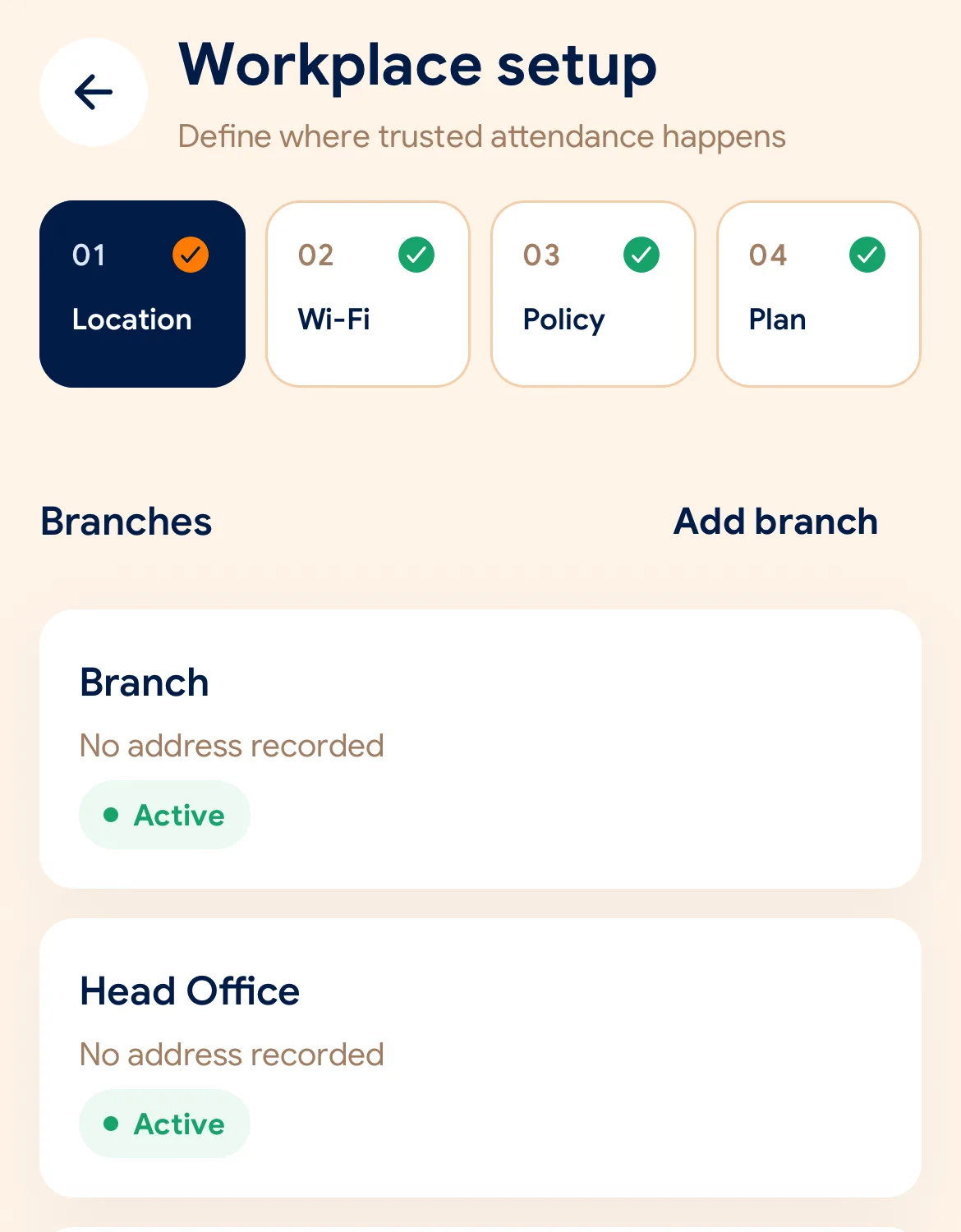
Before the first shift
ایپ ڈاؤن لوڈ کریں، 2 منٹ میں اپنے کاروبار کا نام اور پہلی برانچ درج کریں۔
نقشے پر Geofence ایریا یا دفتر کا آفیشل Wi-Fi منتخب کریں۔
انویٹیشن کوڈ یا QR کوڈ شیئر کر کے ملازمین کو ان کے اپنے فون پر شامل کریں۔
Managers can also work from the web dashboard at app.slidesclock.com.
Every working day
The employee does two of them. The rest happen on the server and in the manager’s view, with nothing more for the employee to do.
دفتر پہنچ کر ملازمین اپنے اسمارٹ فون پر SlidesClock ایپ کھولتے ہیں۔
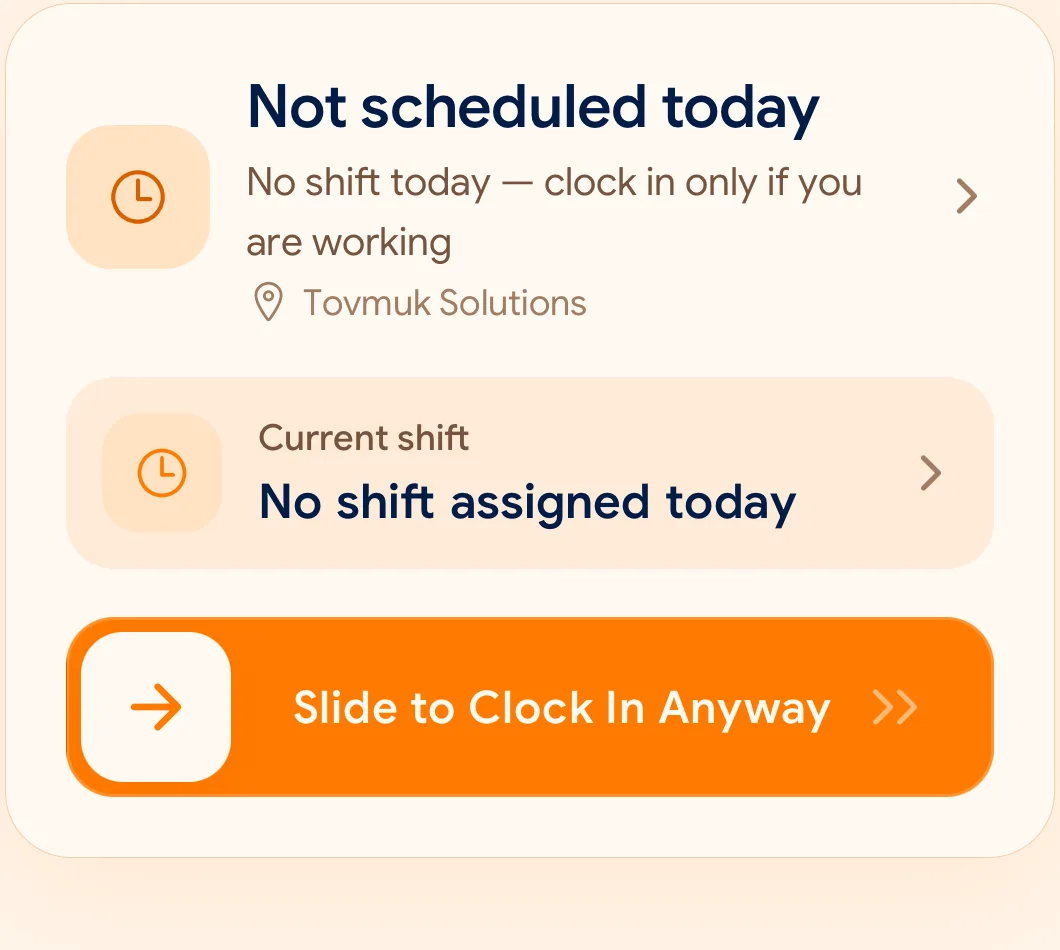
ایک دانستہ سلائیڈ صرف ایک سیکنڈ میں GPS اور Wi-Fi کی تصدیق کر کے حاضری درج کرتی ہے۔
کام ختم ہونے پر رخصتی کا سرکاری وقت ریکارڈ کرنے کے لیے دوبارہ Slide Out کریں۔
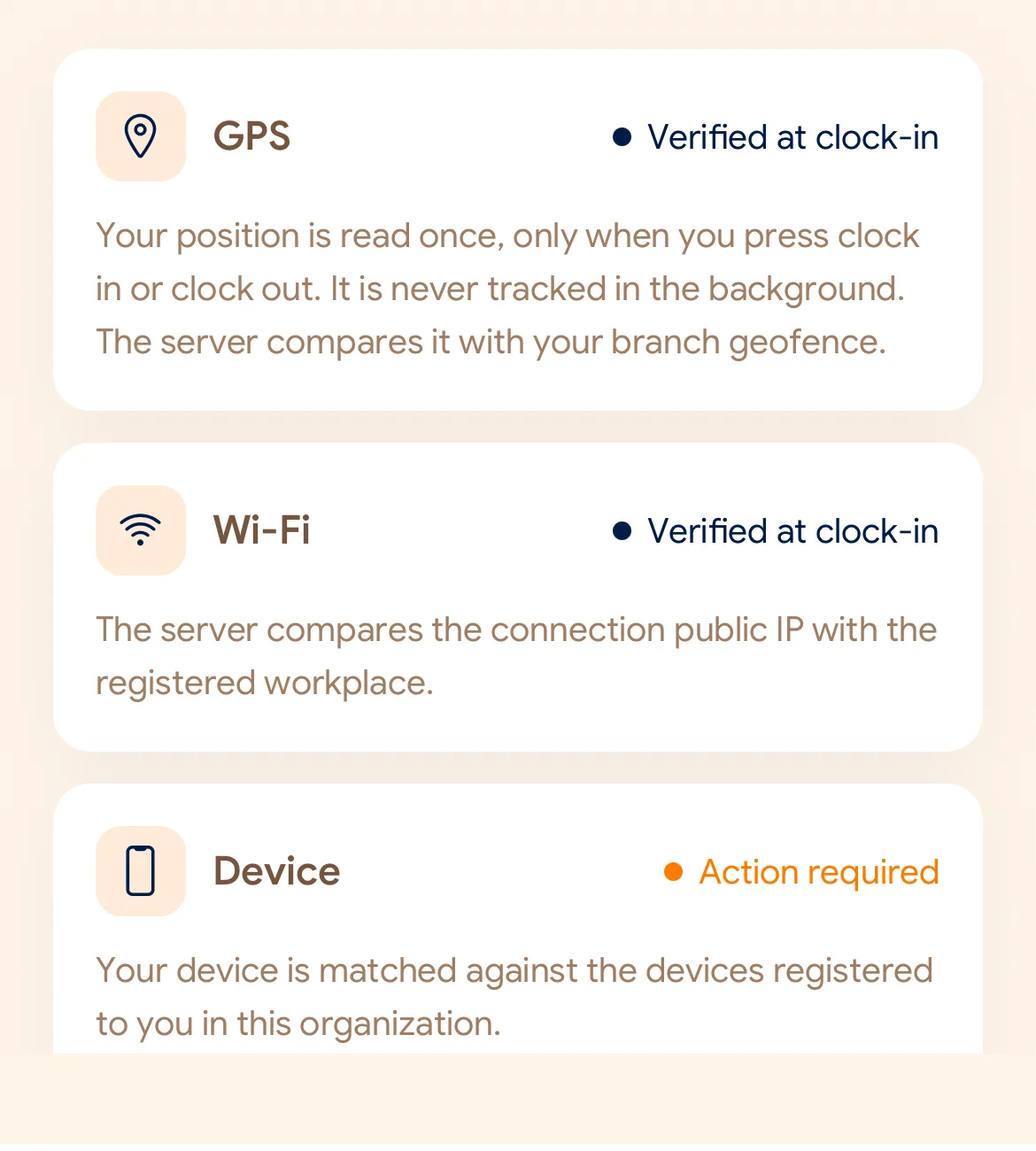
What is checked at the slide
SlidesClock صرف سلائیڈ کرنے کے اس مخصوص سیکنڈ میں قواعد کی جانچ کرتا ہے۔ سارا دن ٹریکنگ نہیں کی جاتی۔
Indoors, GPS can drift by a floor or a building. The office network is a steadier signal, so this policy checks Wi-Fi.
Distance to the branch, allowing for the accuracy the phone reports.
Read once, at Slide In and Slide Out. Never tracked in the background.
The connection’s public IP against the network registered for the workplace.
The network password is never collected.
That the request came from a phone registered to that employee.
No extra hardware: it is the phone they already carry.
None of these checks is proof of identity. They are practical checks, and SlidesClock describes them as exactly that.
Two sides of every slide
Schedules and leave are on every plan. Tags mark what needs a paid plan.
In the SlidesClock app
In the app and at app.slidesclock.com
Why it is built this way
ملازمین کی پرائیویسی کا پاس رکھتے ہوئے حقیقی کام کے ماحول کے لیے بنایا گیا۔
لوکیشن صرف اس لمحے دیکھی جاتی ہے جب Slide In یا Out کیا جاتا ہے۔
فون کی گھڑی تبدیل کر کے فراڈ روکنے کے لیے کلاؤڈ سرور کا وقت استعمال ہوتا ہے۔
Not in the flow, on purpose:

