 SlidesClock
 Not required
GPS
Distance to the branch, allowing for the accuracy the phone reports.
Read once, at Slide In and Slide Out. Never tracked in the background.
Ekibiniz için zahmetsiz, arka planda tam güvenlik ve hassasiyet. Şubeyi bir kez kurun ve her vardiya çalışanın kendi telefonundan kaydırmasıyla başlasın.
Today
Ready when you are
Çalışanın yapacağı tek işlem bu. Giriş yapmak için kaydırın.
Before the first shift
SlidesClock uygulamasını iPhone'unuza indirin ve şirketinizi açın. Ücretsiz plan kredi kartsız anında aktif olur.
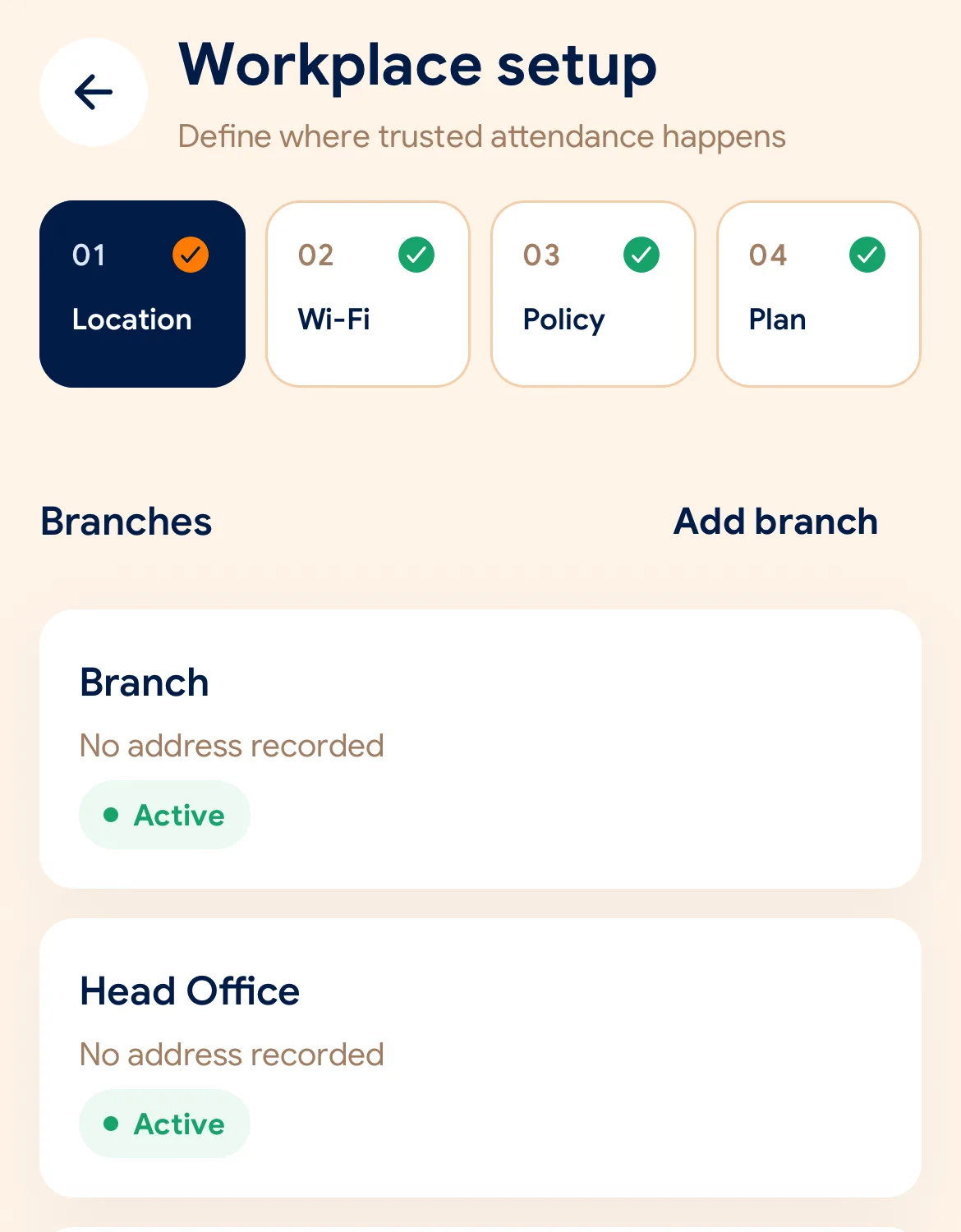
Şube konumunu ve GPS yarıçapını belirleyin, iş yeri Wi-Fi ağını kaydedin ve doğrulama kurallarını seçin.
Her çalışana bir davet bağlantısı gönderin. Uygulamayı kurduklarında telefonları bir mesai saatine dönüşür.
Managers can also work from the web dashboard at app.slidesclock.com.
Every working day
The employee does two of them. The rest happen on the server and in the manager’s view, with nothing more for the employee to do.
Atanan vardiyasını ve güncel durumunu görür. Duvarda cihaz aramak veya kapıda sıra beklemek yok.
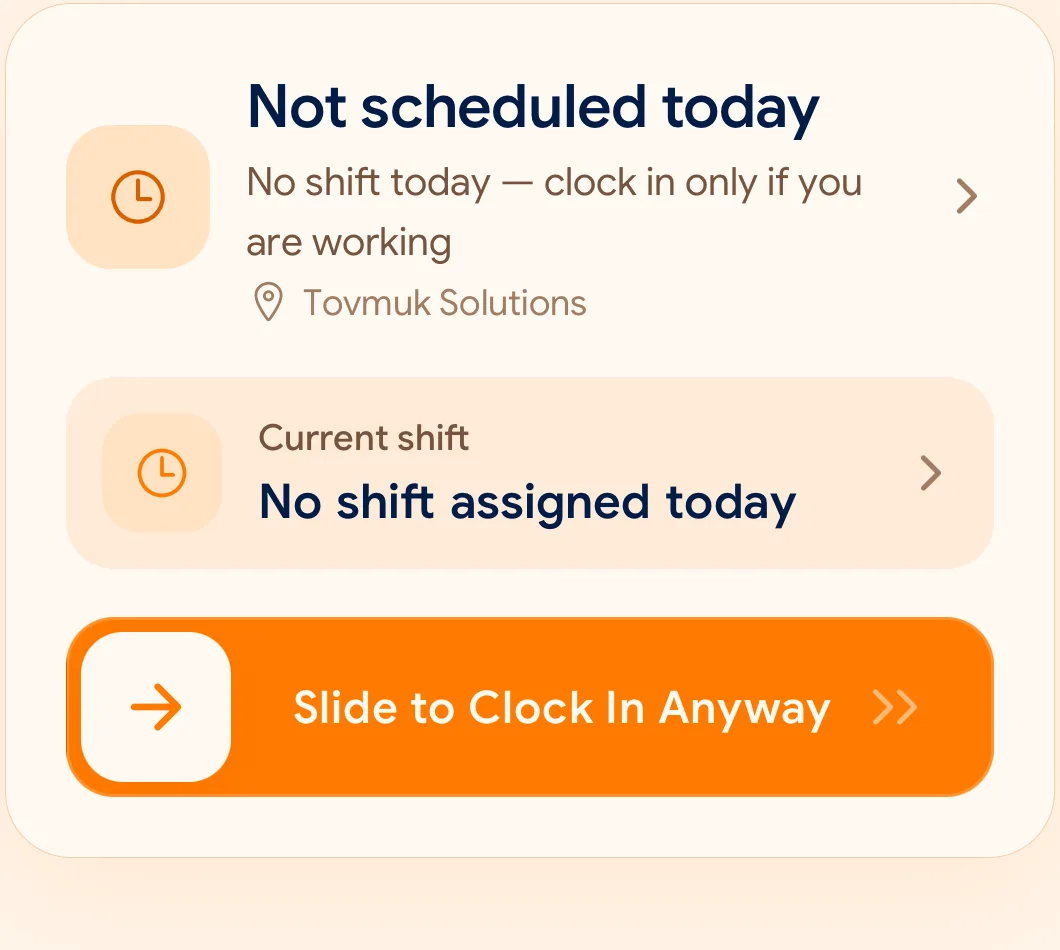
Yanlışlıkla basılması imkansız, tek elle yürürken bile rahatça yapılabilen bilinçli bir hareket.
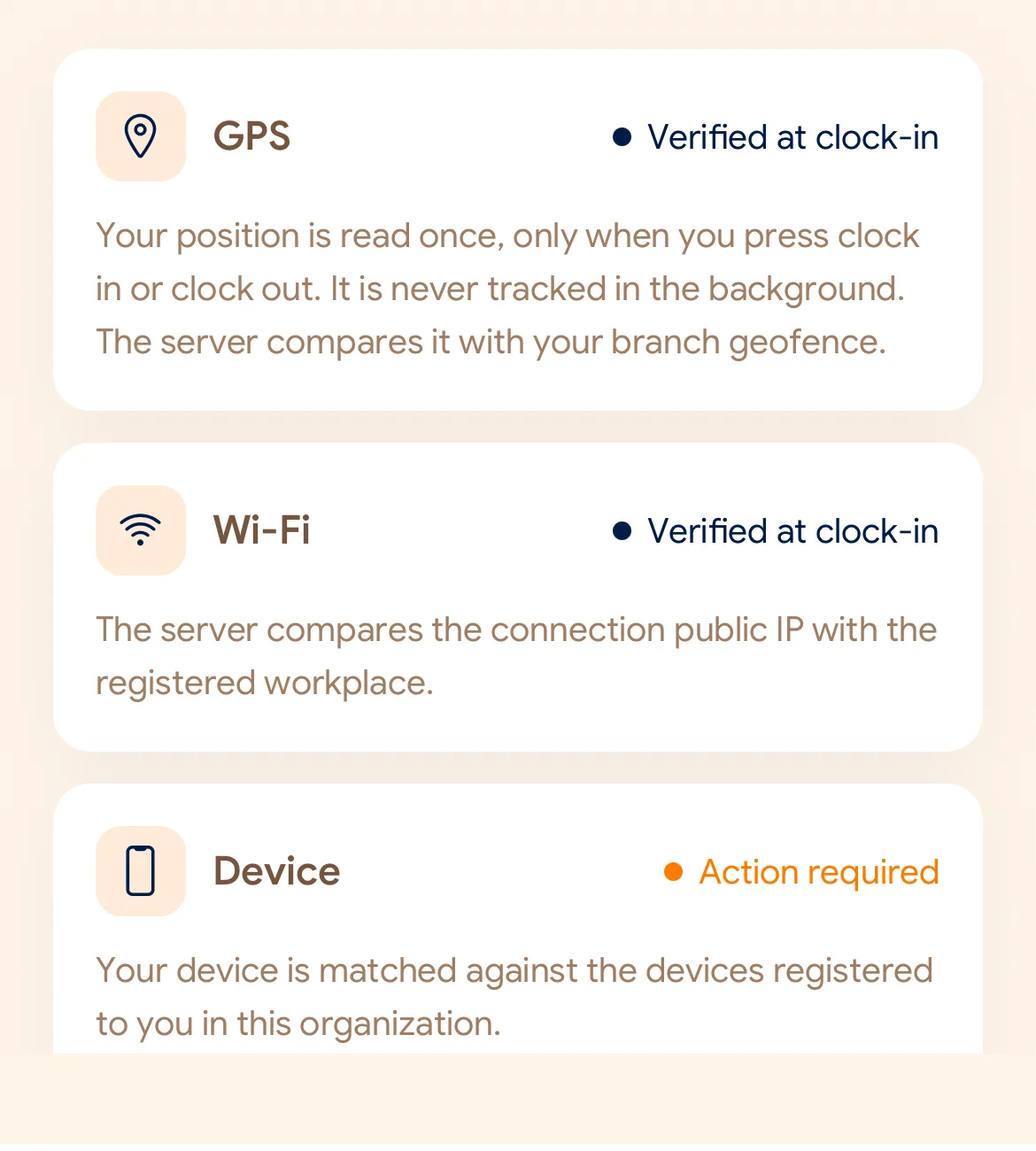
Belirlediğiniz kurallara göre GPS mesafesini, ofis Wi-Fi ağını veya kayıtlı cihazı denetler.
Saat telefonun saatinden değil, bulut sunucusundan alınır. Orijinal kayıt asla üzerine yazılarak silinmez.
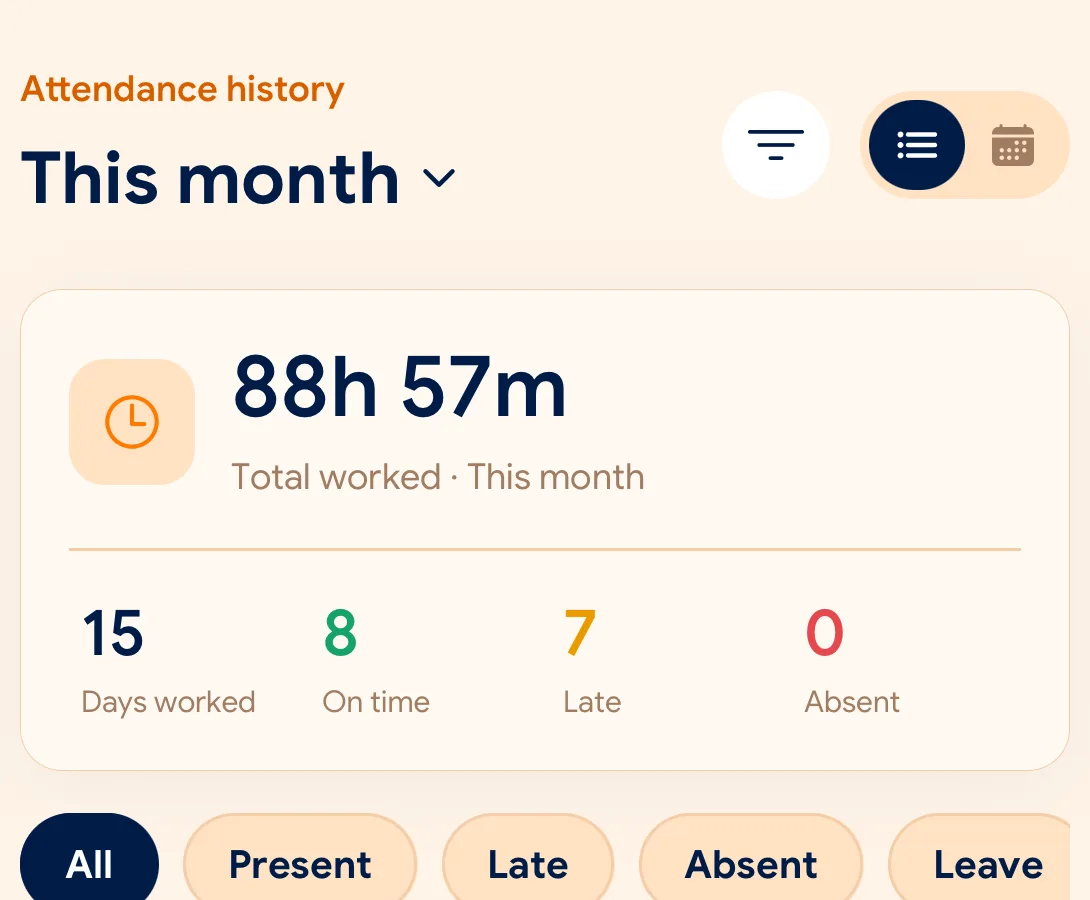
Devam durumu, devamsızlıklar ve izin talepleri tek panelde; CSV ve PDF formatında kolayca indirilebilir.
What is checked at the slide
Her şube GPS, Wi-Fi veya kayıtlı cihaz ile kendi doğrulama politikasını oluşturur.
Indoors, GPS can drift by a floor or a building. The office network is a steadier signal, so this policy checks Wi-Fi.
Distance to the branch, allowing for the accuracy the phone reports.
Read once, at Slide In and Slide Out. Never tracked in the background.
The connection’s public IP against the network registered for the workplace.
The network password is never collected.
That the request came from a phone registered to that employee.
No extra hardware: it is the phone they already carry.
None of these checks is proof of identity. They are practical checks, and SlidesClock describes them as exactly that.
Two sides of every slide
Schedules and leave are on every plan. Tags mark what needs a paid plan.
In the SlidesClock app
In the app and at app.slidesclock.com
Why it is built this way
Hem çalışana hem de işletmeye güven ve netlik kazandırmak için tasarlandı.
Telefonda saati değiştirmek hiçbir şeyi etkilemez. Sunucu her kaydı resmi zamanla mühürler.
Koordinatlar yalnızca giriş ve çıkış anında sorgulanır. Arka planda asla sürekli takip yapılmaz.
Unutulan çıkışlar için düzeltme talep edildiğinde orijinal kayıt korunur ve onaylanan düzeltme yanına eklenir.
Not in the flow, on purpose:

