 SlidesClock
 Not required
GPS
Distance to the branch, allowing for the accuracy the phone reports.
Read once, at Slide In and Slide Out. Never tracked in the background.
ဝန်ထမ်းများအတွက် လွယ်ကူပြီး နောက်ကွယ်တွင် ခိုင်မာလုံခြုံသည်။ ရုံးခွဲကို တစ်ကြိမ် သတ်မှတ်ရုံဖြင့် အလုပ်ဆိုင်းအားလုံး အလိုအလျောက် အဆင်ပြေစွာ လည်ပတ်နိုင်သည်။
Today
Ready when you are
အမှန်တကယ် အသုံးပြုပုံကို စမ်းသပ်ရန် အောက်တွင် Slide In ဆွဲကြည့်ပါ
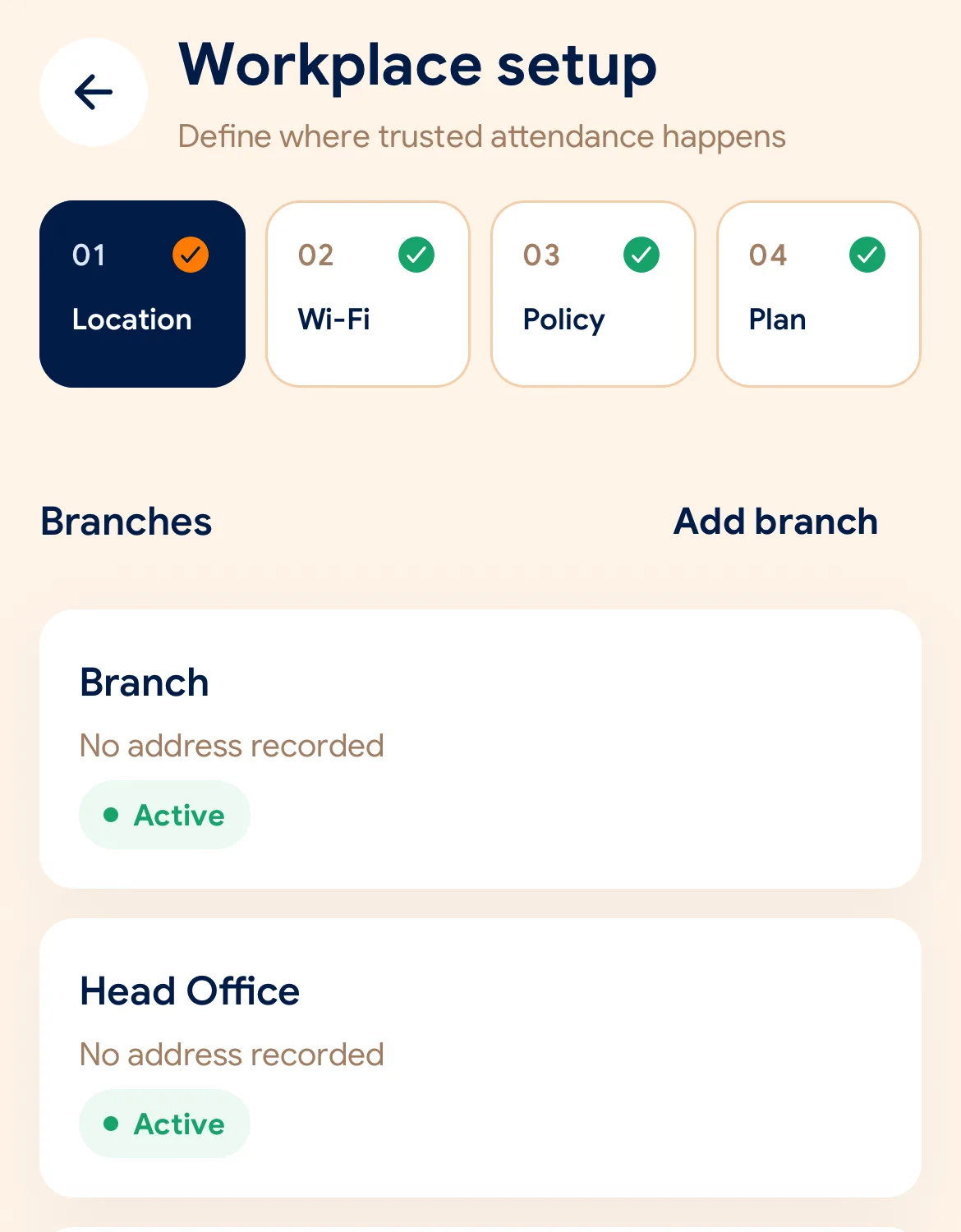
Before the first shift
အက်ပ်ကို ဒေါင်းလုဒ်လုပ်ပါ၊ ၂ မိနစ်အတွင်း သင့်လုပ်ငန်းအမည်နှင့် ပထမဆုံး ရုံးခွဲကို ထည့်သွင်းပါ။
ရုံးခွဲတစ်ခုစီအတွက် မြေပုံပေါ်တွင် Geofence ဧရိယာ သို့မဟုတ် ရုံး Wi-Fi ကို ရွေးချယ်ပါ။
ဝန်ထမ်းများ ဖုန်းဖြင့် ပါဝင်နိုင်ရန် ဖိတ်ကြားချက်ကုတ် သို့မဟုတ် QR Code ကို မျှဝေပါ။
Managers can also work from the web dashboard at app.slidesclock.com.
Every working day
The employee does two of them. The rest happen on the server and in the manager’s view, with nothing more for the employee to do.
ဝန်ထမ်းများသည် ရုံးခွဲသို့ ရောက်ရှိပါက ၎င်းတို့၏ စမတ်ဖုန်းတွင် SlidesClock ကို ဖွင့်သည်။
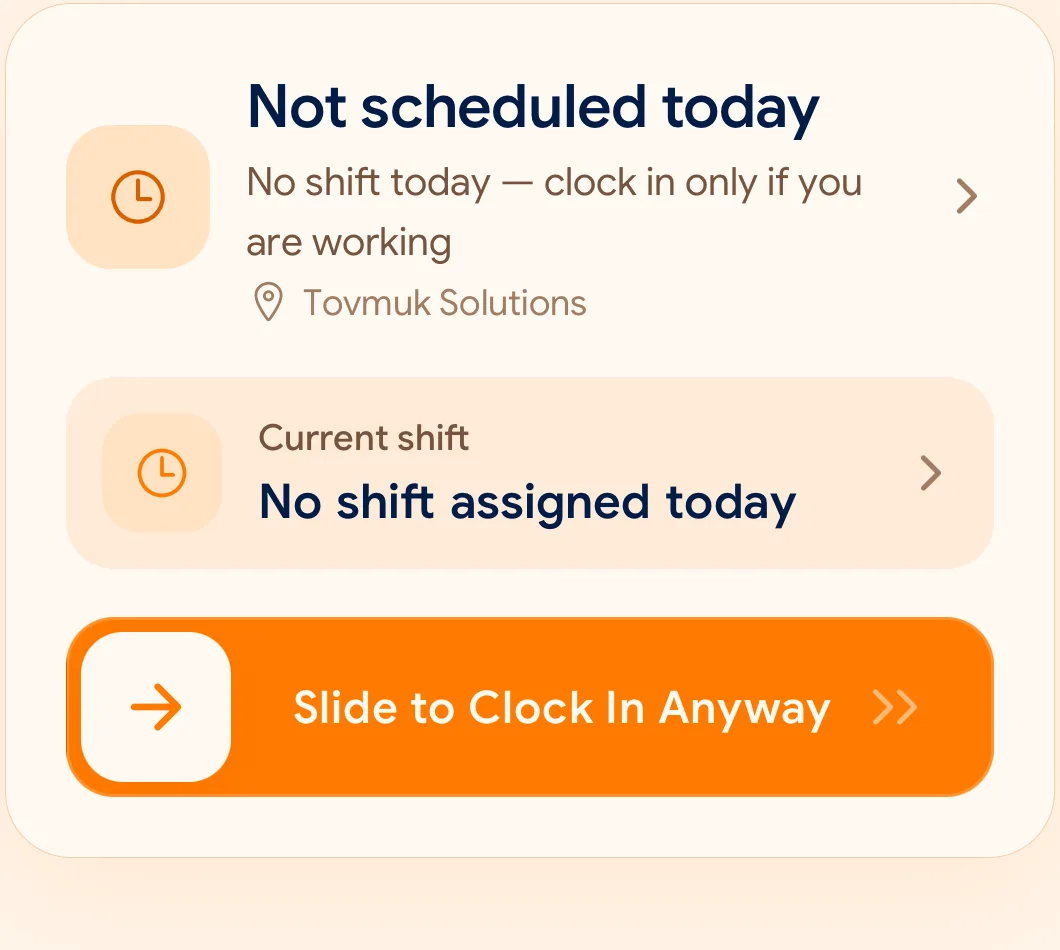
တစ်ချက်ဆွဲရုံဖြင့် တစ်စက္ကန့်အတွင်း GPS နှင့် Wi-Fi ကို ချက်ချင်း စစ်ဆေးအတည်ပြုသည်။
အလုပ်ဆိုင်း ပြီးဆုံးချိန်တွင် အလုပ်ဆင်းချိန် တရားဝင် မှတ်တမ်းတင်ရန် Slide Out ကို ဆွဲပါ။
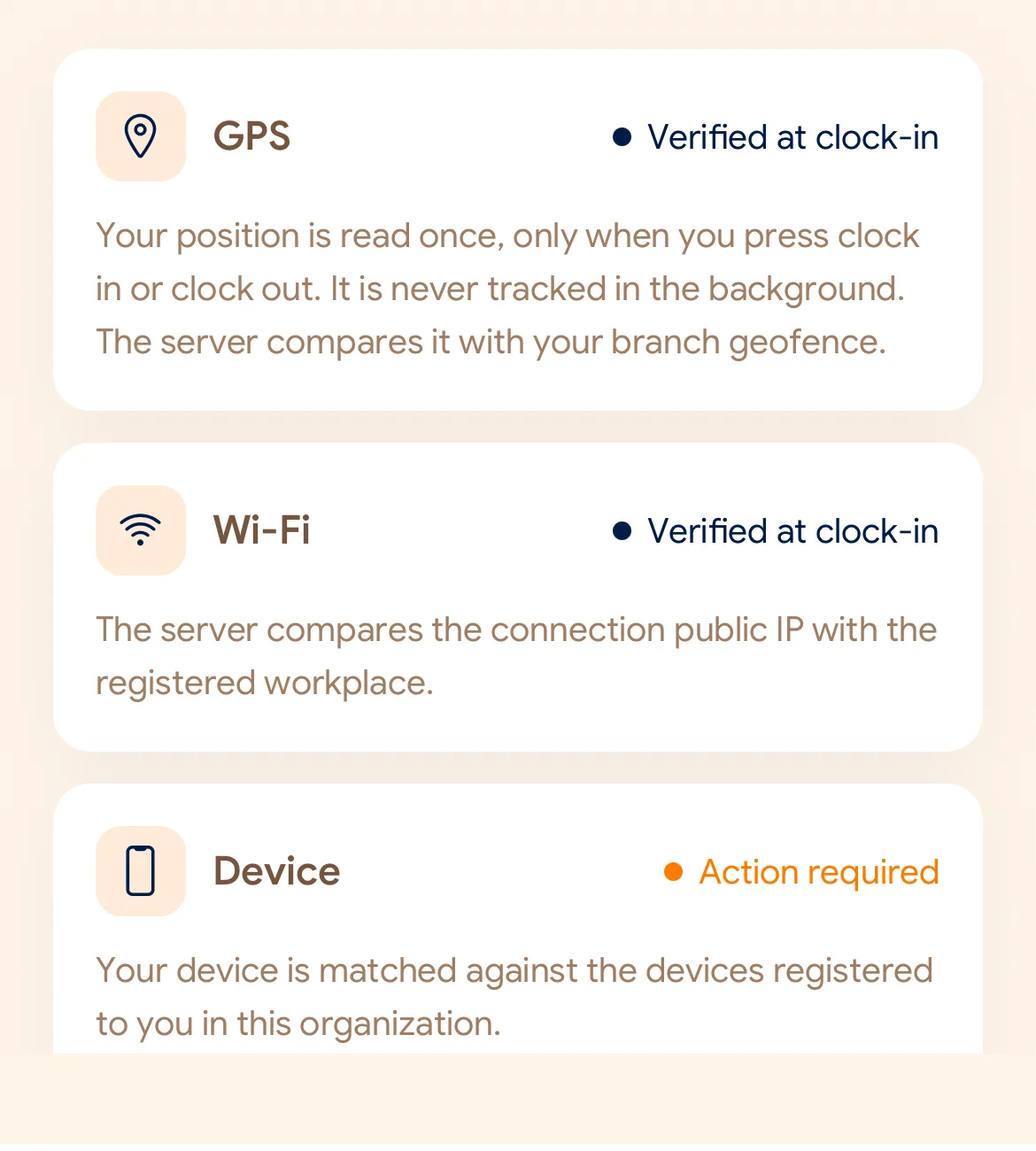
What is checked at the slide
SlidesClock သည် Slide ဆွဲသည့် စက္ကန့်တွင်သာ စည်းမျဉ်းများကို စစ်ဆေးသည်။ တစ်နေ့လုံး ခြေရာခံခြင်း လုံးဝမရှိပါ။
Indoors, GPS can drift by a floor or a building. The office network is a steadier signal, so this policy checks Wi-Fi.
Distance to the branch, allowing for the accuracy the phone reports.
Read once, at Slide In and Slide Out. Never tracked in the background.
The connection’s public IP against the network registered for the workplace.
The network password is never collected.
That the request came from a phone registered to that employee.
No extra hardware: it is the phone they already carry.
None of these checks is proof of identity. They are practical checks, and SlidesClock describes them as exactly that.
Two sides of every slide
Schedules and leave are on every plan. Tags mark what needs a paid plan.
In the SlidesClock app
In the app and at app.slidesclock.com
Why it is built this way
ဝန်ထမ်းများ၏ ကိုယ်ရေးကိုယ်တာကို လေးစားပြီး လက်တွေ့ လုပ်ငန်းခွင်အတွက် ဖန်တီးထားသည်။
Slide In သို့မဟုတ် Out ပြုလုပ်ချိန်တွင်သာ တည်နေရာကို စစ်ဆေးသည်။
ဖုန်း၏ အချိန်ကို ပြင်ဆင်၍ မရနိုင်စေရန် ကလာ့ဒ်ဆာဗာမှ အချိန်ကို တိုက်ရိုက် ရယူသည်။
Not in the flow, on purpose:

