 SlidesClock
 Not required
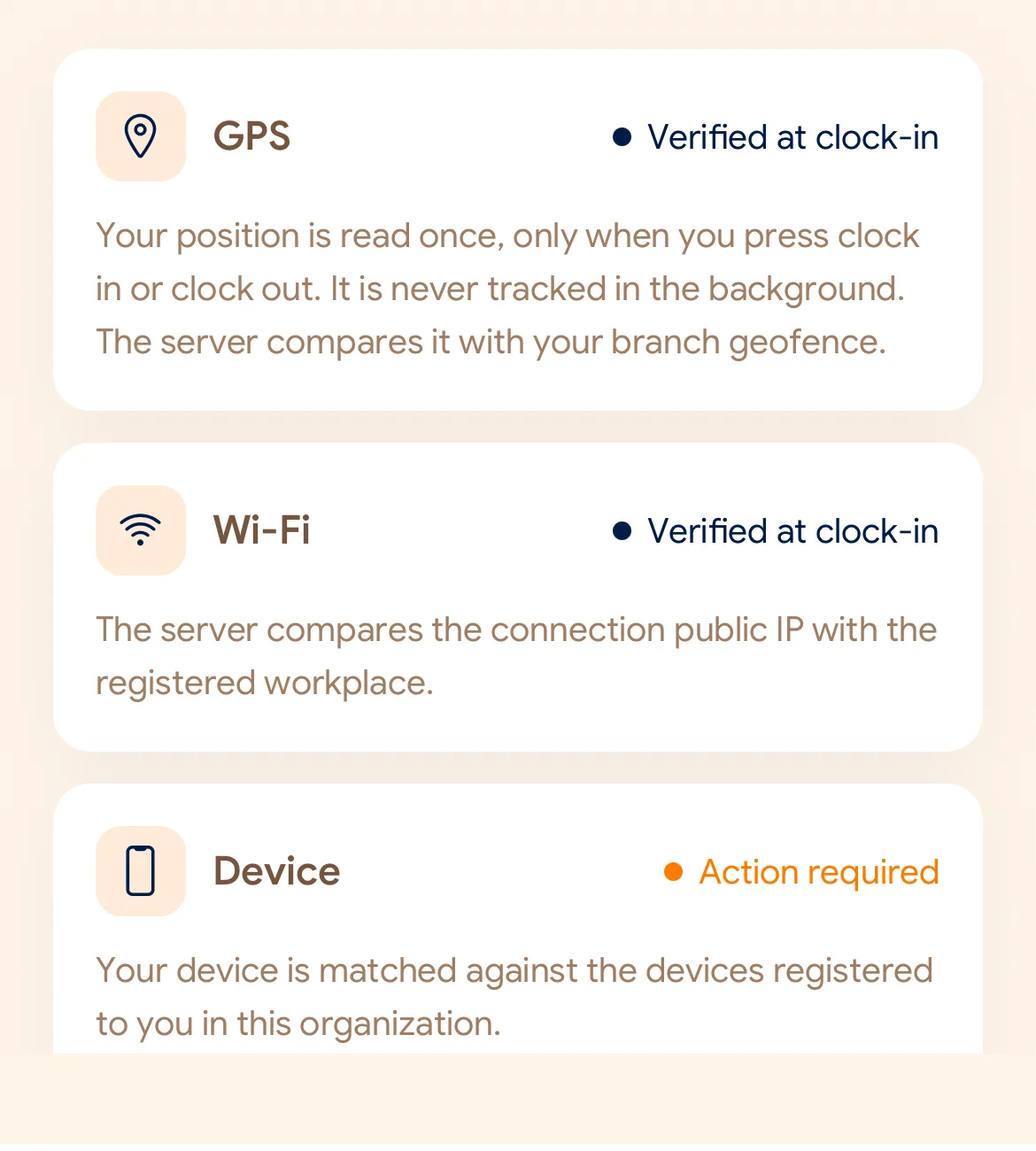
GPS
Distance to the branch, allowing for the accuracy the phone reports.
Read once, at Slide In and Slide Out. Never tracked in the background.
ງ່າຍສຳລັບພະນັກງານ, ປອດໄພ ແລະ ໝັ້ນຄົງຢູ່ເບື້ອງຫຼັງ. ຕັ້ງຄ່າສາຂາພຽງຄັ້ງດຽວ ແລະ ທຸກກະເຮັດວຽກຈະດຳເນີນໄປຢ່າງສະດວກໂດຍອັດຕະໂນມັດ.
Today
Ready when you are
ທົດລອງເລື່ອນ Slide In ດ້ານລຸ່ມເພື່ອເບິ່ງການເຮັດວຽກຕົວຈິງ
Before the first shift
ດາວໂຫຼດແອັບ, ປ້ອນຊື່ບໍລິສັດ ແລະ ສາຂາທຳອິດຂອງທ່ານພາຍໃນ 2 ນາທີ.
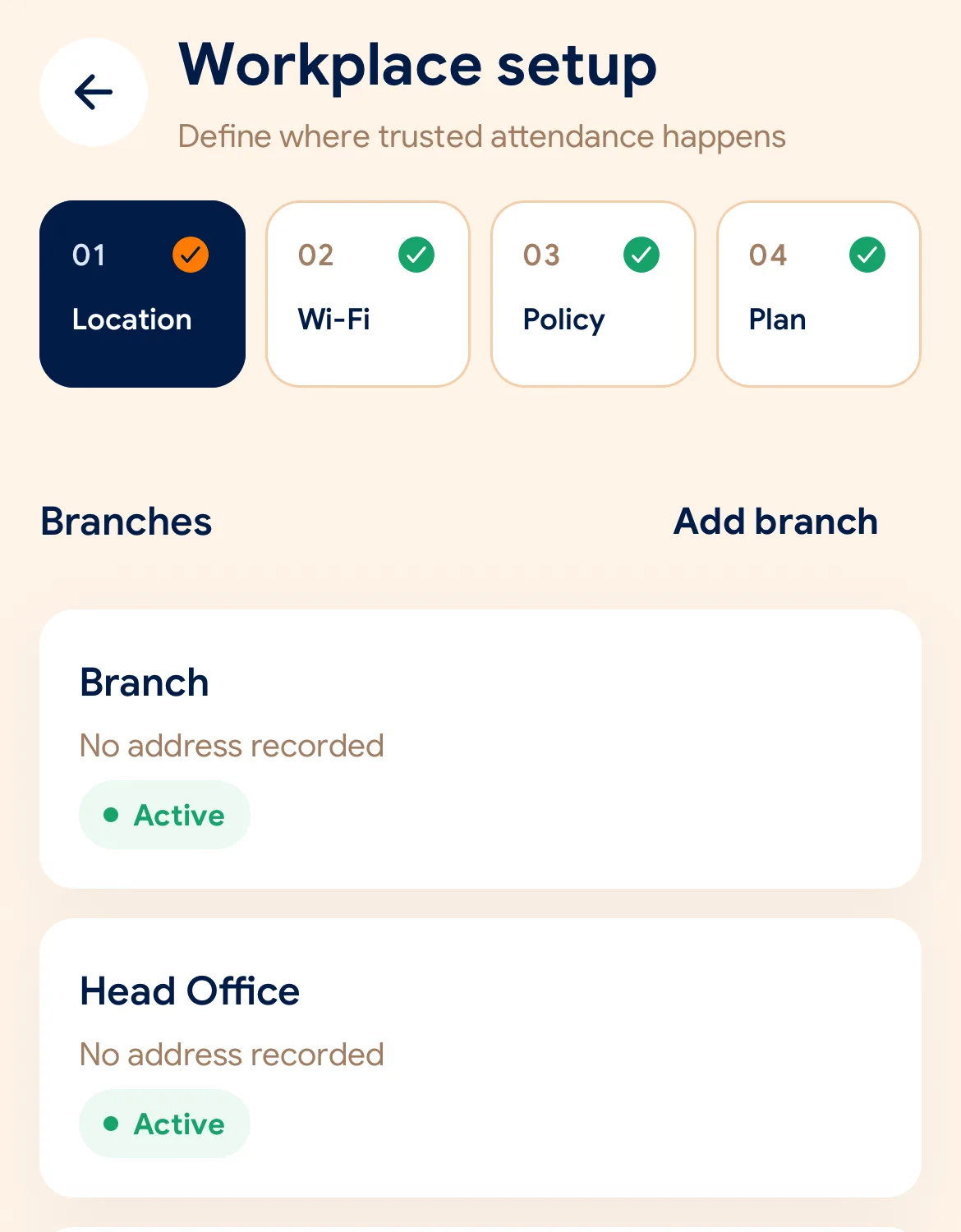
ເລືອກເຂດ Geofence ເທິງແຜນທີ່ ຫຼື Wi-Fi ບ່ອນເຮັດວຽກສຳລັບແຕ່ລະສາຂາ.
ແບ່ງປັນລະຫັດເຊີນ ຫຼື QR Code ໃຫ້ພະນັກງານເຂົ້າຮ່ວມບໍລິສັດຜ່ານມືຖື.
Managers can also work from the web dashboard at app.slidesclock.com.
Every working day
The employee does two of them. The rest happen on the server and in the manager’s view, with nothing more for the employee to do.
ພະນັກງານເປີດແອັບ SlidesClock ເທິງມືຖືສ່ວນຕົວເມື່ອມາຮອດສາຂາ.
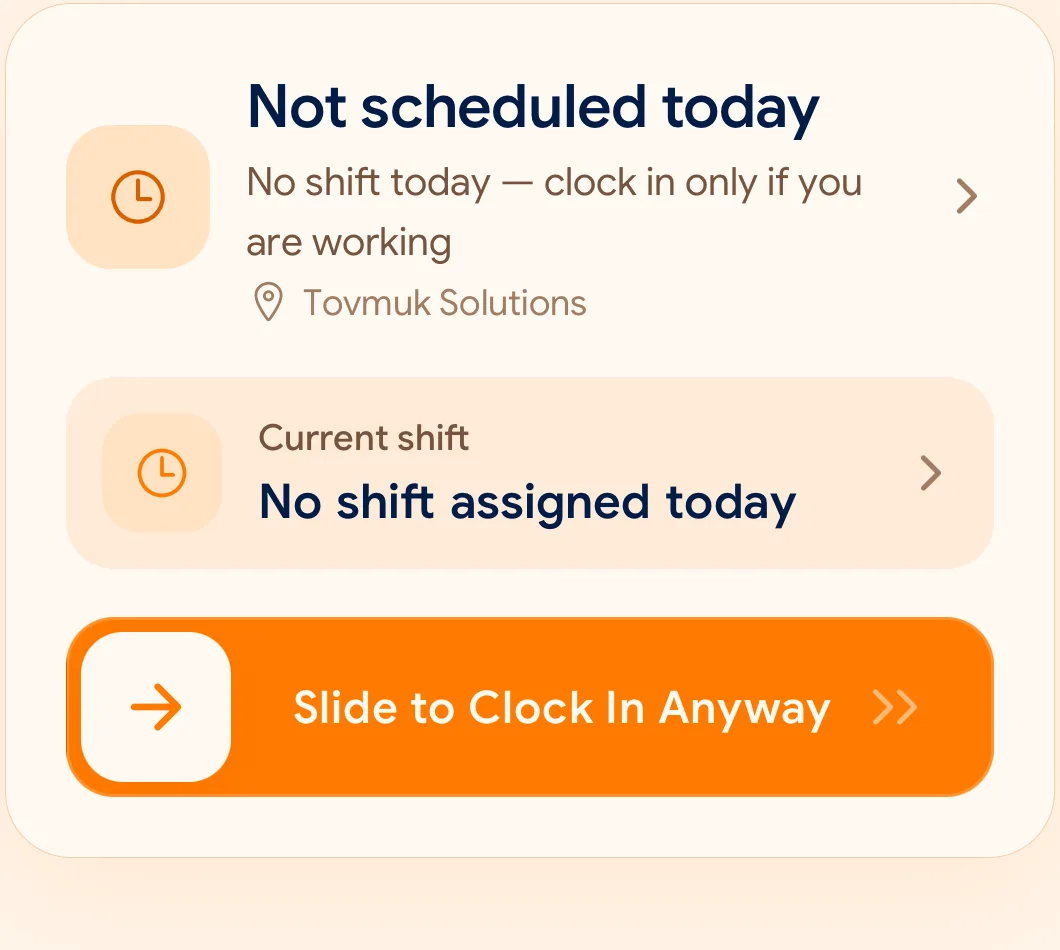
ການເລື່ອນຢ່າງຕັ້ງໃຈຈະກວດສອບ GPS ແລະ Wi-Fi ທັນທີພາຍໃນວິນາທີດຽວ.
ເມື່ອຈົບກະເຮັດວຽກ, ເລື່ອນ Slide Out ອີກຄັ້ງເພື່ອບັນທຶກເວລາເລີກວຽກຢ່າງເປັນທາງການ.
What is checked at the slide
SlidesClock ກວດສອບເງື່ອນໄຂສະເພາະວິນາທີທີ່ເລື່ອນ Slide ເທົ່ານັ້ນ. ບໍ່ມີການຕິດຕາມສະຖານທີ່ຕະຫຼອດມື້.
Indoors, GPS can drift by a floor or a building. The office network is a steadier signal, so this policy checks Wi-Fi.
Distance to the branch, allowing for the accuracy the phone reports.
Read once, at Slide In and Slide Out. Never tracked in the background.
The connection’s public IP against the network registered for the workplace.
The network password is never collected.
That the request came from a phone registered to that employee.
No extra hardware: it is the phone they already carry.
None of these checks is proof of identity. They are practical checks, and SlidesClock describes them as exactly that.
Two sides of every slide
Schedules and leave are on every plan. Tags mark what needs a paid plan.
In the SlidesClock app
In the app and at app.slidesclock.com
Why it is built this way
ສ້າງຂຶ້ນສຳລັບການເຮັດວຽກຕົວຈິງ ພ້ອມເຄົາລົບຄວາມເປັນສ່ວນຕົວຂອງພະນັກງານ.
ກວດສອບສະຖານທີ່ສະເພາະຕອນເລື່ອນ Slide In ຫຼື Out ເທົ່ານັ້ນ.
ເວລາຖືກບັນທຶກຈາກເຊີບເວີສູນກາງ ປ້ອງກັນການດັດແປງເວລາໃນມືຖື.
Not in the flow, on purpose:

