 SlidesClock
 Not required
GPS
Distance to the branch, allowing for the accuracy the phone reports.
Read once, at Slide In and Slide Out. Never tracked in the background.
Mudah bagi staf Anda, teliti dan aman di backend. Atur cabang sekali, dan setiap giliran kerja dimulai dengan menggeser di ponsel karyawan sendiri.
Today
Ready when you are
Hanya ini yang dilakukan staf. Geser untuk mencatat absensi.
Before the first shift
Unduh SlidesClock di iPhone dan buat perusahaan Anda. Paket Gratis langsung aktif tanpa kartu kredit.
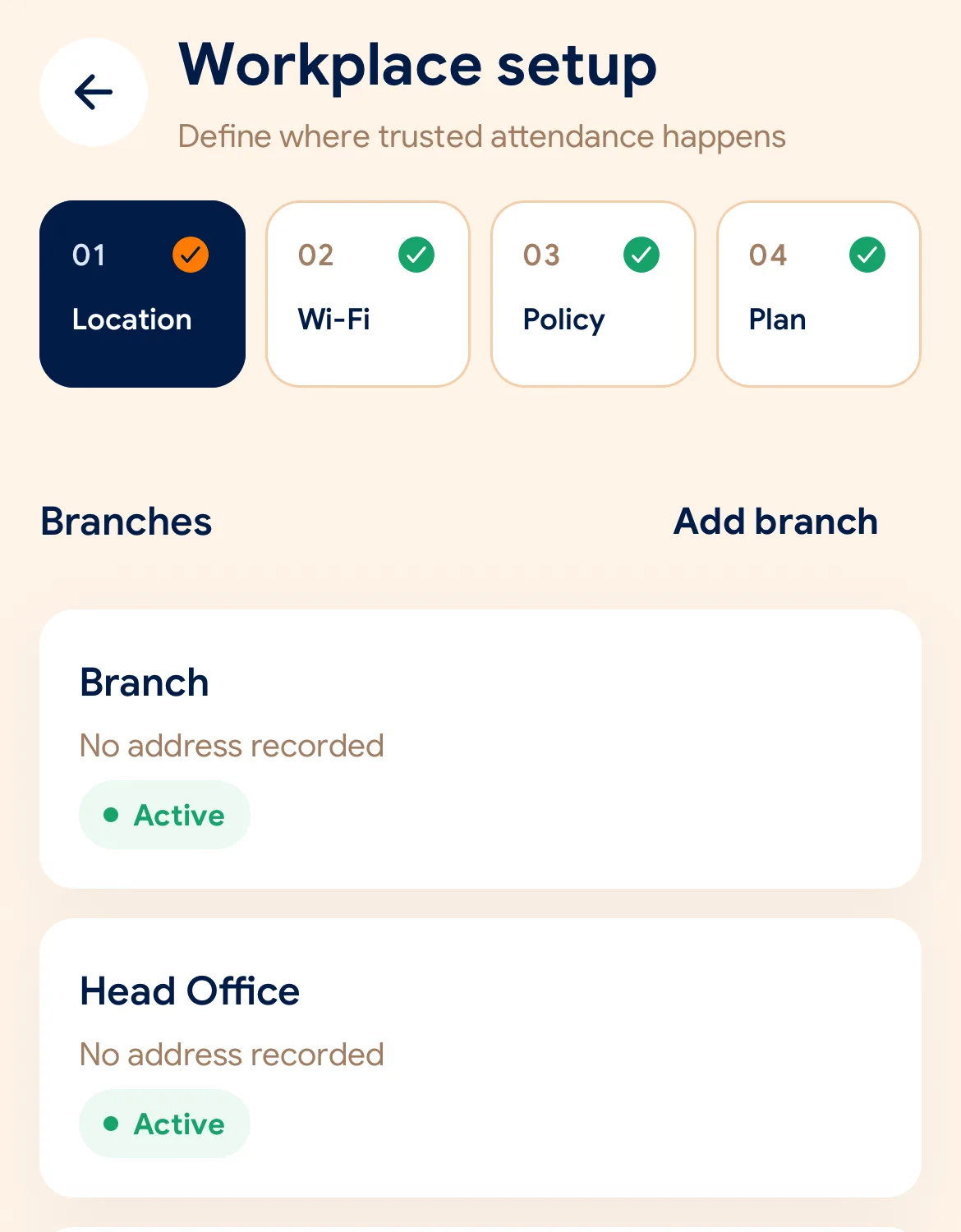
Tentukan lokasi dan radius GPS, daftarkan jaringan Wi-Fi kantor, dan pilih aturan verifikasi yang dibutuhkan.
Kirim tautan undangan ke setiap karyawan. Mereka memasang aplikasi dan ponsel mereka langsung menjadi mesin absensi.
Managers can also work from the web dashboard at app.slidesclock.com.
Every working day
The employee does two of them. The rest happen on the server and in the manager’s view, with nothing more for the employee to do.
Melihat jadwal shift dan status mereka. Tidak ada mesin di dinding atau antrean di pintu masuk.
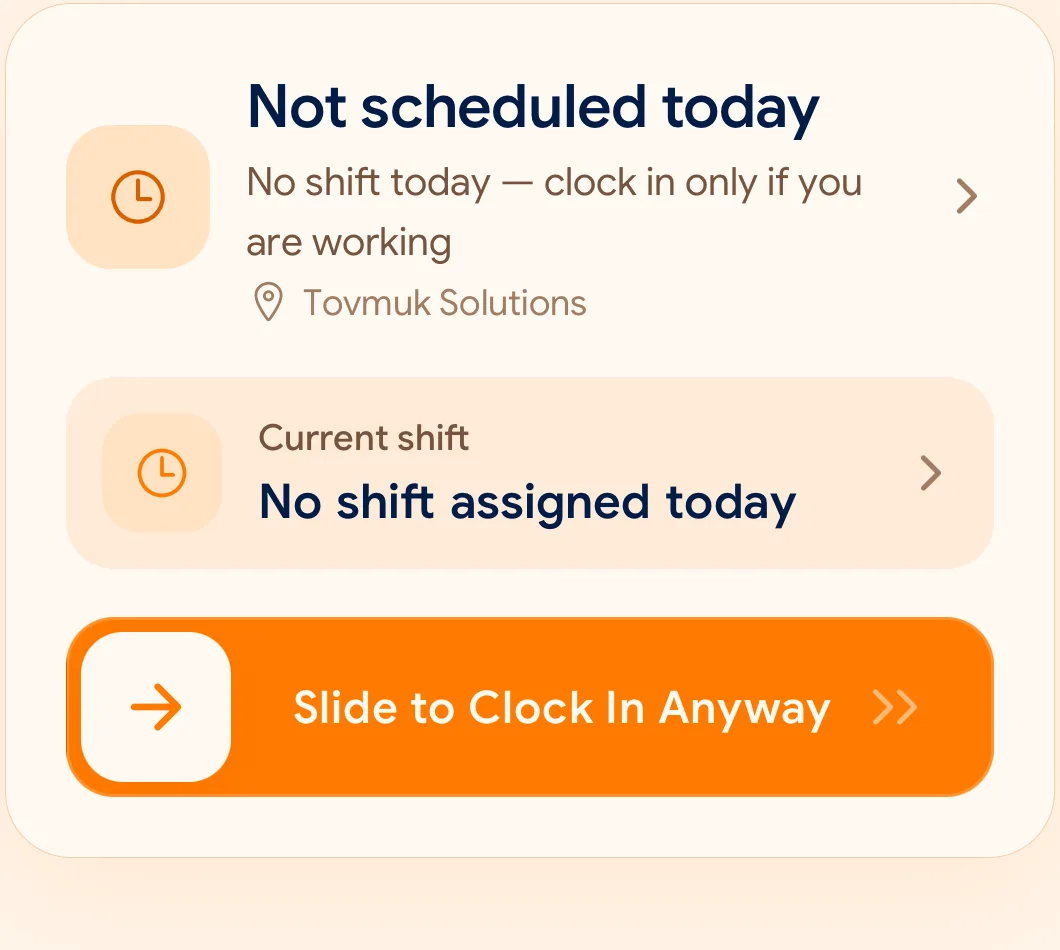
Gestur satu geseran yang disengaja, tidak mudah terpicu tanpa sengaja, dan cepat dilakukan dengan satu tangan.
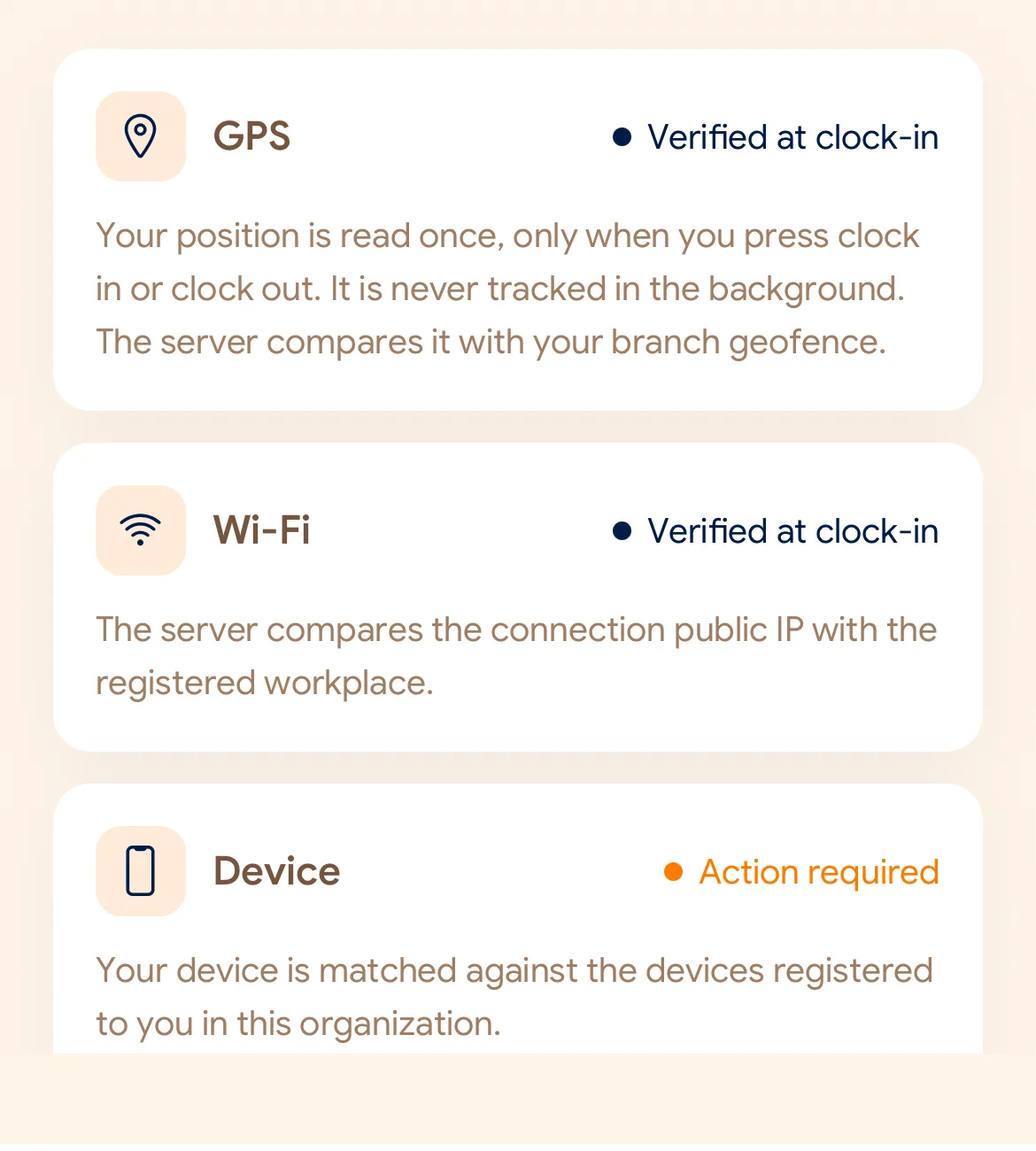
Memeriksa GPS, Wi-Fi kantor, atau perangkat terdaftar sesuai pengaturan yang Anda tentukan.
Waktu resmi berasal dari server awan, bukan jam ponsel. Catatan asli tidak akan pernah ditimpa.
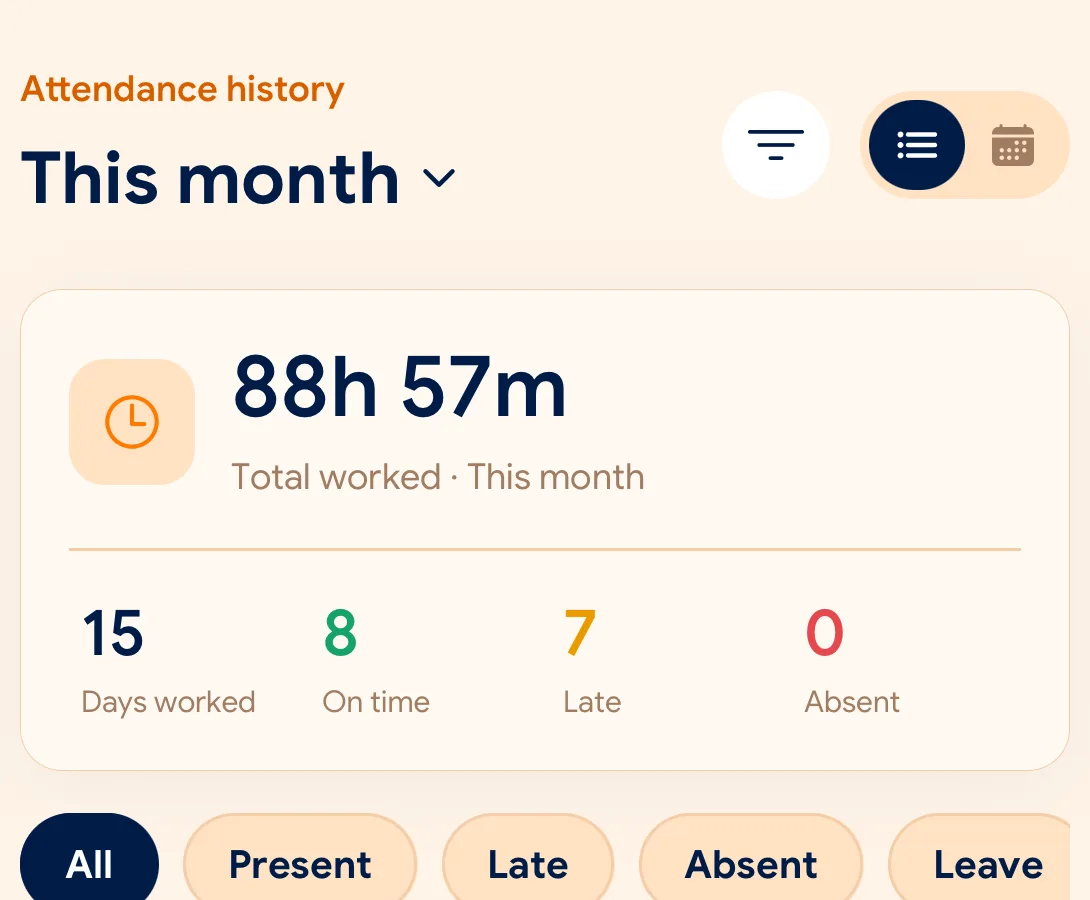
Kehadiran, cuti, dan permohonan dalam satu dashboard dengan ekspor CSV dan PDF.
What is checked at the slide
Setiap cabang memiliki aturan verifikasi mandiri menggunakan GPS, Wi-Fi, atau perangkat terdaftar.
Indoors, GPS can drift by a floor or a building. The office network is a steadier signal, so this policy checks Wi-Fi.
Distance to the branch, allowing for the accuracy the phone reports.
Read once, at Slide In and Slide Out. Never tracked in the background.
The connection’s public IP against the network registered for the workplace.
The network password is never collected.
That the request came from a phone registered to that employee.
No extra hardware: it is the phone they already carry.
None of these checks is proof of identity. They are practical checks, and SlidesClock describes them as exactly that.
Two sides of every slide
Schedules and leave are on every plan. Tags mark what needs a paid plan.
In the SlidesClock app
In the app and at app.slidesclock.com
Why it is built this way
Dirancang demi transparansi dan keadilan bagi karyawan maupun pemilik usaha.
Mengubah jam di ponsel tidak berpengaruh. Server mengesahkan setiap waktu absensi secara akurat.
Koordinat hanya diperiksa saat tombol digeser. Tidak ada pelacakan lokasi latar belakang sama sekali.
Koreksi absensi disimpan sebagai catatan tersendiri dengan audit lengkap dan persetujuan atasan.
Not in the flow, on purpose:

