 SlidesClock
 Not required
GPS
Distance to the branch, allowing for the accuracy the phone reports.
Read once, at Slide In and Slide Out. Never tracked in the background.
Napakadali para sa iyong mga kawani, matibay at ligtas sa backend. I-set up ang sangay minsan, at maayos na tatakbo ang bawat shift nang kusa.
Today
Ready when you are
Subukang i-slide ang Slide In sa ibaba upang makita ang tunay na karanasan
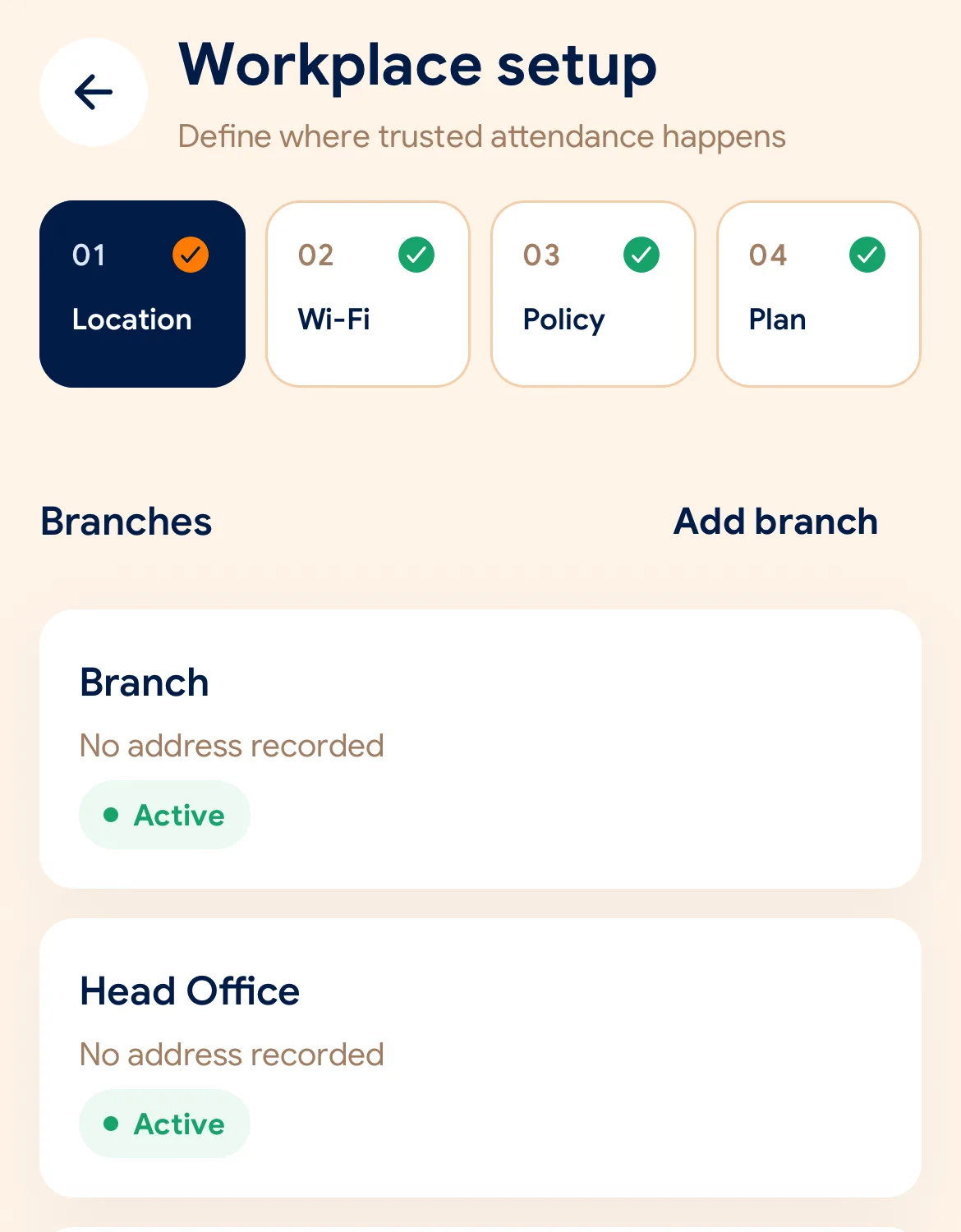
Before the first shift
I-download ang app, ilagay ang pangalan ng negosyo at unang sangay sa loob ng 2 minuto.
Piliin ang geofence radius sa mapa o ang opisyal na Wi-Fi ng opisina para sa bawat sangay.
Ibahagi ang invite code o QR code upang sumali ang mga empleyado gamit ang sariling phone.
Managers can also work from the web dashboard at app.slidesclock.com.
Every working day
The employee does two of them. The rest happen on the server and in the manager’s view, with nothing more for the employee to do.
Bubuksan ng kawani ang SlidesClock sa kanilang smartphone pagdating sa opisina o sangay.
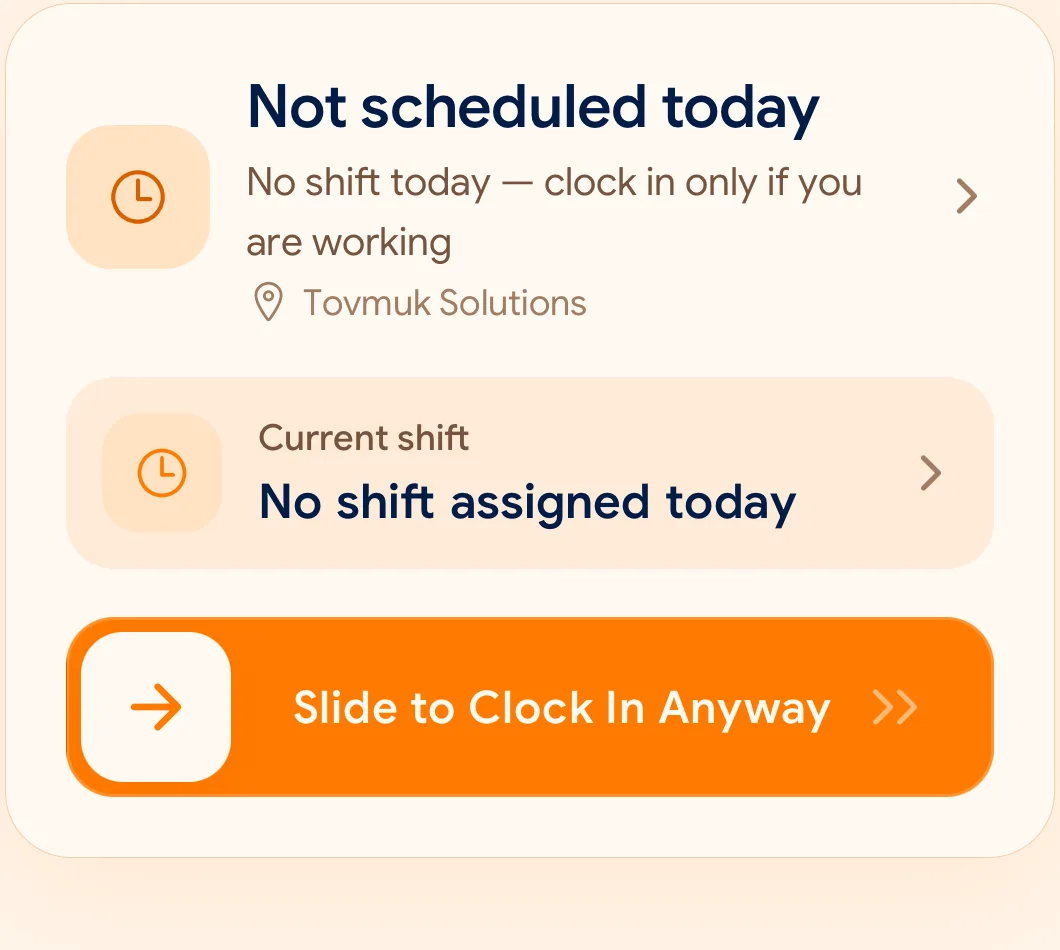
Isang mabilis na slide ang magpapasimula ng pagsusuri sa GPS at Wi-Fi sa loob lamang ng isang segundo.
Sa pagtatapos ng shift, i-slide muli ang Slide Out upang mai-record ang opisyal na oras ng uwian.
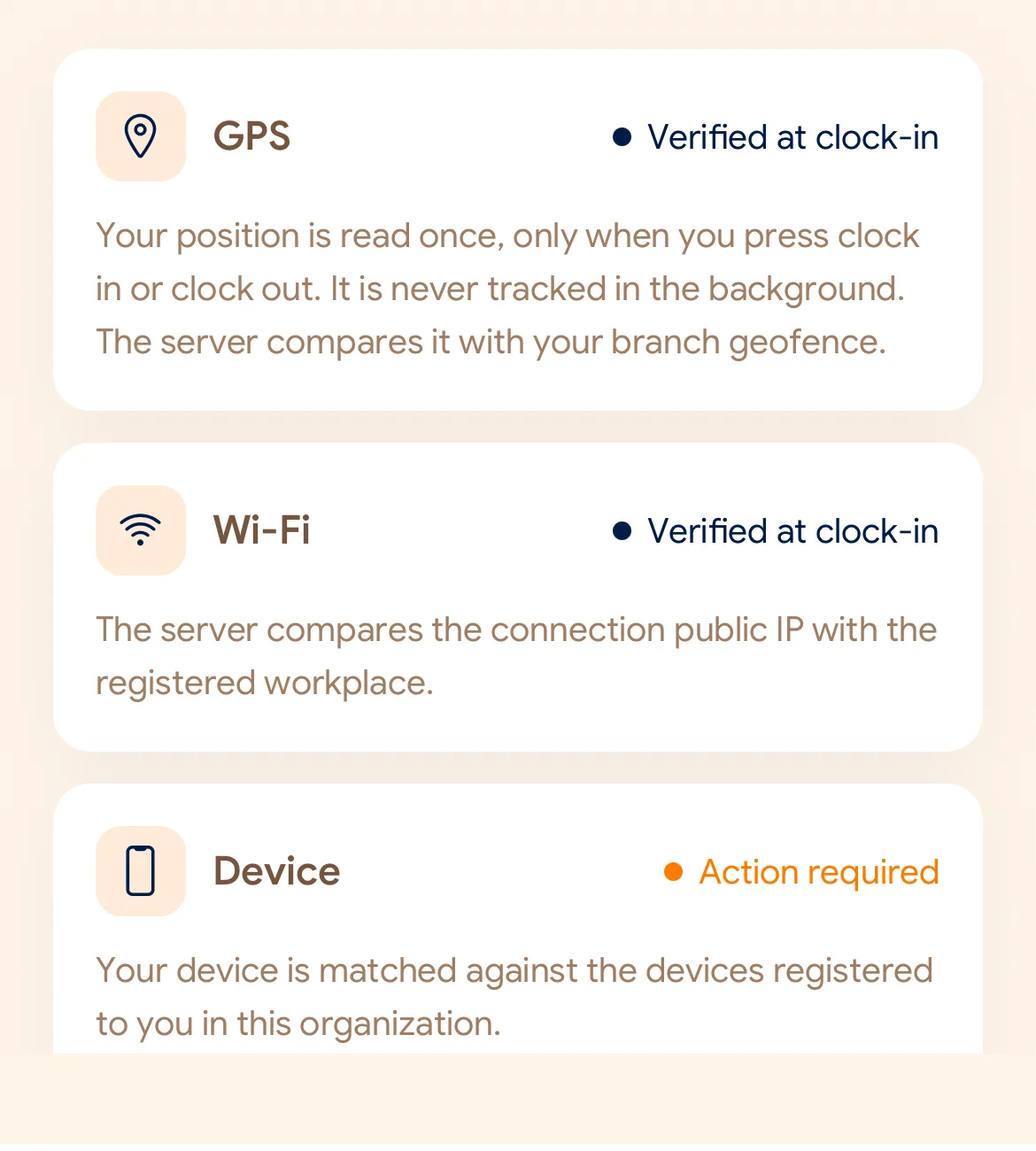
What is checked at the slide
Sinusuri lamang ng SlidesClock ang patakaran sa mismong segundo ng pag-slide. Walang lihim na pagsubaybay sa lokasyon maghapon.
Indoors, GPS can drift by a floor or a building. The office network is a steadier signal, so this policy checks Wi-Fi.
Distance to the branch, allowing for the accuracy the phone reports.
Read once, at Slide In and Slide Out. Never tracked in the background.
The connection’s public IP against the network registered for the workplace.
The network password is never collected.
That the request came from a phone registered to that employee.
No extra hardware: it is the phone they already carry.
None of these checks is proof of identity. They are practical checks, and SlidesClock describes them as exactly that.
Two sides of every slide
Schedules and leave are on every plan. Tags mark what needs a paid plan.
In the SlidesClock app
In the app and at app.slidesclock.com
Why it is built this way
Binuo para sa tunay na operasyon habang iginagalang ang privacy ng bawat empleyado.
Sinusuri lamang ang lokasyon sa sandaling mag-Slide In o Slide Out.
Naitatala ang oras mula sa cloud server upang maiwasan ang pagmamanipula sa oras ng phone.
Not in the flow, on purpose:

