 SlidesClock
 Not required
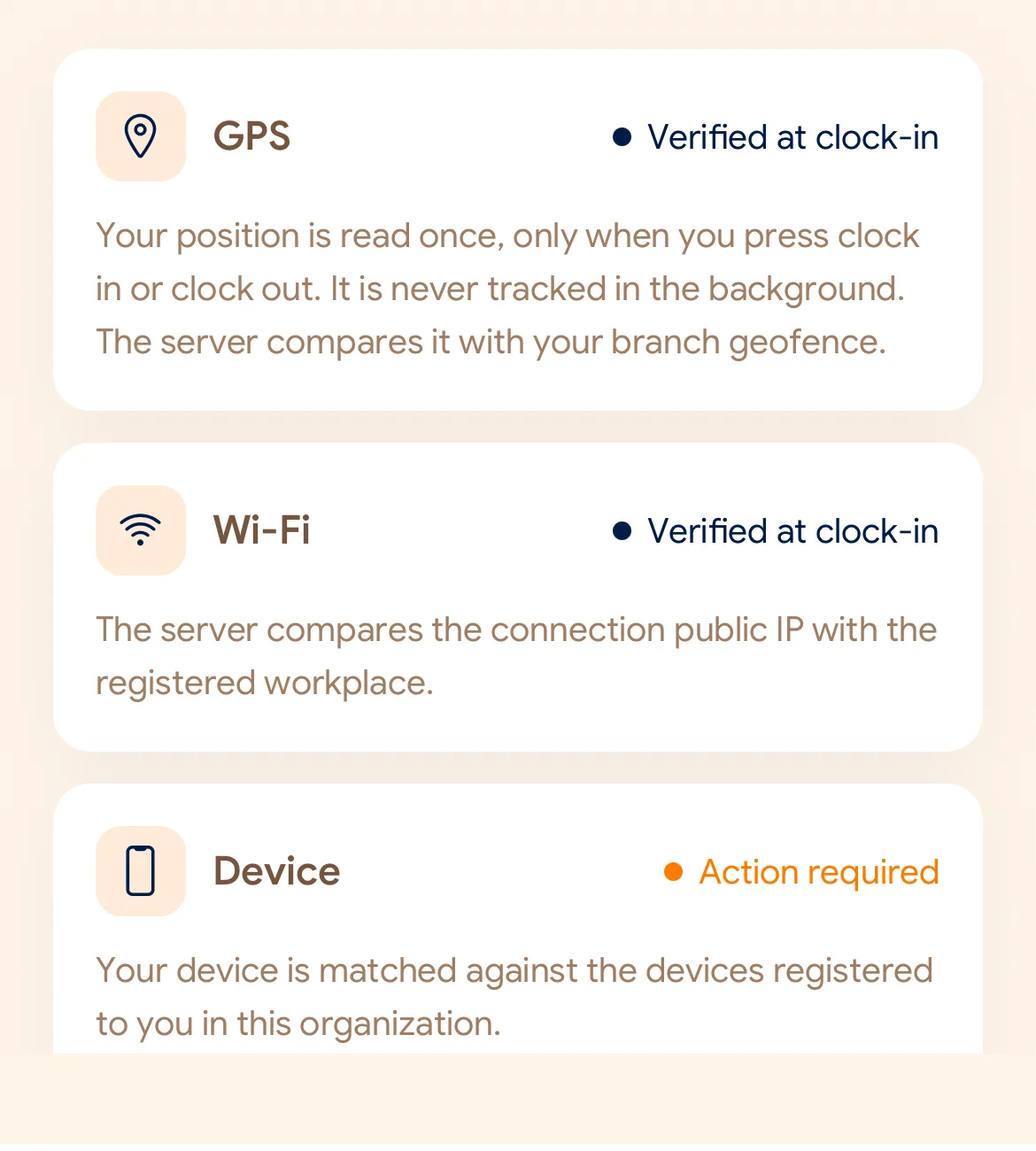
GPS
Distance to the branch, allowing for the accuracy the phone reports.
Read once, at Slide In and Slide Out. Never tracked in the background.
Sencillo para su equipo, riguroso en todo lo demás. Configure la sucursal una vez y cada turno comenzará con un deslizamiento en el propio teléfono del empleado.
Today
Ready when you are
Eso es todo lo que hace el empleado. Deslice el control para marcar.
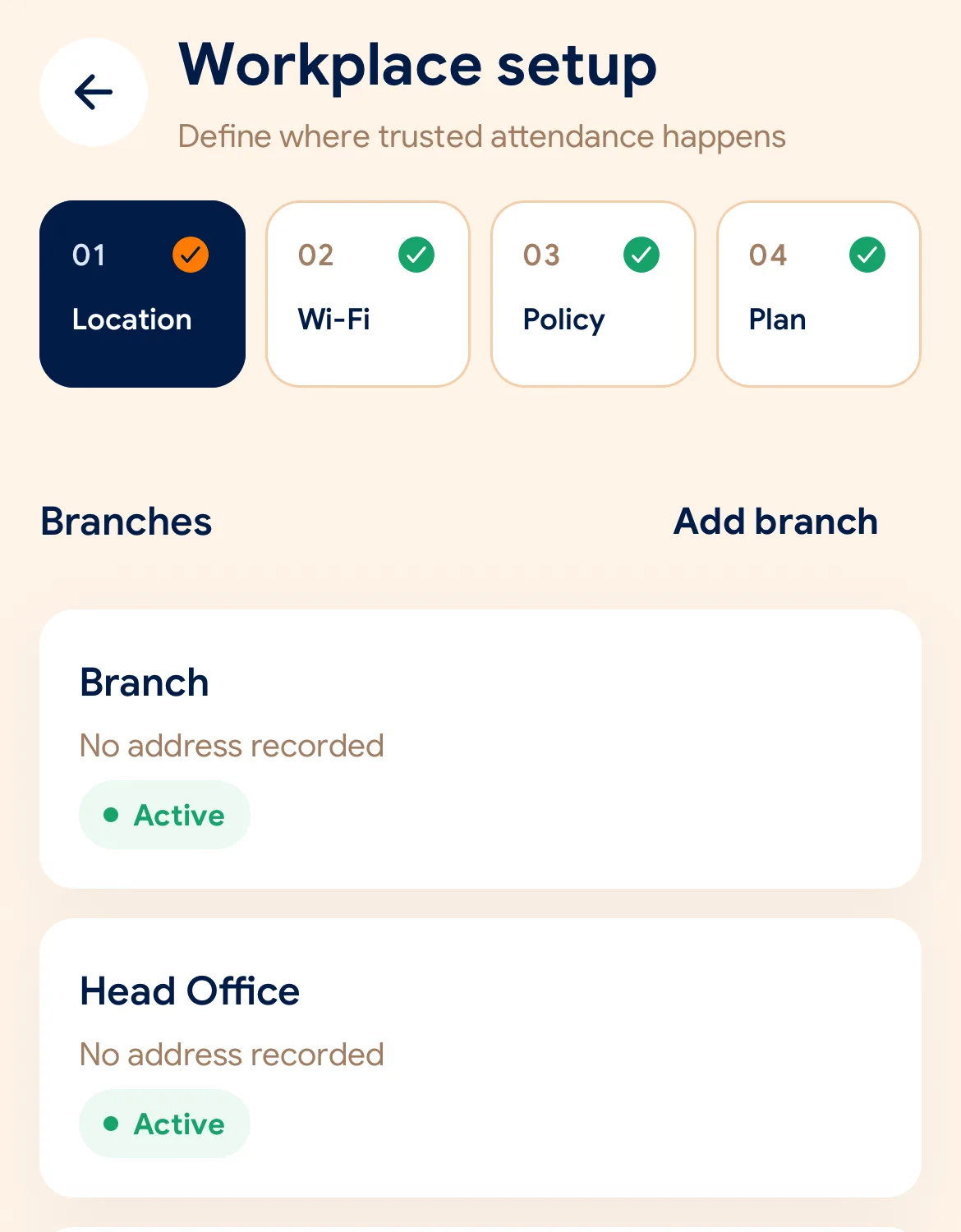
Before the first shift
Descargue SlidesClock en iPhone y cree su empresa. El plan Gratis se activa de inmediato, sin tarjeta.
Defina la ubicación y el radio GPS, registre la red Wi-Fi y elija las reglas de verificación de ese centro.
Envíe a cada colaborador un enlace de invitación. Instalan la app y su propio teléfono se convierte en su reloj checador.
Managers can also work from the web dashboard at app.slidesclock.com.
Every working day
The employee does two of them. The rest happen on the server and in the manager’s view, with nothing more for the employee to do.
Ve su turno programado y su estado. Sin checadores en la pared ni filas en la puerta.
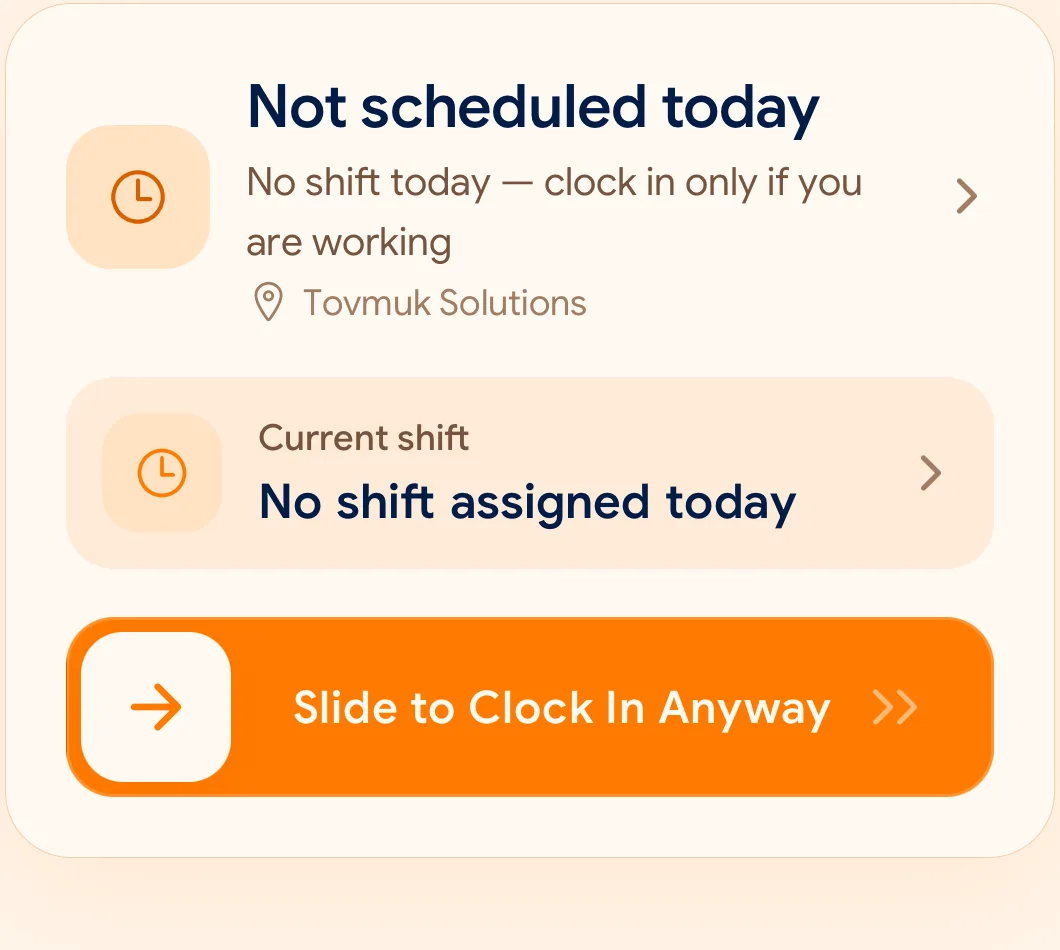
Un gesto deliberado, difícil de activar por accidente y rápido para realizar con una sola mano.
Comprueba GPS, red Wi-Fi y dispositivo registrado según los requisitos configurados.
La hora proviene del servidor en la nube, no del reloj del teléfono. El registro original nunca se sobrescribe.
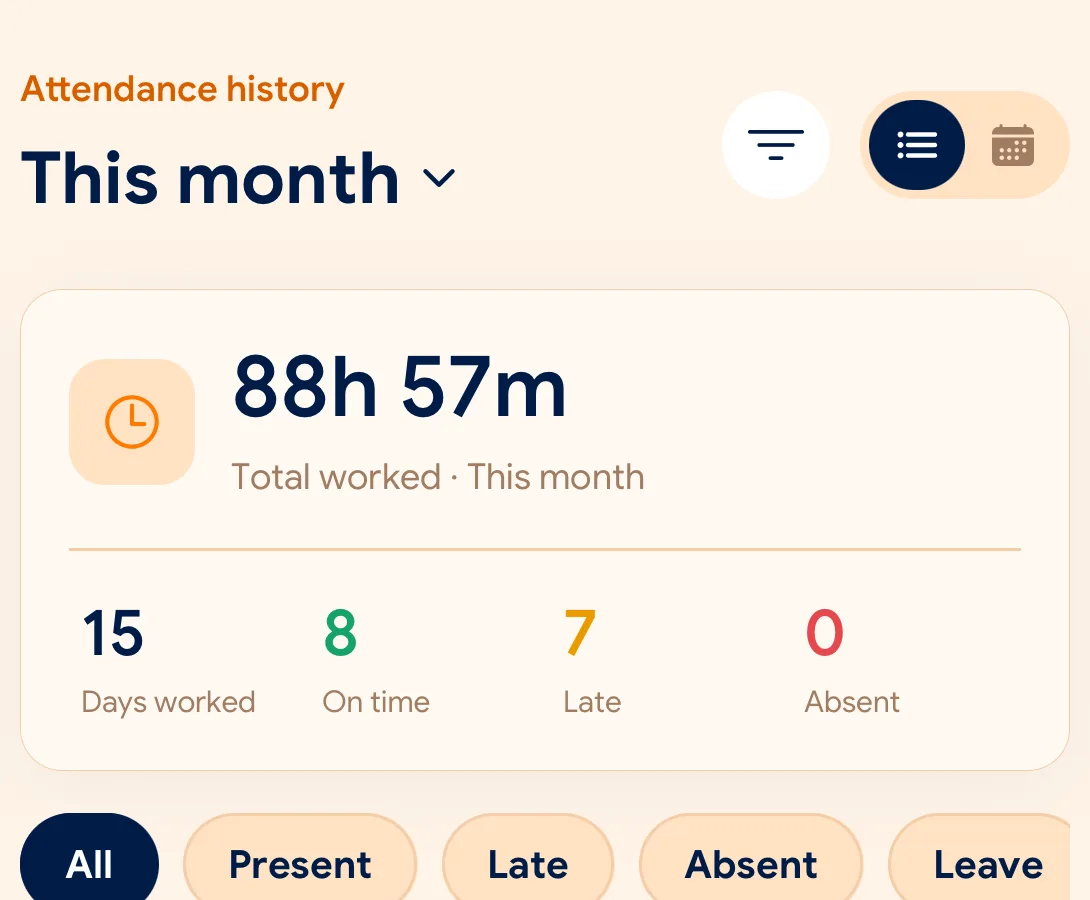
Asistencia, ausencias y solicitudes en un solo panel con exportaciones en CSV y PDF.
What is checked at the slide
Cada centro de trabajo define sus propias reglas con GPS, Wi-Fi o dispositivo registrado.
Indoors, GPS can drift by a floor or a building. The office network is a steadier signal, so this policy checks Wi-Fi.
Distance to the branch, allowing for the accuracy the phone reports.
Read once, at Slide In and Slide Out. Never tracked in the background.
The connection’s public IP against the network registered for the workplace.
The network password is never collected.
That the request came from a phone registered to that employee.
No extra hardware: it is the phone they already carry.
None of these checks is proof of identity. They are practical checks, and SlidesClock describes them as exactly that.
Two sides of every slide
Schedules and leave are on every plan. Tags mark what needs a paid plan.
In the SlidesClock app
In the app and at app.slidesclock.com
Why it is built this way
Diseñado para brindar confianza y claridad tanto al empleado como a la empresa.
Cambiar la hora en el teléfono no altera nada. El servidor sella cada registro.
Las coordenadas se consultan únicamente al marcar entrada o salida. Cero rastreo en segundo plano.
Las correcciones quedan registradas junto al evento original con registro de auditoría.
Not in the flow, on purpose:

