 SlidesClock
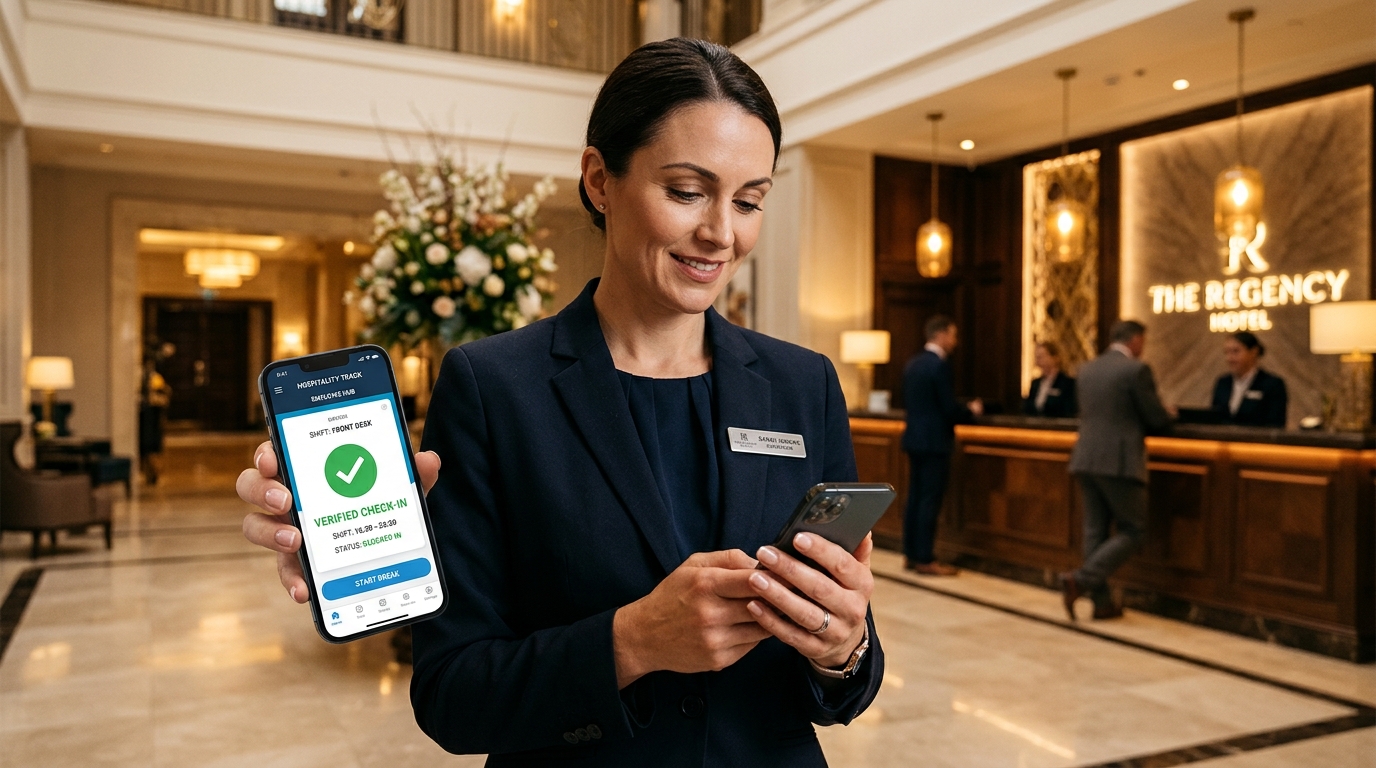

Operating a hotel, luxury resort, or boutique hospitality property is a round-the-clock exercise in high-velocity coordination. Unlike standard corporate offices with synchronized 9-to-5 schedules, a hospitality venue operates across interconnected departmental ecosystems: front desk concierges, housekeeping room attendants, culinary prep cooks, banquet servers, and overnight maintenance engineers. When morning room attendants clock in late or get backed up at a single optical punch clock in the basement breakroom, room turnover stalls and guest check-in deadlines are missed. Traditional wall-mounted biometric fingerprint clocks routinely fail in hospitality due to wet hands from housekeeping sanitizers, kitchen grease, and multi-floor signal dead zones. Furthermore, seasonal banquet surges cause per-user software pricing models to skyrocket. Modern [hospitality attendance systems](/features/employee-attendance) eliminate this operational chaos with smartphone-native point-of-action verification. By combining indoor [workplace Wi-Fi validation](/features/wifi-attendance) with outdoor [GPS geofencing](/features/gps-attendance), SlidesClock gives hotel general managers real-time floor visibility, verified shift handovers, and tamper-proof payroll records at a predictable flat rate.
Quick Answer
A modern hotel employee attendance app coordinates multi-floor shifts, housekeeping room turns, front desk handovers, and banquet event crews on personal smartphones. Because multi-story concrete and steel hotel structures block satellite GPS in basement kitchens and interior corridors, SlidesClock uses workplace Wi-Fi router gateway validation to verify arrival without requiring expensive wall-mounted hardware or intrusive employee tracking.
1. The Complex Operational Dynamics of Hotel and Hospitality Attendance
Hospitality is defined by continuous operational rhythm. A hotel never closes its doors, which means shift handovers between day crews, evening turn-down teams, and overnight night auditors must occur with military precision.
In many hotels, however, employee attendance remains stuck in the twentieth century. Frontline staff are forced to queue in cramped basement corridors before a single wall-mounted biometric machine. If an optical scanner prism is cloudy from kitchen grease or damp fingers, employees suffer false rejection errors, generating friction with shift supervisors.
Moreover, hospitality workforces fluctuate dramatically. A resort that employs forty core staff during low season might surge to ninety team members during holiday weekends and peak conference seasons. Per-user software pricing models penalize hoteliers heavily during these peak occupancy windows.
- Multi-Departmental Coordination: Track housekeeping, front desk, food & beverage, banquets, and engineering under a single unified dashboard.
- Overcoming Indoor Signal Dead Zones: Wi-Fi gateway verification guarantees verified punches inside multi-story concrete hotel towers where GPS cannot reach.
- Accelerated Shift Changes: Enable fifty associates to clock in simultaneously on personal smartphones without breakroom queues.
- Seasonal Banquet Scalability: Add temporary event servers and seasonal workers without increasing monthly software subscription tiers.
2. The Multi-Floor Challenge: Why Satellite GPS Fails in Hotels
A fundamental technical limitation of standard GPS attendance apps is satellite signal degradation inside multi-story concrete, steel, and stone structures.
In a ten-story hotel, employee breakrooms, commercial kitchens, linen closets, and laundry facilities are frequently located in subterranean basements or interior building cores. Satellite GPS signals cannot penetrate thick reinforced concrete slabs, causing traditional mobile apps to display "Location Unavailable" errors.
SlidesClock solves this through dual-layer verification. In addition to outdoor satellite GPS geofencing, SlidesClock incorporates workplace Wi-Fi validation. Instead of checking merely the network name (which can be mimicked), SlidesClock validates that the employee’s device is connected through the hotel’s verified public router gateway IP. Associates can slide in smoothly from any floor, elevator lobby, or basement laundry room.
3. Managing Departmental Crews: Housekeeping, Front Desk & F&B
Different hotel departments operate under distinct physical constraints and scheduling demands:
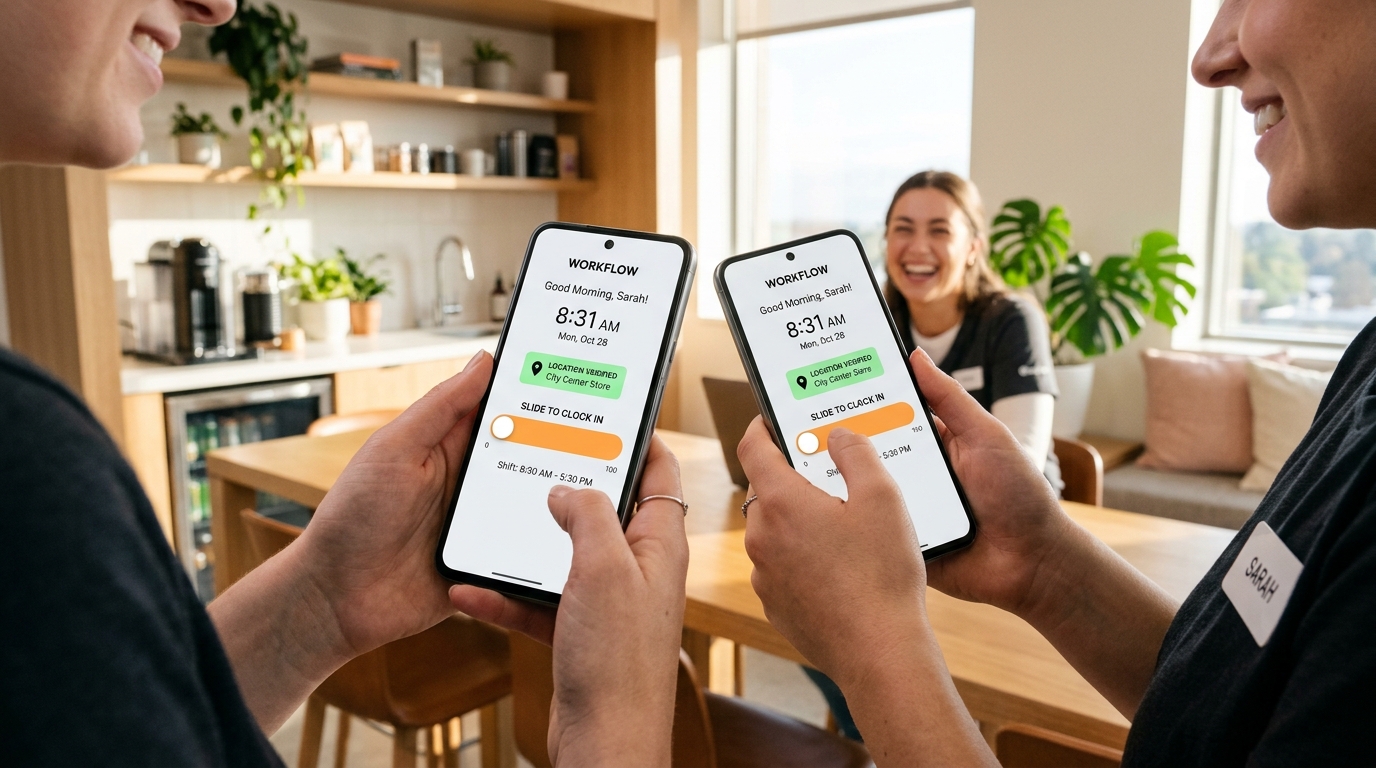
- Housekeeping Crews: Room attendants need to start room turns promptly at 08:30 AM to prepare suites for 03:00 PM guest arrivals. Touch-screen slide verification allows housekeepers to confirm shifts on their floor without traveling down to the basement.
- Front Desk & Concierge: Staggered handovers between morning and afternoon desk managers require verified, split-second punch timing to avoid unmanned reception desks.
- Food & Beverage / Culinary: Kitchen staff with wet or flour-dusted hands cannot use optical fingerprint prisms. SlidesClock’s mobile interface ensures hygienic, reliable shift records.
- Engineering & Maintenance: Facilities staff working across mechanical rooms and outdoor grounds maintain full location verification everywhere on the property.
4. Banquet Surges & Seasonal Staffing: Escaping the Per-Seat Tax
Banquet and event catering is a major profit driver for hotels, but it introduces massive attendance tracking headaches. A weekend corporate gala or wedding reception might require bringing in thirty temporary banquet servers and dishwashers for a single six-hour shift.
Under traditional per-user HR software, adding thirty temporary staff members triggers substantial subscription price increases, with software vendors charging full monthly fees for workers who only worked a single evening.
SlidesClock provides hotel managers with transparent flat pricing. With SlidesClock Standard at $12.99 per month for unlimited employees, hoteliers can onboard thirty banquet servers in thirty seconds using a breakroom QR code, track their hours with atomic accuracy, export payroll, and archive inactive profiles without paying a penny in per-seat penalty fees.
5. Hospitality Attendance Technology Matrix: 2027 Scorecard
Compare how SlidesClock stacks up against traditional hospitality time tracking hardware and enterprise scheduling suites:
| Operational Requirement | SlidesClock Mobile Attendance | Basement Biometric Punch Clocks | Enterprise Per-User Hotel Suites |
|---|---|---|---|
| Indoor Multi-Floor Verification | Workplace Wi-Fi router gateway matching | Fixed wall location only | Often GPS-only (Fails indoors) |
| Shift Change Queue Speed | Simultaneous mobile check-ins in seconds | Congested 5–10 min breakroom queues | Individual phone logins |
| Hygienic & Clean Operation | Workers use personal smartphones | Unsanitary shared glass prisms | Workers use personal smartphones |
| Temporary Banquet Staffing | Instant QR scan (<30s per server) | Lengthy biometric manual enrollment | Complex email invite provisioning |
| Seasonal Headcount Scalability | Flat $12.99/mo (Unlimited workers) | High hardware capital costs | Expensive ($4 to $8 per worker/mo) |
Frequently Asked Questions
How does SlidesClock verify hotel employees in basement breakrooms or kitchens?
SlidesClock utilizes workplace Wi-Fi validation. When satellite GPS signals are obstructed by reinforced concrete floors, the app verifies that the employee’s phone is connected through the hotel’s authorized public router gateway IP.
Can hotel managers onboard temporary banquet staff quickly with SlidesClock?
Yes. Managers can print a workplace onboarding QR code poster in the staff area. Temporary banquet servers scan the code with their personal phone, enter their name, and are instantly ready to slide in for their shift.
Does SlidesClock charge extra when hotel staffing increases during peak holiday season?
No. SlidesClock Standard costs a flat $12.99 per month for unlimited employees. Hotels can scale from 20 to 100 staff during holiday surges without paying any per-user software penalties.
How does SlidesClock prevent hotel night auditors from tampering with shift hours?
All shift punches are stamped against atomic cloud servers synchronized via NTP. Even if an employee alters the clock or timezone settings on their mobile device, the punch records verified real-world atomic time.
Can housekeeping supervisors see who has clocked in on their floor in real time?
Yes. Supervisors can view the live roster dashboard from any smartphone or tablet browser, providing instant visibility into active floor attendance, tardy arrivals, and approved leave.