 SlidesClock
 Not required
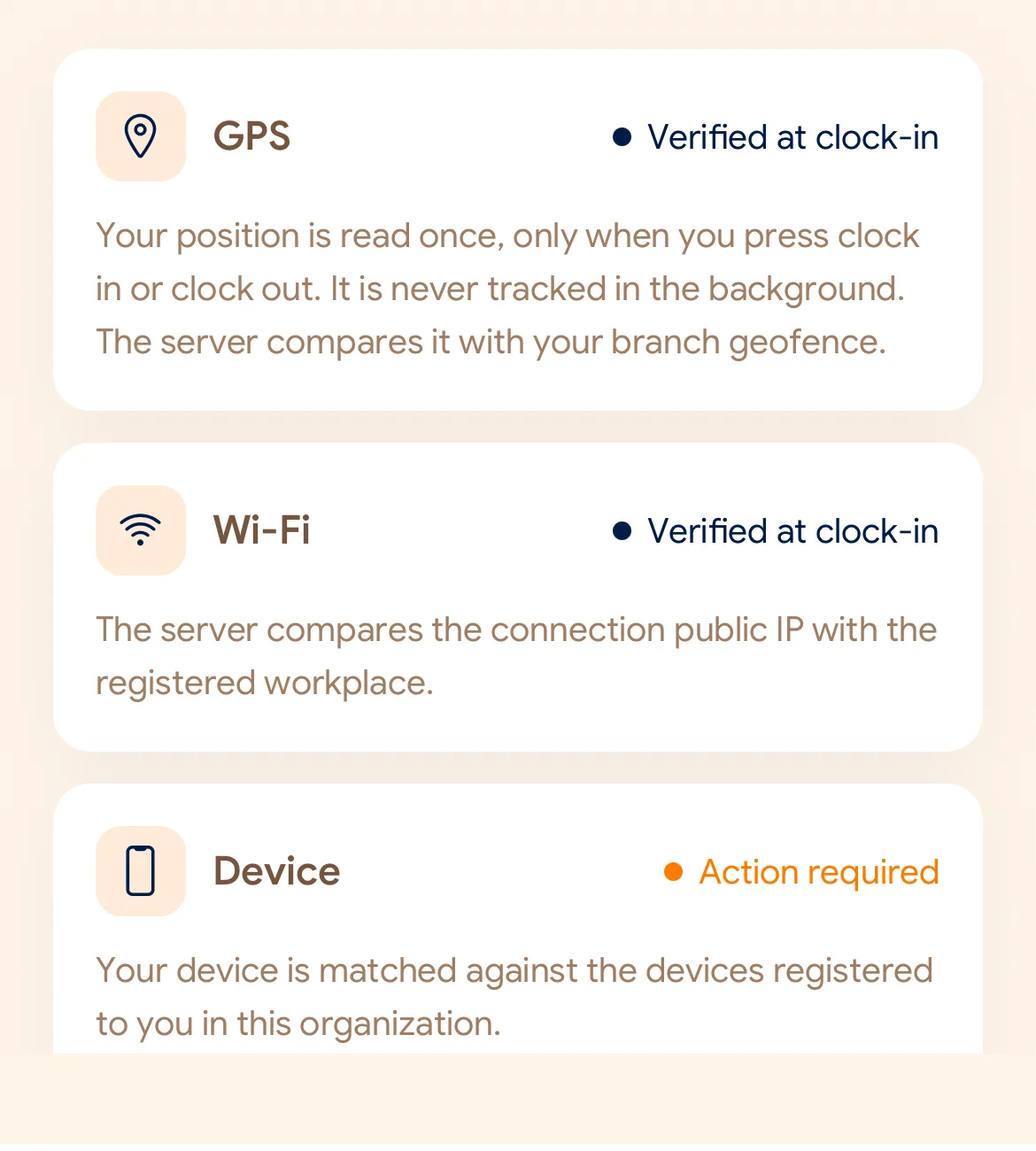
GPS
Distance to the branch, allowing for the accuracy the phone reports.
Read once, at Slide In and Slide Out. Never tracked in the background.
Einfach für Ihre Mitarbeiter, präzise für die Verwaltung. Richten Sie Ihren Standort einmal ein – ab dann beginnt jede Schicht mit einem Wisch auf dem Smartphone.
Today
Ready when you are
Das ist alles, was der Mitarbeiter tut: Schieberegler wischen.
Before the first shift
SlidesClock auf das iPhone laden und Unternehmen anlegen. Der kostenlose Plan ist sofort aktiv.
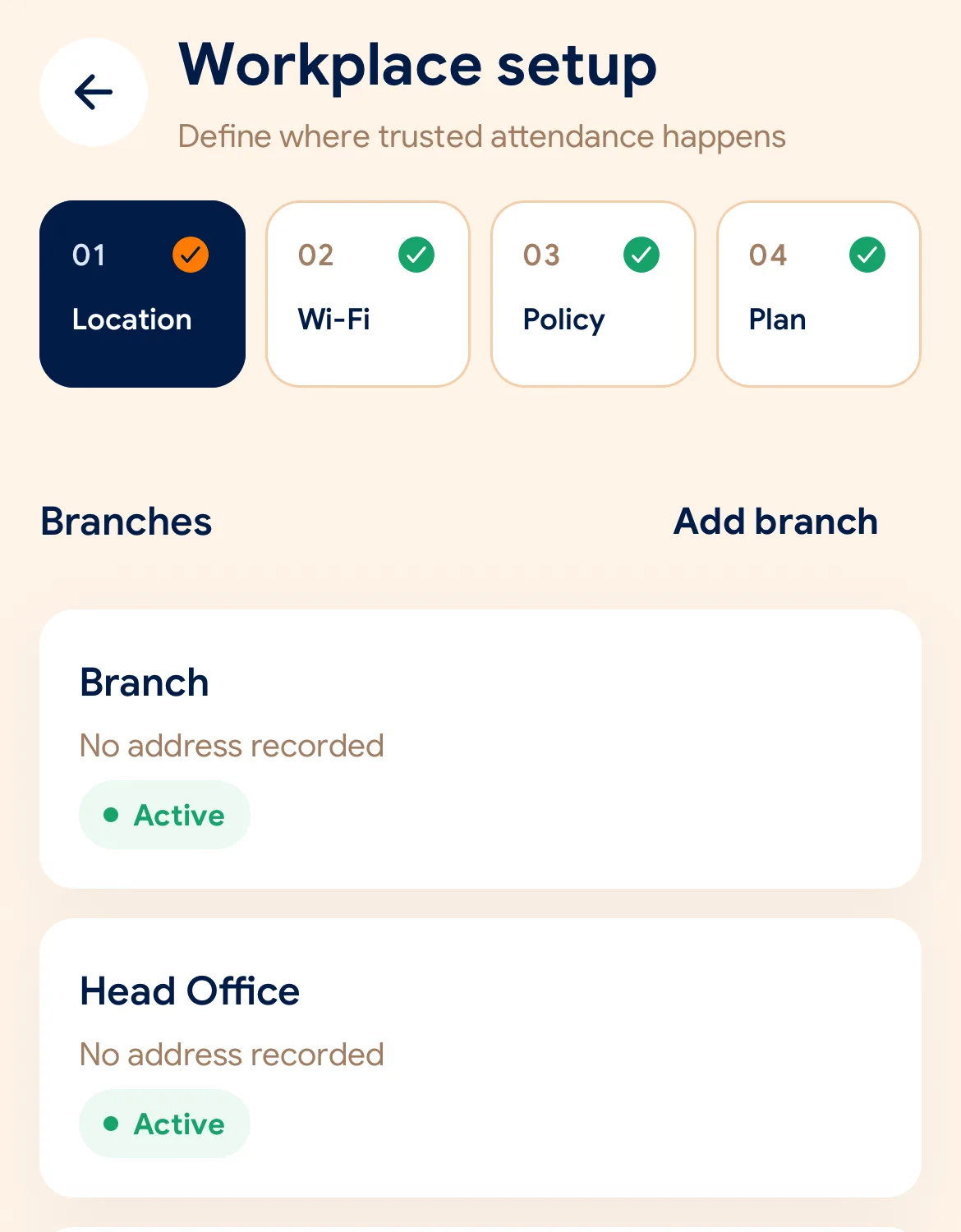
GPS-Radius festlegen, WLAN-Netzwerk hinterlegen und Richtlinien auswählen.
Einladungslinks versenden. Das persönliche Smartphone wird zur zuverlässigen Stempeluhr.
Managers can also work from the web dashboard at app.slidesclock.com.
Every working day
The employee does two of them. The rest happen on the server and in the manager’s view, with nothing more for the employee to do.
Schichtzeiten und Arbeitsstatus direkt im Blick – ganz ohne Warteschlangen am Terminal.
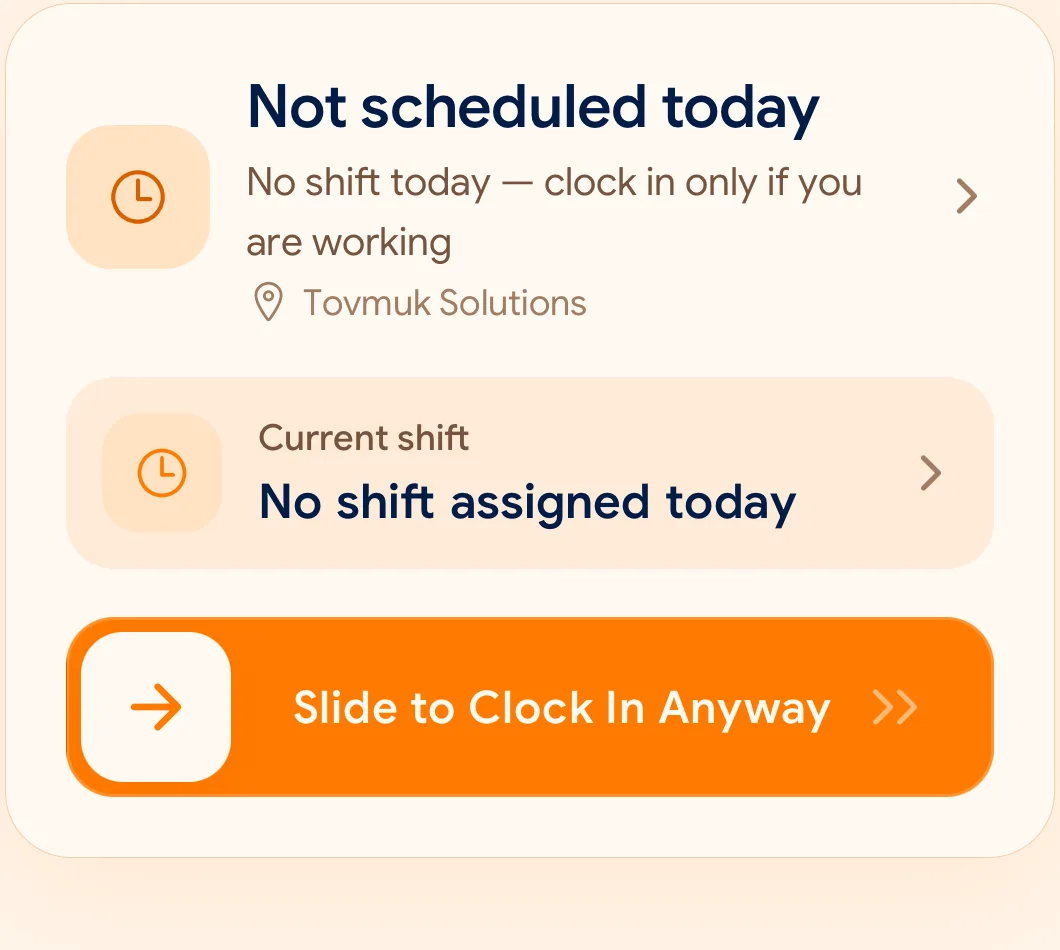
Eine bewusste, fehlerfreie Geste, die versehentliches Auslösen verhindert.
GPS-Geofence, WLAN-Verbindung und registriertes Smartphone werden geprüft.
Der Zeitstempel wird fälschungssicher vom Server generiert und dauerhaft geschützt.
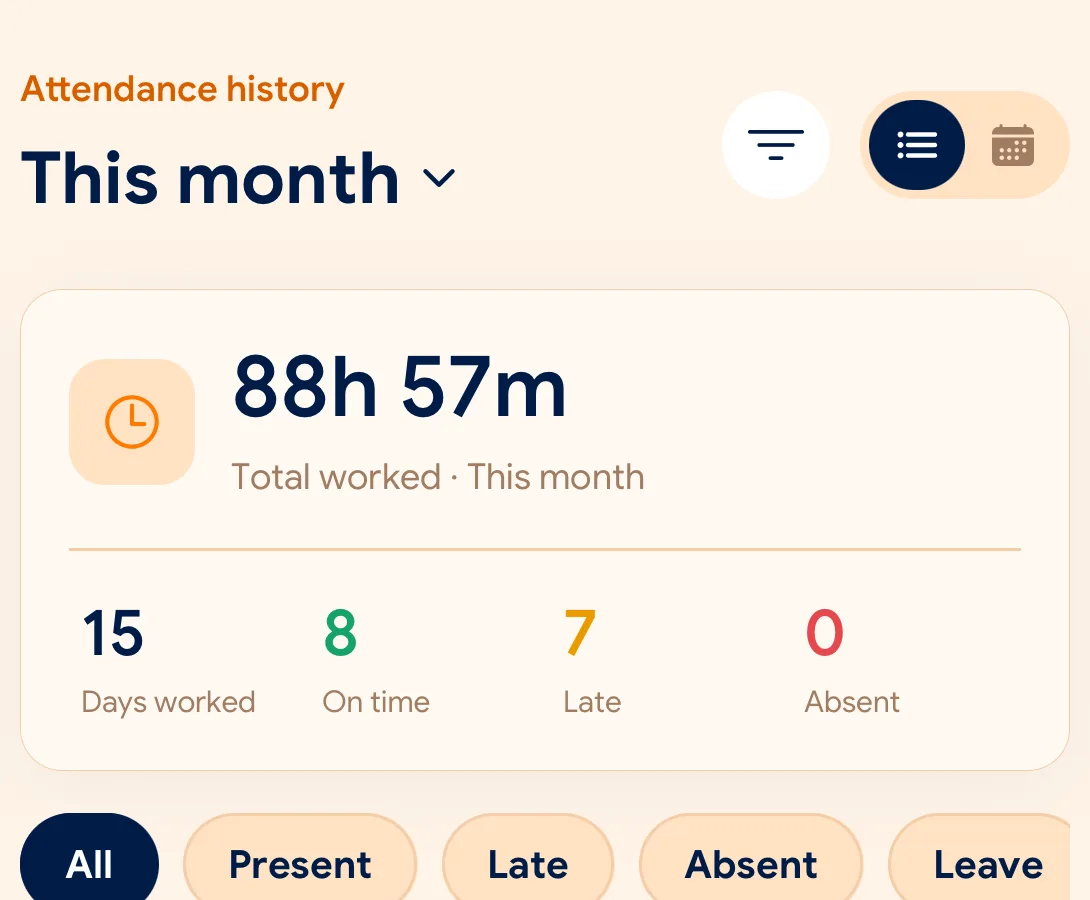
Führungskräfte verwalten Arbeitszeiten und exportieren Berichte bequem als CSV oder PDF.
What is checked at the slide
Jede Filiale definiert eigene Regeln mit GPS, WLAN oder Geräteregistrierung.
Indoors, GPS can drift by a floor or a building. The office network is a steadier signal, so this policy checks Wi-Fi.
Distance to the branch, allowing for the accuracy the phone reports.
Read once, at Slide In and Slide Out. Never tracked in the background.
The connection’s public IP against the network registered for the workplace.
The network password is never collected.
That the request came from a phone registered to that employee.
No extra hardware: it is the phone they already carry.
None of these checks is proof of identity. They are practical checks, and SlidesClock describes them as exactly that.
Two sides of every slide
Schedules and leave are on every plan. Tags mark what needs a paid plan.
In the SlidesClock app
In the app and at app.slidesclock.com
Why it is built this way
Entwickelt für Transparenz und Vertrauen auf beiden Seiten.
Veränderte Telefoneinstellungen haben keinen Einfluss: Der Server bestimmt die Zeit.
Kein Hintergrundtracking im Arbeitsalltag – der Schutz der Privatsphäre steht an erster Stelle.
Nachträgliche Korrekturen werden transparent neben dem ursprünglichen Eintrag dokumentiert.
Not in the flow, on purpose:

