 SlidesClock

Selecting the right workforce management software in 2027 requires moving past the outdated paradigms of the previous decade. For years, businesses tolerated clumsy wall-mounted punch clocks, complex biometric terminals that malfunctioned in greasy or dusty environments, or intrusive employee-monitoring software that continuously harvested background GPS coordinates off the clock. In 2027, the standard for [employee attendance](/features/employee-attendance) has shifted dramatically toward lightweight, point-of-action mobile verification. Modern teams across retail, food service, construction, logistics, and healthcare demand tools that respect frontline dignity, prevent buddy punching, run on smartphones workers already own, and provide atomic payroll precision without complex IT overhead. Whether you are upgrading from paper timesheets or replacing a legacy biometric machine, here are the seven non-negotiable features every business needs in an attendance app in 2027.
Quick Answer
The top 7 employee attendance app features required in 2027 are: (1) intentional gesture clock-in (slide-to-clock) to eliminate accidental pocket taps; (2) dual-layer location verification combining GPS geofencing with workplace Wi-Fi validation; (3) server-authoritative atomic time to block phone clock tampering; (4) privacy-first point-of-action verification without 24/7 background tracking; (5) instant onboarding via QR codes and deep links; (6) live multi-location roster dashboards; and (7) transparent flat pricing that does not penalize business headcount growth.
1. The Changing Landscape of Frontline Attendance Technology in 2027
The workplace landscape of 2027 looks fundamentally different from the post-pandemic recovery era. Shift-based workforces are more mobile, distributed across satellite branches, and less tolerant of heavy administrative burdens than ever before.
Historically, managers attempting to prevent time theft were trapped between two deeply flawed options: expensive, high-maintenance biometric terminals or intrusive continuous-tracking surveillance apps. Both approaches generated employee resentment and failed to solve everyday operational friction.
In 2027, top-performing organizations have abandoned continuous tracking and hardware reliance in favor of software-defined, privacy-preserving mobile verification. Modern attendance software is judged not by how many complex HR modules it packs into a bloated interface, but by how reliably and effortlessly it records the single most frequent operational interaction in business: starting and finishing a shift.
- Zero Hardware Footprint: Smartphone-native verification replaces $1,500 biometric terminals and wall scanners that break down in dusty environments.
- Point-of-Action Verification: Location is verified only at the exact moment of punch-in, eliminating invasive 24/7 background GPS tracking.
- Atomic Server Time: Cryptographic cloud timestamps prevent employees from manipulating phone clocks or timezone offsets.
- Predictable Economics: Flat workplace subscription models protect growing companies from per-employee pricing penalties.
2. Feature 1: Intentional Interaction (Slide-to-Clock vs. Accidental Taps)
Simple digital buttons might seem sufficient for an app, but in frontline environments they are an operational nightmare. Frontline employees in restaurants, warehouses, construction sites, and retail floors constantly carry phones in aprons, toolbelts, and pockets where accidental taps run rampant.
A simple tap button frequently triggers unintended clock-outs when a phone brushes against a counter or shifts inside a pocket. Conversely, an employee rushing onto the floor might tap a screen, assume the punch registered, and walk away—only to discover eight hours later that a network hiccup or misplaced touch left them unrecorded.
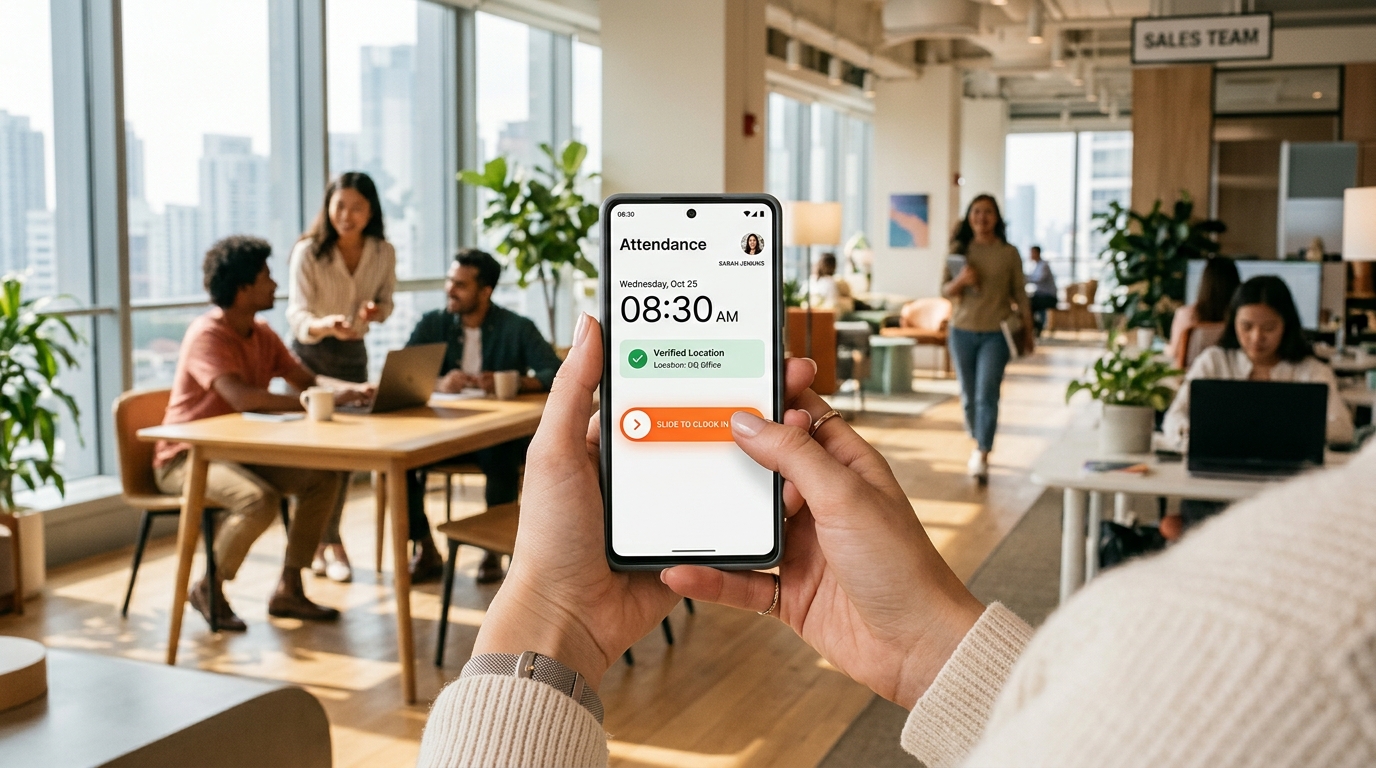
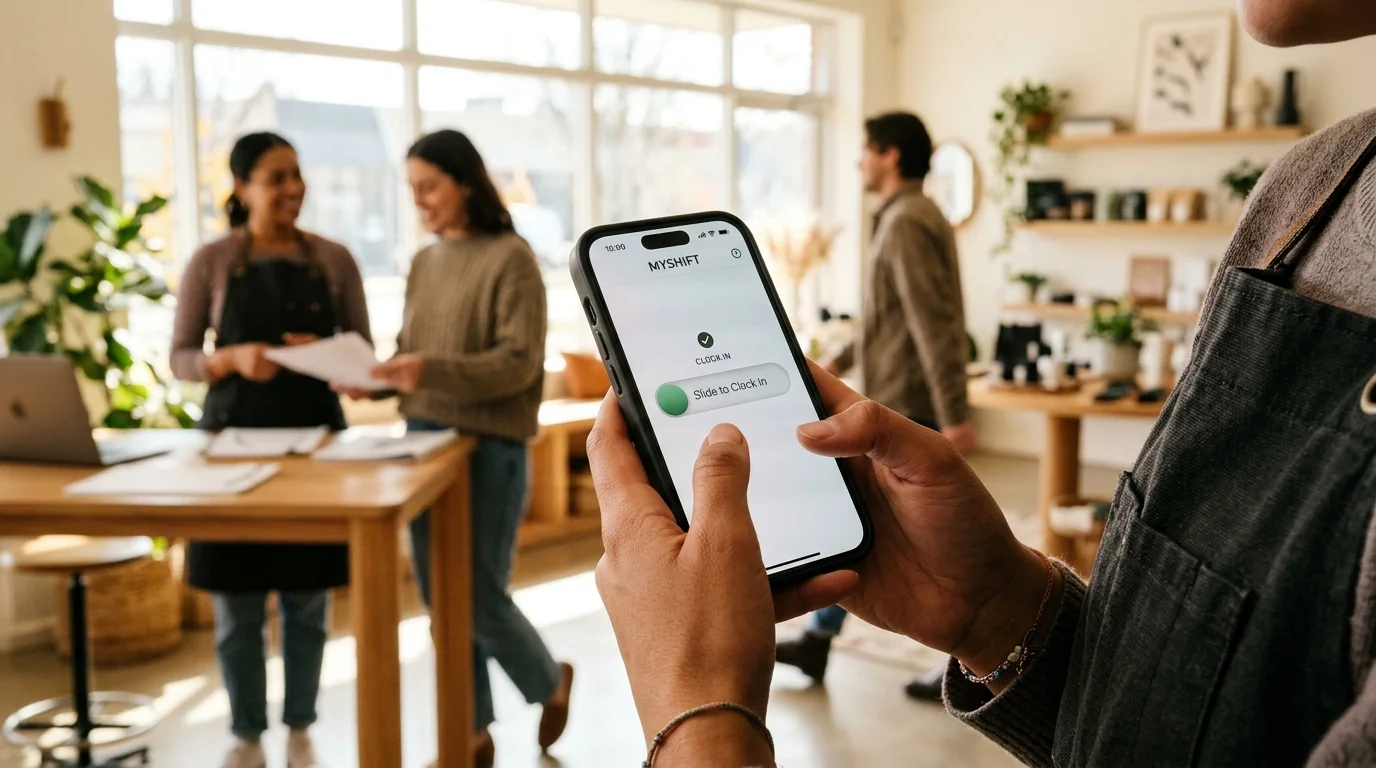
The gold standard in 2027 is deliberate horizontal slide verification, pioneered by SlidesClock. Requiring a fluid, intentional slide gesture across the screen guarantees that every punch represents a conscious, confirmed human action. Accompanied by haptic feedback and clear visual confirmation, the slide gesture eradicates accidental punches and eliminates end-of-month missed-punch dispute resolution.
Why Tactile Confirmation Matters to Frontline Teams
Frontline workers operate under time pressure. When taking over a shift handover on a busy loading dock or retail counter, workers do not have time to second-guess whether a digital tap registered.
A guided slide motion provides unmistakable sensory and visual confirmation. If a location check fails or the worker is outside the workplace boundary, the slider snaps back with an intuitive explanation, prompting immediate resolution rather than quiet payroll discrepancies.
3. Feature 2: Dual-Layer Location Integrity (GPS Geofence + Workplace Wi-Fi)
Buddy punching—where an employee clocks in on behalf of a tardy or absent colleague—costs businesses an estimated 2.2% of gross payroll annually. In 2027, preventing buddy punching does not require invasive fingerprint databases; it requires reliable, multi-environment location boundaries.
Single-mode location apps rely exclusively on satellite GPS. While GPS is ideal for open-air construction sites or suburban retail parks, it regularly fails in dense urban high-rises, multi-story shopping malls, subterranean basements, and shielded industrial facilities where satellite signals degrade.
An elite 2027 attendance app must support dual-layer verification: outdoor GPS geofencing with configurable radius boundaries (50m to 200m) AND indoor workplace Wi-Fi validation. Wi-Fi validation does not simply check the visible network name (SSID), which can be spoofed; it validates the authorized router gateway IP, guaranteeing the device is physically connected to the facility router.
- Satellite GPS Geofence: Automatically authorizes punches when workers enter a defined geographic perimeter around the worksite.
- Workplace Wi-Fi Gateway Matching: Guarantees verified indoor check-ins even in concrete basements or shielded high-rise floors where GPS drifts.
- Mock Location Shielding: Proactively identifies and rejects developer-mode GPS spoofing applications on Android and iOS.
- Zero Off-Site Clock-Ins: Completely eliminates off-site buddy punching and "clocking in from the parking lot five miles away."
5. Feature 4: Ethical Point-of-Action Privacy (Zero 24/7 Battery Drain)
Worker pushback against enterprise software reached an all-time high over intrusive surveillance software. Apps that request background "Always Allow" location permissions continuously monitor worker movements, log stops during personal lunch breaks, track commutes, and rapidly deplete smartphone batteries.
Beyond employee resentment, continuous GPS tracking exposes employers to severe regulatory penalties under stringent privacy frameworks like GDPR, California CPRA, and state-level labor privacy statutes.
Next-generation attendance apps employ strict point-of-action verification. SlidesClock requests device coordinates exclusively for the two seconds required to validate the slide gesture. The moment the shift punch commits, location sensors immediately shut down. The app never tracks off-duty movements, never logs transit routes, and maintains complete worker trust.
6. Feature 5: Frictionless Onboarding via Breakroom QR Codes & Invite Links
High employee turnover in frontline industries—often exceeding 60% annually in hospitality, quick-service retail, and warehousing—makes traditional software provisioning a massive time drain. Requiring managers to manually create IT credentials, verify corporate email addresses, or distribute physical plastic cards paralyzes daily operations.
Modern attendance apps enable instant onboarding in under thirty seconds. Business owners generate a company invite link or print a secure breakroom onboarding QR poster directly from the console.
New associates download the lightweight mobile app from the App Store or Google Play, scan the breakroom QR code or tap the SMS link, enter their name, and are instantly connected to the workplace roster. The associate can clock into their very first shift immediately without waiting for administrative IT setup.
7. Feature 6: Real-Time Multi-Branch Roster and Absence Dashboards
Managing attendance across multiple locations or staggered shifts requires immediate operational transparency. Operations directors cannot wait for end-of-week timesheet rollups to discover that a critical branch was understaffed or that two associates failed to show up for an opening shift.
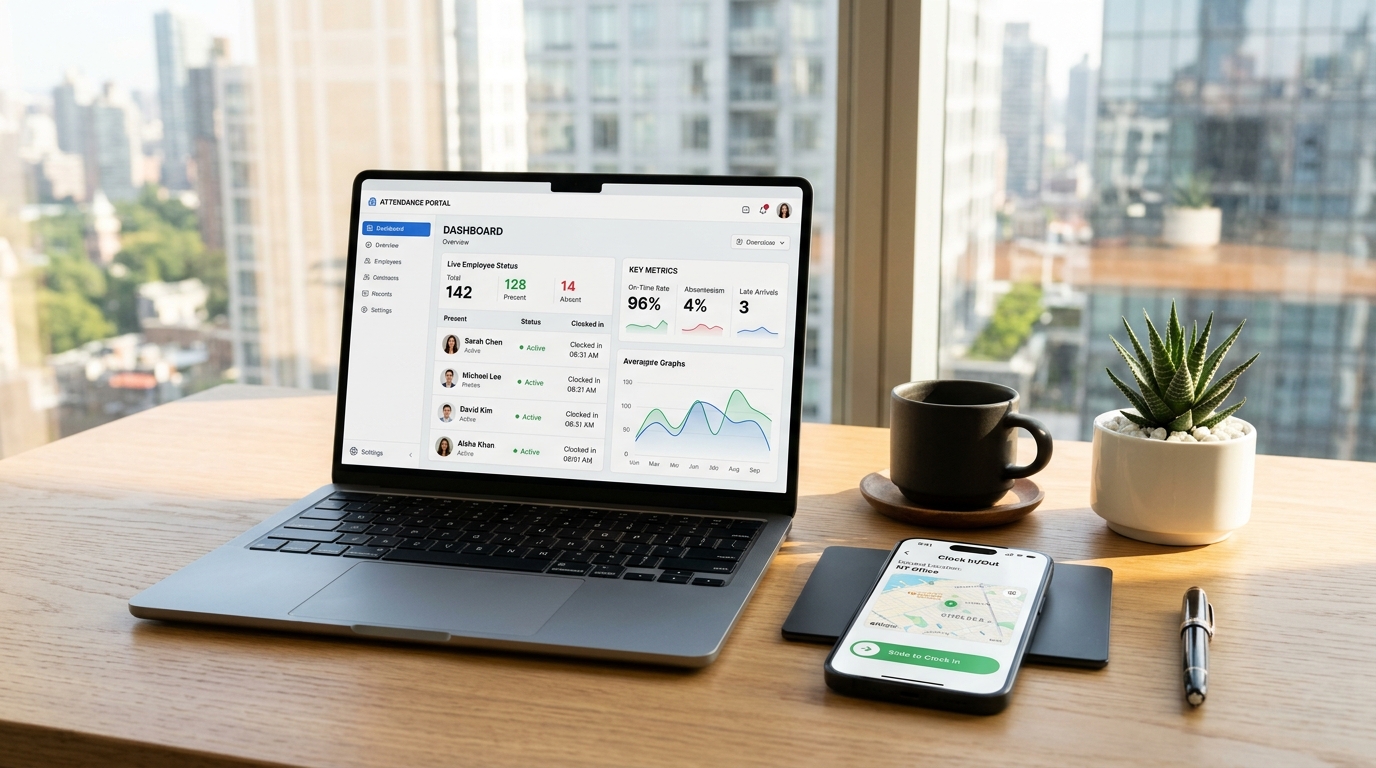
An attendance app in 2027 must provide a unified, real-time dashboard accessible from both mobile devices and desktop browsers. Managers can see at a glance:
- Live Floor Presence: Exactly who is currently on the clock across Branch A, Branch B, and Jobsite C.
- Instant Tardiness & Absence Alerts: Visual alerts when an expected team member has not checked in within their scheduled grace period.
- Integrated Leave Management: Direct tracking of sick leave, paid time off, and personal absences so managers never mistakenly mark authorized leave as unexcused tardiness.
- One-Click Payroll Export: Clean CSV and spreadsheet exports with regular hours, break deductions, and overtime calculated automatically.
8. Feature 7: Predictable Flat Pricing (Say No to Per-Seat Penalties)
The dominant pricing model in traditional HR software is the per-user, per-month fee. While an initial quote of "$3 to $6 per user per month" sounds manageable for a team of ten, it quickly becomes an extortionate tax as your business expands.
If you operate a seasonal business or manage high-turnover shift crews of 35 workers, a per-user platform forces you to pay hundreds of dollars every month just to track basic arrival times. Furthermore, per-user pricing discourages managers from adding part-time helpers, seasonal interns, or weekend staff to the system, driving them back to chaotic paper sign-in sheets.
SlidesClock disrupts this legacy model with transparent, predictable flat pricing. With a permanent Free tier for up to 5 workers, an unlimited-team Standard plan at just $12.99 per month, and multi-location Premium at $29.99 per month, businesses can scale their frontline staff without facing software bill shock.
9. 2027 Attendance App Evaluation Scorecard
Before selecting an attendance tracking solution for your workforce, benchmark your options against this comprehensive 2027 capability matrix:
| Evaluation Criterion | SlidesClock | Legacy Punch Clocks | Typical Per-User HR Apps |
|---|---|---|---|
| Hardware Cost | $0 (Workers use own smartphones) | $800–$2,500 terminal + wiring | $0–$500 (Tablets/kiosks) |
| Clock-In Gesture | Intentional slide (No pocket taps) | Fingerprint scan or paper card | Standard tap button (Accidental taps) |
| Location Verification | Dual GPS geofence + Wi-Fi gateway | Fixed wall location only | GPS-only (Weak indoors) |
| Time Source Integrity | Atomic cloud server time | Internal device quartz clock | Often client device clock dependent |
| Privacy & Battery | Point-of-action only (Zero background drain) | N/A (Fixed terminal) | Frequent 24/7 background location drain |
| Onboarding Speed | < 30 seconds via breakroom QR code | 10–15 mins enrollment per worker | 5–10 mins manual email provisioning |
| Pricing Model | Flat $12.99/mo (Permanent free up to 5) | Heavy upfront capital + repair fees | $3 to $10 per user every month |
Frequently Asked Questions
Why is a slide gesture superior to a standard button tap in mobile attendance apps?
A horizontal slide gesture requires deliberate, conscious motion across the smartphone screen. Standard digital buttons are frequently triggered by accidental friction inside aprons, pockets, or toolbelts, causing unintended punches. The slide gesture guarantees that every record reflects an intentional, verified action.
How does server-authoritative time prevent payroll tampering?
Server-authoritative time evaluates and stamps shift punches against atomic cloud clocks synchronized via NTP rather than the local smartphone clock. Even if an employee manually changes their phone time, date, or timezone in device settings, the recorded punch time remains completely unalterable.
Do modern attendance apps track employees when they leave work?
Ethical attendance apps like SlidesClock only query location sensors at the exact two-second window when the employee slides to clock in or out. The app never tracks workers off duty, logs no commute routes, and runs zero background surveillance, preserving battery and employee trust.
What happens if our workplace has poor cellular reception indoors?
SlidesClock solves indoor signal loss through dual-layer validation. While satellite GPS can struggle through multi-story concrete or metal roofing, SlidesClock validates attendance through authorized workplace Wi-Fi router gateway IP matching, ensuring reliable indoor verification.
How much money does flat pricing save compared to per-employee software?
A company with 30 employees paying a typical $5/user/month fee spends $1,800 annually just on attendance software. With SlidesClock Standard at a flat $12.99/month ($155.88 annually), the business saves over $1,640 every single year while gaining unlimited employee support.