 SlidesClock
 Not required
GPS
Distance to the branch, allowing for the accuracy the phone reports.
Read once, at Slide In and Slide Out. Never tracked in the background.
سهولة تامة للموظف، ودقة فائقة للمدير. قم بإعداد فرعك مرة واحدة، وستبدأ كل مناوبة بسحبة شاشة بسيطة على هاتف الموظف.
Today
Ready when you are
هذا كل ما يفعله الموظف: سحب الشريط لتسجيل الحضور.
Before the first shift
قم بتحميل تطبيق SlidesClock وأنشئ حساب المنشأة، الخطة المجانية تتفعل فوراً.
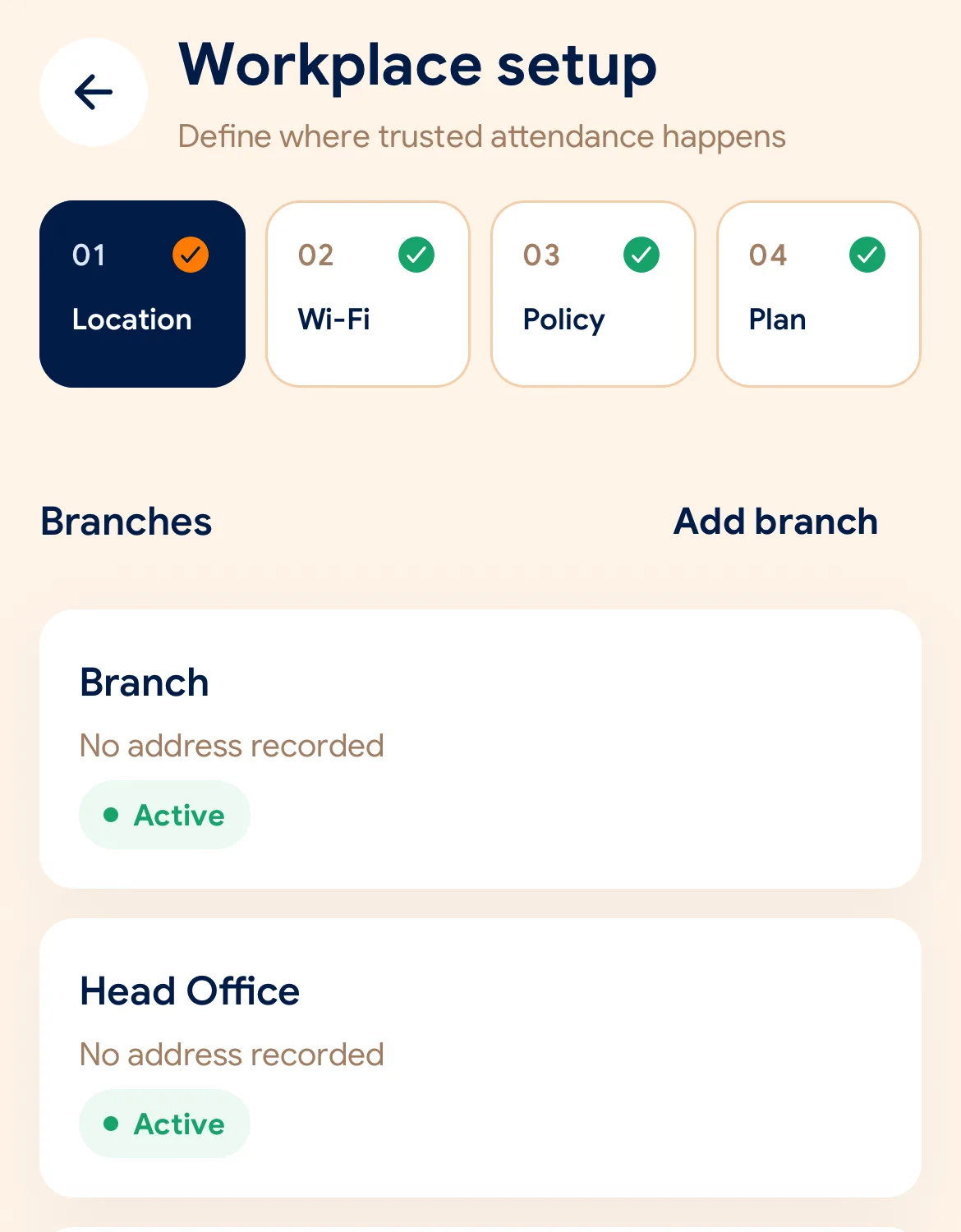
حدد موقع الفرع وشبكة الواي فاي وقواعد التحقق المطلوبة.
أرسل كود الدعوة للموظفين، ويصبح هاتف كل موظف جهاز الحضور الخاص به.
Managers can also work from the web dashboard at app.slidesclock.com.
Every working day
The employee does two of them. The rest happen on the server and in the manager’s view, with nothing more for the employee to do.
يشاهد مناوبته المجدولة وحالته الحالية دون أي طوابير انتظار.
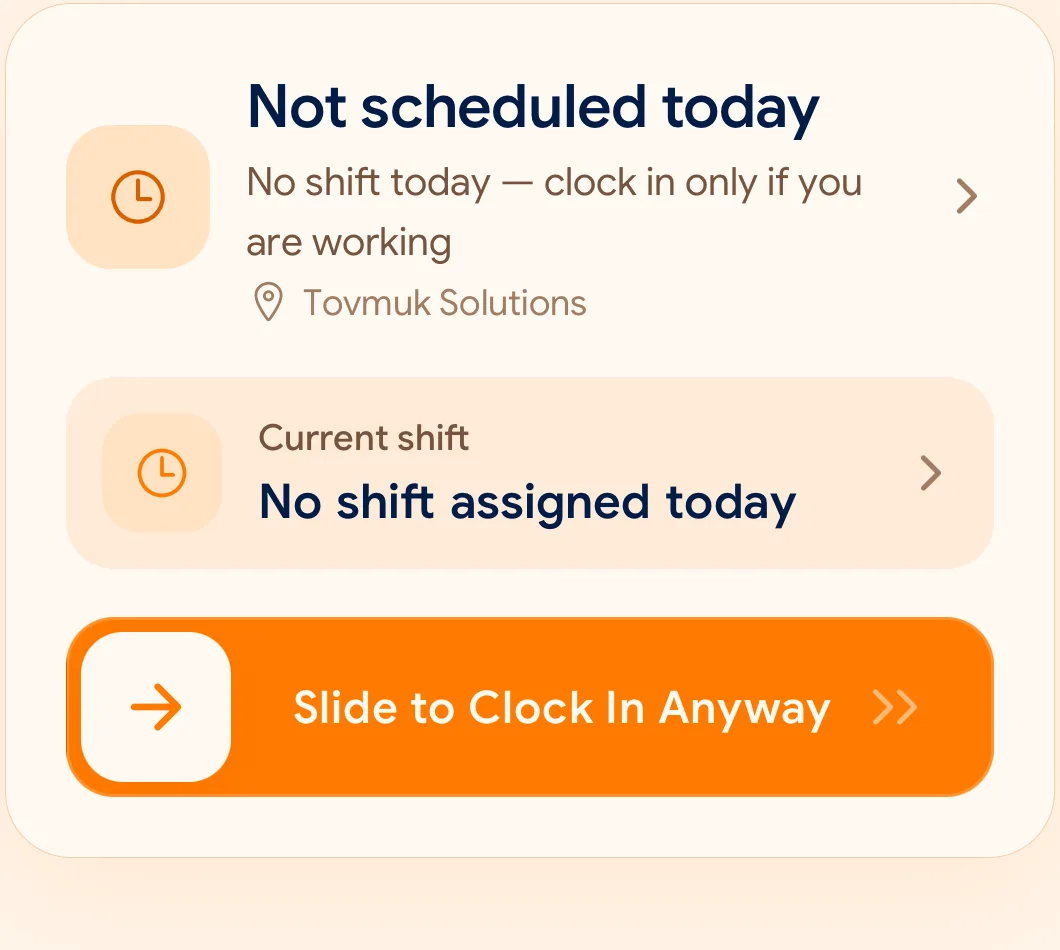
حركة سحب متعمدة ومريحة تمنع أي تسجيل حضور بالخطأ.
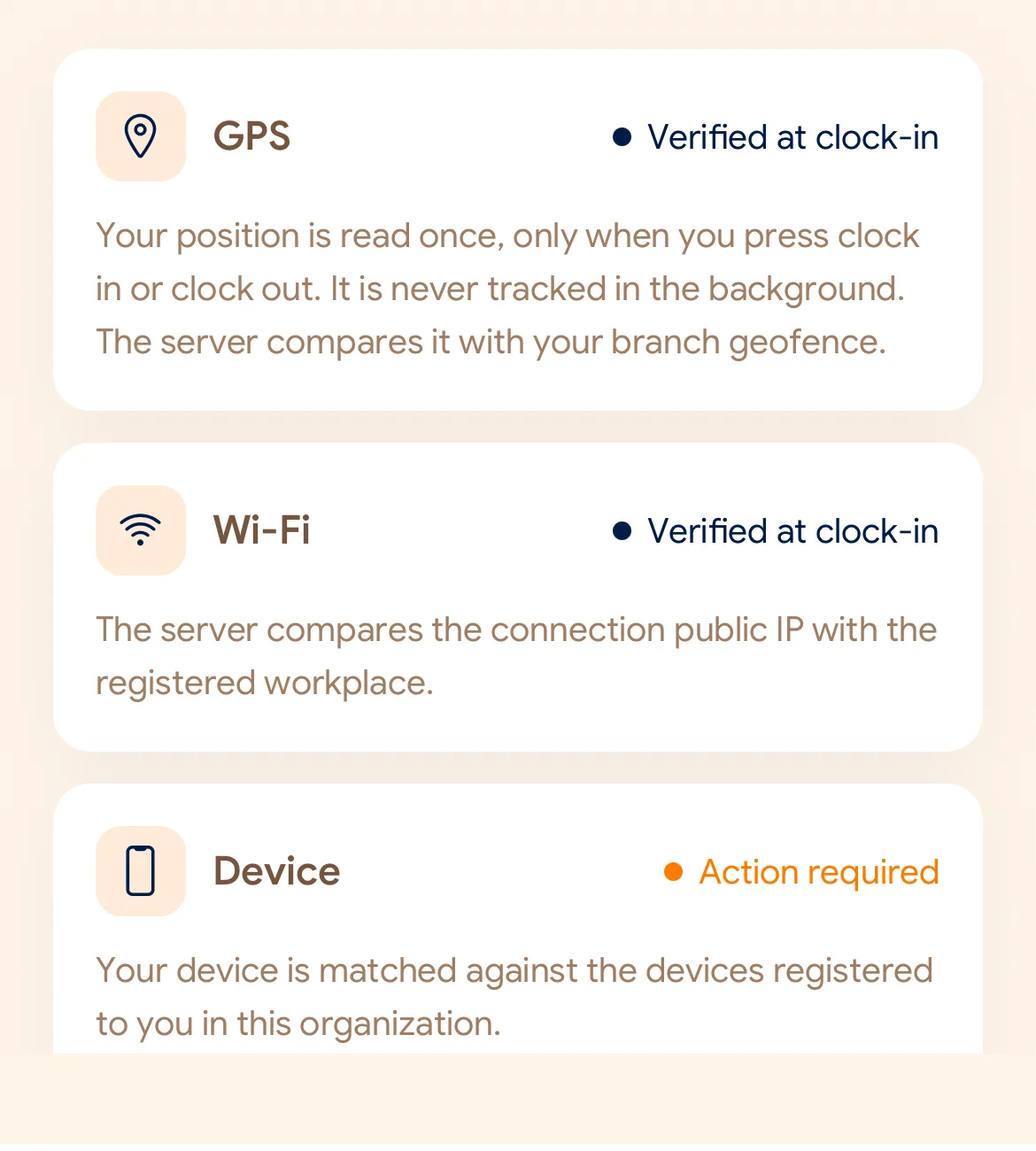
مطابقة فورية للموقع الجغرافي، شبكة الواي فاي، والجهاز المسجل.
يتم ختم الوقت عبر خوادمنا السحابية لضمان عدم التلاعب بوقت الهاتف.
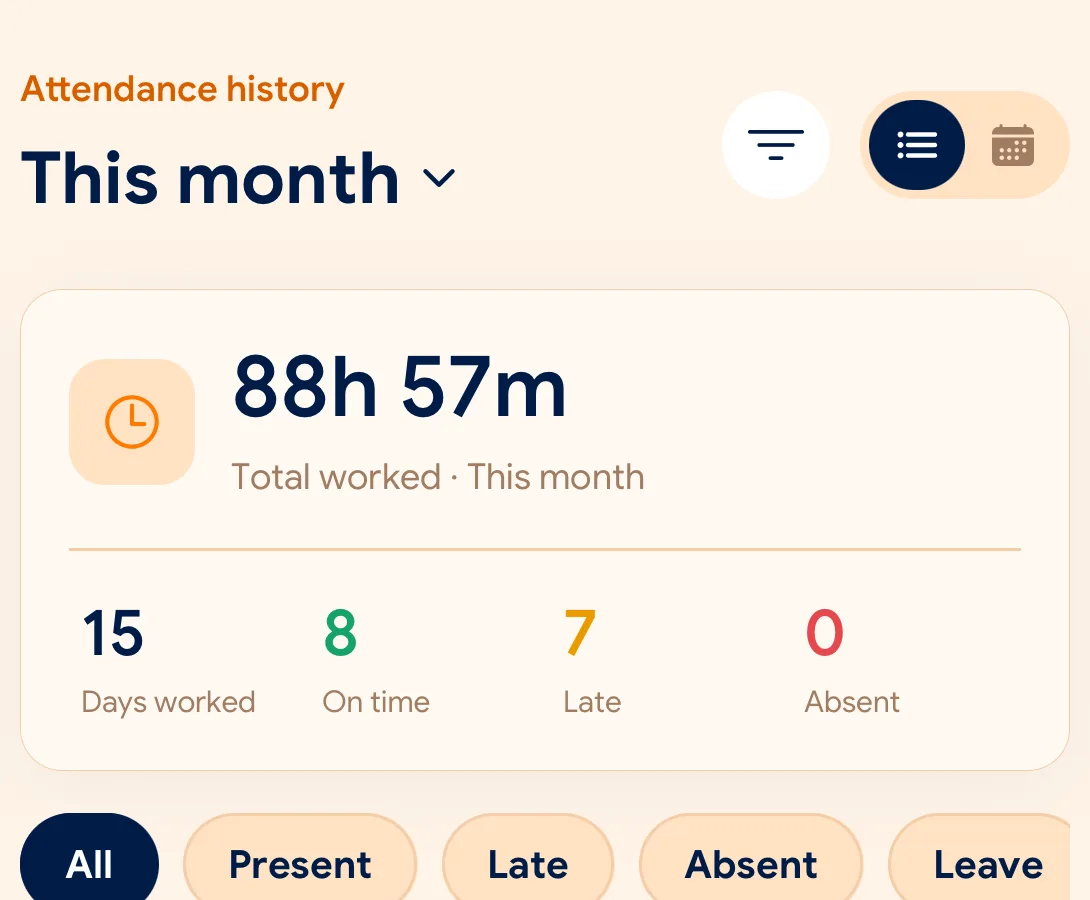
يستعرض المديرون الحضور والغياب والإجازات مع إمكانية التصدير بملفات CSV وPDF.
What is checked at the slide
يمكن لكل فرع تخصيص قواعد التحقق المناسبة له.
Indoors, GPS can drift by a floor or a building. The office network is a steadier signal, so this policy checks Wi-Fi.
Distance to the branch, allowing for the accuracy the phone reports.
Read once, at Slide In and Slide Out. Never tracked in the background.
The connection’s public IP against the network registered for the workplace.
The network password is never collected.
That the request came from a phone registered to that employee.
No extra hardware: it is the phone they already carry.
None of these checks is proof of identity. They are practical checks, and SlidesClock describes them as exactly that.
Two sides of every slide
Schedules and leave are on every plan. Tags mark what needs a paid plan.
In the SlidesClock app
In the app and at app.slidesclock.com
Why it is built this way
صُمم لنيل ثقة الموظفين وأصحاب العمل على حد سواء.
تغيير ساعة الهاتف لا يؤثر إطلاقاً على توقيت الحضور المسجل.
لا يتم تتبع الموظف في الخلفية إطلاقاً حمايةً لخصوصيته.
أي تعديل أو تصحيح يُحفظ كإجراء مستقل بجانب السجل الأصلي.
Not in the flow, on purpose:

