SlidesClock

QR code attendance is popular for a good reason: it needs no hardware beyond a printed code, and staff use phones they already carry. It also has one weakness every manager asks about sooner or later: a printed code can be photographed and sent to someone who is not at work. This guide explains how QR attendance works, the three common setups and their trade-offs, and how to close the photo-sharing gap. It also explains why SlidesClock, which is not a QR system, checks the employee's location or network at the moment they clock in instead.
Quick Answer
A QR code attendance system lets employees clock in by scanning a code displayed at the workplace with their phone, or by showing a personal code to a scanner. It needs no special hardware, but a printed code proves only that someone saw the code, not that they were on site. Systems close that gap with rotating codes, location checks or registered devices.
How QR Code Attendance Works
There are three common setups, and they behave quite differently:
1. A printed code at the workplace
The business prints a code and puts it by the entrance. Employees scan it with an app to clock in. It costs almost nothing and nobody queues. The weakness is that the code never changes, so a photo of it works anywhere.
2. A rotating code on a screen
A tablet or monitor shows a code that changes every few seconds. A photo sent to someone at home expires before it is useful. The cost is a screen that needs power, internet and someone to keep it running.
3. A personal code scanned by the business
Each employee shows a code on their phone or badge, and a kiosk or supervisor scans it. It works well for visitors and contractors, but when a whole shift arrives at once, everyone waits in one line.
The Photo-Sharing Problem
A printed QR code proves that a phone saw the code at some point. It does not prove that the person holding the phone is at work now. That is why buddy punching with static codes is easy: one photo in a group chat and anyone can clock in from anywhere.
Good QR systems add a second check at the moment of the scan:
- Location: the scan is only accepted if the phone is inside a geofence around the workplace.
- Network: the scan is only accepted from the workplace Wi-Fi.
- Device: only a phone registered to that employee can clock in for them.
- Rotation: the code changes so quickly that a photo is useless.
Why SlidesClock Does Not Use a QR Code
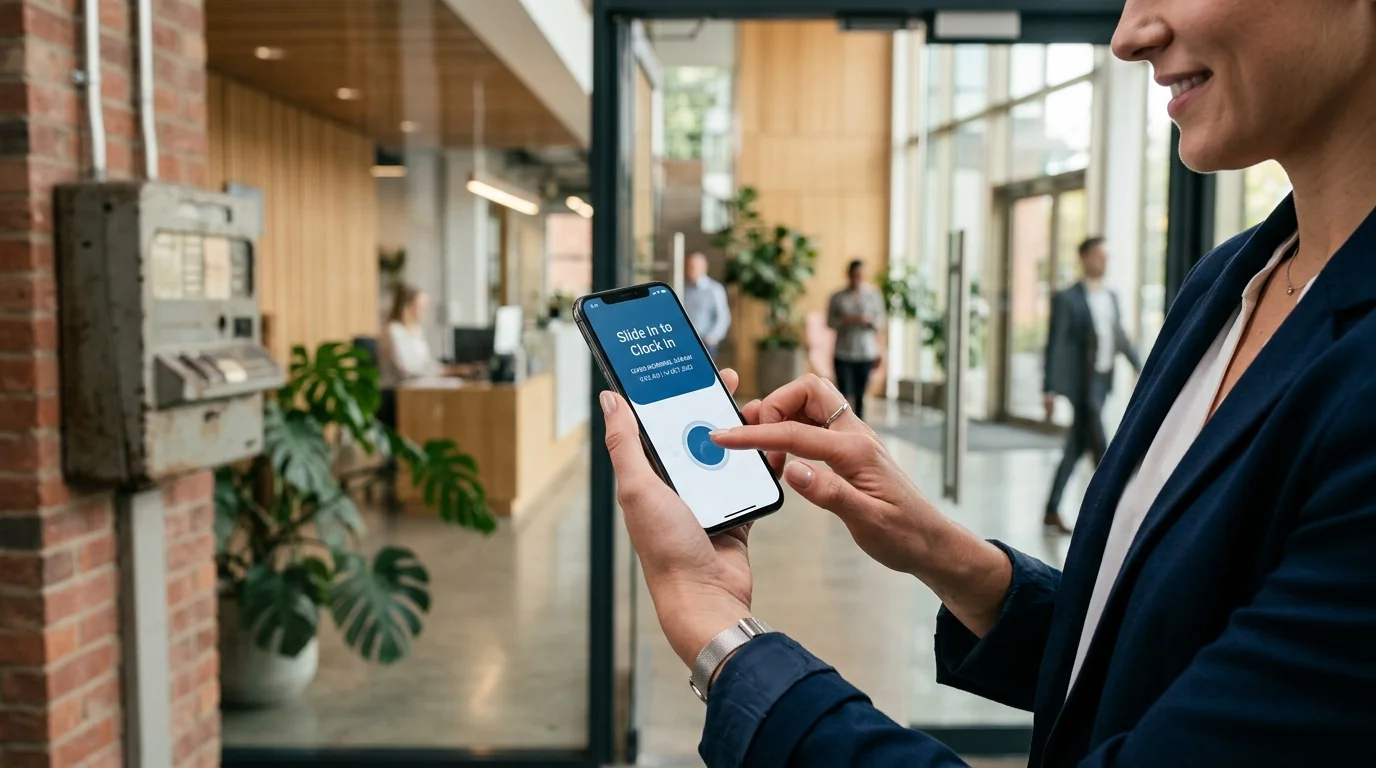
Once a system checks location, network or device at clock-in, the QR code is doing very little of the work. SlidesClock skips the code. Employees open the app and slide to clock in, and the server checks whatever the workplace has chosen: a GPS geofence, the office Wi-Fi, a registered phone, or a combination. The time comes from the server, not the phone.
That has a few practical effects:
- Nothing to print, replace or keep out of photos.
- No camera permission needed to clock in.
- No screen or kiosk to maintain by the door.
- Location is read once, when the employee slides, and not tracked through the day.
When a QR system is the better fit
If you want staff to clock in only at one exact spot, such as a single counter inside a large building where GPS is too coarse and there is no workplace Wi-Fi, a rotating code on a screen is a reasonable choice. SlidesClock's Wi-Fi verification covers most indoor sites, but not every layout.
QR Code vs Geofence vs Wi-Fi: Quick Comparison
How the common phone-based methods compare for a small team:
| Question | Printed QR code | Rotating QR on a screen | GPS geofence or Wi-Fi check (SlidesClock) |
|---|---|---|---|
| Hardware needed | A printed code | A screen with power and internet | None beyond staff phones |
| Stops a forwarded photo | No, unless combined with another check | Yes | Not applicable: there is no code |
| Proves the person is on site | No | Partly: someone had to see the screen | Yes: location or network is checked at clock-in |
| Works indoors | Yes | Yes | Wi-Fi yes; GPS can drift indoors |
| Ongoing upkeep | Reprint when damaged | Keep the screen running | Update the geofence or Wi-Fi if the site changes |
Questions to Ask Before Choosing a QR System
Whichever system you look at, these questions show how much the code is really proving:
- What stops a photo of the code from working off site?
- Does the time come from the phone or from a server?
- What happens when a phone camera is broken or the code is damaged?
- Who maintains the screen or kiosk, if there is one?
- Is location tracked only at the scan, or all day?
Frequently Asked Questions
Does SlidesClock use QR codes for attendance?
No. Employees clock in by sliding in the app, and the server checks the workplace's chosen verification: a GPS geofence, the office Wi-Fi, a registered phone, or a combination. SlidesClock uses QR codes only for inviting employees to join a company.
Can employees cheat a QR code attendance system by sharing a photo?
With a static printed code and no other check, yes. Systems prevent it with rotating codes or by also checking location, Wi-Fi or a registered device when the code is scanned.
Is QR attendance cheaper than a fingerprint machine?
Usually. A printed code costs almost nothing and staff use their own phones. A rotating code needs a screen, which is still often cheaper than a biometric terminal.
What is the difference between QR attendance and GPS attendance?
QR attendance proves a phone scanned a code. GPS attendance checks whether the phone is inside a set area around the workplace at clock-in. Many QR systems add a GPS check because the code alone does not prove presence.